

Find and Replace String
Replace every occurrence of a string in your text. Supports case-sensitive matching, whole-word matching, and regular expressions.
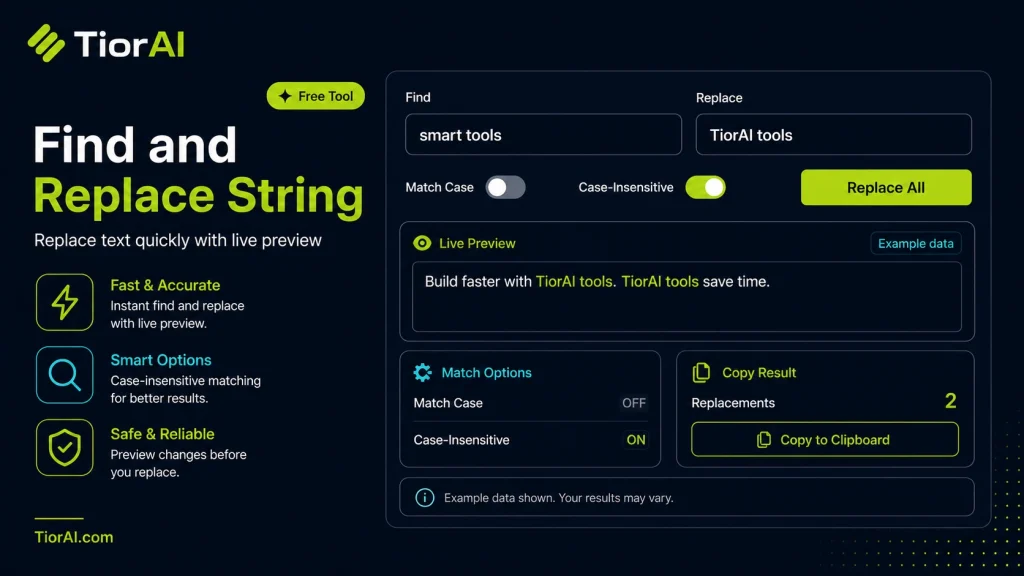
| Property | Value |
|---|---|
| Replacements Made | - |
| Characters | - |
Match Modes
- Plain Text
- Matches the search string anywhere, including inside longer words.
- Whole Word
- Matches only when the search string stands alone, so "art" will not match "start".
- Regular Expression
- Treats the search string as a JavaScript regular expression. Use $1, $2 in the replacement to reference capture groups.
How to use it
- Paste Your Text Paste or type your text into the Find and Replace String. The tool handles content of any length with no character limits.
- Apply the Tool Click the action button to process your text. The transformation is applied instantly to your content.
- Copy the Result Review the transformed text and copy it to your clipboard for use in documents, emails, or projects.
Tip Combine the Find and Replace String with other text tools on TiorAI for a complete content processing workflow.
Understanding Find and Replace String Operations
The find and replace operation is a fundamental text manipulation technique used to search for specific sequences of characters (strings) within a text and replace them with different strings. This process is essential in editing, coding, data cleaning, and document formatting tasks.
At its core, the tool scans the input text for occurrences of the target string and substitutes each instance with the replacement string. This automation saves time and reduces errors compared to manual editing, especially when dealing with large volumes of text.
Why is it needed?
Correcting typos or outdated termsacross multiple documents.Refactoring codeby renaming variables or functions consistently.Updating dataformats or standardizing terminology.Bulk editingrepetitive content efficiently.
Many find and replace tools support advanced features like case sensitivity, whole word matching, and regular expressions, allowing for precise and flexible text transformations. These capabilities make the tool indispensable for developers, writers, and data analysts alike.
What is Find and Replace?
Find and replace is a text utility operation that searches for specific strings within a text and replaces them with new strings. This process automates repetitive editing tasks, making it easier to update content quickly and accurately.
When to Use Find and Replace
- Updating recurring terms or phrases across documents.
- Fixing consistent typos or formatting errors in large texts.
- Refactoring code by renaming variables or functions uniformly.
- Standardizing data entries or converting formats in datasets.
- Replacing placeholder text before finalizing documents.
Common Mistakes to Avoid
- Ignoring case sensitivity, which can cause missed or incorrect replacements.
- Replacing substrings without whole word matching, leading to unintended changes.
- Running replacements on large files without backups, risking data loss.
Understanding these aspects helps users apply find and replace effectively and safely. Advanced options like regular expressions and batch processing enhance the tool’s power but require careful use to avoid errors.
Frequently asked questions
Reviews and questions
Whether this tool gave people the answer they needed, and what they asked about it.
Sign in to review this tool.
Sign In to ReviewNo reviews yet
Be the first to say whether this tool gave you what you needed.
Ask how to read the result, or what the tool does with an edge case — or answer someone else.
Sign In to AskNo questions yet
Not sure how to read a result? Be the first to ask.
AI tools related to this topic
Tools from the TiorAI directory that work on the same kind of job.

Ask String
Ask String is an AI chatbot platform that enables businesses to build and deploy conversational chatbots without coding, automating customer support and engagement.
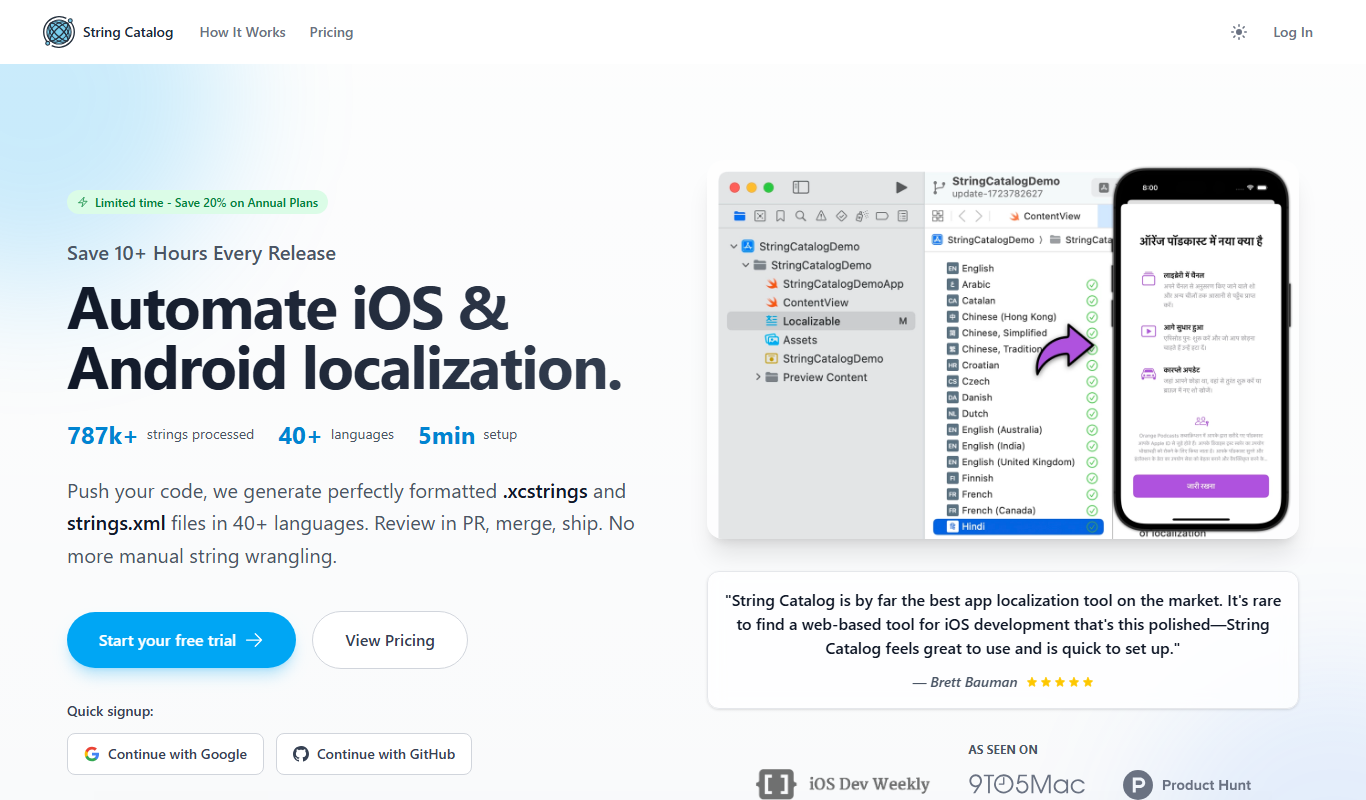
String Catalog
String Catalog is a web platform that centralizes software string management and streamlines localization workflows by enabling collaboration between developers and translators, automating translation processes, and ensuring quality control.