

Intics: on-premises agentic document intelligence for enterprises
Intics runs agentic document intelligence on local hardware: document parsing, compliance auditing and enterprise search with vision-first models, inside the enterprise perimeter.
- Best for
- KYC and onboarding documents
- Key capability
- Localized AI workflows
Save Intics, follow its updates and vote on it — everything stays in your account.
Sign in or create a free account
What is Intics?
Intics is an agentic document intelligence platform for enterprises that runs on local hardware. It uses vision-first document models to parse large volumes of documents, extract and validate data into a system of record, power enterprise search and compliance auditing, and run context-aware agents, deployed entirely within the customer’s perimeter for regulated sectors such as BFSI, healthcare and pharma.
Key features of Intics
Intics offers document workflow automation that extracts, validates and routes documents into a system of record, enterprise search with summarization and report generation, vision-first document models, and a document token factory that runs on customer-owned infrastructure.
Localized AI workflows
Runs document parsing, compliance auditing and context-aware agents directly on local hardware.
Vision-first document models
Models that interpret spatial context, from aerospace safety logs to engineering schematics.
Document workflow synergy
Real-time extraction and transformation, zero-touch routing to downstream workflows and immutable audit trails.
Enterprise search
Summarization, generation of compliance reports and risk assessments, and context-aware answers from the full document universe.
Pros and cons of Intics
Pros
- Runs entirely within the enterprise perimeter
- No recurring SaaS fees or per-page cloud charges
- Vision-first models for complex document layouts
Cons
- Built for large enterprises that run their own infrastructure; access starts with a demo request
- No publicly available free trial or freemium plan
Key use cases for Intics
KYC and onboarding documents
Turn unstructured documents into structured data for workflows such as KYC.
Compliance auditing
Run compliance auditing over large document volumes on local hardware.
Enterprise document search
Search, summarize and retrieve records across document silos.
Historical archive intelligence
Unlock unstructured data locked in faxes, PDFs and legacy repositories.
How Intics works
- 1
Connect document repositories
The Asset Layer connects to SharePoint, S3, Filenet and other internal systems.
- 2
Ingest and parse
Documents are ingested and parsed by vision-first models into document twins.
- 3
Extract and validate
Data is extracted, validated and turned into an actionable system of record in real time.
- 4
Route, search and audit
Results route to downstream workflows with audit trails and feed enterprise search.
Who is using Intics
Intics pricing
Custom Pricing
Contact for pricing
Pricing tailored based on project scope, data volume, and annotation complexity.
Plans and prices are as published by the vendor and can change. Check the official site before you buy. Open the pricing page (opens in a new tab)
Frequently asked questions about Intics
Intics is a complete system that includes ingestion, document twins, business twins and a co-pilot interface.
Yes. The Asset Layer connects directly to SharePoint, S3, Filenet and other internal systems.
Regulated industries have legal and security constraints that prevent sending sensitive IP to external SaaS providers.
Enterprises own their compute, models and intelligence instead of paying per-page cloud charges, which the company says makes break-even achievable within 8 to 11 months.
This tool is designed to help users accomplish its core tasks more efficiently. It is typically used by individuals or teams looking to improve productivity and workflow.
Yes, it can help with that use case depending on how you configure it and what features are available. You’ll get the best results with clear inputs and a defined goal.
It depends on your specific needs and how you plan to use the tool. The official website and documentation are the best sources for the latest details.
Yes, it can help with that use case depending on how you configure it and what features are available. You’ll get the best results with clear inputs and a defined goal.
Conclusion
Large document volumes are what the platform is built for: it parses documents, audits them for compliance and runs context-aware agents directly on the customer’s own hardware. Vision-first models read spatial layout such as nested tables and engineering schematics, and the extracted data is validated and routed to downstream workflows with audit trails. An enterprise search layer adds summarization, compliance report generation and answers drawn from the whole document collection.
Deployment stays entirely inside the enterprise perimeter, which the company ties to data sovereignty for regulated sectors such as BFSI, healthcare and pharma. Existing repositories such as SharePoint, S3 and Filenet connect through its Asset Layer. Rather than per-page cloud fees, customers own the compute and models, and the site publishes no price list, so access begins with a demo request.
Sources
Sign in to review this tool.
Sign In to ReviewNo reviews yet
Be the first to share how this tool worked for you.
Ask about pricing, limits, or how it compares — or answer someone else.
Sign In to AskNo questions yet
Have a question about using or paying for this tool? Be the first to ask.
Featured on TiorAI



More AI Knowledge Base Tools tools
Other tools in the same category, for when this one is not quite the fit.

Synced.so
Synced.so transforms Notion docs into a customer-friendly help center site and embeddable widget on your own domain, with no coding needed.
Asklo AI
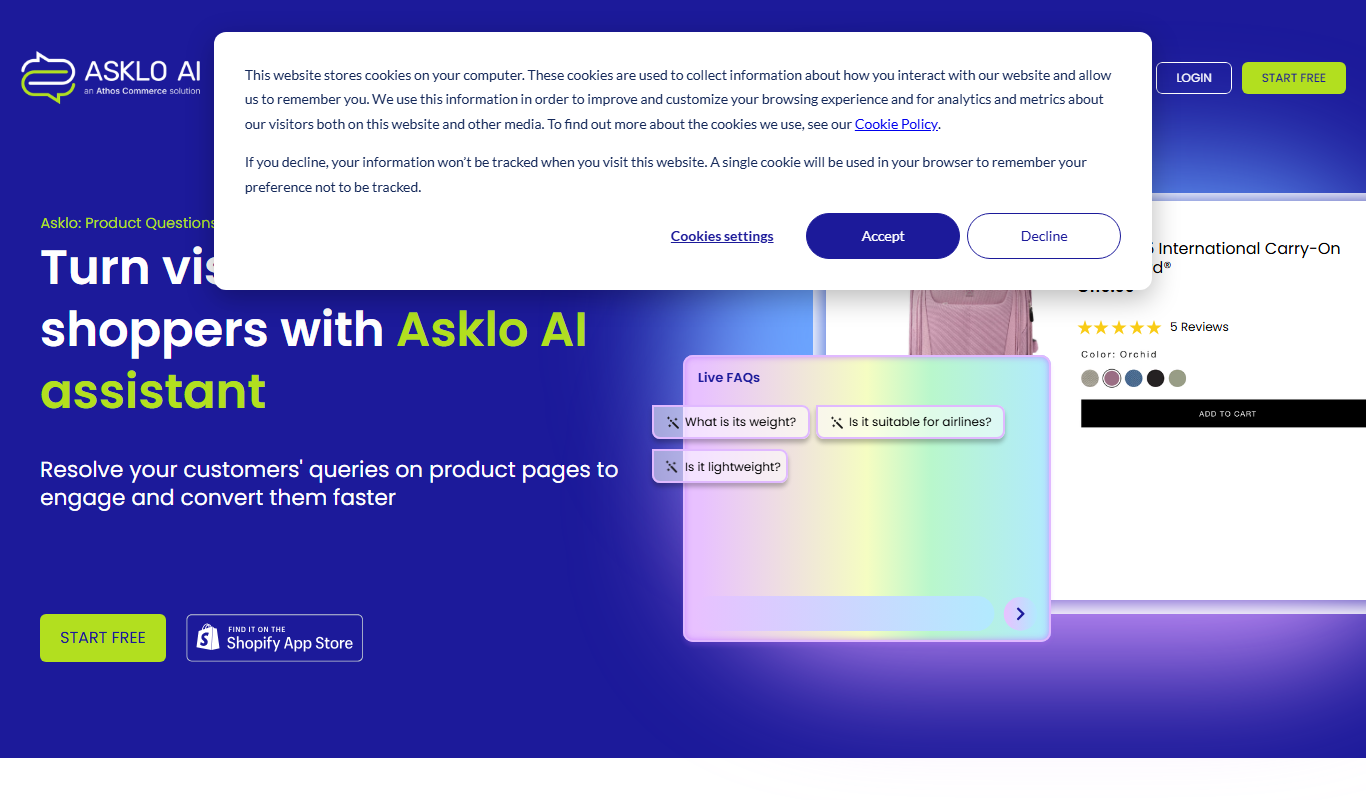
Asklo AI instantly answers product questions, FAQs and Q&A on ecommerce product pages to improve conversions and reduce support requests.
Wroolo
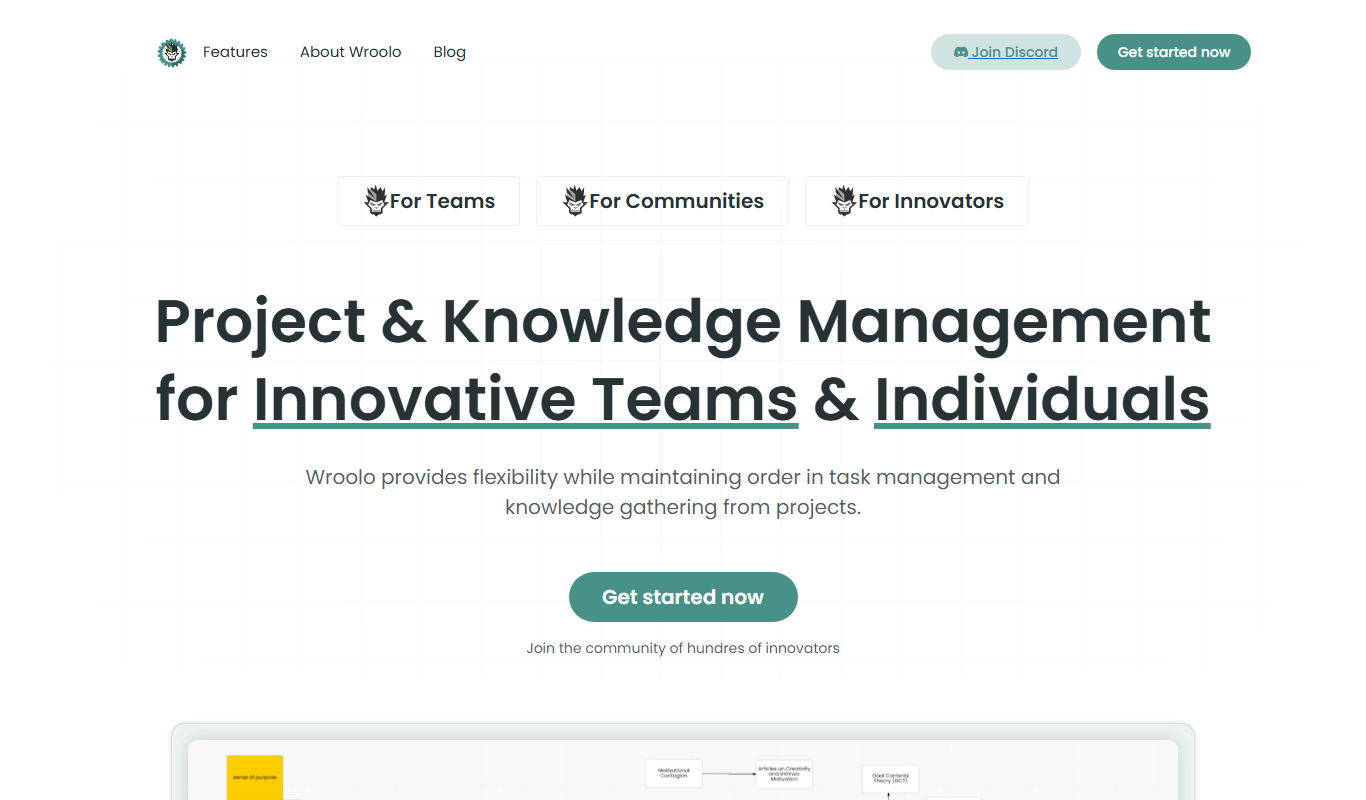
Wroolo provides project and knowledge management for innovative teams and individuals, keeping order in task management and knowledge gathering from projects.

Glitter AI
Glitter AI turns any process, video, meeting or recording into a step-by-step guide, so documentation is done for you in seconds.

Juicebox (PeopleGPT)
Juicebox (PeopleGPT) is an AI recruiting platform to find, verify and email candidates in one prompt, searching 800M+ profiles across 30+ sources.
Siedesk – Help Center & Knowledge Base
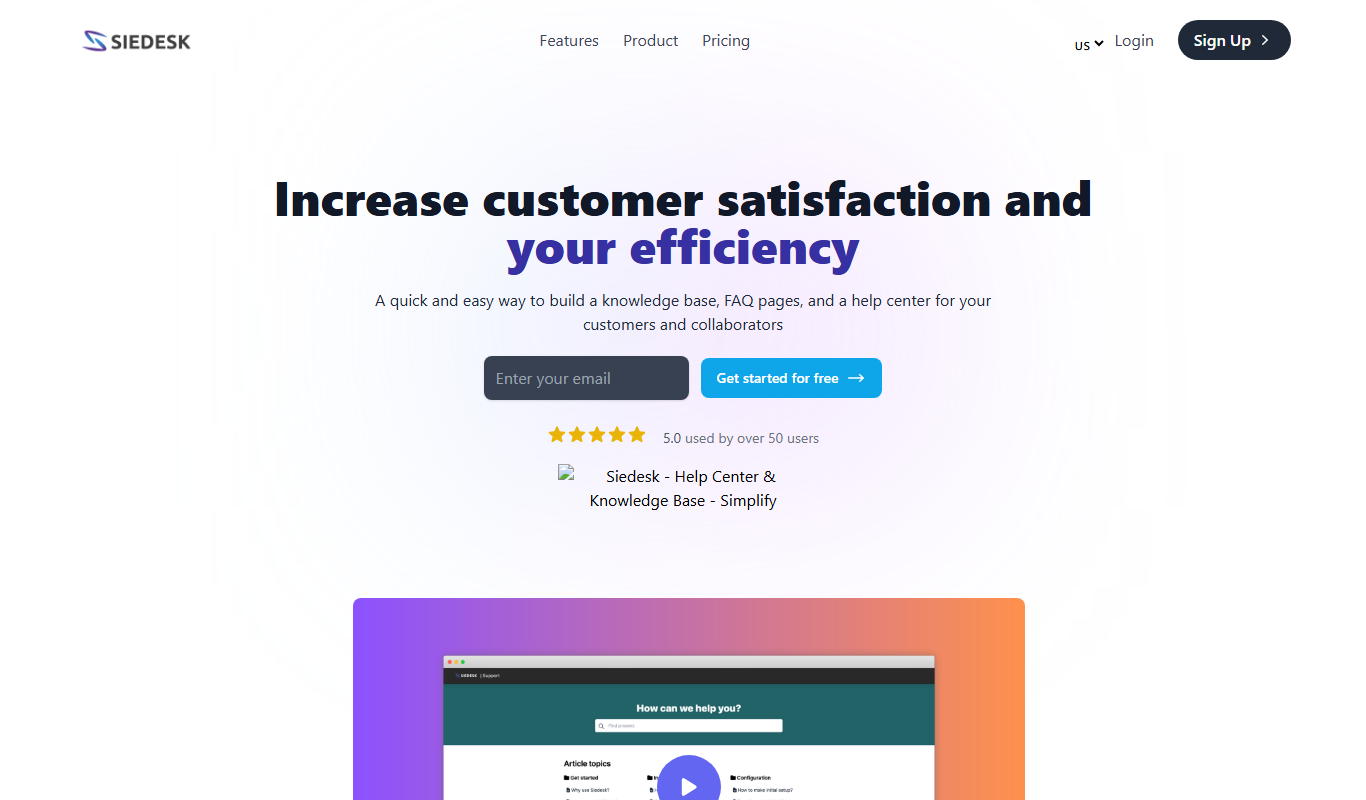
Siedesk is a tool with AI assistance for building internal and external knowledge bases, FAQ pages and a help center for customers and staff.
SearchMyDocs.ai
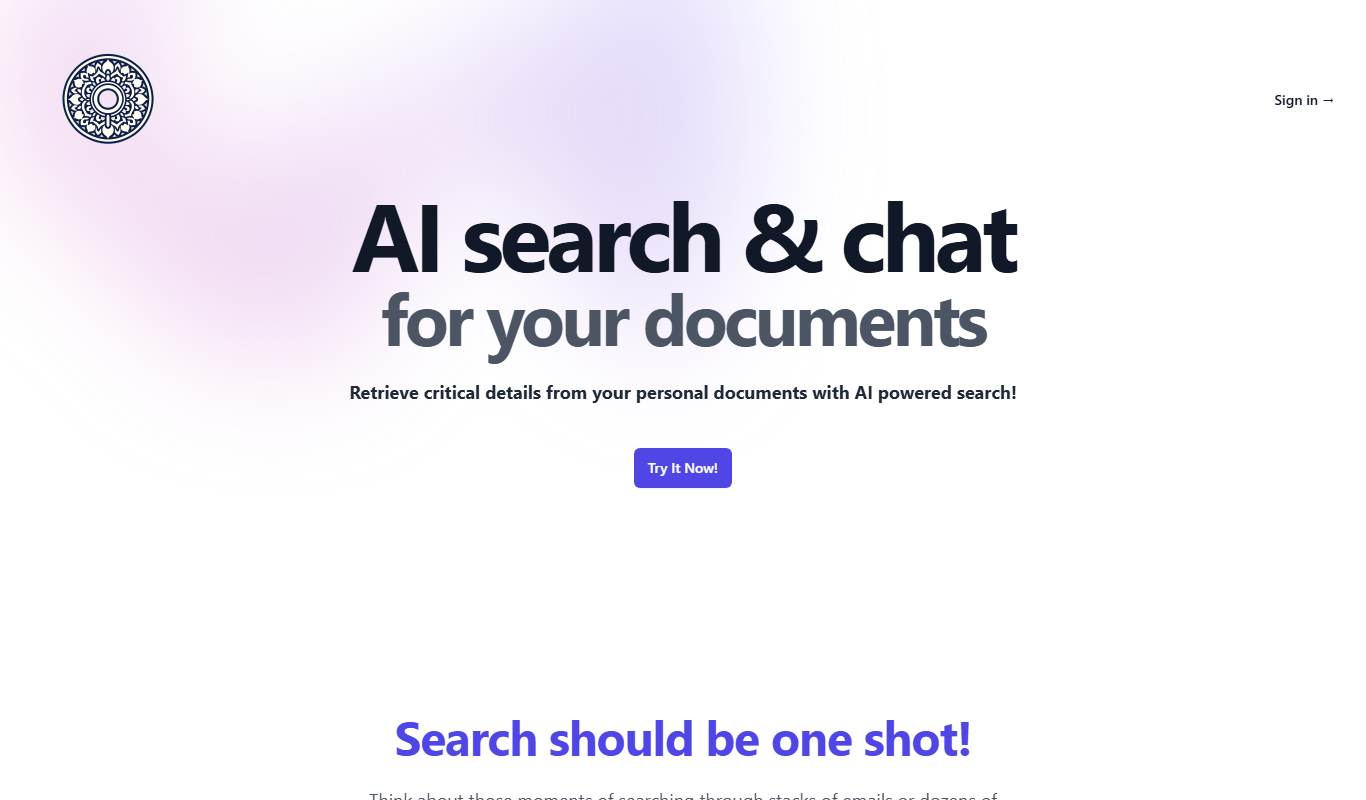
SearchMyDocs.ai turns PDFs, policies and knowledge bases into document-grounded AI agents that answer questions and cite their sources.
MyMind
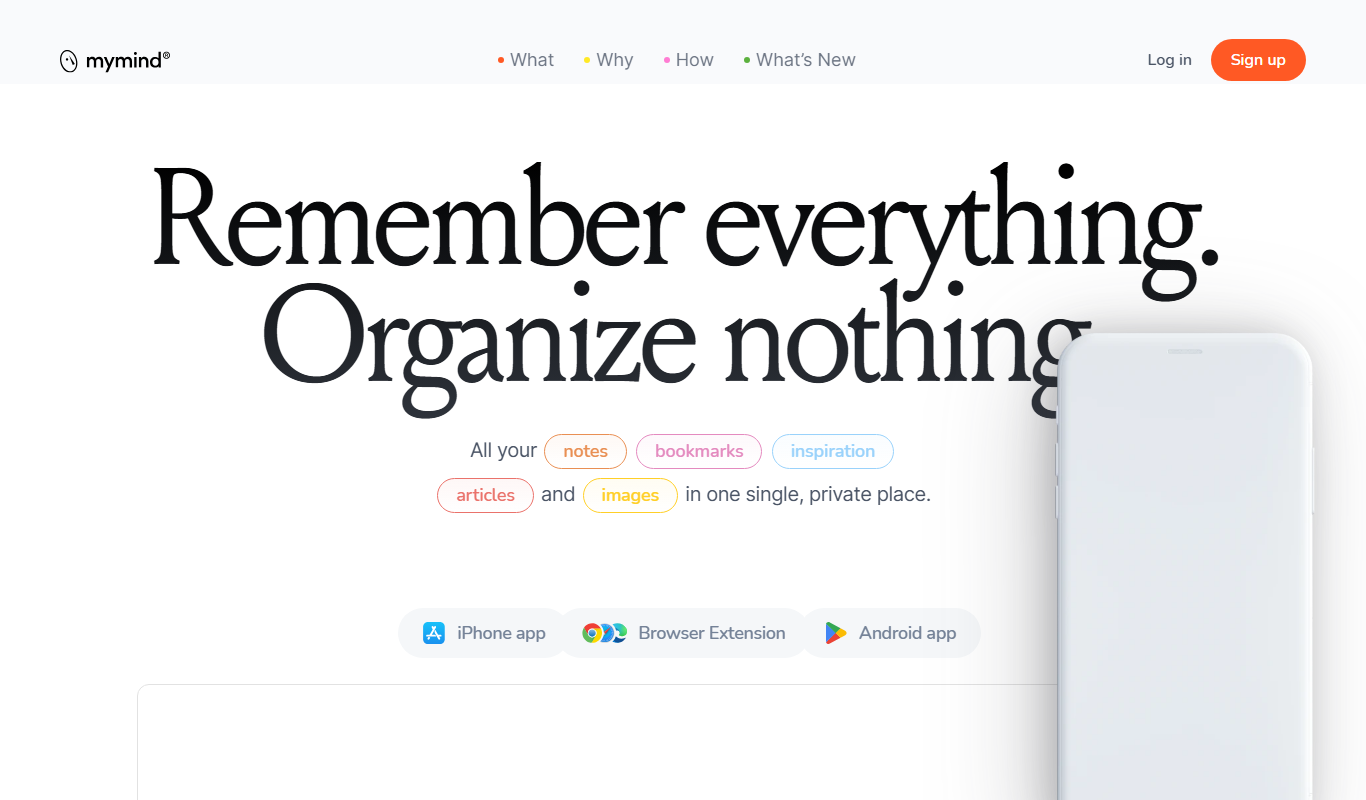
MyMind is an AI-powered digital brain tool that helps users save, organize, and retrieve ideas, notes, and web content with automatic tagging and smart search.