

From my experience with SearchMyDocs.ai, I found it excels at simplifying complex document searches through natural language queries, making knowledge retrieval intuitive even for non-technical users. After spending time with the platform, I can say it’s particularly well-suited for organizations looking to improve internal knowledge access and reduce time wasted searching through documents. However, there is a trade-off: the platform currently supports primarily English and may require direct contact for enterprise pricing details. Overall, if you need an AI-powered document search solution that integrates easily and delivers fast, relevant results, SearchMyDocs.ai offers a solid, user-friendly option.
SearchMyDocs.ai AI Document Search Tool for Efficient Knowledge Retrieval
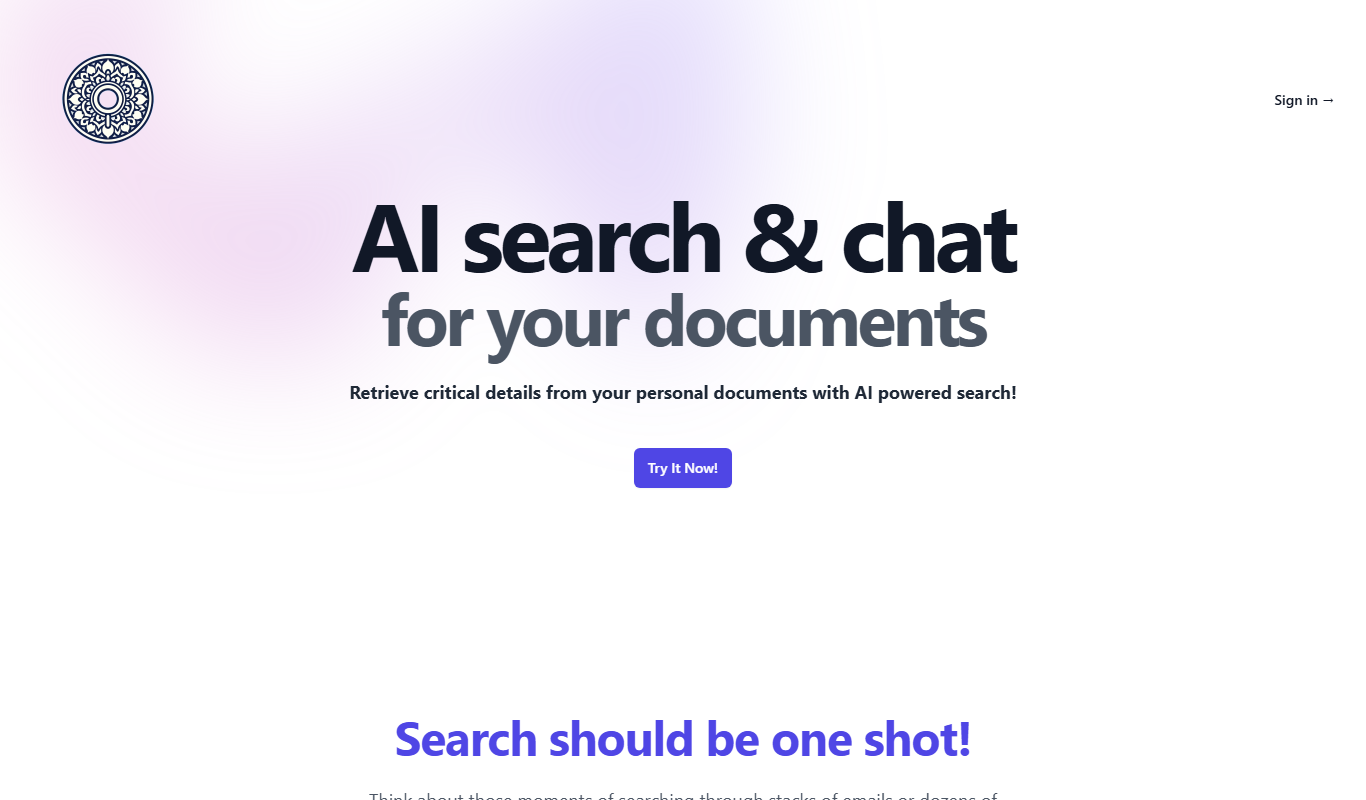
SearchMyDocs.ai is an AI-driven document search platform that uses natural language processing to help users quickly find relevant information within large document collections.
- Best for
- Enterprise Document Search
- Key capability
- Natural Language Processing
Do you recommend this tool?
What is SearchMyDocs.ai?
SearchMyDocs.ai is an AI-powered document search platform designed to help users quickly locate information within large collections of documents. By leveraging natural language processing and advanced search algorithms, it enables intuitive querying and fast retrieval of relevant content, improving productivity and knowledge access across organizations.
Key features of SearchMyDocs.ai
The tool offers natural language search capabilities, supports multiple document formats, provides fast indexing and retrieval, and integrates easily with existing document repositories to streamline knowledge discovery.
Natural Language Processing
Allows users to search documents using everyday language instead of keywords.
Multi-format Document Support
Supports PDFs, Word documents, presentations, and other common file types.
Fast AI-powered Indexing
Quickly processes large volumes of documents for near real-time search availability.
Contextual Search Results
Delivers relevant snippets and context to help users find precise information.
Secure and Private
Ensures document data is handled securely with privacy controls.
Pros and cons of SearchMyDocs.ai
Pros
- Intuitive natural language search interface
- Supports multiple document formats
- Fast indexing for quick search results
- Improves knowledge accessibility within organizations
Cons
- Limited language support beyond English
- Pricing details for enterprise plans require direct contact
Key use cases for SearchMyDocs.ai
Enterprise Document Search
Enable employees to quickly find relevant information across large document repositories using AI-powered natural language queries.
Knowledge Management
Organize and retrieve company knowledge efficiently to improve decision-making and reduce time spent searching for information.
Customer Support
Assist support teams by providing fast access to product manuals, FAQs, and troubleshooting guides within internal documents.
Research Assistance
Help researchers and analysts locate specific data points or insights buried within extensive document collections.
How SearchMyDocs.ai works
- 1
Upload Documents
Users upload or connect their document repositories to the SearchMyDocs.ai platform.
- 2
Indexing
The platform processes and indexes the documents using AI to enable semantic search.
- 3
Search with Natural Language
Users enter queries in natural language to find relevant documents and specific information quickly.
- 4
Review Results
Search results are presented with snippets highlighting relevant content for easy review.
Who is using SearchMyDocs.ai
Corporate knowledge managers
Customer support teams
Researchers and analysts
Small to large enterprises
SearchMyDocs.ai pricing
Free Trial
$0 for 14 days
Access full features with limited document volume for evaluation.
Professional
$49/month
Suitable for small teams with moderate document search needs.
Enterprise
Custom pricing
Tailored solutions for large organizations with advanced requirements.
Plans and prices are as published by the vendor and can change. Check the official site before you buy. Open the pricing page (opens in a new tab)
Frequently asked questions about SearchMyDocs.ai
The platform supports PDFs, Word documents, PowerPoint presentations, and other common file formats.
Yes, SearchMyDocs.ai employs security measures to protect your documents and ensure privacy.
Yes, the platform supports integrations with popular document repositories and cloud storage.
Currently, the platform primarily supports English language documents and queries.
It depends on your specific needs and how you plan to use the tool. The official website and documentation are the best sources for the latest details.
Yes, it can help with that use case depending on how you configure it and what features are available. You’ll get the best results with clear inputs and a defined goal.
Data handling and security practices vary by provider. Review the official privacy policy to understand how your data is stored and used.
Sign in to review this tool.
Sign In to ReviewNo reviews yet
Be the first to share how this tool worked for you.
Ask about pricing, limits, or how it compares — or answer someone else.
Sign In to AskNo questions yet
Have a question about using or paying for this tool? Be the first to ask.
Featured on TiorAI



More AI Document Search Tools tools
Other tools in the same category, for when this one is not quite the fit.
Free Trial
EmbedAI
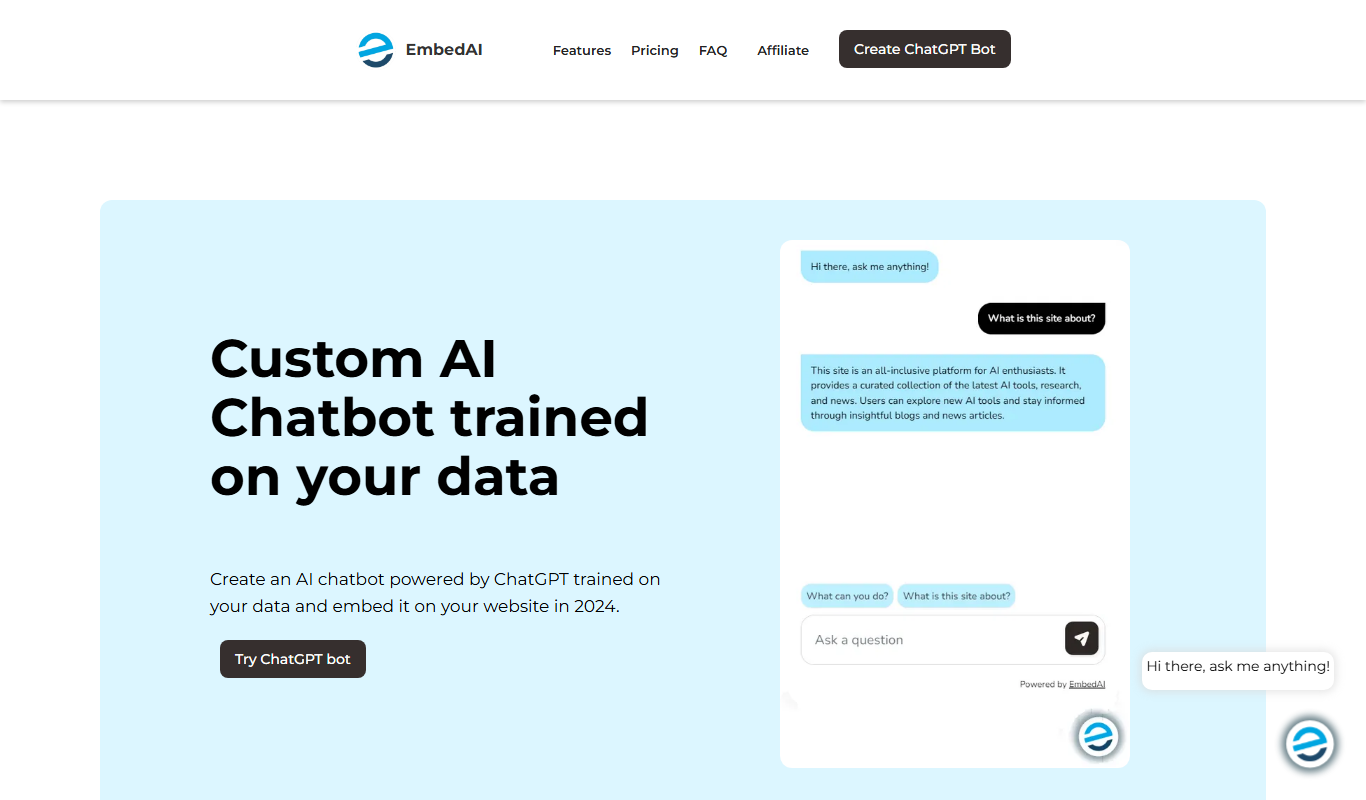
EmbedAI is an AI-driven semantic search tool that uses vector embeddings to enable natural language queries over documents, improving information retrieval accuracy and speed.