

From my experience with Kids Tell Tales, I found it excels at engaging children in creative storytelling through an intuitive and playful interface. The combination of images, text, and voice recording makes it a versatile tool for developing literacy and imagination. It’s particularly well-suited for parents and educators looking to encourage narrative skills in young learners. However, the app currently supports only English and some advanced features require a subscription, which might limit accessibility for some users. Overall, if you want a fun, educational platform to inspire kids to tell their own stories, Kids Tell Tales delivers a solid and user-friendly experience.
Kids Tell Tales Storytelling App for Creative Writing and Imagination
Kids Tell Tales is an educational app that enables children to create and share digital stories using images, text, and voice recordings, fostering creativity and literacy.
- Best for
- Creative Storytelling
- Key capability
- Drag-and-Drop Story Builder

Do you recommend this tool?
What is Kids Tell Tales?
Kids Tell Tales is an interactive storytelling app designed for children to create their own digital stories using images, text, and voice recordings. It encourages creativity, literacy, and imagination by providing a platform where kids can build narratives in a fun and engaging way.
Key features of Kids Tell Tales
The app offers a user-friendly interface for story creation, including drag-and-drop image placement, text input, voice recording, and the ability to save and share completed stories. It supports educational goals by fostering creative writing and language skills.
Drag-and-Drop Story Builder
Easily arrange images and text to create engaging story pages.
Voice Recording
Add personalized narration to stories to improve speaking and listening skills.
Image Library
Access a curated collection of images suitable for children's stories.
Story Sharing
Share completed stories via links or export options.
Educational Resources
Includes guides and tips for parents and teachers to support storytelling activities.
Pros and cons of Kids Tell Tales
Pros
- Encourages creativity and literacy in children
- User-friendly interface suitable for young users
- Supports voice narration to enhance language skills
- Offers both free and affordable premium plans
Cons
- Limited language support (English only)
- Some features require a paid subscription
Key use cases for Kids Tell Tales
Creative Storytelling
Children can create their own stories by combining images, text, and voice recordings to develop narrative skills.
Educational Engagement
Teachers and parents use the app to encourage literacy and imagination in young learners.
Digital Storybook Creation
Users can produce digital storybooks that can be saved, shared, and revisited.
Language Development
Supports language skills by allowing children to practice writing and speaking through story creation.
How Kids Tell Tales works
- 1
Create an Account
Sign up on the Kids Tell Tales website or app to start creating stories.
- 2
Choose Images and Add Text
Select images from the app’s library or upload your own, then add text to build your story.
- 3
Record Voice Narration
Enhance your story by recording your voice to narrate the tale.
- 4
Save and Share
Save your story digitally and share it with friends, family, or classmates.
Who is using Kids Tell Tales
Parents of young children
Elementary school teachers
Children aged 5-12
Educational content creators
Homeschooling families
Kids Tell Tales pricing
Free
$0/month
Basic access with limited story creation and sharing features.
Premium
$4.99/month
Full access to all features including unlimited stories, expanded image library, and advanced sharing options.
Plans and prices are as published by the vendor and can change. Check the official site before you buy. Open the pricing page (opens in a new tab)
Frequently asked questions about Kids Tell Tales
The app is primarily designed for children aged 5 to 12 but can be used by anyone interested in creative storytelling.
Yes, stories can be shared via links or exported to other formats depending on the subscription plan.
Yes, there is a free plan with basic features to get started.
Currently, the app supports English only.
It depends on your specific needs and how you plan to use the tool. The official website and documentation are the best sources for the latest details.
Some tools offer a free plan or trial with limited features. Availability can vary, so confirm on the official website.
It depends on your specific needs and how you plan to use the tool. The official website and documentation are the best sources for the latest details.
Sign in to review this tool.
Sign In to ReviewNo reviews yet
Be the first to share how this tool worked for you.
Ask about pricing, limits, or how it compares — or answer someone else.
Sign In to AskNo questions yet
Have a question about using or paying for this tool? Be the first to ask.
Featured on TiorAI



Alternative Tools
Explore similar AI tools that might fit your needs
Free
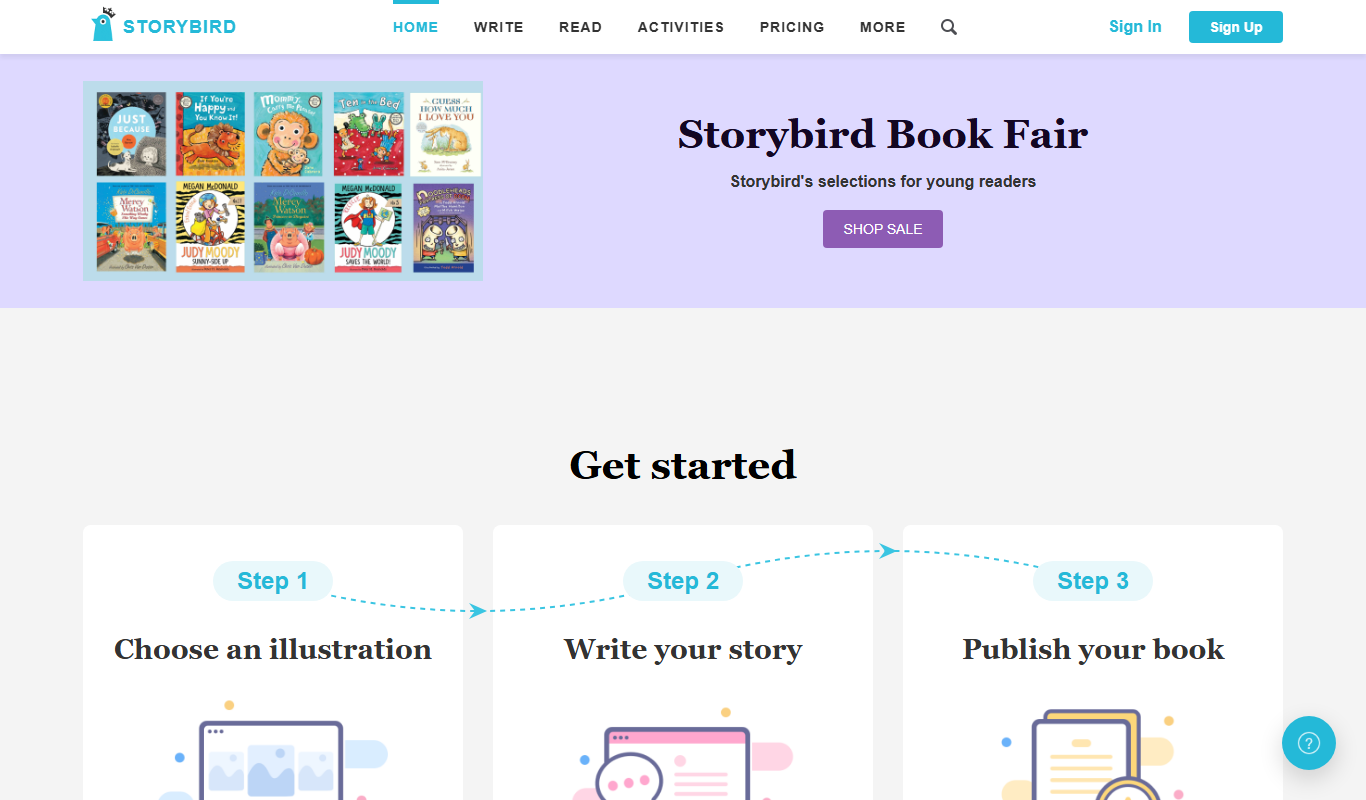
Storybird
Storybird is an online platform that combines curated artwork with writing tools to help children and educators create, publish, and share illustrated stories and poems.
Free
Book Creator
Book Creator is a digital platform for creating interactive ebooks and multimedia books, widely used in education for collaborative and accessible content creation.
More AI Creative Writing tools
Other tools in the same category, for when this one is not quite the fit.

Free
写作猫AI
写作猫AI is a Chinese-language AI writing assistant that supports content generation, creative writing, and text refinement through a web platform.

Free
RoyalRoad
RoyalRoad is a free online platform where users can read and publish serialized web novels and stories, with community features like comments and ratings.

Free
Calmly Writer
Calmly Writer is a minimalist writing app designed to help users focus by providing a distraction-free interface, Markdown support, autosave, and export options. It is available as a free web app and a paid desktop app for offline use.

Free
Episode Interactive
Episode Interactive is a platform for creating, publishing, and sharing interactive visual stories with branching choices and character customization, accessible via web and mobile apps.

Free
Fighting Fantasy
Fighting Fantasy is a web-based interactive story platform that lets users play and create branching narrative gamebooks inspired by the classic Fighting Fantasy series, incorporating RPG elements like dice rolls and character stats.

Free
My Storybook
My Storybook is an AI-powered web platform that helps users create personalized children's storybooks by customizing characters and settings, generating narratives, and exporting printable books.

One-time purchase
Flowstate
Flowstate is a minimalist writing app designed to help writers maintain focus by deleting the entire document if text is deleted, encouraging continuous writing and flow state.
Paid
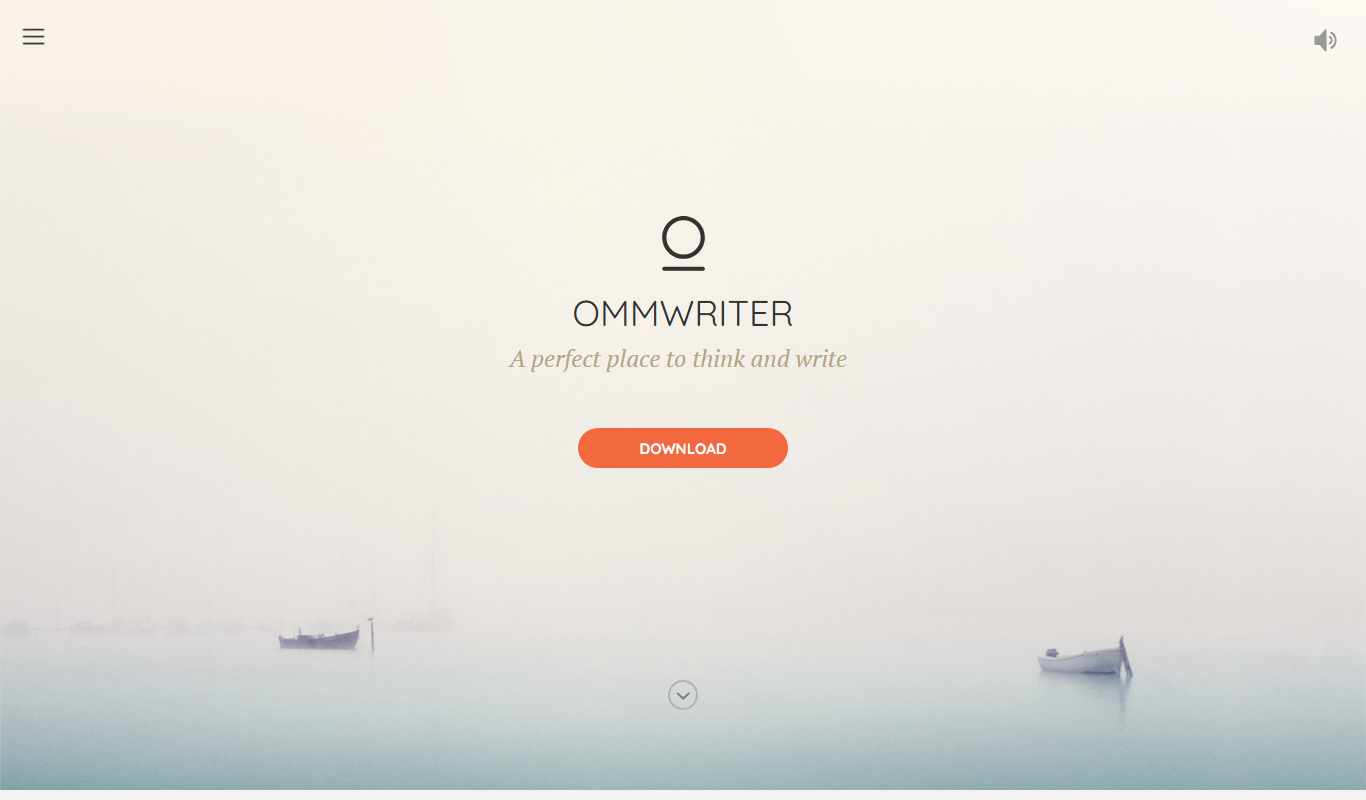
OmmWriter
OmmWriter is a minimalist writing application that provides a distraction-free environment with ambient soundscapes and calming backgrounds to help writers focus and enhance creativity.