

Phopet: AI photo albums and stories starring your pet
Phopet is an AI built exclusively for pets: train a model on your pet's photos and get themed AI photo albums, stories and upscaled prints.
- Best for
- Pet portraits
- Key capability
- Pet model training
Save Phopet, follow its updates and vote on it — everything stays in your account.
Sign in or create a free account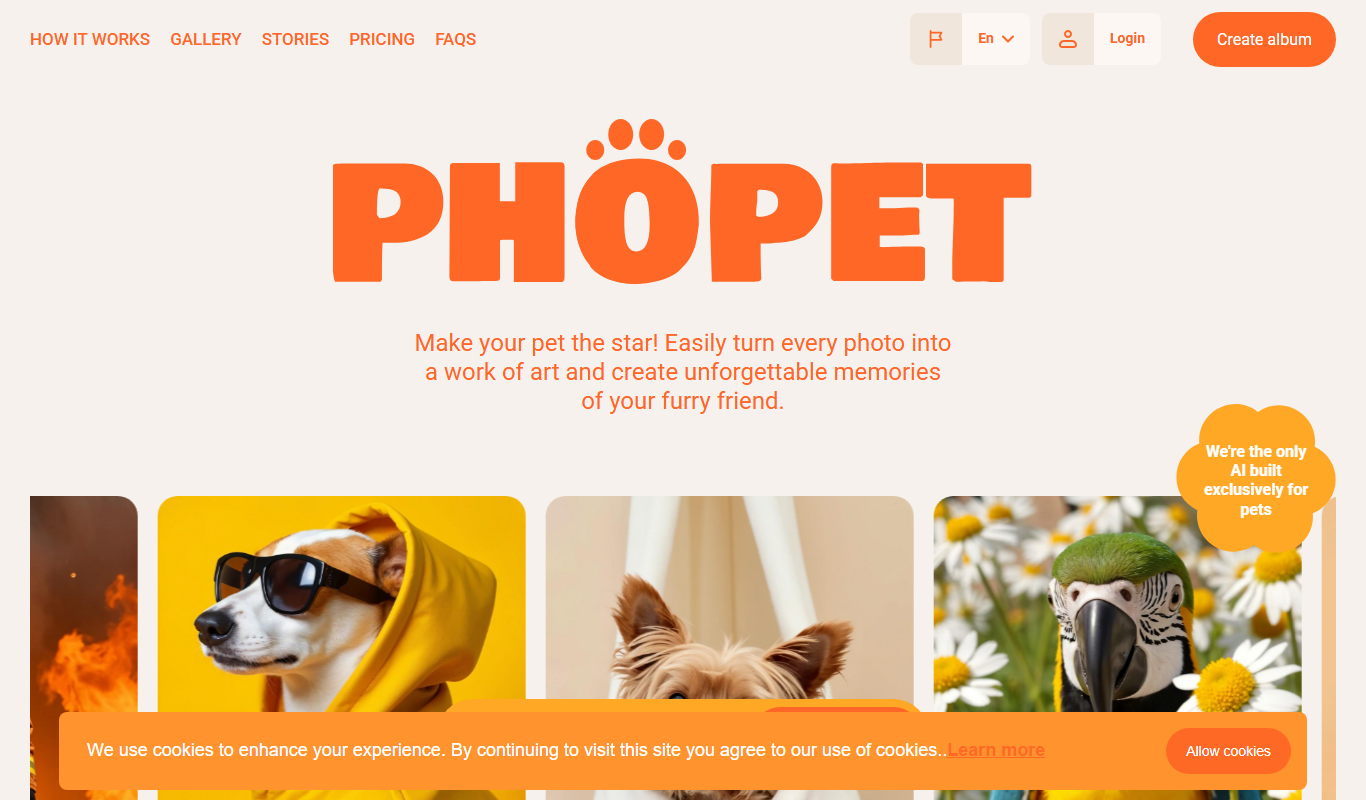
What is Phopet?
Phopet is an AI photo generator built exclusively for pets. Users upload a few recent photos of their pet to train a personal model, choose a themed album such as Travel, Studio, Costume or Superheros, and download a personalized photo pack for phones, posters or prints. It also creates illustrated stories starring the pet and upscales images for printing, and it is paid with one-time packs and credits rather than subscriptions.
Key features of Phopet
Phopet trains a custom model on photos of your pet, generates images in 40+ themed albums, creates illustrated stories with your pet as the hero, upscales images for high-quality prints, and supports separate models for each pet.
Pet model training
Train your model by uploading a few recent photos of your pet.
Themed albums
Choose from albums such as Travel, Studio, Adventure, Costume and Superheros.
Pet stories
Pick a story and see your pet become the hero of its own tale.
Upscaling for prints
Enlarge any image to create high-quality prints for framing.
Pros and cons of Phopet
Pros
- Built exclusively for pets
- One-time payment with no subscription
- A separate model can be created for each pet
Cons
- No refunds because of GPU processing costs
- Image quality depends heavily on the uploaded photos
Key use cases for Phopet
Pet portraits
Transform pet photos into works of art.
Prints and gifts
Use the images for prints, wallpapers, digital frames, stickers or custom clothing.
Pet stories
Create an adventure where your pet is the star.
Framed prints
Upscale images for high-quality prints.
How Phopet works
- 1
Upload your pet's photos
Upload a few recent photos of your pet to train your model.
- 2
Wait for training
Training typically takes between 30 and 60 minutes.
- 3
Choose an album
Select an album to create images.
- 4
Download and use
Get your personalized photo pack for your phone, posters or anywhere you like.
Who is using Phopet
Phopet pricing
Welcome Pack
$0/month
Train your pet's profile and download 50 photos from any photo album; no subscription, one payment.
Pro
$49/month
Advanced features including unlimited interactions, priority support, and API access.
Plans and prices are as published by the vendor and can change. Check the official site before you buy. Open the pricing page (opens in a new tab)
Frequently asked questions about Phopet
Training typically takes between 30 and 60 minutes, depending on the data volume.
10-12 high-quality photos that show your pet from various angles, in different environments and with various expressions.
Use them for prints, wallpapers, digital frames, stickers, custom clothing and more.
No. Due to GPU processing costs, refunds are not available.
After 60 days without activity, photos and models are permanently deleted.
Yes, it can help with that use case depending on how you configure it and what features are available. You’ll get the best results with clear inputs and a defined goal.
Conclusion
Pet owners start by uploading 10 to 12 recent photos of their animal, from which Phopet trains a personal model in about 30 to 60 minutes. They then pick themed albums such as Travel, Studio, Costume or Superheros and download a personalized photo pack for phones, posters or prints. Illustrated stories cast the pet as the hero, and an upscaling feature enlarges images for framing.
A separate model can be trained for each pet, and every action draws on purchased credits, starting with a one-time Welcome Pack rather than a subscription. Results depend heavily on the quality of the uploaded photos, refunds are not offered because of GPU costs, and inactive accounts are deleted after a set period.
Sources
Sign in to review this tool.
Sign In to ReviewNo reviews yet
Be the first to share how this tool worked for you.
Ask about pricing, limits, or how it compares — or answer someone else.
Sign In to AskNo questions yet
Have a question about using or paying for this tool? Be the first to ask.
Featured on TiorAI



More AI Image Generator tools
Other tools in the same category, for when this one is not quite the fit.

Sticker.Show
Sticker.Show is an online AI sticker generator that creates custom stickers from a text description, with transparent-background downloads and a searchable sticker gallery.
PlatePose
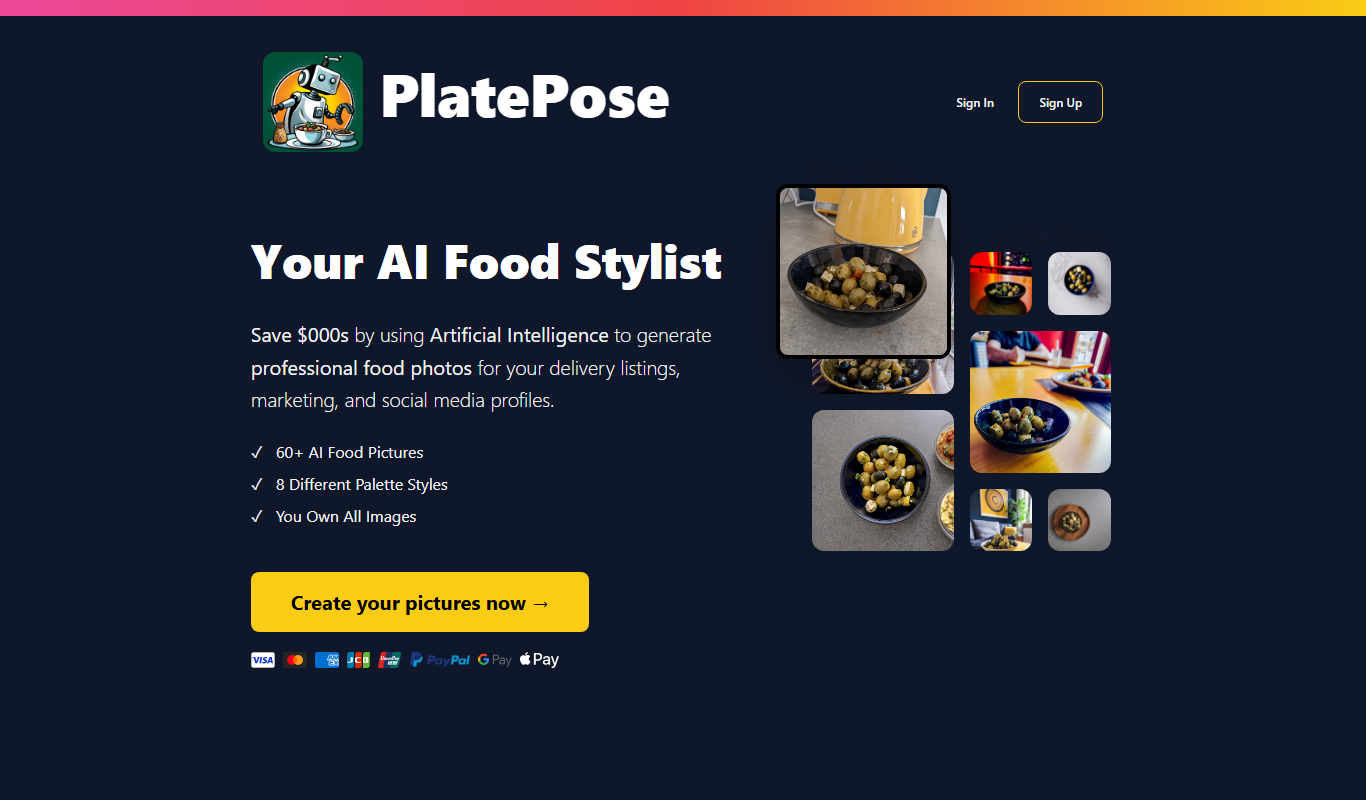
PlatePose trains an AI model on 10-20 photos of your dish and generates professional, stylised food photos for menus and social profiles, with full ownership of the images.

Pawfect Snapshots
Pawfect Snapshots trains an AI model on 5-10 photos of your pet and generates personalized pet portraits in styles such as Professional Photo, Water Color and Digital Art, paid with FurTokens.
ImageKit
ImageKit is a visual media platform that transforms and delivers optimized images and videos in real time, manages assets in a DAM with its own AI agent and automates on-brand creatives.
Vose.ai
Vose.ai generates AI videos and images with top AI models, ready-made presets, a built-in video editor and an agent that works in one chat.

Ximilar
Ximilar is a visual AI platform that provides APIs and tools for custom image recognition, visual search, and image tagging, enabling businesses to automate visual data analysis.

FluxAI Pro
FluxAI Pro is a credit-based AI image and video generator powered by Flux 2 and other Flux models, with 4MP photorealistic output and editing tools.

FLUX.1 IMAGE (Schnell, Realism-LoRA)
FLUX.1 IMAGE is a web-based AI tool that uses Schnell and Realism-LoRA models to generate fast, photorealistic images with options to upload custom LoRA models for tailored results.