

From my experience with Honorlock, I found it excels at providing a comprehensive AI-driven solution for securing remote exams with real-time monitoring and identity verification. After spending time with the platform, I can say it’s particularly well-suited for educational institutions seeking to uphold academic integrity in online assessments. However, there’s a trade-off: pricing details are not transparent and require direct contact, which may slow adoption for smaller organizations. Overall, if you need robust remote proctoring integrated seamlessly with your LMS, Honorlock delivers solid results with advanced AI capabilities.
Honorlock Online Proctoring Software for Secure Remote Exams and Assessments
Honorlock is an AI-driven online proctoring solution that secures remote exams by monitoring test takers through webcam, microphone, and screen recording, with identity verification and cheating detection features.
- Best for
- Remote Exam Proctoring
- Key capability
- AI-Powered Cheating Detection
Your actions
Save Honorlock, follow its updates and vote on it — everything stays in your account.
Sign in or create a free account
What is Honorlock?
Honorlock is an AI-powered online proctoring solution designed to secure remote exams and assessments. It helps educational institutions maintain academic integrity by monitoring test takers through webcam, microphone, and screen recording. The platform uses advanced AI algorithms to detect suspicious behaviors and verify identities, enabling secure and flexible remote testing environments.
Key features of Honorlock
Honorlock offers real-time proctoring with AI-driven cheating detection, identity verification, seamless LMS integration, and detailed session recordings. Its unique features include the ability to detect mobile device use and search for answers online, providing comprehensive exam security.
AI-Powered Cheating Detection
Automatically identifies suspicious behaviors including multiple faces, mobile phone use, and background noises.
Identity Verification
Uses facial recognition and ID scanning to confirm the test taker’s identity before starting the exam.
Browser and Screen Monitoring
Tracks browser activity and captures screen content to prevent unauthorized resource access.
LMS Integration
Works seamlessly with major Learning Management Systems for easy exam setup and management.
24/7 Live Support
Provides live proctor assistance and technical support during exam sessions.
Pros and cons of Honorlock
Pros
- Robust AI-driven cheating detection
- Seamless LMS integration
- Real-time monitoring with live support
- Comprehensive identity verification
- Detailed reporting and session recordings
Cons
- Pricing is not transparent and requires direct contact
- Requires stable internet and compatible hardware
- Some users report occasional false positives in cheating detection
Key use cases for Honorlock
Remote Exam Proctoring
Monitor students during online exams to ensure academic integrity and prevent cheating.
Identity Verification
Verify test takers’ identities using AI-powered facial recognition and ID authentication.
Exam Session Recording
Record audio, video, and screen activity during exams for review and audit purposes.
Cheating Detection
Detect suspicious behaviors such as unauthorized device use, multiple faces, or browser activity.
Integration with LMS
Seamlessly integrate with popular Learning Management Systems like Canvas, Blackboard, and Moodle.
How Honorlock works
- 1
Setup Exam
Instructors create and configure exams within their LMS and enable Honorlock proctoring.
- 2
Student Authentication
Test takers verify their identity through AI facial recognition and government-issued ID checks.
- 3
Exam Monitoring
Honorlock monitors the exam session via webcam, microphone, and screen capture, analyzing behavior in real time.
- 4
Cheating Alerts
AI flags suspicious activities such as multiple faces, unusual noises, or unauthorized device usage.
- 5
Review and Reporting
Instructors receive detailed reports and recordings to review any flagged incidents after the exam.
Who is using Honorlock
Universities and colleges
Online course providers
Certification organizations
K-12 schools implementing remote learning
Training and development departments
Honorlock pricing
Custom Pricing
Contact for pricing
Pricing tailored to institution size and exam volume.
Plans and prices are as published by the vendor and can change. Check the official site before you buy. Open the pricing page (opens in a new tab)
Frequently asked questions about Honorlock
Honorlock integrates with most major LMS platforms including Canvas, Blackboard, Moodle, and D2L.
Honorlock uses AI algorithms analyzing webcam, microphone, and screen activity to detect suspicious behavior.
No, Honorlock detects mobile device use and flags it as a potential violation.
Honorlock complies with privacy regulations and secures all data collected during exams.
It depends on your specific needs and how you plan to use the tool. The official website and documentation are the best sources for the latest details.
It depends on your specific needs and how you plan to use the tool. The official website and documentation are the best sources for the latest details.
Data handling and security practices vary by provider. Review the official privacy policy to understand how your data is stored and used.
Pricing depends on the plan and included features. For the most accurate and up-to-date details, check the official pricing page.
Sign in to review this tool.
Sign In to ReviewNo reviews yet
Be the first to share how this tool worked for you.
Ask about pricing, limits, or how it compares — or answer someone else.
Sign In to AskNo questions yet
Have a question about using or paying for this tool? Be the first to ask.
Featured on TiorAI



More AI Customer Service tools
Other tools in the same category, for when this one is not quite the fit.
Free Trial
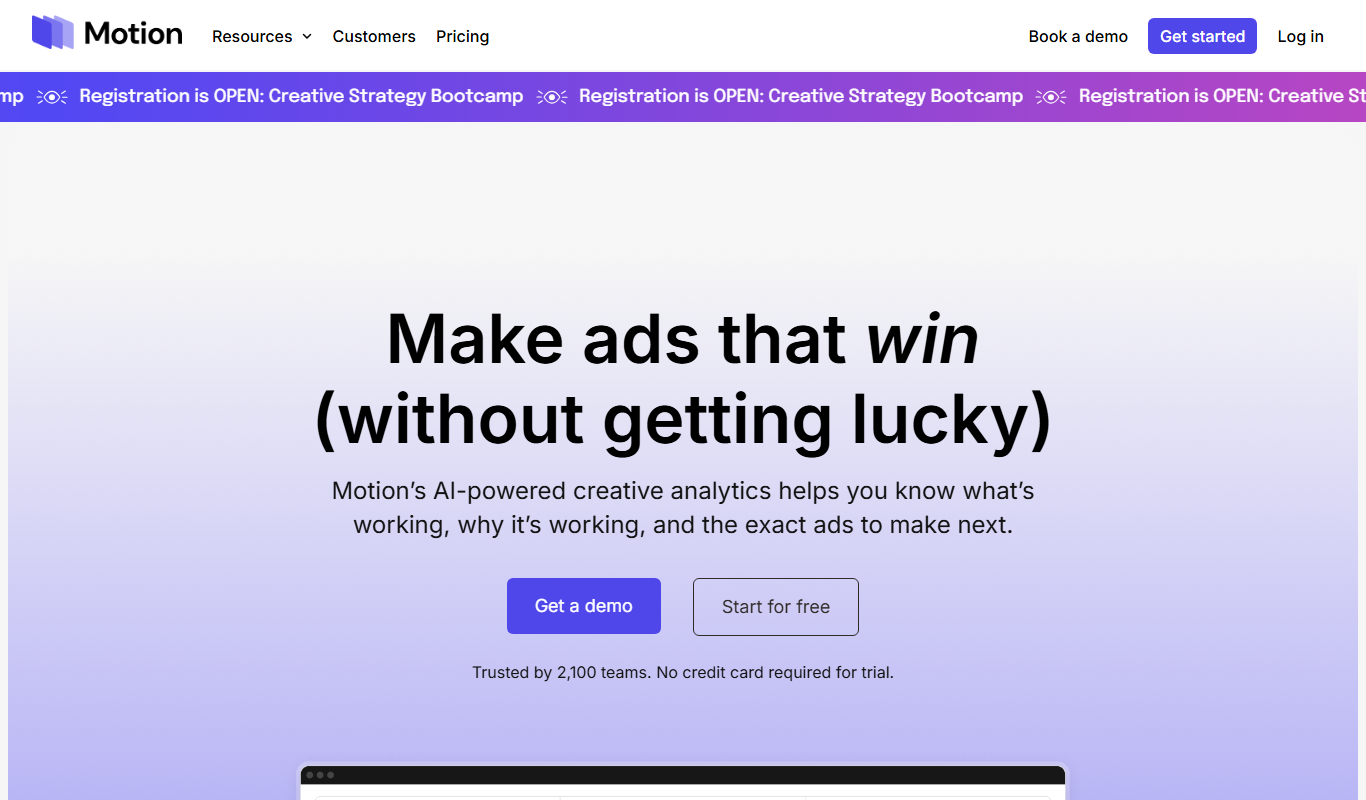
Motion
Motion is an AI-driven scheduling and productivity tool that automates meeting scheduling, task prioritization, and calendar management to help users optimize their time and workflows.

Free
Authy
Authy is a two-factor authentication app that provides an extra security layer by generating time-based codes and push notifications to verify user identities across multiple devices.

Free
InclusionHub
InclusionHub is a free online platform that provides resources, vendor directories, and educational content to help organizations improve digital accessibility and comply with standards like ADA and WCAG.
Free Trial
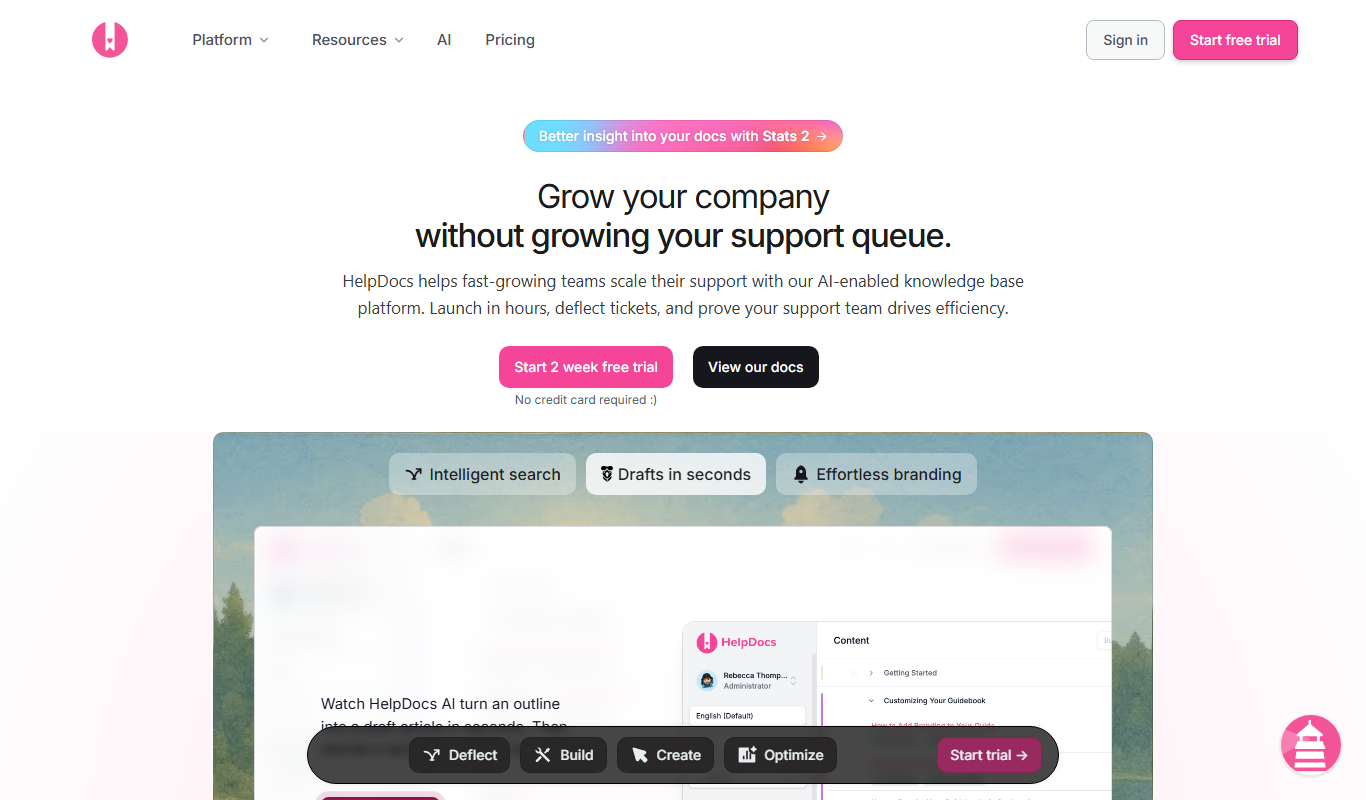
HelpDocs
HelpDocs is a cloud-based knowledge base software that enables businesses to create, customize, and manage self-service help centers to improve customer support and reduce support tickets.

Free
Contacts+ AI
Contacts+ AI is an AI-powered contact management tool that helps users organize, enrich, and maintain contacts across devices with features like deduplication, communication tracking, and team collaboration.

Custom Pricing
Sensely
Sensely, now part of Mediktor, is a conversational health avatar platform with apps on iOS and Android.

Custom Pricing
Shift Technology
Shift Technology is an AI platform that helps insurance companies detect fraud and automate claims processing using machine learning models.
Free
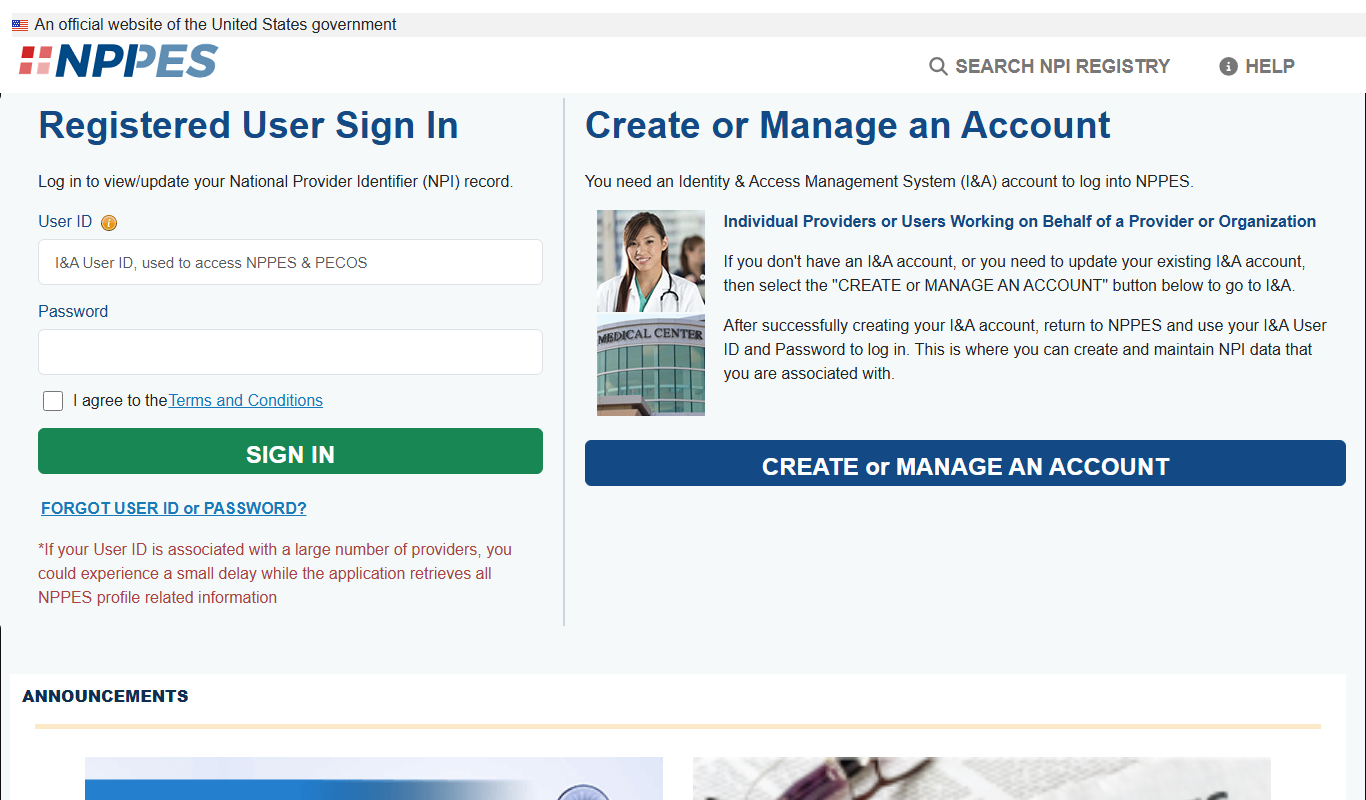
CMS NPI Registry
The CMS NPI Registry is a free online database maintained by the Centers for Medicare & Medicaid Services that allows users to search and verify healthcare providers using their National Provider Identifier (NPI) number or other identifying information.