

Marp Presentation Tool for Markdown Slides with Export and Themes
Marp is an open-source tool that converts Markdown files into presentation slides with export options including PDF and PowerPoint, featuring customizable themes and syntax highlighting.
- Best for
- Creating Presentations
- Key capability
- Markdown Slide Authoring
Save Marp, follow its updates and vote on it — everything stays in your account.
Sign in or create a free account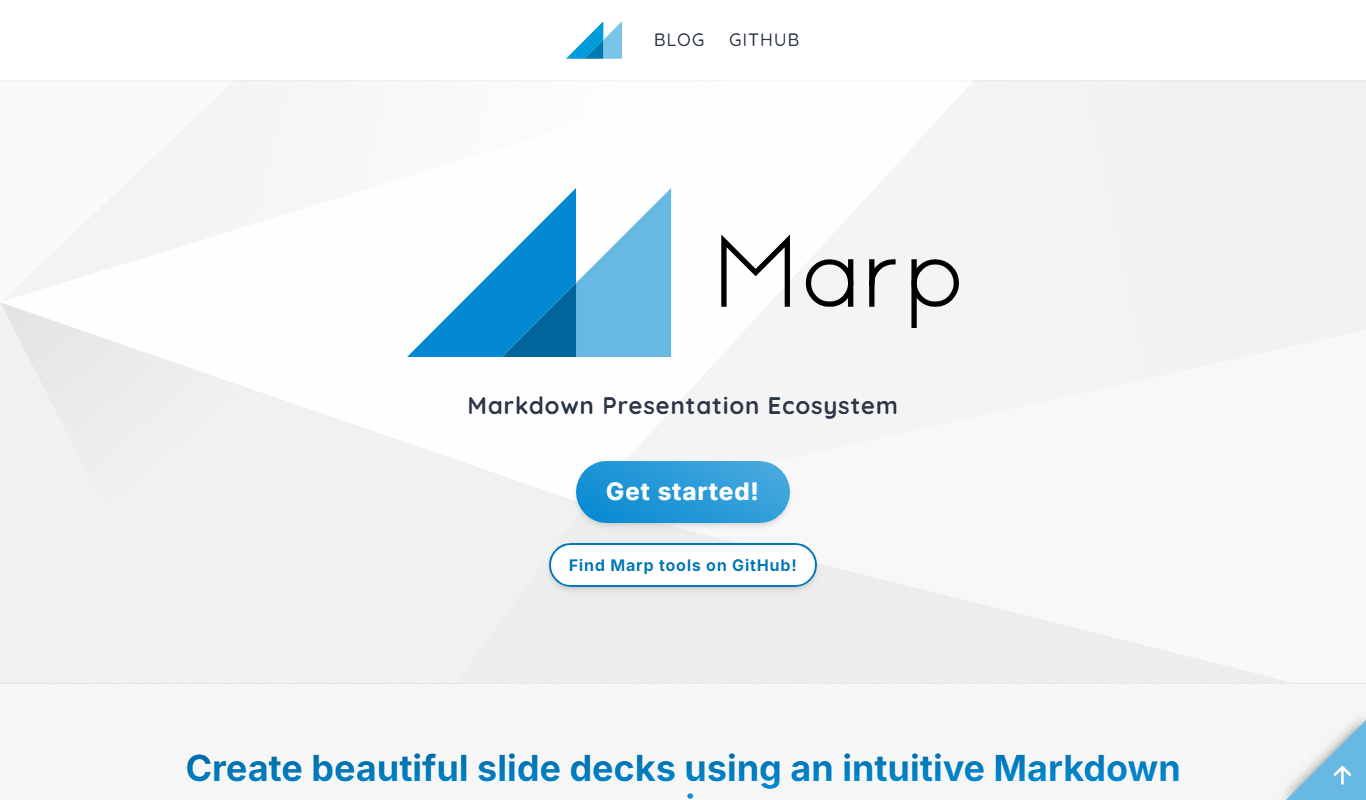
What is Marp?
Marp is an open-source presentation tool that converts Markdown documents into slide decks. It enables users to write presentations in simple Markdown syntax and then export them as PDF, HTML, or PowerPoint files. Marp is designed for developers, technical writers, and anyone who prefers a text-based approach to creating slides, offering customization through themes and extensions.
Key features of Marp
Marp offers Markdown-based slide creation, multiple export options (PDF, PPTX, HTML), customizable themes, live preview, and integration with popular code editors. It supports syntax highlighting for code blocks and allows users to create professional presentations without complex slide software.
Markdown Slide Authoring
Write presentations using easy-to-learn Markdown syntax, making slide creation fast and text-focused.
Multiple Export Formats
Export slides as PDF, PowerPoint (PPTX), or HTML for flexible presentation options.
Customizable Themes
Apply and modify themes to control the visual style and branding of your presentations.
Code Syntax Highlighting
Supports syntax highlighting for code blocks, ideal for technical presentations.
Open Source and Extensible
Marp is open source, allowing community contributions and extensions.
Pros and cons of Marp
Pros
- Simple Markdown-based slide creation
- Multiple export options including PPTX
- Customizable themes for branding
- Open source with active community
- Lightweight and fast
Cons
- Limited GUI compared to traditional slide software
- Requires familiarity with Markdown syntax
- No built-in collaboration features
Key use cases for Marp
Creating Presentations
Use Marp to create slide decks easily using Markdown syntax, ideal for developers and writers who prefer text-based slide creation.
Exporting Slides
Export presentations to PDF or PowerPoint formats for sharing or presenting offline.
Custom Theming
Apply and customize themes to presentations to maintain consistent branding or visual style.
Technical Documentation
Create technical talks or documentation slides with code syntax highlighting and markdown support.
Collaborative Slide Development
Integrate with version control systems like Git to collaboratively develop and maintain slide decks.
How Marp works
- 1
Write Slides in Markdown
Create your presentation content using simple Markdown syntax with slide separators.
- 2
Preview Slides Live
Use Marp’s live preview feature to see how your slides will look as you write.
- 3
Customize Theme
Select or create custom themes to style your presentation according to your needs.
- 4
Export Presentation
Export your slides to PDF, PowerPoint, or HTML formats for sharing or presenting.
Who is using Marp
Marp pricing
Free
$0
Full access to Marp's open-source tools and features without cost.
Plans and prices are as published by the vendor and can change. Check the official site before you buy. Open the pricing page (opens in a new tab)
Frequently asked questions about Marp
Yes, Marp is an open-source tool available for free.
Marp supports exporting presentations to PDF, PowerPoint (PPTX), and HTML.
Yes, Marp allows you to apply and create custom themes for your presentations.
Yes, it supports syntax highlighting for many programming languages within code blocks.
It depends on your specific needs and how you plan to use the tool. The official website and documentation are the best sources for the latest details.
Yes, it can help with that use case depending on how you configure it and what features are available. You’ll get the best results with clear inputs and a defined goal.
Some tools offer a free plan or trial with limited features. Availability can vary, so confirm on the official website.
Yes, it can help with that use case depending on how you configure it and what features are available. You’ll get the best results with clear inputs and a defined goal.
Conclusion
Marp converts a Markdown document into a slide deck: content is written in simple Markdown syntax with slide separators, and a live preview shows the slides while writing. It also integrates with popular code editors. Decks export to PDF, PowerPoint (PPTX) or HTML for sharing or presenting offline. Themes can be applied or created to control visual style and maintain consistent branding, and code blocks get syntax highlighting for many programming languages.
It is designed for developers, technical writers and anyone who prefers a text-based approach to creating slides, and educators and open source enthusiasts use it too. Technical talks and documentation slides are a common fit, since code syntax highlighting and Markdown support are built in. Slide decks can be developed and maintained collaboratively in version control systems like Git. Marp is an open-source tool available for free, and its open-source model allows community contributions and extensions. It is available on web and desktop, with English and Japanese language support.
The graphical interface is limited compared with traditional slide software, familiarity with Markdown syntax is required, and there are no built-in collaboration features.
Sources
Sign in to review this tool.
Sign In to ReviewNo reviews yet
Be the first to share how this tool worked for you.
Ask about pricing, limits, or how it compares — or answer someone else.
Sign In to AskNo questions yet
Have a question about using or paying for this tool? Be the first to ask.
Featured on TiorAI


Alternative Tools
Explore similar AI tools that might fit your needs

Reveal.js
Reveal.js is an open-source HTML presentation framework that allows developers to create interactive, customizable slide decks using web technologies like HTML, CSS, and JavaScript.
Deckset
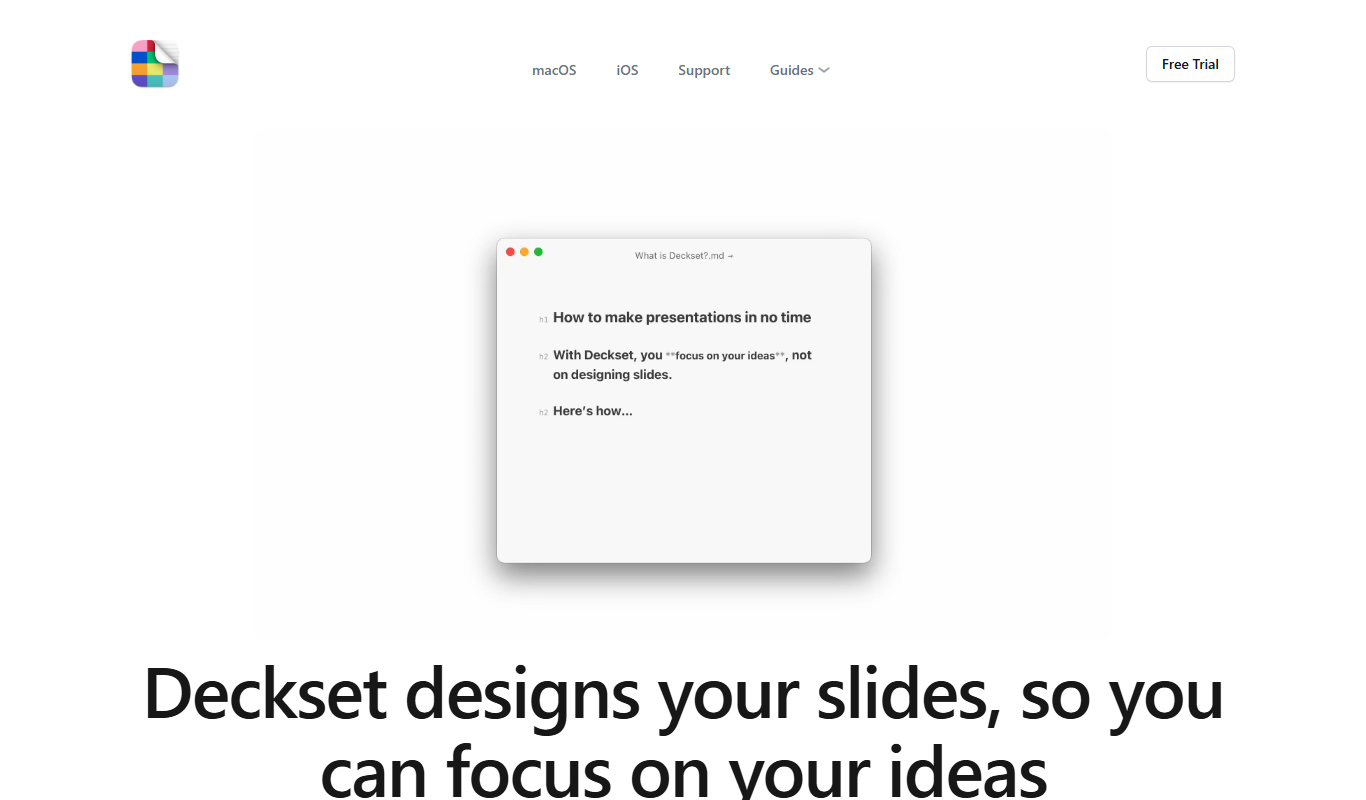
Deckset is a presentation tool for Mac, iPhone and iPad that transforms Markdown text into professional slide decks with customizable themes and live preview.
More AI Developer Tools tools
Other tools in the same category, for when this one is not quite the fit.

QA.tech
QA.tech is an AI QA testing platform whose autonomous QA agents run end-to-end, regression, exploratory and PR tests on web and native mobile apps from plain-language goals.

WORTAL
Wortal.AI is a game distribution and monetization platform: use one SDK and launch your game everywhere, on any device.
Nekton.ai
Nekton automates day-to-day tasks with AI: describe a task in plain English and it writes automation code and runs it in the cloud.

PseudoEditor
PseudoEditor is a free online pseudocode editor and compiler with syntax highlighting, exam board syntax rules and cloud saving.
Composio
Composio connects AI agents to 1,500+ apps with tool calling, managed auth and sandboxed execution.
IAcomunia
IAcomunia is a personality quiz website with short quizzes on emotions, habits, relationships and self-discovery, and no account required.

Ellipsis
Ellipsis runs Claude Code and Codex agents in the cloud, defined as YAML config files in a repo, to build features, fix bugs and review code.

Ora.ai
Ora scans any site, watches real AI agents try to use it and scores its agent readiness, so you can fix what turns agents away.