
From my experience with Scrollengine, it excels at enabling creators to build immersive, scroll-driven stories without any coding knowledge. The drag-and-drop editor combined with multimedia support makes it straightforward to produce engaging web content that stands out. It’s particularly well-suited for marketers, educators, and publishers looking to captivate audiences with interactive narratives. However, the platform is currently limited to English and is web-only, which might restrict some users. Overall, if your goal is to create visually rich, interactive stories that enhance user engagement, Scrollengine offers a solid and user-friendly solution.

Scrollengine Interactive Storytelling Platform for Engaging Web Content
Scrollengine is a web platform that enables users to create interactive, scroll-based stories combining multimedia elements like text, images, and videos to engage audiences effectively.
What is Scrollengine?
Scrollengine is a web-based platform designed to help users create interactive, scroll-driven stories and digital content. It enables storytellers, marketers, educators, and publishers to craft visually rich narratives that combine multimedia elements such as text, images, videos, and animations. The platform focuses on enhancing user engagement through smooth scrolling experiences and interactive features, making web content more immersive and compelling.

Key Features of Scrollengine
Drag-and-Drop Editor
Intuitive interface for assembling multimedia content and designing scroll-driven narratives without coding.
Multimedia Integration
Supports embedding images, videos, audio, and animations to enrich storytelling.
Responsive Design
Ensures stories adapt seamlessly to different screen sizes and devices.
Scroll-Triggered Animations
Create dynamic effects that activate as users scroll through the content.
Analytics Dashboard
Track how audiences interact with your stories to measure engagement and optimize content.
Pros and Cons of Scrollengine
Pros
- User-friendly drag-and-drop interface
- Supports rich multimedia storytelling
- Responsive and mobile-friendly output
- Scroll-triggered animations enhance engagement
- Built-in analytics for performance tracking
Cons
- Limited language support (English only)
- No desktop or mobile app versions, web-only platform
Key Use Cases for Scrollengine
Interactive Storytelling
Create immersive and engaging stories that combine text, images, videos, and animations to captivate audiences.
Digital Publishing
Publish rich multimedia content on the web with smooth scrolling and interactive elements to enhance reader experience.
Marketing Campaigns
Design interactive narratives for brand storytelling and promotional campaigns to increase user engagement.
Educational Content
Develop interactive lessons and presentations that make learning more dynamic and visually appealing.
How Scrollengine Works
-
1
Sign Up
Create an account on Scrollengine’s website to access the storytelling platform.
-
2
Create a New Story
Use the drag-and-drop editor to start building your interactive story by adding text, images, videos, and animations.
-
3
Customize and Preview
Adjust animations, transitions, and layout settings, then preview your story to ensure it delivers the desired experience.
-
4
Publish and Share
Publish your story online and share it via direct links or embed it into your website.
Who's Using Scrollengine
Content creators
Digital marketers
Educators and trainers
Publishers
Brand storytellers
Scrollengine Pricing
Free Trial
$0 for 14 days
Access to core features with limited story publishing for evaluation.
Pro
$29/month
Full access to all features, unlimited stories, and advanced analytics.
Frequently Asked Questions About Scrollengine
Yes, Scrollengine stories can be embedded easily into any website using provided embed codes.
No, the platform is designed with a drag-and-drop editor that requires no coding skills.
It supports images (JPEG, PNG), videos (MP4), audio files, and animations.
Yes, it provides an analytics dashboard to monitor user engagement and story performance.
This tool is designed to help users accomplish its core tasks more efficiently. It is typically used by individuals or teams looking to improve productivity and workflow.
It depends on your specific needs and how you plan to use the tool. The official website and documentation are the best sources for the latest details.
Yes, it can help with that use case depending on how you configure it and what features are available. You’ll get the best results with clear inputs and a defined goal.
Share your review
Reviews are limited to one per logged-in user and are published after moderation.
You need an account to review this tool.
0.0
★
★
★
★
★
0 reviews
5 star
0
4 star
0
3 star
0
2 star
0
1 star
0
No reviews yet
Be the first to share how this tool worked for you.
Questions from the community
Read questions and answers about this tool, or ask your own.
No questions yet
Start the conversation by asking the first question about this tool.
Is this tool helpful?
Alternative Tools
Explore similar AI tools that might fit your needs

Free Trial
Shorthand
Shorthand is a web-based platform that enables users to create interactive, multimedia digital stories without coding, ideal for journalism, marketing, and education.
Free Trial
Atavist
Atavist is a web-based platform that enables users to create, publish, and monetize multimedia digital stories and magazines combining text, images, audio, and video.

Custom Pricing
Ceros
Ceros is a no-code platform that enables marketers and designers to create interactive digital content such as microsites, infographics, and eBooks without programming skills.

Free Trial
Curlent
Curlent is an AI-powered writing assistant designed to help marketers and content creators generate high-quality, SEO-optimized content efficiently.

Freemium
Mentara
Mentara is an AI-powered writing assistant that improves content creation by offering real-time grammar corrections, style suggestions, and AI-generated content ideas to boost productivity.

Freemium
AutoCut
AutoCut is an AI-driven online video editor that automatically detects and removes silences and unwanted segments from videos, streamlining the editing process for content creators.
Free
Beaseness
Beaseness is an AI writing assistant designed to help marketers and content creators generate SEO-optimized marketing content quickly and efficiently through a user-friendly web platform.
Freemium
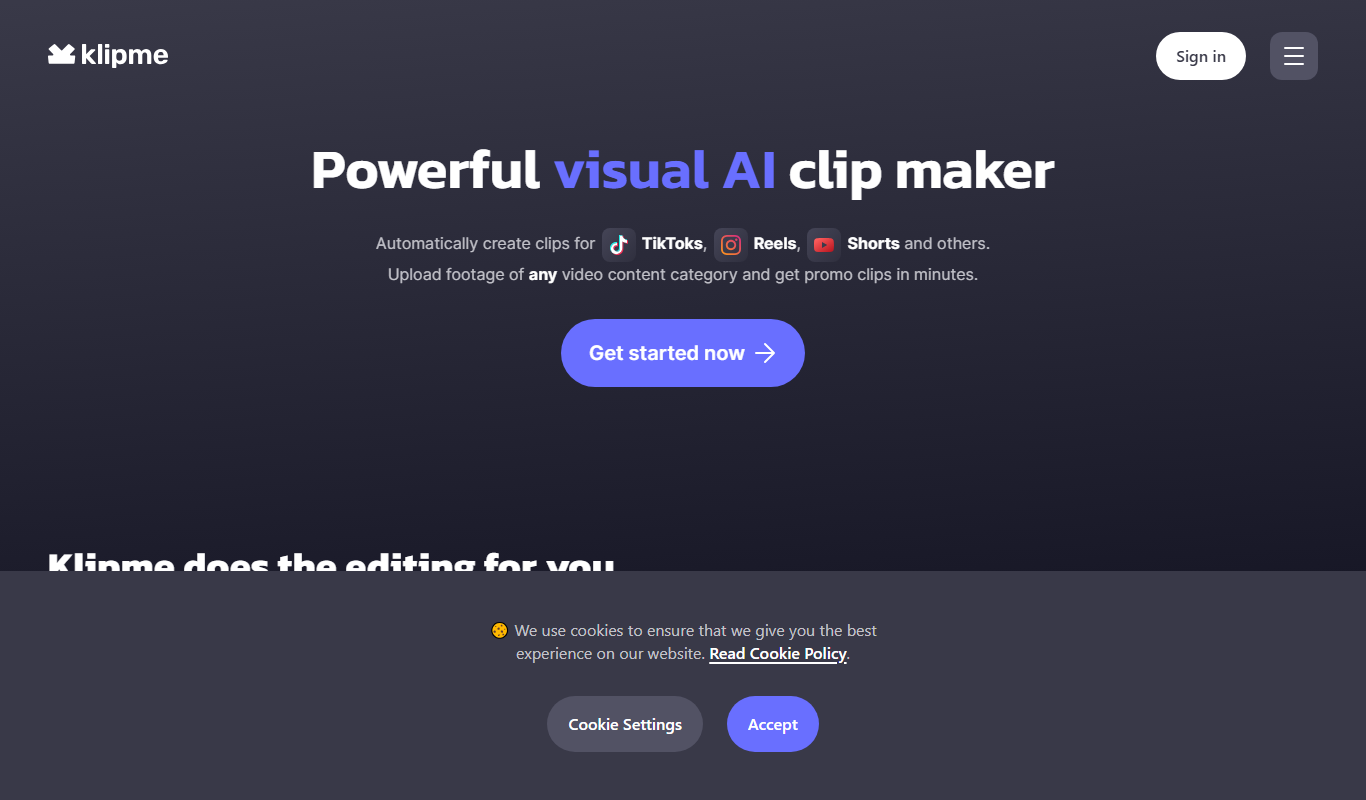
Klipme
Klipme is a mobile app that simplifies video trimming and editing to create short clips optimized for social media stories, available on iOS and Android.

Freemium
Momen
Momen is an AI writing assistant that provides real-time grammar correction, style improvements, and content suggestions to help users create high-quality written content efficiently.
Free Trial
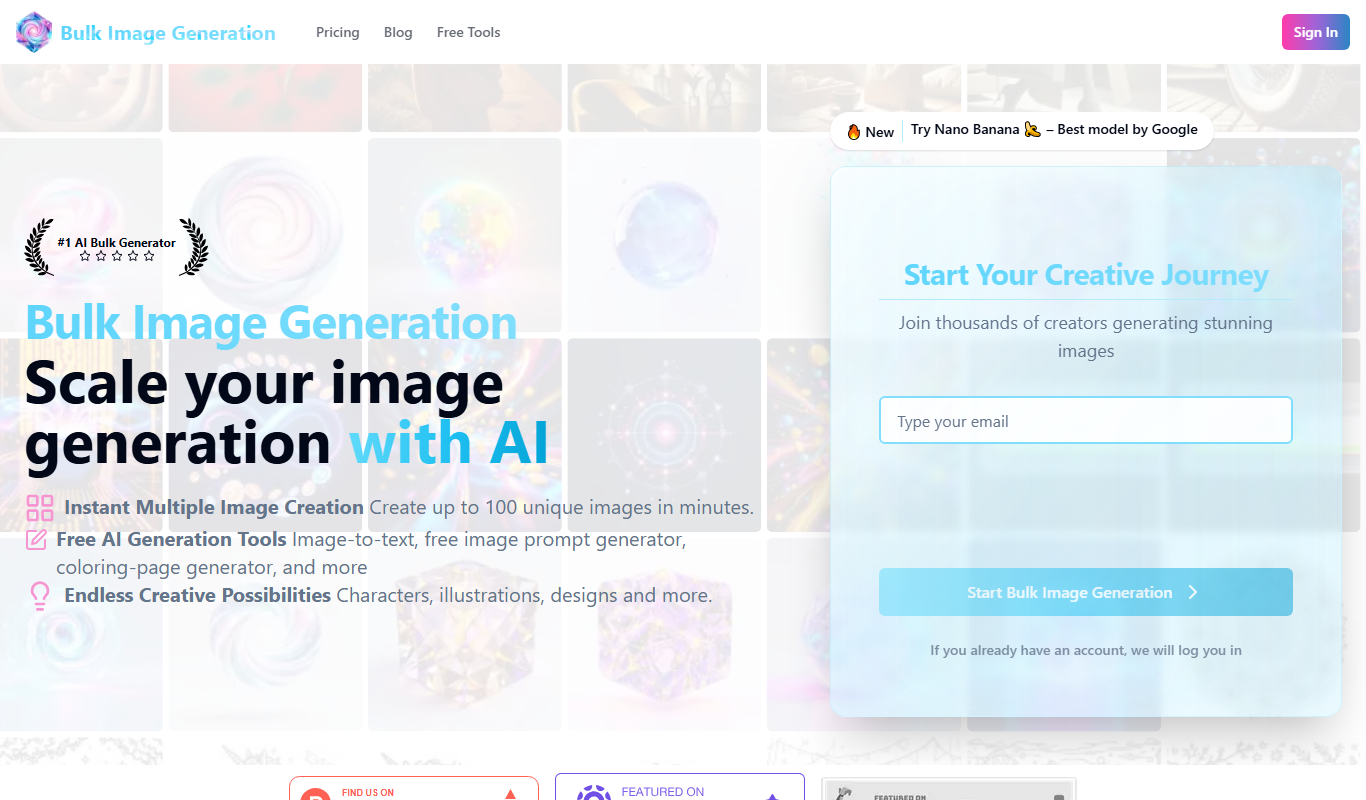
Bulk Image Generation
Bulk Image Generation is an AI tool that allows users to create large batches of images from text prompts quickly, with options for customization and API integration.

Freemium
Tanka
Tanka is an AI-powered writing assistant that helps users create creative and general written content such as poems, stories, and articles through an easy-to-use web platform.