

From my experience with Klipme, I found it excels at making quick, mobile-friendly video edits tailored for social media stories. The app’s straightforward trimming and exporting tools make it easy to produce engaging clips without a steep learning curve. It’s particularly well-suited for influencers and marketers who need to create content on the go. However, the trade-off is limited advanced editing features and minimal audio controls, which may not satisfy users looking for full-fledged video production. Overall, if your goal is fast, simple social media clips, Klipme delivers solid, user-friendly results.
Klipme Video Editing App for Quick Social Media Clips and Stories
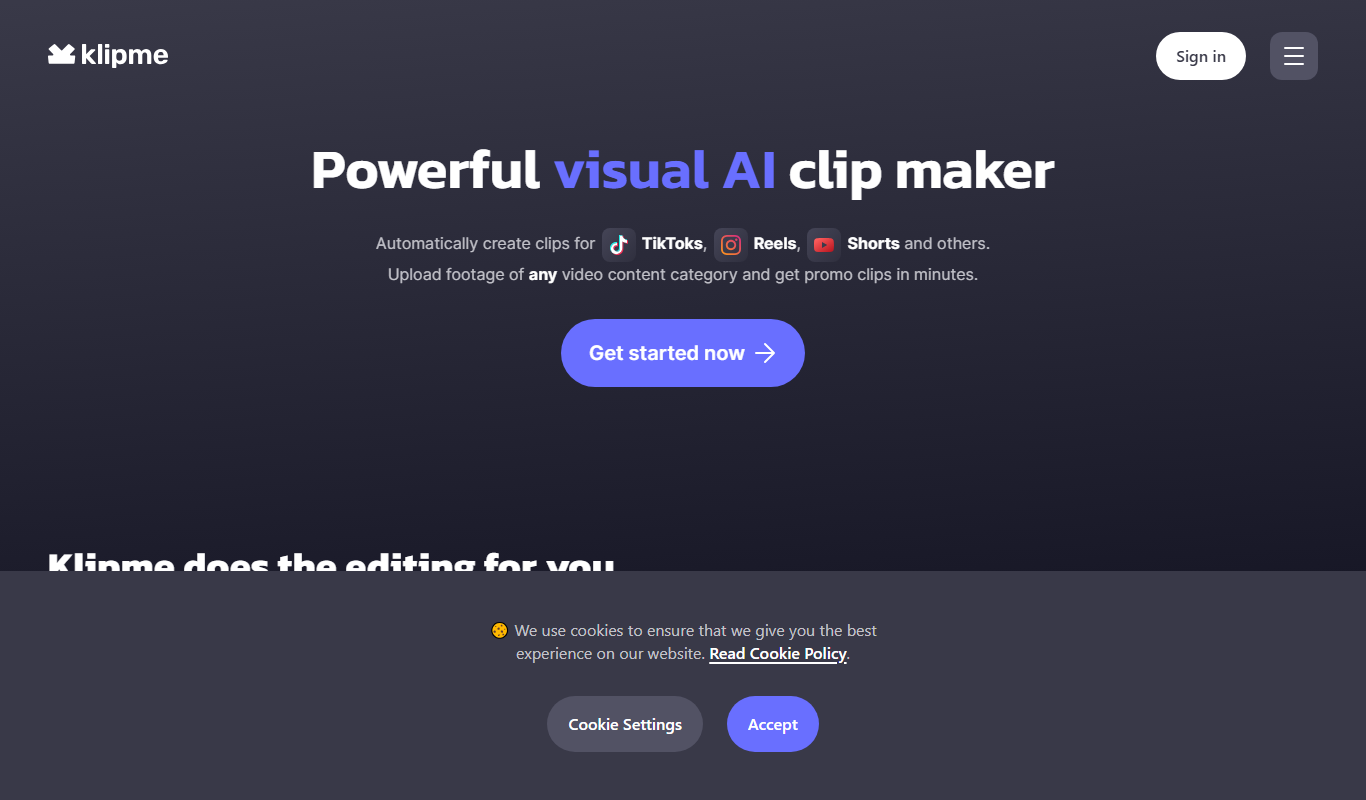
Klipme is a mobile app that simplifies video trimming and editing to create short clips optimized for social media stories, available on iOS and Android.
- Best for
- Social Media Content Creation
- Key capability
- Easy Video Trimming

Do you recommend this tool?
What is Klipme?
Klipme is a mobile-first video editing app designed to help users quickly create short, shareable video clips optimized for social media stories and posts. It focuses on simplifying the editing process by allowing users to trim, cut, and combine video segments easily on their smartphones.
Key features of Klipme
Klipme offers intuitive video trimming, storyboarding, and clip exporting features tailored for social media platforms. It streamlines the process of turning longer videos into engaging short clips with minimal effort.
Easy Video Trimming
Quickly cut and trim videos with a user-friendly interface.
Story Mode Editing
Create sequences of clips to build engaging video stories.
Mobile Optimization
Designed specifically for editing on iOS and Android devices.
Direct Social Sharing
Export videos in formats ready for Instagram, TikTok, Snapchat, and more.
Pros and cons of Klipme
Pros
- Simple and intuitive mobile video editing
- Optimized for social media story formats
- Affordable Pro plan with watermark removal
- Fast trimming and exporting process
Cons
- Limited advanced editing features compared to desktop software
- No extensive music or audio editing capabilities
- Primarily focused on short clips, not full-length videos
Key use cases for Klipme
Social Media Content Creation
Create short, engaging video clips optimized for platforms like Instagram, TikTok, and Snapchat.
Video Trimming and Editing
Quickly trim and edit longer videos into concise clips suitable for stories or posts.
Storytelling with Video
Craft compelling video stories by combining clips, adding text overlays, and adjusting pacing.
Mobile Video Production
Edit videos directly on mobile devices without needing desktop software.
How Klipme works
- 1
Import Video
Upload or select a video from your device’s gallery to start editing.
- 2
Trim and Cut
Use simple controls to trim unwanted parts and select key moments.
- 3
Add Text and Effects
Enhance clips with text overlays and basic effects to improve storytelling.
- 4
Export and Share
Save the edited clip in formats optimized for social media and share directly.
Who is using Klipme
Social media influencers
Content creators
Small business marketers
Mobile video editors
Casual users wanting quick video clips
Klipme pricing
Free
$0/month
Basic video editing features with watermark on exports.
Pro
$9.99/month
Remove watermarks, access advanced editing tools, and export in higher quality.
Plans and prices are as published by the vendor and can change. Check the official site before you buy. Open the pricing page (opens in a new tab)
Frequently asked questions about Klipme
Yes, Klipme is available for download on both iOS and Android devices.
Removing watermarks is available with the Pro subscription plan.
Currently, Klipme focuses on trimming and cutting; music addition is limited or unavailable.
Yes, Klipme offers a free trial period for users to test Pro features.
Yes, it can help with that use case depending on how you configure it and what features are available. You’ll get the best results with clear inputs and a defined goal.
Yes, it can help with that use case depending on how you configure it and what features are available. You’ll get the best results with clear inputs and a defined goal.
Some tools offer a free plan or trial with limited features. Availability can vary, so confirm on the official website.
It depends on your specific needs and how you plan to use the tool. The official website and documentation are the best sources for the latest details.
Sign in to review this tool.
Sign In to ReviewNo reviews yet
Be the first to share how this tool worked for you.
Ask about pricing, limits, or how it compares — or answer someone else.
Sign In to AskNo questions yet
Have a question about using or paying for this tool? Be the first to ask.
Featured on TiorAI



Alternative Tools
Explore similar AI tools that might fit your needs

Free
InShot
InShot is a mobile video editing app that allows users to trim, cut, add music, apply filters, and export videos optimized for social media platforms like Instagram and TikTok.

Free
CapCut
CapCut is a free, user-friendly video editing app by Bytedance that lets you create and edit videos with effects, music, and easy sharing, optimized for social media content.
More AI Content Creation Tools tools
Other tools in the same category, for when this one is not quite the fit.

Freemium
Swifty
Swifty is an AI writing assistant that helps users create and edit English content quickly with AI-generated suggestions and grammar corrections.
Freemium
Uwillfly
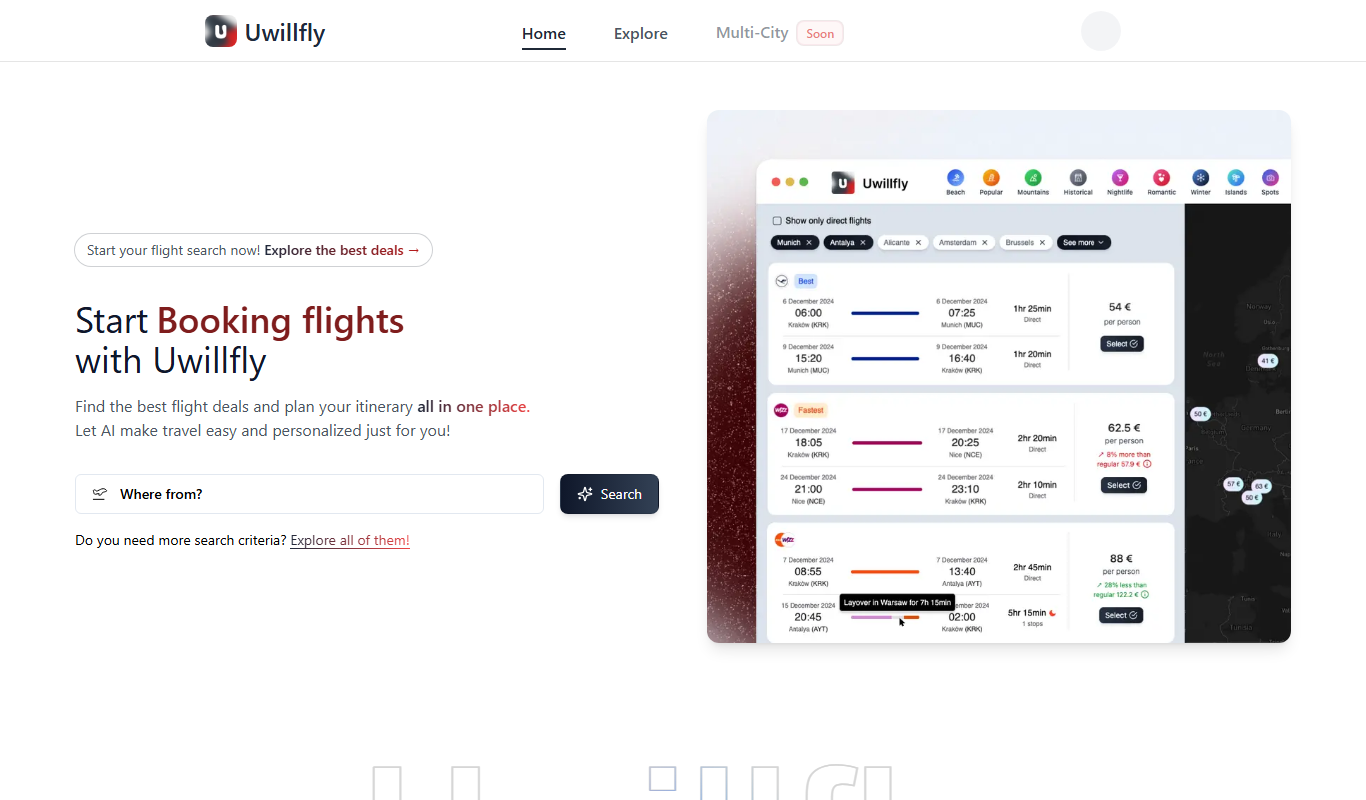
Uwillfly is an AI-powered writing assistant that generates SEO-optimized articles, marketing copy, and content in English and Chinese to help marketers and writers create content faster.

Freemium
Smart Pineapple
Smart Pineapple is an AI-powered writing assistant designed to generate SEO-friendly content, including blog posts and marketing copy, through an easy-to-use web platform.

Freemium
Explra
Explra is an AI-powered writing assistant designed to help marketers and content creators generate SEO-friendly content quickly and efficiently.
Freemium
Ai & Stuff
Ai & Stuff is a web platform providing multiple AI-powered tools for generating text and images, automating content tasks, and assisting creative workflows.

Free
AI Listify
AI Listify is an AI-driven tool that generates structured lists for content marketing, SEO, and idea organization, helping users create engaging and readable lists quickly.

Freemium
iSamurai
iSamurai is an AI-powered writing assistant that generates SEO-friendly content including blog posts and marketing copy to help businesses and creators save time and improve content quality.
Free
AITorke
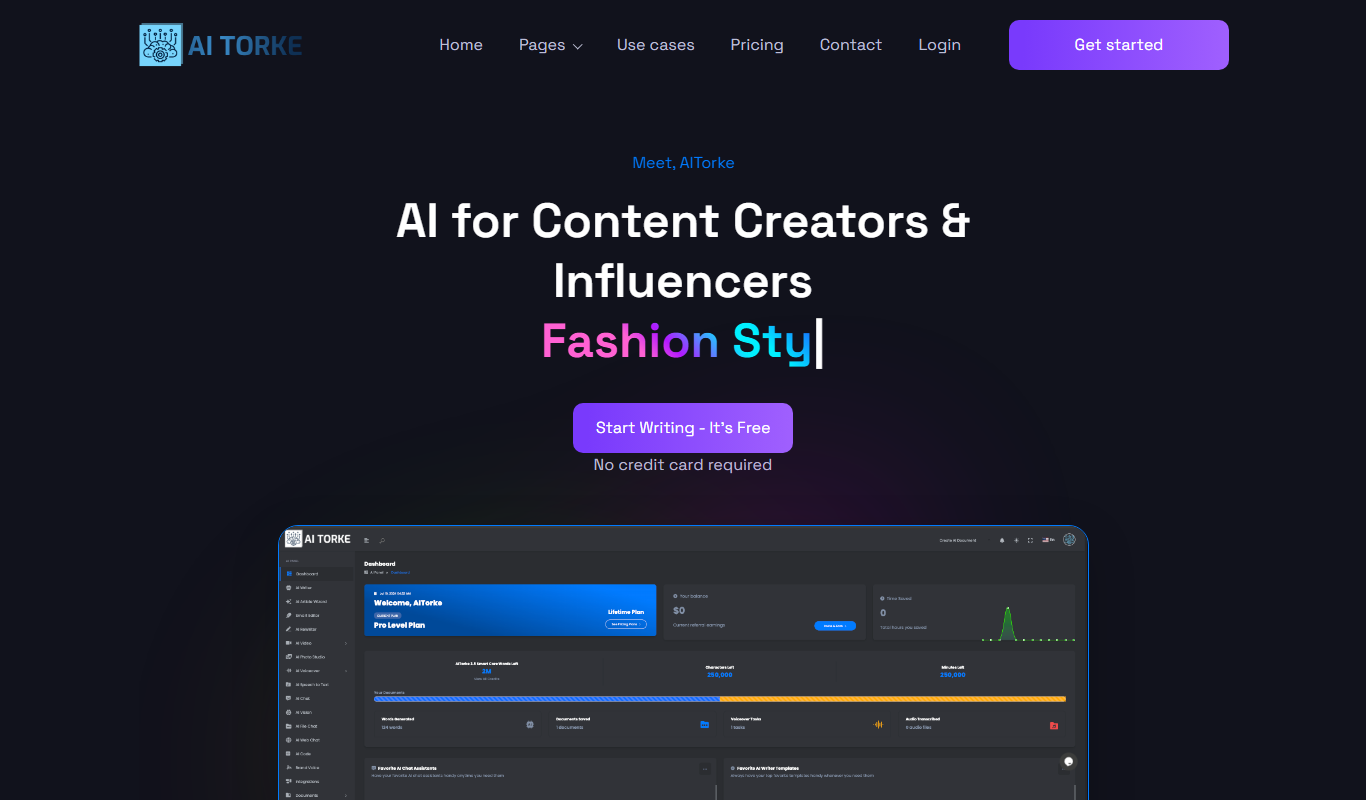
AITorke is an AI writing assistant that helps users generate, optimize, and edit content with SEO tools and AI-powered suggestions.