

AppifyText.ai AI app builder for internal tools and business apps
AppifyText.ai builds a working web app from a plain English description or an Excel file, and in v3 AI can edit the app too.
- Best for
- Internal tools
- Key capability
- App from a plain English description
Save AppifyText.ai, follow its updates and vote on it — everything stays in your account.
Sign in or create a free account
What is AppifyText.ai?
AppifyText.ai is an AI-powered text generation platform designed to help marketers, content creators, and businesses produce high-quality written content efficiently. It leverages advanced natural language processing models to generate creative, engaging, and SEO-optimized text for various purposes such as blog posts, marketing copy, social media content, and more.
Key features of AppifyText.ai
AppifyText.ai turns a plain English description, a template or an Excel file into a responsive web app with forms, tables, datagrids, charts and dashboards, and lets AI edit the app after creation.
App from a plain English description
Name your app and describe it in plain English, or pick a template.
Start from an Excel file
Alternatively, start the app from an Excel file.
AI edits the app (v3)
In v3, AI first builds your app and then edits it too.
Data apps with forms and dashboards
Apps use forms as input and tables, datagrids, charts and dashboards to show data.
Publish and deploy
Deploy the app on your preferred platform, such as Amazon AWS, MS Azure, a Linux or Windows intranet server or any hosting provider.
Pros and cons of AppifyText.ai
Pros
- Builds apps from plain English or an Excel file
- Apps can be deployed on your own platform or server
- Free account with no credit card needed
Cons
- Apps are hosted only for 15 days, then must be published or deployed elsewhere
- Focused on data apps such as internal tools, CRUDs and business applications
- Some content may require manual editing for accuracy
Key use cases for AppifyText.ai
Internal tools
Build internal tools and business applications.
Personal database apps
Create CRUDs and personal database applications.
Data collection and reporting
Collect, consult or report data with forms, tables, charts and dashboards.
Idea Generation
Brainstorm content ideas and outlines to streamline the writing process.
Text Rewriting and Editing
Enhance existing content by rewriting or improving clarity and style.
How AppifyText.ai works
- 1
Describe your app
Enter a name and describe the app in plain English, pick a template or start from an Excel file.
- 2
Wait for the AI
New descriptions may take 30-60 seconds, then the app is installed.
- 3
Edit the app
Click Edit this app from within the app to modify it.
- 4
Publish and deploy
Apps are hosted for 15 days; publish or deploy them on your preferred platform.
- 5
Edit and Export
Review, edit, and export the generated content for your marketing or publishing needs.
Who is using AppifyText.ai
AppifyText.ai pricing
Free account
Free
Register a free account, no credit card needed.
Pro
$29/month
Full access to all features, higher usage limits, and priority support.
Plans and prices are as published by the vendor and can change. Check the official site before you buy. Open the pricing page (opens in a new tab)
Frequently asked questions about AppifyText.ai
Responsive web applications focused on internal tools, CRUDs, business applications and personal database applications.
Yes, click Edit this app from within the app itself.
If you are logged in, your apps are saved automatically and listed under My Apps.
Each app is temporarily hosted for 15 days; after that you publish or deploy it on your preferred platform.
This tool is designed to help users accomplish its core tasks more efficiently. It is typically used by individuals or teams looking to improve productivity and workflow.
Pricing depends on the plan and included features. For the most accurate and up-to-date details, check the official pricing page.
Yes, it can help with that use case depending on how you configure it and what features are available. You’ll get the best results with clear inputs and a defined goal.
Conclusion
A name and a plain English description are enough to start, though a template or an Excel file works as the starting point too. After a wait of about 30-60 seconds for new descriptions, the app is installed, and since v3 the AI that built it can also edit it.
The output is a responsive web application. The builder focuses on internal tools, CRUDs, business applications and personal database applications that show data in tables, charts and dashboards. Each app is hosted for only 15 days; after that it has to be published or deployed elsewhere, for example on Amazon AWS, MS Azure or an intranet server. Registering a free account needs no credit card.
Sources
Sign in to review this tool.
Sign In to ReviewNo reviews yet
Be the first to share how this tool worked for you.
Ask about pricing, limits, or how it compares — or answer someone else.
Sign In to AskNo questions yet
Have a question about using or paying for this tool? Be the first to ask.
Featured on TiorAI



More AI App Builder tools
Other tools in the same category, for when this one is not quite the fit.

Curiosity
Curiosity Studio turns a sentence into working internal software, grounded in your company's connected data and permissions, on your own infrastructure.

Tynker AI
Tynker AI is a no-code platform for creators, agencies and brands to build AI-driven games, quizzes and event activations that mix text, image and audio, with instant deployment and analytics.

Sparkable
Sparkable builds a working React web app from a description: describe the app, watch it run live in your browser, then edit the code, add npm packages and download the project.
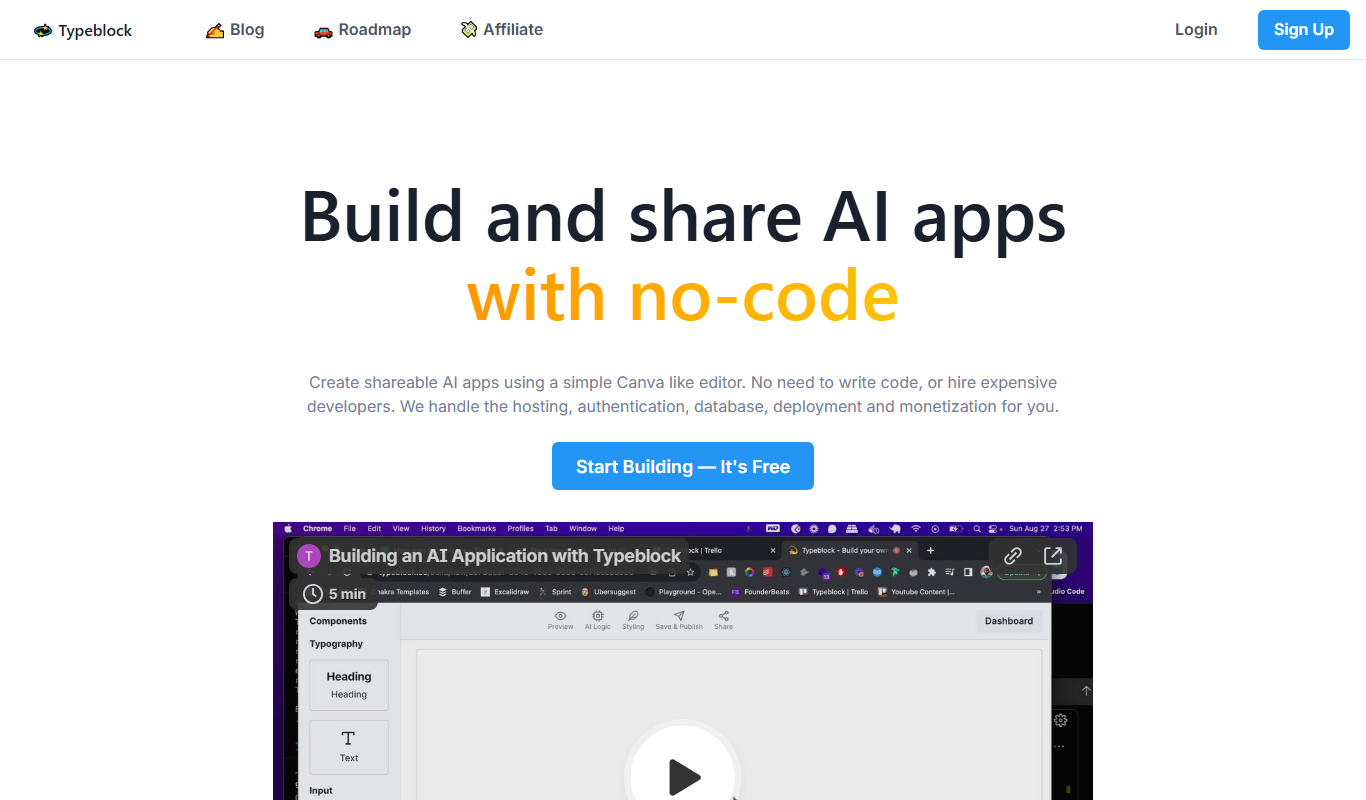
Typeblock
Typeblock lets you build and share AI apps with no code in a Canva like editor, with hosting, authentication, email collection and Stripe monetization handled for you.
toolmark.ai
toolmark.ai lets you create AI tools without code that generate text, images, voice and more, then embed them on your site or publish them, with a 7-day free trial.

Glowby Genius by Glowbom
Glowby Genius by Glowbom turns a rough sketch into working software for iOS, Android and the web, then keeps the code and project memory.

Digital Emperor
Digital Emperor's AI suite turns an app description into instant design specifications, including a user flow, sitemap and copy.

Voiceflow
Voiceflow is an AI agent platform where teams build, launch and scale chat and voice AI agents for customer support and CX.