

Magicflow AI Productivity Tracker for Deep Work
Magicflow is an AI productivity tracker that measures your deep work and context switches and helps you focus with flow timers and distraction warnings.
- Best for
- Deep work
- Key capability
- Deep work tracking
Save Magicflow 2.0, follow its updates and vote on it — everything stays in your account.
Sign in or create a free account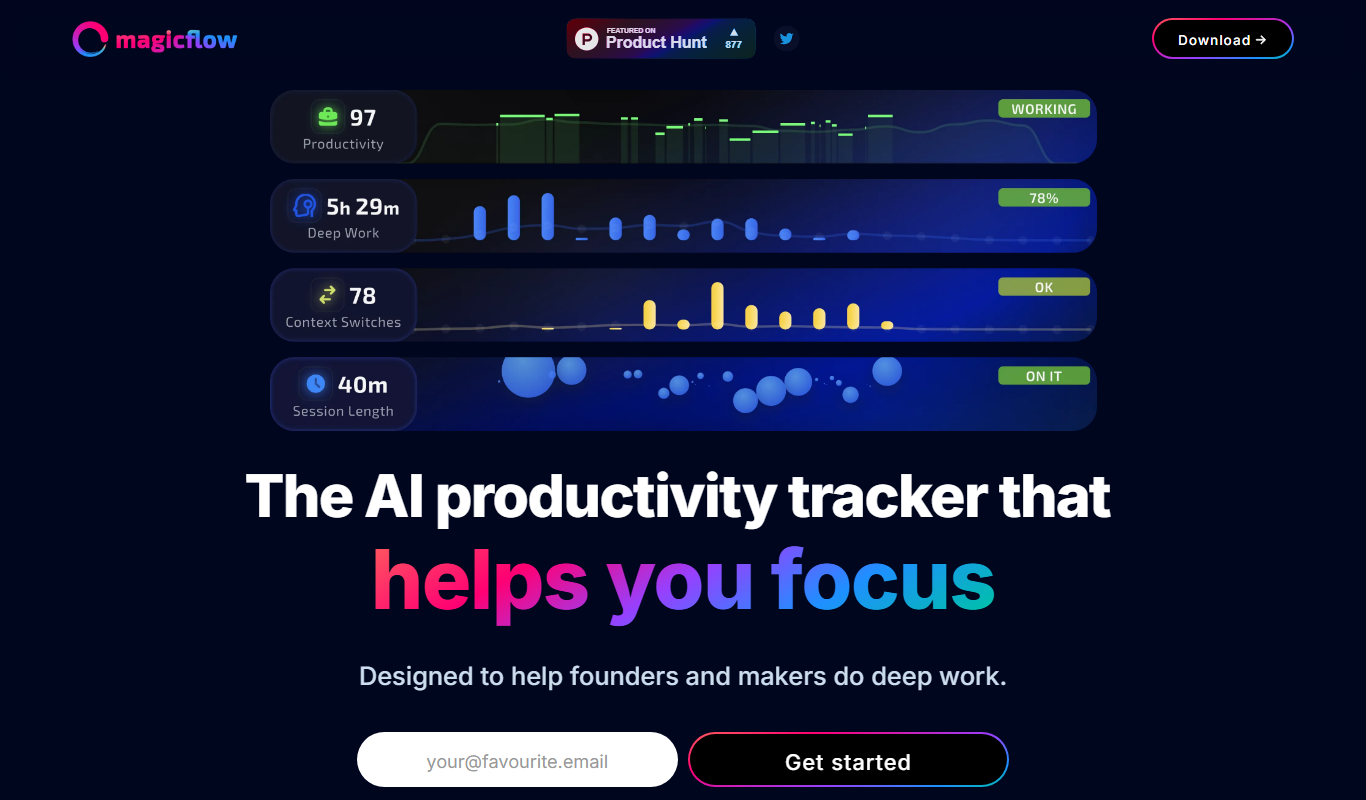
What is Magicflow 2.0?
Magicflow is an AI productivity tracker and personal productivity coach. The downloadable app measures your productivity, tracks your deep work and context switches, and shows what gets you into productive flow and what breaks it.
Key features of Magicflow 2.0
Magicflow tracks your time and deep work automatically, shows what distracts you, runs focus sessions with Pomodoro timers and distraction warnings, and recommends focus actions.
Deep work tracking
Measure your productivity and track your deep work and context switches.
Distraction tracking
See what's distracting you from your goals.
Focus sessions
Live flow timers for focus sessions, with Pomodoro timers and distraction warnings.
Automatic time tracking
Automatic time tracking with weekly and monthly reports and full history.
Recommended focus actions
Real-time productivity metrics and recommended focus actions.
Pros and cons of Magicflow 2.0
Pros
- 30 day free trial
- No-questions-asked refunds
- Pre-seed founder, student and hardship discounts
- Recommends focus actions alongside real-time metrics
- API access for custom extensions
Cons
- Free use is limited to a 30 day trial
- No dedicated mobile app currently
Key use cases for Magicflow 2.0
Deep work
Help founders and makers do deep work.
Cutting distractions
Identify and eliminate what stops you doing deep work.
Focus sessions
Use Pomodoro timers and distraction warnings during focus sessions.
Time reports
Weekly and monthly reports of your tracked time.
How Magicflow 2.0 works
- 1
Download the app
Download Magicflow for Mac or Windows.
- 2
Track your work
Magicflow tracks your deep work and context switches.
- 3
Start a focus session
Start a focus session to zone in.
- 4
Learn what breaks your flow
Discover what gets you in productive flow and what breaks it.
Who is using Magicflow 2.0
Magicflow 2.0 pricing
Free trial
$0 for 30 days
Track your time with real-time productivity metrics and recommended focus actions.
Pro
$8 per month billed annually, or $15 billed monthly
Automatic time tracking, weekly and monthly reports, real-time productivity metrics and full history.
Enterprise
Custom pricing
Tailored solutions with dedicated support, enhanced security, and SLA guarantees.
Plans and prices are as published by the vendor and can change. Check the official site before you buy. Open the pricing page (opens in a new tab)
Frequently asked questions about Magicflow 2.0
An AI productivity tracker that helps you focus by tracking your deep work and context switches.
It is a downloadable app for Mac and Windows.
Yes. Magicflow is free for 30 days.
Yes. Focus sessions have live flow timers, Pomodoro timers and distraction warnings.
Automatic time tracking, weekly and monthly reports, real-time productivity metrics and full history.
Yes. Pre-seed founder, student and hardship discounts are available.
Yes. Refunds are no-questions-asked.
Conclusion
Deep work is the thing being measured: the app tracks productivity along with context switches and whatever pulls attention away from goals. Focus sessions add live flow timers, Pomodoro timers and distraction warnings. Beyond showing data, it gives real-time productivity metrics and recommended focus actions.
It is designed to help founders and makers do deep work, and it is a downloadable app for Mac and Windows. Use begins with a 30 day free trial, and Pro is then billed monthly or annually. Refunds are no-questions-asked, and discounts are available for pre-seed founders, students and hardship cases.
Sources
Sign in to review this tool.
Sign In to ReviewNo reviews yet
Be the first to share how this tool worked for you.
Ask about pricing, limits, or how it compares — or answer someone else.
Sign In to AskNo questions yet
Have a question about using or paying for this tool? Be the first to ask.
Featured on TiorAI



More AI Productivity Tools tools
Other tools in the same category, for when this one is not quite the fit.

JotBot AI
JotBot AI is an AI writing assistant that writes in your personal style and helps you find and cite sources without leaving your document.

NoFOMO.AI
noFOMO OS is a free web calendar: add the venues you love and its scraper scans their websites every day, pulling every event into one calendar.

Sonnet
Sonnet AI is a meeting assistant and notetaker that records without bots, transcribes, writes custom notes, extracts action items and updates your CRM.
SlaxNote
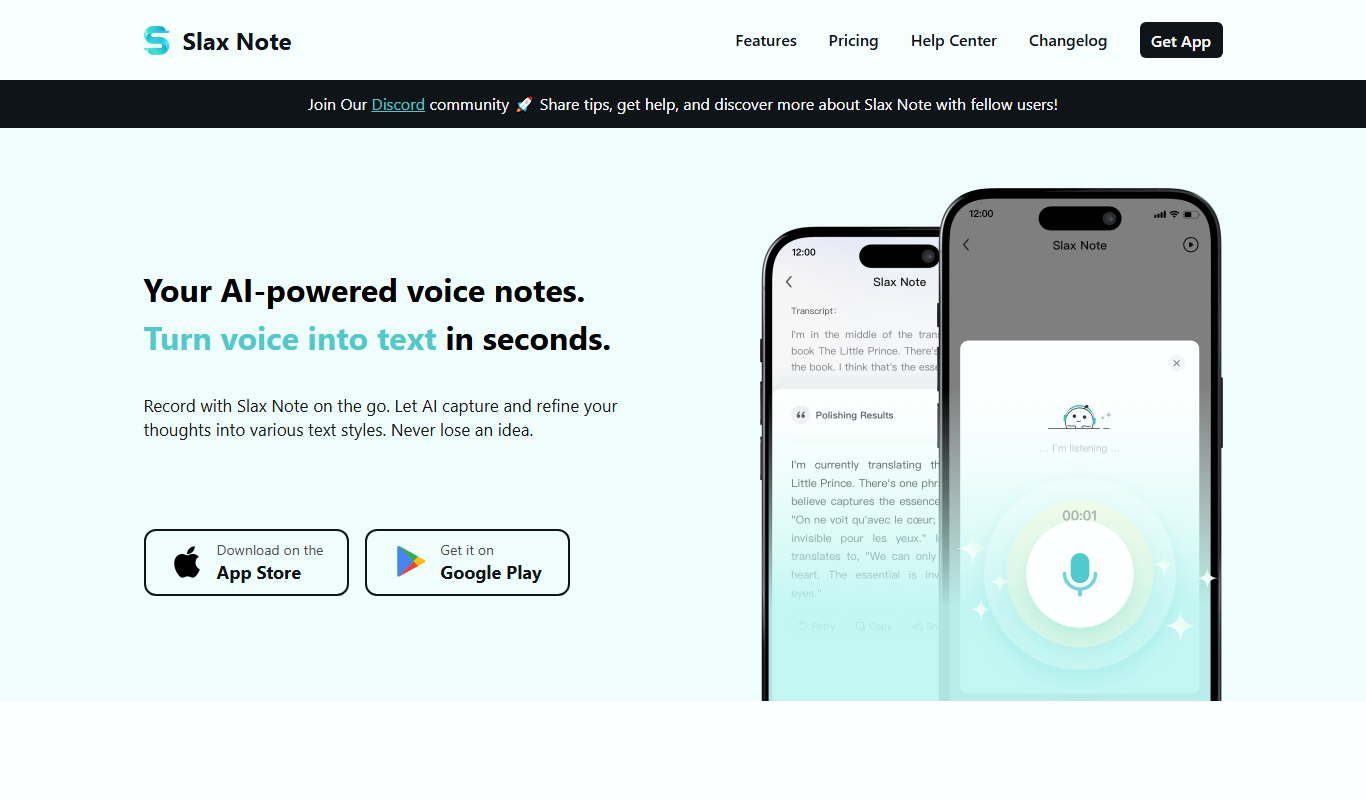
Slax Note is an AI voice notes app: record once, and the prompts you pick turn the speech into a clean note, a tweet or a blog draft. Free to start.

AFAnotes – AI Productivity
AFAnotes blocks distracting app notifications, delivers personalised scheduled summaries and tracks screen time, with Slack and Instagram integration, on iOS and Android.
Stenote
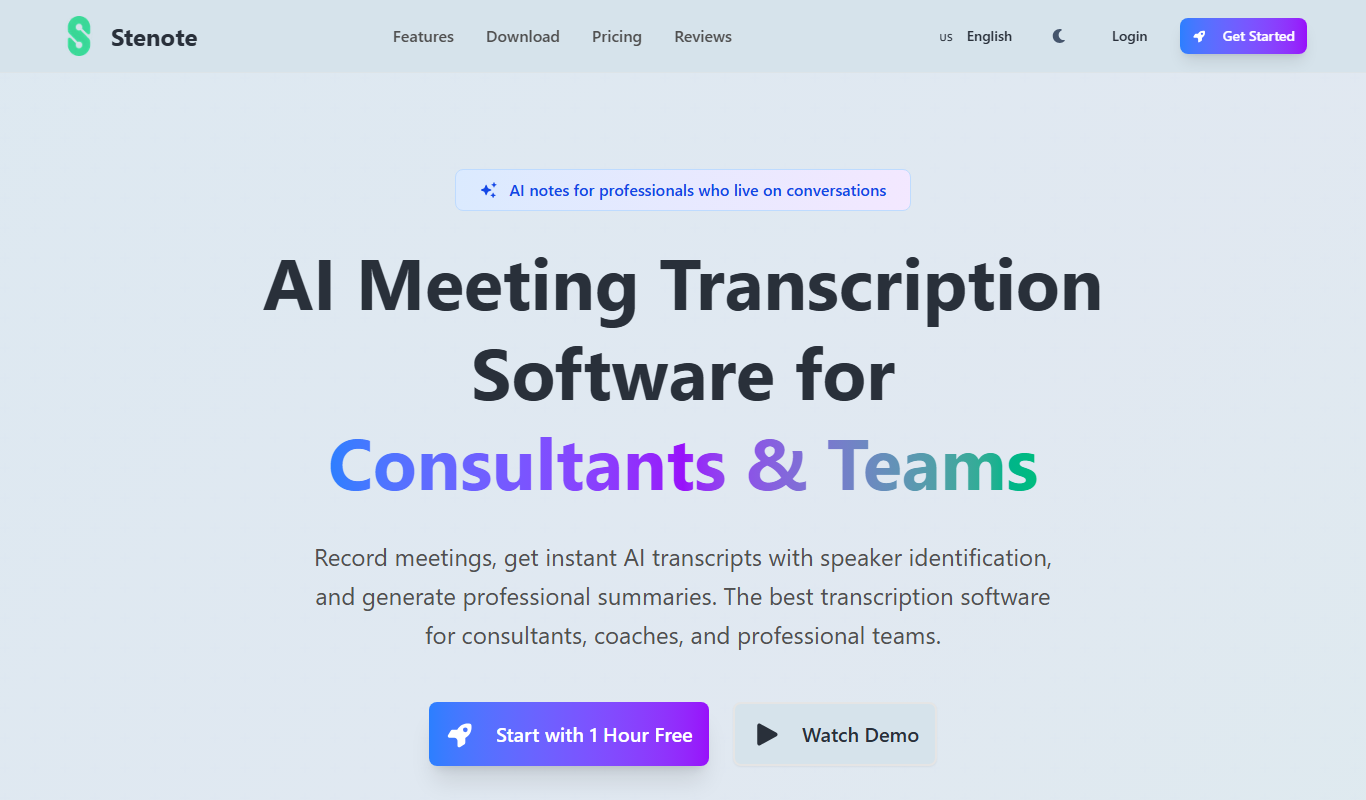
Stenote is an AI meeting assistant that provides real-time transcription and AI-generated summaries to help teams capture and share meeting notes efficiently.

Notion Business OS
Notion Business OS is a comprehensive Notion template by Landmark Labs that helps small businesses and teams manage projects, clients, content, and workflows in one centralized workspace.

AI-Prompt Lab
AI Prompt Lab is a browser extension where you can create, store, organize and share your prompts for ChatGPT and other AI tools.