

GoalsOnTrack Goal Setting Software for Personal and Professional Success
GoalsOnTrack is a goal-setting and habit-tracking software that helps individuals and professionals plan, track, and achieve their goals using SMART templates, habit trackers, and progress visualization.
- Best for
- Personal Goal Setting
- Key capability
- SMART Goal Templates
Save GoalsOnTrack, follow its updates and vote on it — everything stays in your account.
Sign in or create a free account
What is GoalsOnTrack?
GoalsOnTrack is a goal-setting and personal productivity software designed to help users set, track, and achieve their goals. It combines goal management with habit tracking and task planning features to provide a comprehensive system for personal and professional development. The platform emphasizes SMART goal principles and offers tools to break down goals into manageable steps, monitor progress, and maintain motivation.
Key features of GoalsOnTrack
GoalsOnTrack offers a suite of features including SMART goal templates, habit trackers, task and project management, progress charts, and journaling. It integrates goal setting with daily habit formation and task execution to create a holistic productivity workflow.
SMART Goal Templates
Predefined templates to help users create clear and actionable goals.
Habit Tracker
Track daily habits that support your goals with reminders and streaks.
Task and Project Management
Organize goals into tasks and projects with deadlines and priorities.
Progress Visualization
Charts and reports that display goal progress and habit consistency.
Goal Journal
A built-in journal feature to reflect on progress and maintain motivation.
Pros and cons of GoalsOnTrack
Pros
- Comprehensive integration of goal setting, habit tracking, and task management
- User-friendly interface with SMART goal templates
- Progress visualization helps maintain motivation
- Available on multiple platforms including mobile apps
- Includes journaling feature for reflection
Cons
- No permanent free plan beyond trial
- Limited collaboration features for larger teams
- Some users may find interface dated compared to newer apps
Key use cases for GoalsOnTrack
Personal Goal Setting
Helps individuals define, plan, and track personal goals effectively to improve motivation and accountability.
Professional Goal Management
Supports professionals and teams in setting measurable objectives and monitoring progress to enhance productivity.
Habit Tracking
Enables users to build and maintain positive habits by tracking daily routines and providing reminders.
Task and Project Planning
Allows users to break down goals into actionable tasks and projects with deadlines and priorities.
Progress Visualization
Offers charts and reports to visualize progress, helping users stay motivated and adjust plans as needed.
How GoalsOnTrack works
- 1
Create an Account
Sign up on the GoalsOnTrack website or app to start setting your goals.
- 2
Set SMART Goals
Define Specific, Measurable, Achievable, Relevant, and Time-bound goals using built-in templates.
- 3
Break Down Goals
Divide goals into smaller tasks and habits to make progress manageable.
- 4
Track Progress Daily
Use habit trackers and task lists to monitor daily activities and update goal status.
- 5
Review and Adjust
Analyze progress reports and charts to stay motivated and refine your plans.
Who is using GoalsOnTrack
GoalsOnTrack pricing
Single plan
$68/year
Single plan with a 30-day money-back guarantee.
Annual Membership
$68/year
Includes unlimited access to the web and mobile apps, free upgrades on new features and future add-ons, and free technical support on software usage.
Plans and prices are as published by the vendor and can change. Check the official site before you buy. Open the pricing page (opens in a new tab)
Frequently asked questions about GoalsOnTrack
Yes, GoalsOnTrack is available on both iOS and Android platforms in addition to the web version.
GoalsOnTrack is primarily designed for individual use but can be adapted for small teams through shared goals and tasks.
There is no 7-day trial; a single plan costs $68/year with a 30-day money-back guarantee.
Yes, users can export goal and progress data for backup or offline review.
Yes, it can help with that use case depending on how you configure it and what features are available. You’ll get the best results with clear inputs and a defined goal.
It depends on your specific needs and how you plan to use the tool. The official website and documentation are the best sources for the latest details.
Pricing depends on the plan and included features. For the most accurate and up-to-date details, check the official pricing page.
Conclusion
SMART goals are the organizing idea: templates help define Specific, Measurable, Achievable, Relevant and Time-bound goals. Each goal is then broken into smaller tasks and habits, and habit trackers with reminders and streaks follow daily activity. Charts and reports display goal progress, and a built-in journal supports reflection.
The software is primarily designed for individual use, though shared goals and tasks can adapt it for small teams. An iOS app on the App Store complements the web version. A single plan costs $68 a year and comes with a 30-day money-back guarantee.
Sources
Sign in to review this tool.
Sign In to ReviewNo reviews yet
Be the first to share how this tool worked for you.
Ask about pricing, limits, or how it compares — or answer someone else.
Sign In to AskNo questions yet
Have a question about using or paying for this tool? Be the first to ask.
Featured on TiorAI



Alternative Tools
Explore similar AI tools that might fit your needs

Habitica
Habitica is a gamified habit and task management app that motivates users by turning daily routines into role-playing game quests with rewards and social collaboration.
Strides
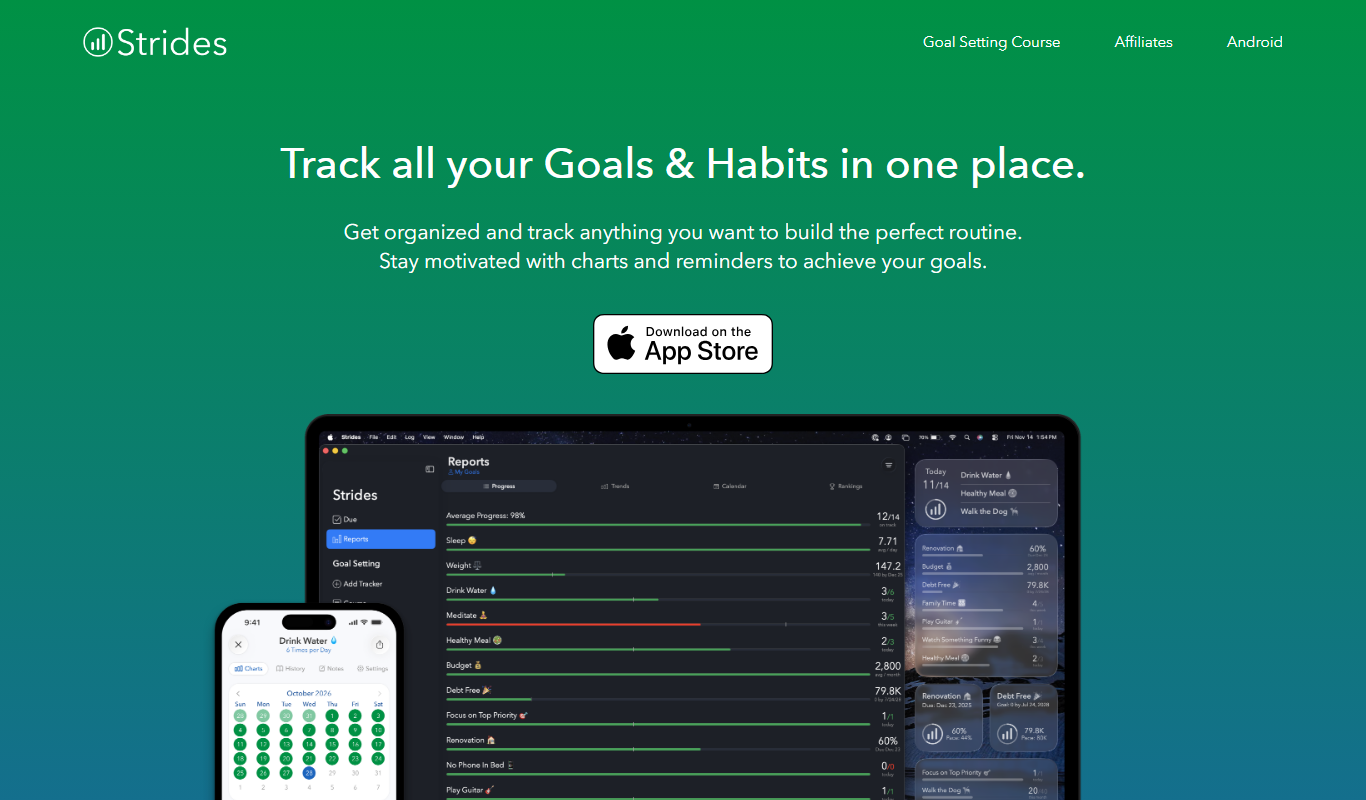
Strides is a habit and goal tracking app that helps users build routines and achieve objectives through customizable trackers, reminders, and progress visualization.

Coach.me
Coach.me is a habit tracking and personal coaching app that helps users build positive habits, set goals, and receive expert guidance through coaching and community support.
More AI Workflow tools
Other tools in the same category, for when this one is not quite the fit.

Lens Protocol
Lens Protocol is a blockchain stack built for SocialFi, made up of Lens Chain, the Social Protocol and Storage Nodes, where one Lens account works across many apps.

Botkeeper
Botkeeper is an AI accounting solution purpose-built for accounting firms that automates the most manual and time-consuming bookkeeping work.

Furkot
Furkot is a web-based trip planner that helps users create multi-stop routes, optimize travel paths, schedule accommodations and activities, and share itineraries for efficient road trip planning.

Trials.ai
Trials.ai is an AI-driven platform that helps medical researchers design optimized clinical trial protocols, improve patient recruitment, and ensure regulatory compliance to accelerate trial success.

ZipBooks
ZipBooks is a cloud-based accounting software designed for small businesses and freelancers to manage invoicing, expenses, payments, and financial reporting with ease.

Lookeen
Lookeen is a Windows desktop search software that enables fast and comprehensive searching of emails, files, and documents, integrating deeply with Microsoft Outlook and supporting network drives.
Ataccama
Ataccama is an AI-driven data management platform that integrates data governance, master data management, and data quality automation to help enterprises manage and improve their data assets efficiently.

FloQast
FloQast is a cloud software designed to streamline and automate the accounting month-end close process, improving accuracy and collaboration for finance teams.