

Habitica Task Management App with Gamified Productivity and Habit Tracking
Habitica is a gamified habit and task management app that motivates users by turning daily routines into role-playing game quests with rewards and social collaboration.
- Best for
- Personal Habit Tracking
- Key capability
- Gamified Habit Tracking
Save Habitica, follow its updates and vote on it — everything stays in your account.
Sign in or create a free account
What is Habitica?
Habitica is a free habit-building and productivity app that uses gamification to help users improve their habits, manage tasks, and achieve goals. By turning daily tasks and habits into a role-playing game, Habitica motivates users through rewards, experience points, and social accountability.
Key features of Habitica
Habitica’s main features include customizable habit and task tracking, a gamified reward system with avatars and pets, social groups for accountability, challenges, and a flexible task management system that supports habits, dailies, and to-dos.
Gamified Habit Tracking
Transform daily habits and tasks into RPG-style quests with rewards and penalties.
Customizable Task Types
Manage habits, dailies, and to-dos with flexible scheduling and priority settings.
Social Collaboration
Join parties and guilds to work on goals with friends or communities for accountability.
Rewards and Avatar Customization
Earn gold to buy in-game items, customize your avatar, and collect pets and mounts.
Challenges and Seasonal Events
Participate in community challenges and special events to stay engaged.
Pros and cons of Habitica
Pros
- Engaging gamification motivates habit building
- Strong social features for accountability
- Flexible task management with multiple task types
- Cross-platform availability on web and mobile
- Free tier offers substantial functionality
Cons
- User interface can feel complex for beginners
- Limited offline functionality
- Some advanced features require subscription
Key use cases for Habitica
Personal Habit Tracking
Users can create and track daily habits, routines, and goals to improve productivity and build positive behaviors.
Task and To-Do List Management
Organize tasks and to-dos with deadlines and priorities, turning productivity into a game with rewards and penalties.
Team and Group Productivity
Collaborate with friends or teams by joining parties and guilds to motivate each other and complete challenges together.
Goal Setting and Motivation
Set long-term goals and break them into manageable tasks with gamified incentives to maintain motivation.
Mental Health and Wellness
Use Habitica’s habit-building framework to encourage self-care routines and positive lifestyle changes.
How Habitica works
- 1
Create an Account
Sign up for free on the Habitica website or mobile app to start tracking your habits and tasks.
- 2
Set Up Habits and Tasks
Add habits, daily tasks, and to-dos you want to build or complete, assigning difficulty and frequency.
- 3
Engage with Gamification
Earn experience points, gold, and rewards by completing tasks; level up your avatar and unlock features.
- 4
Join Parties and Guilds
Collaborate with others for motivation, participate in challenges, and share progress.
- 5
Track Progress and Adjust
Monitor your streaks and achievements to stay motivated and refine your habits over time.
Who is using Habitica
Habitica pricing
Free
$0/month
Access core habit tracking and gamification features with ads and limited customizations.
Subscription
$5/month
Ad-free experience, extra features like more avatar customizations, and priority support.
Plans and prices are as published by the vendor and can change. Check the official site before you buy. Open the pricing page (opens in a new tab)
Frequently asked questions about Habitica
Yes, Habitica offers a free plan with core features. A paid subscription unlocks additional perks.
Yes, Habitica has apps available for both iOS and Android platforms.
Completing tasks earns experience points and gold, which help level up your avatar and unlock rewards.
Yes, you can join parties and guilds to work on goals together and participate in challenges.
Yes, it can help with that use case depending on how you configure it and what features are available. You’ll get the best results with clear inputs and a defined goal.
This tool is designed to help users accomplish its core tasks more efficiently. It is typically used by individuals or teams looking to improve productivity and workflow.
Yes, it can help with that use case depending on how you configure it and what features are available. You’ll get the best results with clear inputs and a defined goal.
Conclusion
Habitica turns daily tasks and habits into a role-playing game, where habits, daily tasks and to-dos are added with a difficulty and frequency. Completing tasks earns experience points and gold that level up an avatar, while the system uses penalties as well as rewards. Gold buys in-game items, avatar customizations, pets and mounts. Accountability comes from parties and guilds, where users work on goals with friends or communities and take part in challenges.
The app is aimed at people seeking habit formation and productivity improvement, students and professionals managing daily tasks, and groups wanting collaborative goal tracking. It works on the website and through apps for iOS and Android. A free plan covers the core features, and a paid subscription at $5/month adds additional perks. For beginners, the interface can feel complex.
Sources
Sign in to review this tool.
Sign In to ReviewNo reviews yet
Be the first to share how this tool worked for you.
Ask about pricing, limits, or how it compares — or answer someone else.
Sign In to AskNo questions yet
Have a question about using or paying for this tool? Be the first to ask.
Featured on TiorAI



Alternative Tools
Explore similar AI tools that might fit your needs

Todoist
Todoist is a cross-platform task management app designed to help users organize tasks, set priorities, collaborate on projects, and track productivity efficiently.
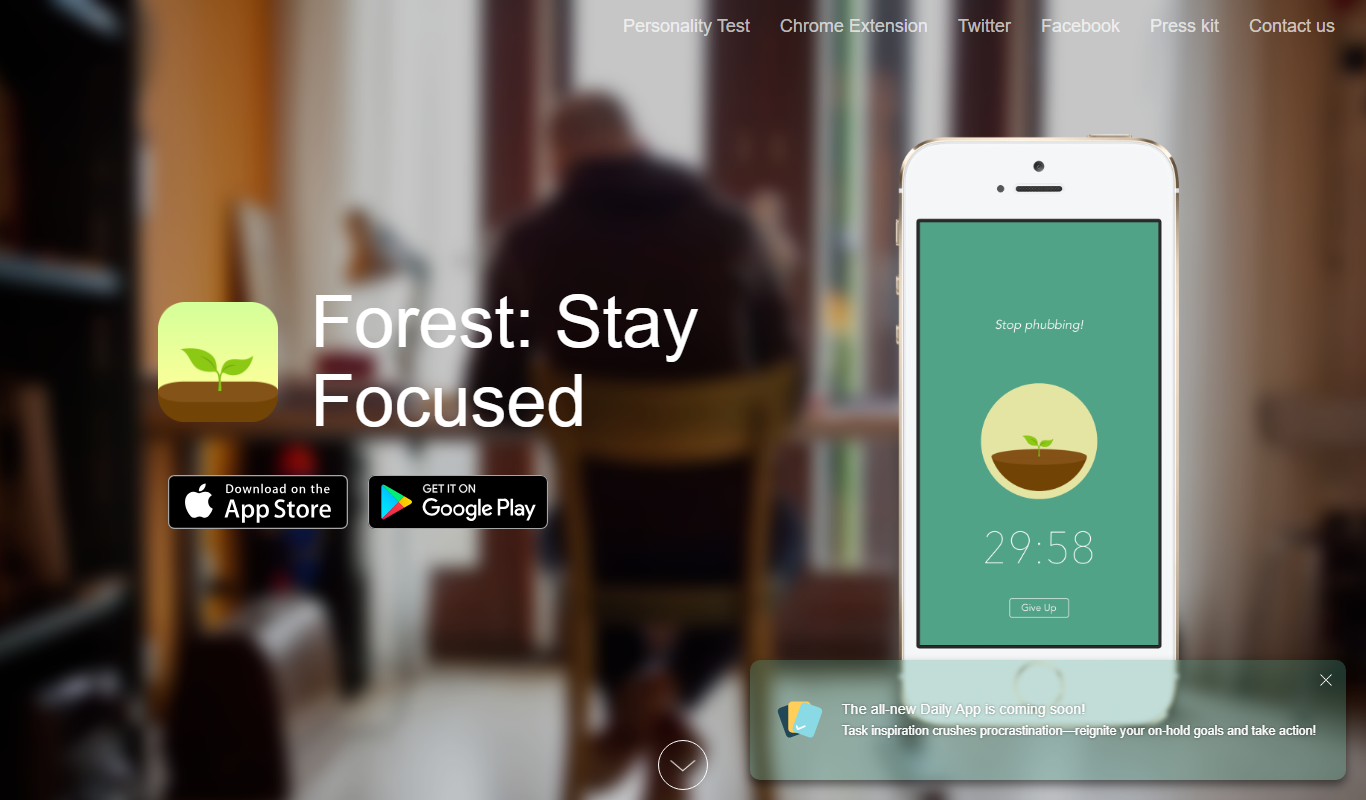
Forest
Forest is a productivity app that uses a gamified focus timer to help users stay concentrated by growing virtual trees during timed sessions, discouraging phone distractions.

Trello
Trello is a visual project management tool that helps teams organize tasks and workflows using boards, lists, and cards, with automation and integrations to enhance productivity.
More AI Workflow tools
Other tools in the same category, for when this one is not quite the fit.

Intuit ProConnect
Intuit ProConnect is a cloud-based tax software designed for professional accountants and tax firms to prepare, review, and electronically file federal and state tax returns efficiently.

LogicManager
LogicManager is a cloud-based governance, risk, and compliance software platform designed to help organizations identify, assess, and mitigate risks while ensuring regulatory compliance through audit, policy, and incident management tools.
Clinked
Clinked is a secure client portal platform that enables businesses to collaborate with clients and teams through file sharing, task management, messaging, and workflow automation in a branded environment.

Unacademy
Unacademy is an Indian online education platform providing live classes, recorded lectures, and test series for competitive exams and skill development.

ScriptRunner
ScriptRunner is an automation platform that centralizes management, security, and execution of PowerShell scripts to streamline IT workflows and enable self-service automation.

RELEX Solutions
RELEX Solutions is an AI-powered supply chain management platform that helps retailers and wholesalers optimize demand forecasting, inventory, and workforce planning to improve efficiency and reduce costs.
Things 3
Things 3 is a premium task management app designed exclusively for Apple devices, offering intuitive task creation, project organization, and seamless iCloud syncing to boost productivity.

Ziflow
Ziflow is an online proofing software that helps creative teams review, annotate, and approve digital assets efficiently through automated workflows and real-time collaboration.