

iRCopilot voice AI race engineer for iRacing telemetry and strategy
iRCopilot is a voice-controlled AI race engineer for iRacing that answers questions about pace, gaps, fuel and strategy from real-time telemetry.
- Best for
- Fuel and pit strategy
- Key capability
- Live telemetry answers
Save IRCopilot, follow its updates and vote on it — everything stays in your account.
Sign in or create a free account

What is IRCopilot?
iRCopilot is a voice AI race engineer for iRacing. Drivers hold a push-to-talk radio button and ask about pace, gaps, fuel, weather or strategy, and get a calm, race-ready answer in their own language in real time, based on telemetry read from the sim. It runs as a Windows app next to iRacing.
Key features of IRCopilot
iRCopilot offers live telemetry answers on pace, gaps, position, fuel, incidents and damage, session memory with trend-aware context, push-to-talk on the wheel or keyboard with a selectable engineer style, and answers in almost any language.
Live telemetry answers
Pace, gaps, position, fuel, incidents and damage context read straight from the sim when you key the radio.
Session memory
Trend-aware context across the session, so answers know what the last laps looked like.
Push-to-talk
Hold one binding on your wheel, ask and release to get a concise radio-style reply; the engineer can be calm, short or even sarcastic.
Every language
Ask in Spanish, English, French, German, Italian, Portuguese or almost any language and get the call in that language.
Pros and cons of IRCopilot
Pros
- Hands-free answers by push-to-talk while you drive
- Answers in almost any language
- 50 free engineer calls each week, no card needed
Cons
- Currently paused for maintenance, with subscriptions and downloads temporarily unavailable
- Requires Windows 10/11 and iRacing
Key use cases for IRCopilot
Fuel and pit strategy
Get fuel strategy and racing insights from real-time telemetry mid-race.
Practice, qualifying and races
Use the full engineer for practice, qualifying and races.
Tracking gaps and pace
Ask whether a rival is catching you and get an answer based on recent laps.
Racing in your own language
Ask and get calls in Spanish, French, German, Italian, Portuguese or English.
How IRCopilot works
- 1
Download and log in
Install the Windows app and log in with your iRCopilot account.
- 2
Set a push-to-talk binding
Bind push-to-talk to a button on your wheel or keyboard.
- 3
Join a session
Join an iRacing session; the engineer picks up the telemetry and comes online automatically.
- 4
Key the radio and ask
Hold the radio button and ask about pace, gaps, fuel, weather or strategy.
Who is using IRCopilot
IRCopilot pricing
Free
Free
50 engineer calls every week, no card needed; the allowance resets every Monday at 00:00 UTC.
Unlimited
Price to be announced
Includes AI automation, integrations, and priority support.
Own OpenAI key
Your API provider charges apply
Use the full engineer with your own OpenAI key, without a subscription or the weekly limit.
Plans and prices are as published by the vendor and can change. Check the official site before you buy. Open the pricing page (opens in a new tab)
Frequently asked questions about IRCopilot
A voice AI race engineer for iRacing: hold the radio button, ask about pace, gaps, fuel, weather or strategy, and get a calm answer in real time.
Yes. The free tier includes 50 engineer calls every week with no card needed, and the allowance resets every Monday at 00:00 UTC.
Windows 10 or 11 and iRacing.
Yes. You can use the full engineer with your own OpenAI key, without a subscription or the weekly limit; your API provider charges apply.
The project is currently paused for maintenance, and subscriptions and downloads are temporarily unavailable.
English, Spanish, French, German, Italian, Portuguese and almost any other language.
Conclusion
Sim racers on iRacing hold a radio button and ask about pace, gaps, fuel or strategy, then get a calm, race-ready answer while they keep their eyes on the road. The engineer reads telemetry straight from the sim and keeps session memory, so it can answer with trends across the last laps rather than only the current one. Answers come in almost any language, and its style can be set to calm, short or even sarcastic.
Everything runs in a lightweight Windows app next to iRacing that comes online automatically once a session starts. A free tier allows 50 engineer calls per week, an unlimited subscription is listed without a price, and drivers can also bring their own OpenAI key. At the time of checking, the project was paused for maintenance, with subscriptions and downloads temporarily unavailable. The app states that it is not affiliated with iRacing.
Sources
Sign in to review this tool.
Sign In to ReviewNo reviews yet
Be the first to share how this tool worked for you.
Ask about pricing, limits, or how it compares — or answer someone else.
Sign In to AskNo questions yet
Have a question about using or paying for this tool? Be the first to ask.
Featured on TiorAI



More AI Gaming Tools tools
Other tools in the same category, for when this one is not quite the fit.

Minecraft Skin Generator
Minecraft Skin Generator creates custom skins for Minecraft from a simple text prompt.

RPGGO AI
RPGGO AI is a platform to play text-based AI RPGs with AI NPCs and to create your own games with a zero-code, AI-powered engine.

EasySBC
EasySBC gives EA FC 27 players AI solutions for SBCs, an AI Squad Builder, Meta Ratings and a players database, using their own imported club.

RollSummary
RollSummary turns your D&D session recording into a transcript, a structured recap and a linked campaign wiki of NPCs, places and plot threads.

OptimizerAI
OptimizerAI is an AI Sound FX generator that turns a text description into a sound effect for games, videos, short forms and ads.
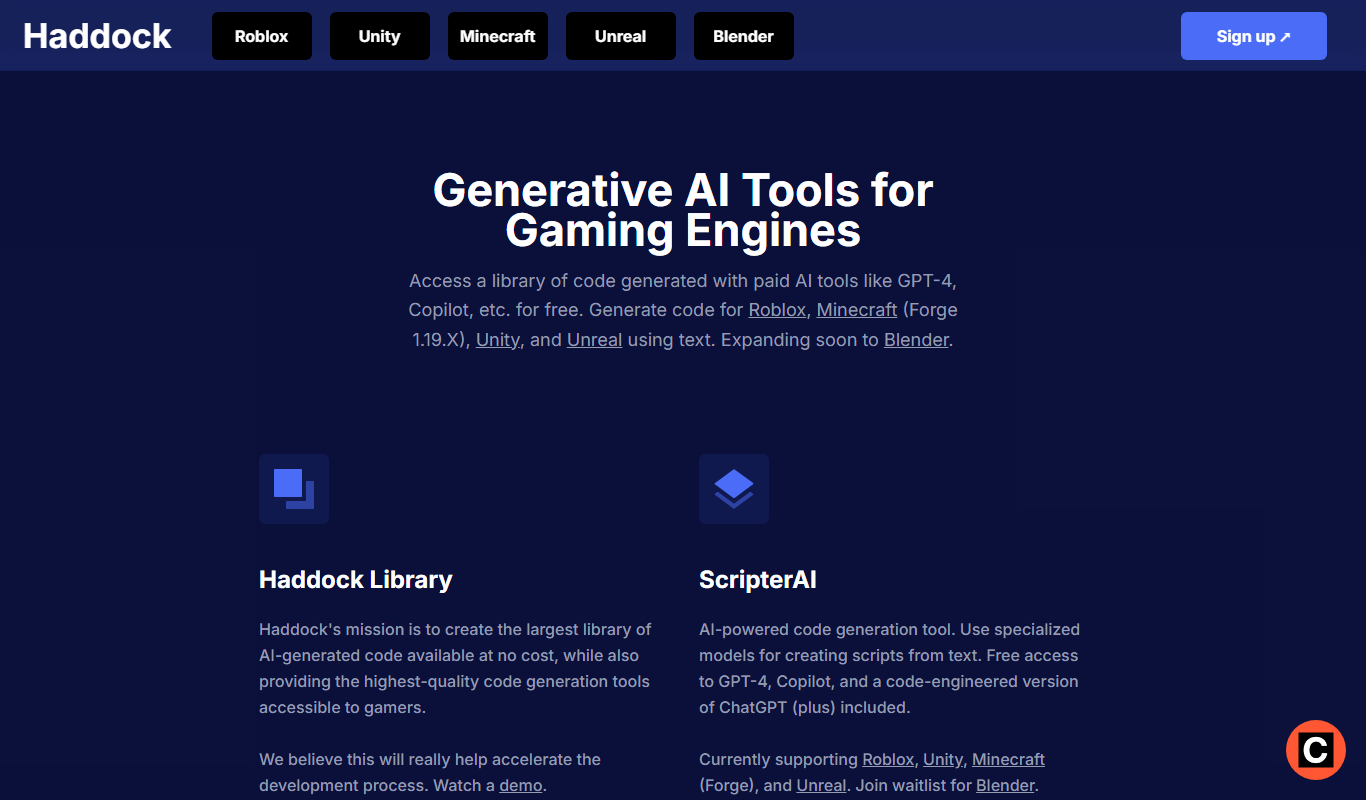
Haddock
Haddock provides generative AI tools for gaming engines, with a free searchable library of AI-generated code and the ScripterAI text-to-script generator.

Promethean AI
Promethean AI is an artificial intelligence assistant and asset management platform for professional creative teams that build virtual 3D worlds in games, film and architectural visualization.

My Adventures AI
MyAdventures.AI is a solo tabletop RPG in your browser: an AI Game Master narrates and plays every NPC while a real rules engine rolls the dice.