

From my experience with OptimizerAI, I found it excels at simplifying complex marketing optimization tasks through AI automation. The platform’s ability to integrate multiple ad accounts and provide real-time insights makes it particularly well-suited for digital marketers and agencies managing diverse campaigns. However, the lack of mobile app support and limited language options may restrict accessibility for some users. Overall, if you need a tool to automate budget allocation and improve campaign performance efficiently, OptimizerAI delivers reliable and actionable results.
OptimizerAI Review: AI-Powered Marketing Optimization Platform Features
OptimizerAI is an AI-driven marketing optimization platform that automates budget allocation, campaign management, and performance analytics to improve digital advertising results.
- Best for
- Ad Campaign Optimization
- Key capability
- Automated Budget Allocation


Do you recommend this tool?
What is OptimizerAI?
OptimizerAI is an AI-powered marketing optimization platform designed to help marketers and advertisers maximize the effectiveness of their digital campaigns. It leverages machine learning algorithms to analyze campaign data, automate budget allocation, and provide actionable insights to improve performance across advertising channels.
Key features of OptimizerAI
OptimizerAI offers automated campaign optimization, budget allocation recommendations, real-time performance analytics, and A/B testing automation. Its intuitive dashboard allows marketers to monitor campaigns and make data-driven decisions efficiently.
Automated Budget Allocation
Dynamically distributes marketing budgets across campaigns and channels for maximum ROI.
Real-Time Performance Dashboard
Visualizes key metrics and trends to keep marketers informed and agile.
AI-Powered A/B Testing
Automates testing of creatives and targeting to identify top performers quickly.
Multi-Channel Integration
Supports integration with major advertising platforms for unified campaign management.
Pros and cons of OptimizerAI
Pros
- Automates complex campaign optimization tasks
- Supports multiple advertising platforms
- User-friendly interface for marketers
- Real-time data and actionable insights
- Flexible pricing plans including a free tier
Cons
- Limited language support (English only)
- No mobile app available currently
- Advanced features require paid plans
Key use cases for OptimizerAI
Ad Campaign Optimization
Automatically optimize digital advertising campaigns across multiple platforms to improve ROI and reduce manual effort.
Marketing Budget Allocation
Use AI-driven insights to allocate marketing budgets efficiently among channels and campaigns.
Performance Analytics
Gain real-time analytics and actionable recommendations to enhance marketing strategies.
A/B Testing Automation
Automate A/B testing processes to quickly identify the best-performing creatives and targeting.
How OptimizerAI works
- 1
Connect Advertising Accounts
Link your digital advertising platforms such as Google Ads, Facebook Ads, and others to import campaign data.
- 2
Set Campaign Goals
Define your marketing objectives like conversions, clicks, or revenue targets.
- 3
AI Analysis and Recommendations
The AI engine analyzes historical and real-time data to suggest budget allocations and optimizations.
- 4
Implement Optimizations
Apply the AI-driven recommendations directly through the platform or export insights for manual adjustments.
- 5
Monitor and Iterate
Track campaign performance via the dashboard and let the AI continuously refine strategies.
Who is using OptimizerAI
Digital marketing agencies
Small to medium-sized businesses
E-commerce marketers
Advertising professionals
Marketing analysts
OptimizerAI pricing
Free
$0/month
Basic features with limited campaigns and data access.
Pro
$49/month
Advanced optimization features, unlimited campaigns, and priority support.
Enterprise
Custom pricing
Tailored solutions with dedicated account management and API access.
Plans and prices are as published by the vendor and can change. Check the official site before you buy. Open the pricing page (opens in a new tab)
Frequently asked questions about OptimizerAI
OptimizerAI integrates with Google Ads, Facebook Ads, Instagram, LinkedIn Ads, and other major platforms.
Yes, the platform supports a range of budgets and offers a free plan suitable for small campaigns.
No, OptimizerAI is designed with an intuitive interface suitable for marketers without deep technical skills.
Yes, the platform offers real-time performance tracking and insights.
It depends on your specific needs and how you plan to use the tool. The official website and documentation are the best sources for the latest details.
Integration support depends on the tool and its available connectors or API. Check the official documentation or integrations page to confirm what is supported.
Some tools offer a free plan or trial with limited features. Availability can vary, so confirm on the official website.
Sign in to review this tool.
Sign In to ReviewNo reviews yet
Be the first to share how this tool worked for you.
Ask about pricing, limits, or how it compares — or answer someone else.
Sign In to AskNo questions yet
Have a question about using or paying for this tool? Be the first to ask.
Featured on TiorAI



More Advertising Technology tools
Other tools in the same category, for when this one is not quite the fit.

Free Trial
SmartBids.ai
SmartBids.ai is an AI-powered bid management platform that automates bid optimization across multiple advertising channels to improve campaign performance and ROI.

Freemium
Noiz
Noiz is a blockchain-based advertising platform that provides transparent, fraud-resistant digital marketing solutions by rewarding users with tokens for ad engagement.

Custom Pricing
marpipe.com
Marpipe is an AI-driven platform that automates multivariate testing of ad creatives to identify the best-performing ads and optimize digital marketing campaigns.
Custom Pricing
marpipe.com
Marpipe is an automated platform that generates and tests multiple ad creative variations simultaneously to identify the best-performing ads, helping marketers optimize digital campaigns efficiently.

Custom Pricing
Promoted.com
Promoted.com is a mobile marketing platform that helps app marketers acquire users, optimize campaigns, and grow their apps through multi-network management and analytics.
Free Trial
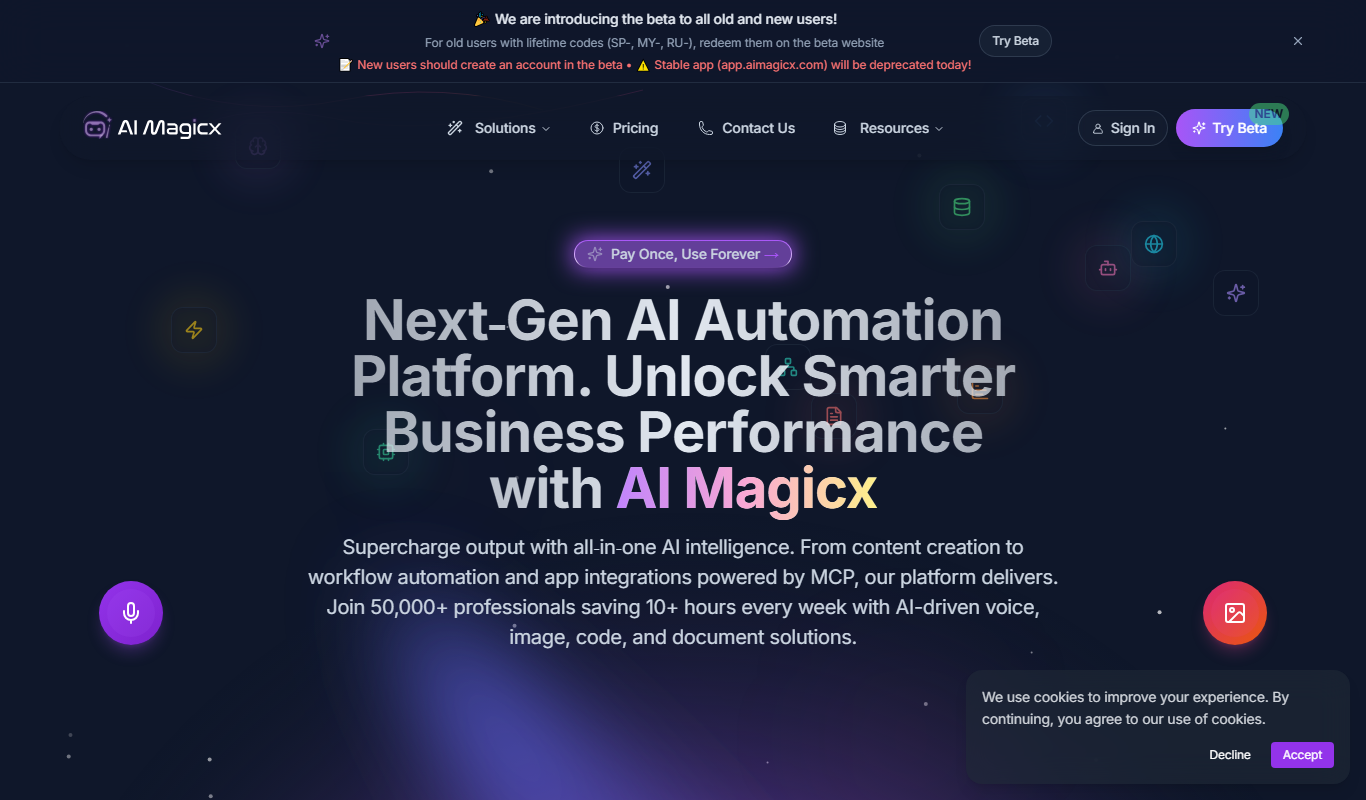
AI Magicx
AI Magicx is an AI-driven marketing automation platform that helps businesses automate and optimize advertising campaigns across multiple platforms like Facebook, Google, and TikTok to improve performance and ROI.

Freemium
Adstra
Adstra is an AI-driven platform that automates the creation, management, and optimization of digital advertising campaigns across multiple platforms to improve efficiency and ROI.

Freemium
Arcads
Arcads is an AI-driven platform that automates the creation and optimization of advertising creatives for multiple platforms, helping marketers generate and test ads faster.