

From my experience with Promethean AI, I found it excels at providing an interactive voice-based teaching assistant that genuinely enhances classroom engagement. The platform’s ability to generate tailored educational content and integrate with existing classroom technology makes it a practical tool for educators aiming to modernize their teaching methods. However, the current limitation to English language support and subscription costs might be a barrier for some smaller schools. Overall, if you are looking for an AI assistant to support dynamic and inclusive teaching, Promethean AI offers a robust solution.
Promethean AI Virtual Teaching Assistant for Interactive Education Content
Promethean AI is an AI virtual teaching assistant that supports educators by providing interactive voice-based classroom assistance, content generation, and student engagement analytics.
- Best for
- Interactive Classroom Assistance
- Key capability
- Natural Language Voice Interaction

Do you recommend this tool?
What is Promethean AI?
Promethean AI is an AI-powered virtual teaching assistant designed to support educators in creating interactive and engaging classroom experiences. It leverages natural language processing and voice technologies to interact with students, answer questions, and assist in lesson delivery, making learning more dynamic and accessible.
Key features of Promethean AI
The tool offers real-time voice interaction, content generation tailored for education, student engagement analytics, and integration with classroom technologies to enhance teaching effectiveness.
Natural Language Voice Interaction
Enables real-time conversational engagement between the AI assistant and students.
Educational Content Generation
Creates tailored lesson materials and explanations to support diverse subjects.
Student Engagement Analytics
Tracks participation and provides insights to educators for improving teaching strategies.
Integration with Classroom Technology
Works with digital whiteboards and learning platforms to streamline lesson delivery.
Pros and cons of Promethean AI
Pros
- Enhances student engagement through interactive voice assistance
- Supports diverse teaching styles with customizable content
- Integrates smoothly with classroom technology
Cons
- Limited language support currently
- Subscription pricing may be costly for smaller institutions
Key use cases for Promethean AI
Interactive Classroom Assistance
Promethean AI acts as a virtual teaching assistant that helps educators deliver interactive lessons and engage students in real-time.
Lesson Content Generation
The AI can generate educational content and provide explanations to support diverse teaching needs.
Student Engagement Enhancement
By responding to student queries and facilitating discussions, it helps increase student participation and understanding.
Accessibility Support
Promethean AI supports inclusive education by providing voice-based assistance and adapting to different learning styles.
How Promethean AI works
-
1
Sign Up and Setup
Educators create an account and configure Promethean AI to align with their curriculum and classroom needs.
-
2
Integrate with Classroom Tools
Connect Promethean AI with existing digital whiteboards or learning management systems for seamless use.
-
3
Engage Students
Use voice commands and AI responses to facilitate interactive lessons and answer student questions.
-
4
Analyze and Adapt
Review engagement data and feedback to tailor future lessons and improve learning outcomes.
Who is using Promethean AI
K-12 educators
School administrators
Educational technology coordinators
Special education teachers
Promethean AI pricing
Free Trial
$0 for 14 days
Access to core features to evaluate the platform.
Standard
$49/month
Full access to AI assistant features with limited usage.
Enterprise
Custom pricing
Tailored solutions for schools and educational institutions with advanced support.
Plans and prices are as published by the vendor and can change. Check the official site before you buy. Open the pricing page (opens in a new tab)
Frequently asked questions about Promethean AI
Yes, it is designed to support a wide range of educational levels from primary to secondary education.
Yes, it supports integration with popular digital whiteboards and learning management systems.
Currently, it primarily supports English, with plans to expand language options.
This tool is designed to help users accomplish its core tasks more efficiently. It is typically used by individuals or teams looking to improve productivity and workflow.
It depends on your specific needs and how you plan to use the tool. The official website and documentation are the best sources for the latest details.
Some tools offer a free plan or trial with limited features. Availability can vary, so confirm on the official website.
Sign in to review this tool.
Sign In to ReviewNo reviews yet
Be the first to share how this tool worked for you.
Ask about pricing, limits, or how it compares — or answer someone else.
Sign In to AskNo questions yet
Have a question about using or paying for this tool? Be the first to ask.
Featured on TiorAI



More AI Voice Assistants tools
Other tools in the same category, for when this one is not quite the fit.

Freemium
Komoot
Komoot is an outdoor navigation app that helps users plan and follow hiking, cycling, and other adventure routes with detailed maps, offline access, and voice guidance.

Pay Per Session
GoStudent
GoStudent is an online tutoring platform providing personalized, live one-on-one lessons to help students improve academically across various subjects and languages.
Freemium
AskCleo
AskCleo is an AI chat generator that provides natural, multi-turn conversations for personal assistance and customer service automation.

Free
Viveport
Viveport is HTC's virtual reality content platform providing access to VR games and experiences, including a subscription service called Viveport Infinity for unlimited VR content.

Free
Modulate AI
Modulate AI is a real-time voice modulation tool that uses AI to transform and disguise voices for gaming, streaming, and privacy purposes.
Freemium
Tactus Therapy
Tactus Therapy is a mobile app designed to help children with speech delays improve their articulation through interactive exercises and progress tracking.
Free
HowToPronounce
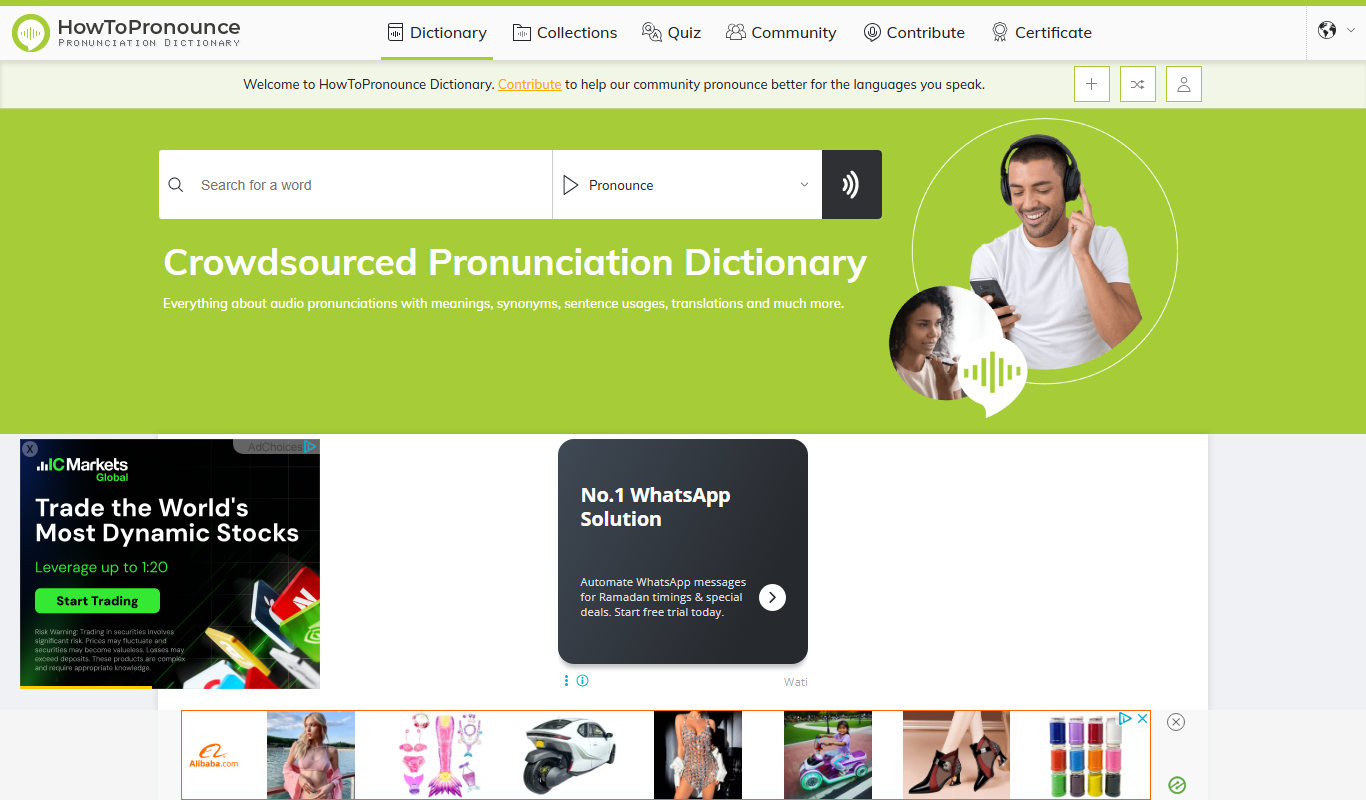
HowToPronounce is a free online tool that provides audio pronunciations and phonetic spellings for words in multiple languages, helping users learn correct pronunciation through native and expert recordings.

Free
EnglishCentral
EnglishCentral is an online English learning platform that uses video lessons and AI-powered speech recognition to help users improve their English speaking and listening skills through interactive practice and instant feedback.