

From my experience with Minecraft Skin Generator, I found it excels at providing a straightforward and accessible way to create custom Minecraft skins without any technical barriers. The real-time 3D preview and pixel-level editing make designing skins intuitive even for beginners. However, the tool is limited to web use and lacks advanced graphic features, which might be a constraint for more experienced designers. Overall, if you want a quick, free, and easy way to personalize your Minecraft avatar, this tool delivers solid results with minimal fuss.
Minecraft Skin Generator Online - Create Custom Minecraft Skins Free
Minecraft Skin Generator is a free online tool that lets you create, edit, and download custom Minecraft skins with a 3D preview and pixel-level editing.
- Best for
- Custom Minecraft Skin Creation
- Key capability
- 3D Skin Preview
Your actions
Save Minecraft Skin Generator, follow its updates and vote on it — everything stays in your account.
Sign in or create a free account
What is Minecraft Skin Generator?
Minecraft Skin Generator is a free web-based tool that allows Minecraft players to create, edit, and customize their own character skins. It provides an easy-to-use pixel editor with a 3D preview, enabling users to paint and design skins without needing advanced graphic design skills. The tool supports downloading skins for direct use in Minecraft, enhancing player personalization.
Key features of Minecraft Skin Generator
The tool offers a pixel-perfect skin editor with 3D model visualization, color palette customization, undo/redo functionality, and the ability to save and download skins. It supports both creating skins from scratch and editing existing ones, making it accessible for beginners and experienced users alike.
3D Skin Preview
Real-time 3D rendering of the skin to visualize changes instantly.
Pixel-Level Editing
Precise control over each pixel for detailed customization.
Color Palette and Tools
Wide range of colors and tools like fill, erase, and undo for flexible editing.
Upload and Edit Existing Skins
Import skins to modify or use as a base for new designs.
Free and No Registration Required
Accessible without sign-up, making it quick and easy to use.
Pros and cons of Minecraft Skin Generator
Pros
- Easy to use with intuitive interface
- Free with no registration required
- Real-time 3D preview for accurate design
- Supports uploading and editing existing skins
Cons
- Limited to web platform only
- No advanced graphic design features
- No mobile app version available
Key use cases for Minecraft Skin Generator
Custom Minecraft Skin Creation
Users can design and customize unique Minecraft character skins using an intuitive online editor.
Skin Editing and Modification
Modify existing skins or create new ones by painting pixel-by-pixel on a 3D model preview.
Skin Download for Minecraft Use
Download created skins in compatible formats to upload and use in the Minecraft game.
Inspiration and Skin Sharing
Explore and get inspired by featured skins and community creations.
How Minecraft Skin Generator works
- 1
Access the Website
Open the Minecraft Skin Generator website on any modern web browser.
- 2
Start Creating or Upload Skin
Begin designing a new skin from a blank template or upload an existing skin to modify.
- 3
Use the Editor Tools
Paint pixels on the 3D model, choose colors, and customize each part of the skin.
- 4
Preview and Adjust
Rotate and zoom the 3D preview to check your design from all angles.
- 5
Download Your Skin
Save the finished skin as a PNG file compatible with Minecraft.
Who is using Minecraft Skin Generator
Minecraft players
Gaming content creators
Younger users and beginners
Minecraft modders and server admins
Minecraft Skin Generator pricing
Free
$0
Full access to all features without any cost or subscription.
Plans and prices are as published by the vendor and can change. Check the official site before you buy. Open the pricing page (opens in a new tab)
Frequently asked questions about Minecraft Skin Generator
Yes, skins downloaded from the tool are compatible with Minecraft and can be uploaded to your account.
No, the tool is free to use without any registration or login.
Yes, you can upload existing skins to modify or enhance them.
No, it is a web-based tool and requires an internet connection.
It depends on your specific needs and how you plan to use the tool. The official website and documentation are the best sources for the latest details.
Yes, it can help with that use case depending on how you configure it and what features are available. You’ll get the best results with clear inputs and a defined goal.
Some tools offer a free plan or trial with limited features. Availability can vary, so confirm on the official website.
Sign in to review this tool.
Sign In to ReviewNo reviews yet
Be the first to share how this tool worked for you.
Ask about pricing, limits, or how it compares — or answer someone else.
Sign In to AskNo questions yet
Have a question about using or paying for this tool? Be the first to ask.
Featured on TiorAI



More AI Gaming Tools tools
Other tools in the same category, for when this one is not quite the fit.

Subscription
MimicPC
MimicPC is a cloud PC platform that provides remote Windows desktops with customizable hardware configurations, enabling users to game, develop, and work remotely from any device.

Free
v3RPG
v3RPG is an AI Dungeon Master tool that generates interactive RPG stories, enabling immersive solo or group role-playing experiences through a web-based interface.

Free
UNTOLD
UNTOLD is an immersive adventure game focused on interactive storytelling and exploration, available on web and desktop with free and premium content options.

Free
Steam Summarize
Steam Summarize is a free AI tool that generates concise summaries and review insights for Steam games, helping users quickly understand game features and community opinions.
Free
Scrabblecam
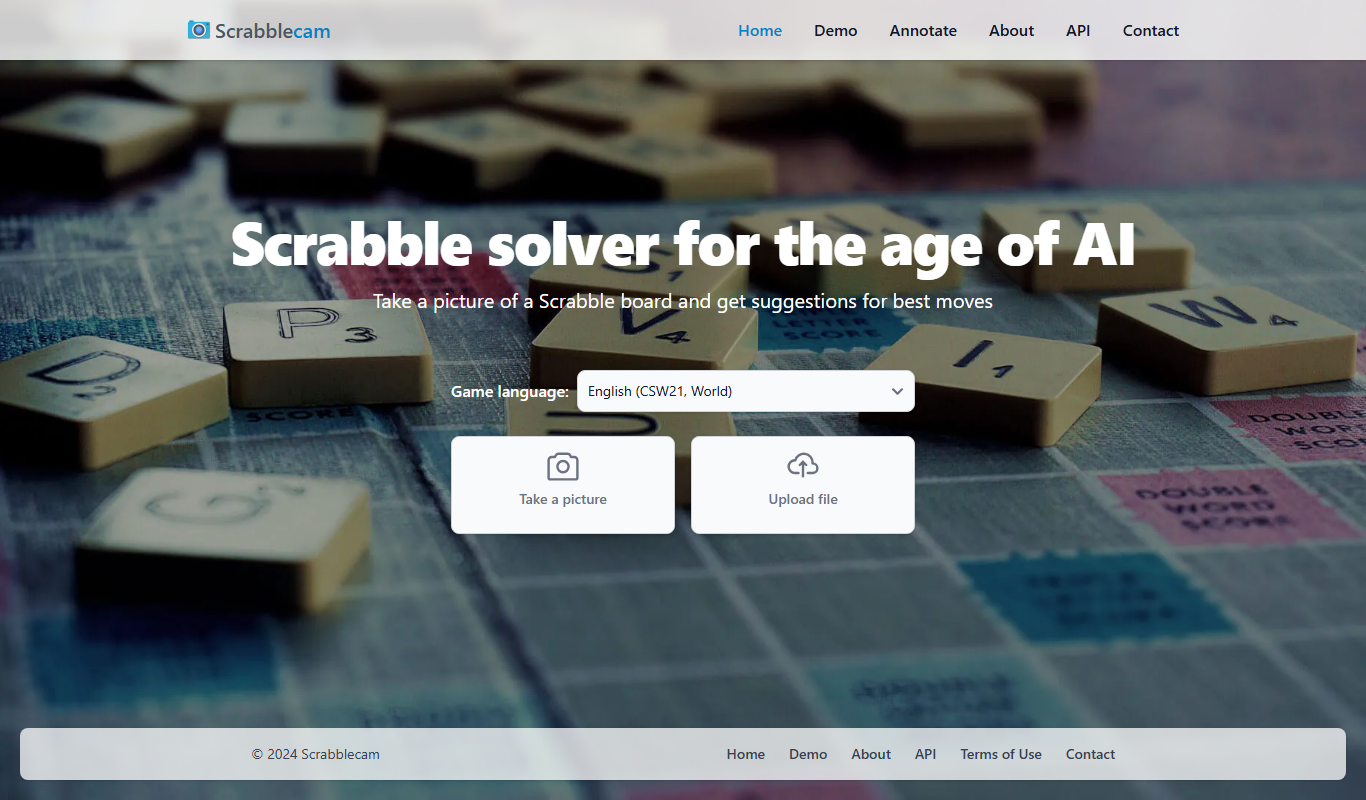
Scrabblecam is a free online tool that uses your webcam to scan your Scrabble board and tiles, providing real-time word suggestions to help improve your gameplay.

Free Trial
Automated Combat
Automated Combat is an AI platform that automates gameplay in real-time strategy games by training customizable AI agents to simulate human strategies and optimize performance.

Free
Helper Systems: kOS
kOS is a free, open-source mod for Kerbal Space Program that adds a programmable computer allowing players to write scripts to automate spacecraft control and complex maneuvers.

Free
Kick
Kick is a live streaming platform designed for gamers and content creators, offering low latency streaming and competitive revenue sharing to help streamers monetize their content effectively.