

From my experience with kOS, I found it excels at providing a powerful yet accessible way to automate spacecraft control within Kerbal Space Program. Writing scripts to handle complex maneuvers adds a rewarding layer of depth to gameplay and serves as a practical introduction to programming concepts. However, the learning curve can be steep for those unfamiliar with scripting, and mod compatibility requires attention with game updates. Overall, if you enjoy space simulation and want to enhance your missions with automation, kOS is a robust and free tool that delivers significant value.
kOS by Helper Systems - Customizable Scripting for Kerbal Space Program
kOS is a free, open-source mod for Kerbal Space Program that adds a programmable computer allowing players to write scripts to automate spacecraft control and complex maneuvers.
- Best for
- Automate Spacecraft Control
- Key capability
- Custom Scripting Language
Your actions
Save Helper Systems: kOS, follow its updates and vote on it — everything stays in your account.
Sign in or create a free account

What is Helper Systems: kOS?
kOS is a community-developed mod for the Kerbal Space Program game that adds a programmable computer system to spacecraft. It allows players to write scripts in a custom scripting language to automate and control spacecraft functions, enabling complex maneuvers and mission automation within the game environment.
Key features of Helper Systems: kOS
kOS provides a fully programmable onboard computer that players can script to control spacecraft systems, automate flight sequences, and interact with the game’s physics and environment. It supports a custom scripting language designed for ease of use and flexibility.
Custom Scripting Language
A dedicated scripting language tailored for spacecraft control and automation.
In-Game Terminal Interface
Interactive terminal for writing, editing, and running scripts directly on spacecraft.
Access to Flight Data
Scripts can read and manipulate real-time flight data and spacecraft systems.
Automation of Complex Maneuvers
Automate tasks like orbital insertion, docking, and landing sequences.
Pros and cons of Helper Systems: kOS
Pros
- Enables deep automation and control within Kerbal Space Program
- Open-source and free to use
- Supports learning programming in a fun context
- Strong community support and documentation
Cons
- Steep learning curve for users new to scripting
- Dependent on game and mod version compatibility
- Limited to Kerbal Space Program environment
Key use cases for Helper Systems: kOS
Automate Spacecraft Control
Write custom scripts to automate spacecraft maneuvers and operations in Kerbal Space Program.
Learn Programming Concepts
Use kOS as an educational tool to practice programming logic and scripting within a game environment.
Enhance Gameplay Experience
Create complex mission scripts to add depth and challenge to gameplay.
Experiment with Orbital Mechanics
Programmatically control spacecraft to perform precise orbital maneuvers and experiments.
How Helper Systems: kOS works
- 1
Install the kOS Mod
Download and install the kOS mod into your Kerbal Space Program game directory.
- 2
Access the kOS Terminal
In-game, open the kOS terminal interface on your spacecraft to write and run scripts.
- 3
Write Scripts
Use the kOS scripting language to program spacecraft behavior, such as navigation and system control.
- 4
Execute and Monitor
Run your scripts to automate tasks and monitor their execution through the terminal.
Who is using Helper Systems: kOS
Kerbal Space Program players
Game modders and developers
Programming learners
Space simulation enthusiasts
Helper Systems: kOS pricing
Free
$0
Open-source mod available at no cost.
Plans and prices are as published by the vendor and can change. Check the official site before you buy. Open the pricing page (opens in a new tab)
Frequently asked questions about Helper Systems: kOS
Compatibility depends on the mod version; users should check the official Helper Systems website or community forums for updates.
Basic programming knowledge helps, but kOS is designed to be approachable for beginners interested in learning scripting.
kOS can control most flight-related systems but may have limitations depending on the spacecraft and game version.
This tool is designed to help users accomplish its core tasks more efficiently. It is typically used by individuals or teams looking to improve productivity and workflow.
It depends on your specific needs and how you plan to use the tool. The official website and documentation are the best sources for the latest details.
It depends on your specific needs and how you plan to use the tool. The official website and documentation are the best sources for the latest details.
Yes, it can help with that use case depending on how you configure it and what features are available. You’ll get the best results with clear inputs and a defined goal.
Sign in to review this tool.
Sign In to ReviewNo reviews yet
Be the first to share how this tool worked for you.
Ask about pricing, limits, or how it compares — or answer someone else.
Sign In to AskNo questions yet
Have a question about using or paying for this tool? Be the first to ask.
Featured on TiorAI



More AI Gaming Tools tools
Other tools in the same category, for when this one is not quite the fit.

Free
v3RPG
v3RPG is an AI RPG game with interactive stories, an AI Dungeon Master, multiplayer battles and Web3 rewards.

Free
UNTOLD
UNTOLD, now running as Play Untold, is an AI-powered interactive storytelling platform.

Free
Steam Summarize
Steam Summarize is a free AI tool that generates concise summaries and review insights for Steam games, helping users quickly understand game features and community opinions.
Free
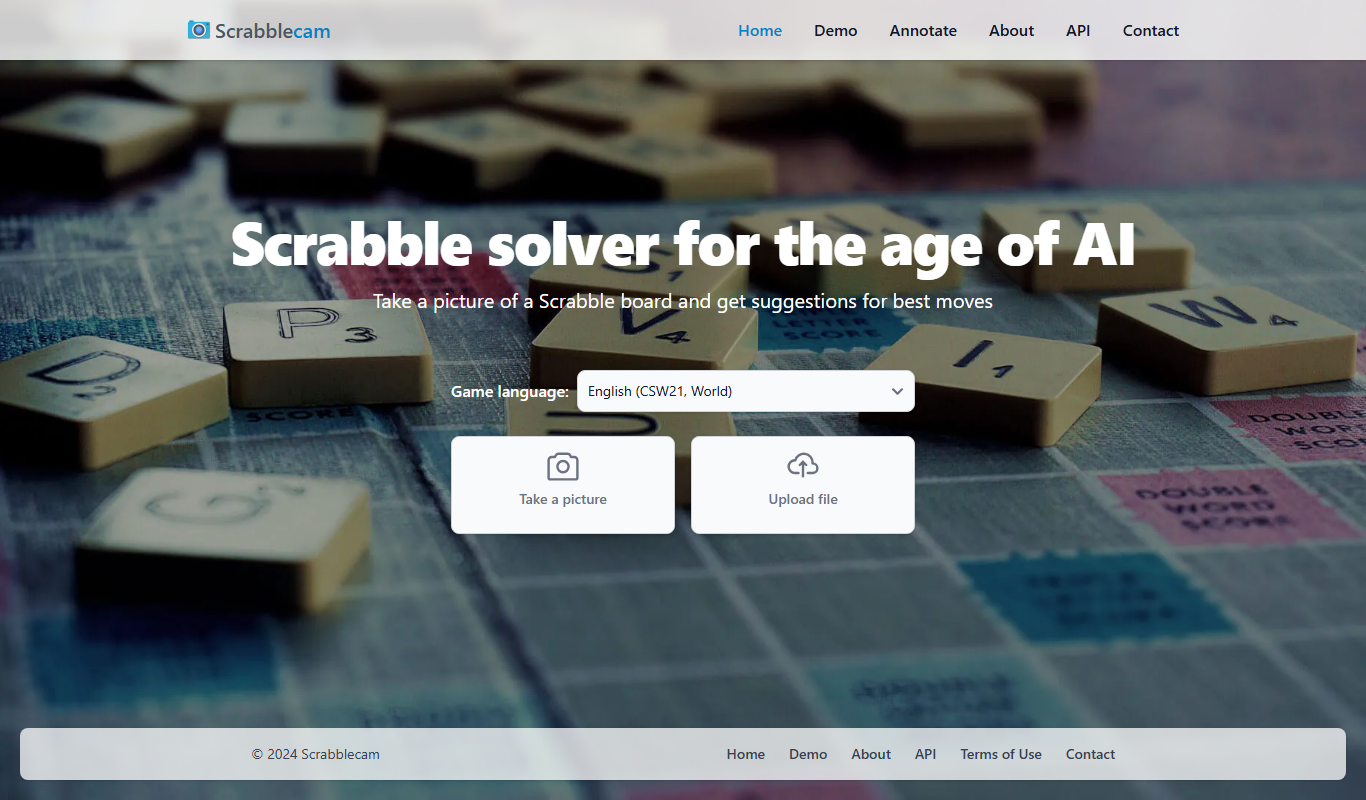
Scrabblecam
Scrabblecam finds the best Scrabble move from a picture of the board, taken or uploaded as a file.

Subscription
MimicPC
MimicPC is a cloud PC platform that provides remote Windows desktops with customizable hardware configurations, enabling users to game, develop, and work remotely from any device.

Free Trial
Automated Combat
Automated Combat is an AI platform that automates gameplay in real-time strategy games by training customizable AI agents to simulate human strategies and optimize performance.

Free
Kick
Kick is a live streaming platform designed for gamers and content creators, offering low latency streaming and competitive revenue sharing to help streamers monetize their content effectively.

Free
Eklipse.GG
Eklipse.GG is a free game overlay software that allows gamers and streamers to customize in-game overlays with real-time stats and widgets to enhance gameplay and streaming experiences.