

From my experience with RollSummary, I found it excels at quickly turning meeting recordings into clear, actionable summaries, which significantly reduces the time spent on manual note-taking. After using the platform, I can say it’s particularly well-suited for remote teams and busy professionals who need to capture meeting insights efficiently. However, the tool currently supports only English and some advanced features require a paid subscription, which might limit accessibility for some users. Overall, if you want to streamline meeting documentation and improve team collaboration, RollSummary delivers solid, easy-to-use results.
RollSummary AI Meeting Notes Generator for Efficient Summaries
RollSummary is an AI-powered tool that automatically transcribes and summarizes meeting recordings to save time and improve team collaboration.
- Best for
- Meeting Summaries
- Key capability
- Automatic Transcription
Your actions
Save RollSummary, follow its updates and vote on it — everything stays in your account.
Sign in or create a free account
What is RollSummary?
RollSummary is an AI-powered tool designed to automatically generate meeting notes and summaries from audio or video recordings. It helps users save time by converting lengthy discussions into concise, actionable summaries, improving productivity and collaboration.
Key features of RollSummary
RollSummary offers automatic transcription, AI-generated summaries, easy sharing options, and integration with popular meeting platforms to streamline meeting documentation.
Automatic Transcription
Converts meeting audio into accurate text transcripts quickly.
AI-Powered Summaries
Generates clear and concise summaries that capture essential meeting details.
Easy Sharing
Facilitates sharing summaries with team members via links or integrations.
Platform Integration
Supports integration with popular video conferencing tools for seamless workflow.
Pros and cons of RollSummary
Pros
- Saves time by automating note-taking
- Improves meeting documentation accuracy
- Easy to share summaries with teams
- Supports popular meeting platforms
Cons
- Limited language support (English only)
- Some features require paid subscription
Key use cases for RollSummary
Meeting Summaries
Automatically generate concise summaries from recorded meetings to save time on note-taking.
Transcription
Convert meeting audio into text transcripts for easy reference and documentation.
Collaboration
Share summarized notes with team members to improve communication and project tracking.
Productivity Enhancement
Reduce manual effort in capturing meeting details, allowing teams to focus on action items.
How RollSummary works
- 1
Record or Upload Meeting
Users can upload recorded meetings or connect RollSummary to supported platforms to access meeting audio.
- 2
AI Transcription
The tool transcribes the audio into text using advanced speech recognition technology.
- 3
Generate Summary
AI algorithms analyze the transcript to create a concise summary highlighting key points and action items.
- 4
Review and Share
Users can review the summary, make edits if needed, and share it with team members.
Who is using RollSummary
Remote teams
Project managers
Business professionals
Content creators
Customer support teams
RollSummary pricing
Free
$0/month
Basic transcription and summary features with usage limits.
Pro
$15/month
Extended usage, priority processing, and advanced features.
Plans and prices are as published by the vendor and can change. Check the official site before you buy. Open the pricing page (opens in a new tab)
Frequently asked questions about RollSummary
RollSummary supports popular platforms like Zoom and Google Meet through integrations and manual uploads.
Yes, users can review and edit summaries before sharing to ensure accuracy.
RollSummary uses encryption and follows industry best practices to protect user data.
It depends on your specific needs and how you plan to use the tool. The official website and documentation are the best sources for the latest details.
It depends on your specific needs and how you plan to use the tool. The official website and documentation are the best sources for the latest details.
Sign in to review this tool.
Sign In to ReviewNo reviews yet
Be the first to share how this tool worked for you.
Ask about pricing, limits, or how it compares — or answer someone else.
Sign In to AskNo questions yet
Have a question about using or paying for this tool? Be the first to ask.
Featured on TiorAI



More AI Ai Tools tools
Other tools in the same category, for when this one is not quite the fit.
Freemium
Debatia
Debatia is an AI-driven platform that facilitates structured debates by generating balanced arguments and providing feedback to improve critical thinking and communication skills.

Free
Presentify.ai
Presentify.ai is an AI-driven presentation software that helps users create professional slide decks quickly by generating content and optimizing design automatically.

Freemium
YouMusic.AI
YouMusic.AI turns text prompts or your own lyrics into complete songs, with free credits for new users and commercial rights on paid plans.

Free Trial
Wizard of Swipe for Tinder
Wizard of Swipe for Tinder is an AI-powered automation tool that automates swiping on Tinder based on user preferences to increase match chances and save time.

Free
AI Pickup Lines
AI Pickup Lines is a free web tool that instantly generates creative and humorous pickup lines to help users start conversations in dating or social settings.

Freemium
Anthropics Technology Ltd
Anthropics Technology Ltd offers AI-driven image editing software specializing in portrait retouching and photo enhancement, available for Windows and Mac with options for batch processing.
Contact for pricing
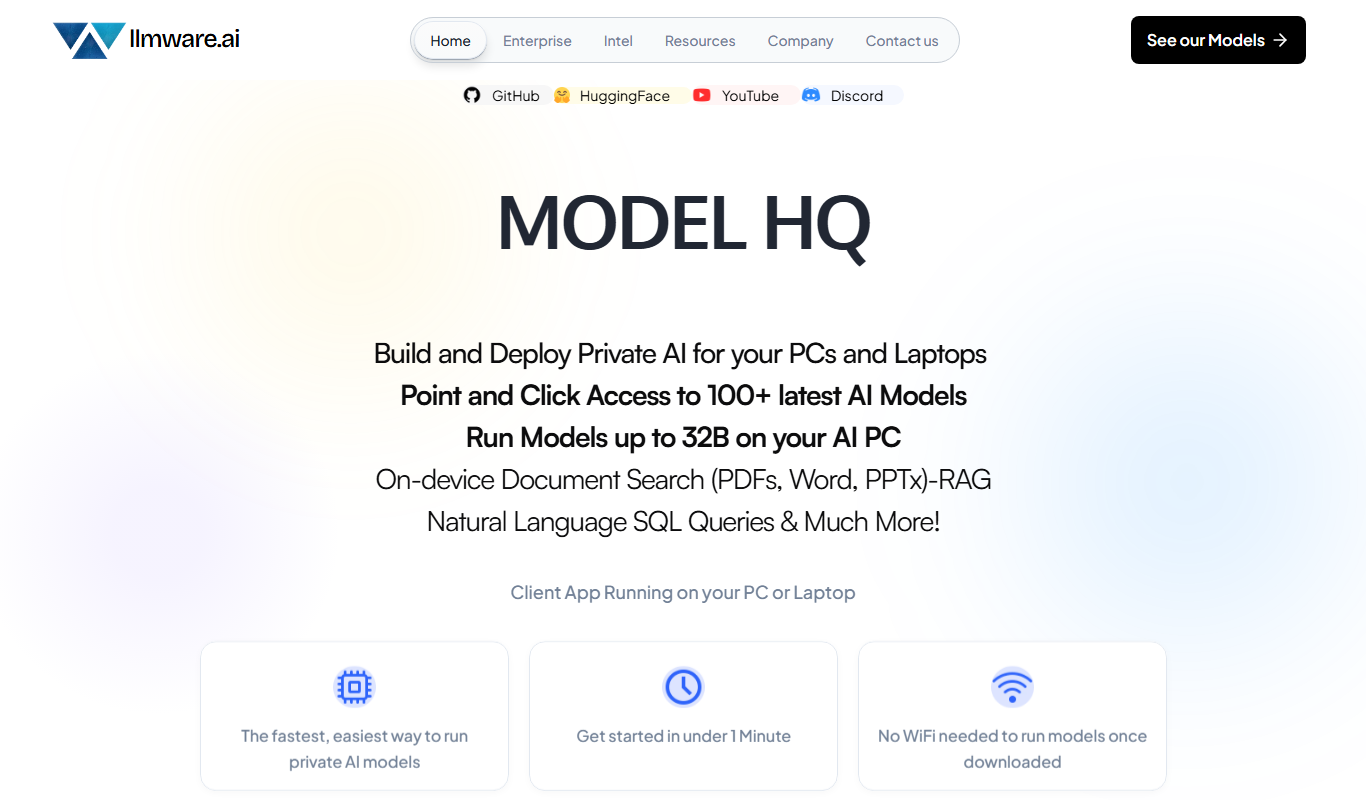
LLMWare
LLMWare is an AI platform that enables enterprises to deploy, manage, and scale large language models securely with flexible infrastructure and integration options.

Free
AstroChart.ai
AstroChart.ai is an AI-driven platform that creates personalized astrology birth charts and detailed interpretations based on your birth data, helping users understand their astrological profile easily online.