

TTSLabs AI Text to Speech Platform for Realistic Voice Generation
TTSLabs is a real-time text to speech tool for live streams: the audience triggers the alerts, and the streamer controls the voices, clips and filters.
- Best for
- Live stream voice alerts
- Key capability
- Plenty of voices
Save TTSLabs, follow its updates and vote on it — everything stays in your account.
Sign in or create a free account
What is TTSLabs?
TTSLabs is a real-time text to speech tool for live streams. Streamers sign in with Twitch and can link StreamElements or Streamlabs, enable the voices and sound clips they want live, set minimums and turn on the profanity filter; whatever the audience composes then plays out on stream, voices and clips in order.
Key features of TTSLabs
TTSLabs offers official, community, classic and custom AI voices, sound clips that play inline with the speech, speech triggered from channel point rewards, tips or donations, a live queue with skip and replay, advanced profanity filtering and a shareable audience guide.
Plenty of voices
Official, community, classic and custom AI voices; enable the ones that fit your channel.
Sound clips
The audience drops clips into a message and they play inline with the speech.
Profanity filtering
Advanced profanity filtering checks every request before playback, and the queue stays with the streamer: skip, replay or clear anything waiting.
Fast audio rendering
Twenty seconds of speech renders in about three and plays in order.
Live queue
Every pending alert in order, with skip and replay on any of them.
Pros and cons of TTSLabs
Pros
- High-quality, natural-sounding AI voices
- Custom voice cloning capabilities
- User-friendly web interface
- Flexible speech customization options
- Fast audio generation and export
Cons
- Limited language support (primarily English)
- No dedicated mobile app
- Advanced features require paid subscription
Key use cases for TTSLabs
Live stream voice alerts
Let the audience trigger speech on stream from channel point rewards, tips or donations.
Accessibility
Provide audio versions of written content to improve accessibility for visually impaired users.
Voice Cloning
Create custom AI voices that mimic real human speakers for personalized audio content.
E-learning
Produce engaging narrated lessons and educational materials with lifelike voices.
Marketing
Develop compelling audio ads and promotional materials using AI-generated voices.
How TTSLabs works
- 1
Connect your channel
Sign in with Twitch, then link StreamElements or Streamlabs if you use them; every channel event and tips from the apps you add flow straight in.
- 2
Pick voices and clips
Enable the voices and sound clips you want live, set minimums and turn on the profanity filter.
- 3
Your audience triggers it
Whatever the audience composes plays out on stream, voices and clips in order.
- 4
Adjust Settings
Modify speech speed, pitch, and style to suit your needs.
- 5
Generate Audio
Render the speech audio and download it for your project.
Who is using TTSLabs
TTSLabs pricing
Free
$0 / forever
Access to 80+ custom voices, 400 AI voice alerts per month, 10 enabled voices, 25 enabled sound clips, unlimited classic voice alerts, tips and reward redemptions and advanced profanity filters. No credit card required.
Pro
$25 / month
For channels where TTS runs constantly: access to 80+ custom voices, unlimited AI voice alerts, unlimited enabled voices and sound clips, priority processing, priority customer support, early access to new voices and extended milestone alert support.
Plans and prices are as published by the vendor and can change. Check the official site before you buy. Open the pricing page (opens in a new tab)
Frequently asked questions about TTSLabs
Yes, TTSLabs offers AI voice cloning to create personalized voices based on provided samples.
Currently, TTSLabs primarily supports English language voices.
Yes, the free plan allows limited usage to test the platform’s features.
Yes, commercial use is permitted under the terms of the paid subscription plans.
It depends on your specific needs and how you plan to use the tool. The official website and documentation are the best sources for the latest details.
Pricing depends on the plan and included features. For the most accurate and up-to-date details, check the official pricing page.
Yes, it can help with that use case depending on how you configure it and what features are available. You’ll get the best results with clear inputs and a defined goal.
Conclusion
Viewers on a live stream trigger the speech here, through channel point rewards, tips or donations, and their message plays on air in one of the enabled voices. Streamers sign in with Twitch and can link StreamElements or Streamlabs so that tips from those apps flow straight in. Twenty seconds of speech renders in about three, and every pending alert waits in a live queue with skip and replay on any of them.
Control stays with the streamer, since advanced profanity filtering checks every request before playback and only enabled voices and sound clips can be used. The voice library mixes official, community, classic and custom AI voices, with 80+ custom voices available on both plans. The Free plan needs no credit card and sets monthly limits on AI voice alerts, enabled voices and sound clips, while Pro removes those limits and adds priority processing.
Sources
Sign in to review this tool.
Sign In to ReviewNo reviews yet
Be the first to share how this tool worked for you.
Ask about pricing, limits, or how it compares — or answer someone else.
Sign In to AskNo questions yet
Have a question about using or paying for this tool? Be the first to ask.
Featured on TiorAI



More AI Speech Synthesis Tools tools
Other tools in the same category, for when this one is not quite the fit.

vocalimage.app
Vocal Image is an AI speaking coach that gives instant feedback on recorded voice exercises and builds a daily training plan, on iOS, Android and the web.

Voxify
Voxify is an AI text to speech voice generator with 450+ voices in 140+ languages and controls for pitch, speed and emotion.

Dubformer
Dubformer is an AI dubbing studio with phrase-level control in 140+ languages.
AudiowaveAI
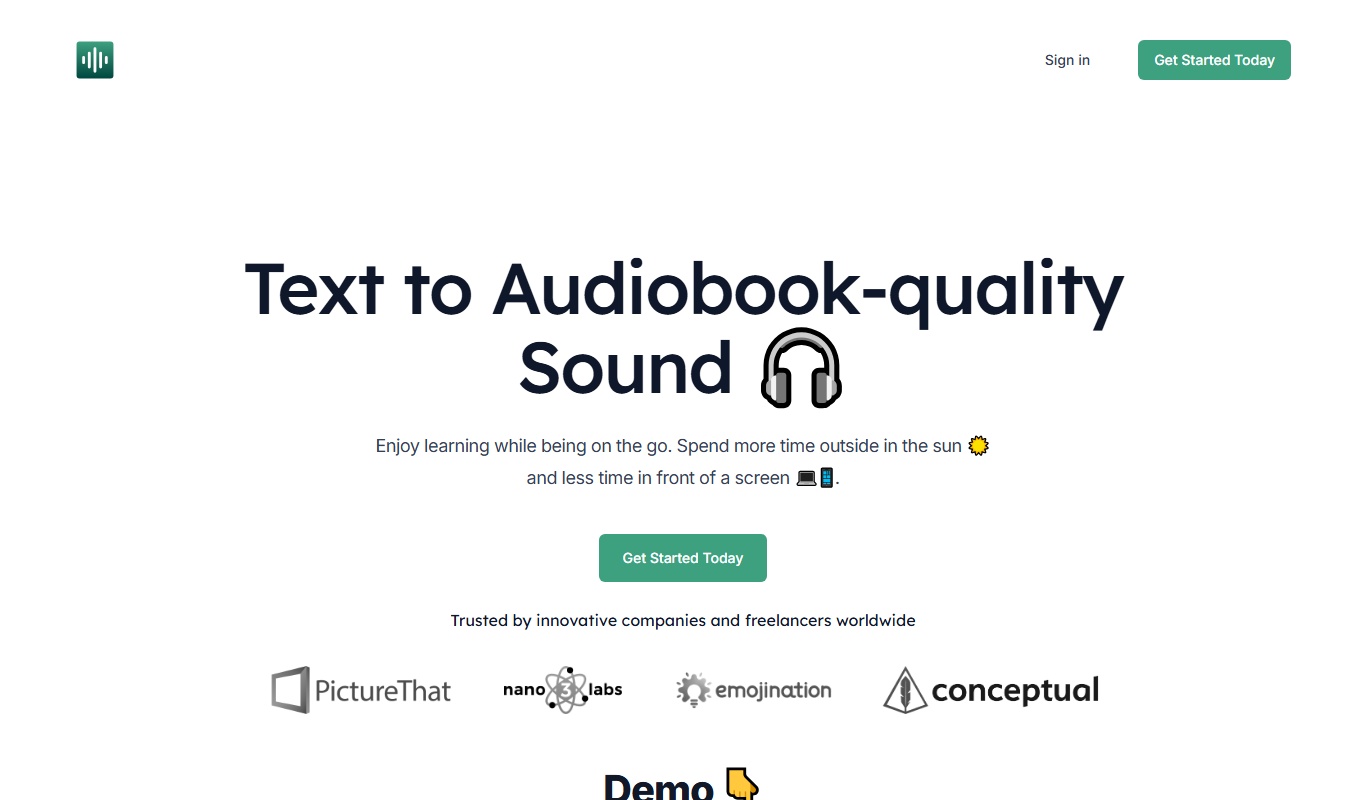
AudiowaveAI converts text such as articles, blog posts, EPUBs and PDFs into audiobook quality sound for listening on the go.

Voice Out
Voice Out is a text-to-speech extension for Chrome and Edge that reads aloud any Google Doc, PDF, webpage or book in 60+ languages and 100+ voices.

Beepbooply
Beepbooply converts text to speech with 900+ voices across 80+ languages and lets you download realistic audio with a click.

AiVOOV – Text to Speech Solution
AiVOOV is an AI-driven text to speech platform that converts written text into natural, human-like audio in multiple languages, suitable for voiceovers, audiobooks, and accessibility.

SteosVoice
SteosVoice is an AI-driven text-to-speech platform that converts text into natural, human-like speech with multi-language support and voice cloning capabilities.