

Zeplin Design Collaboration Tool for UI/UX Developers and Teams
Zeplin is a collaborative platform that simplifies design handoff by generating specs, assets, and code snippets from design files, enabling seamless communication between designers and developers.
- Best for
- UI/UX Design Handoff
- Key capability
- Automatic Design Specs
Save Zeplin, follow its updates and vote on it — everything stays in your account.
Sign in or create a free account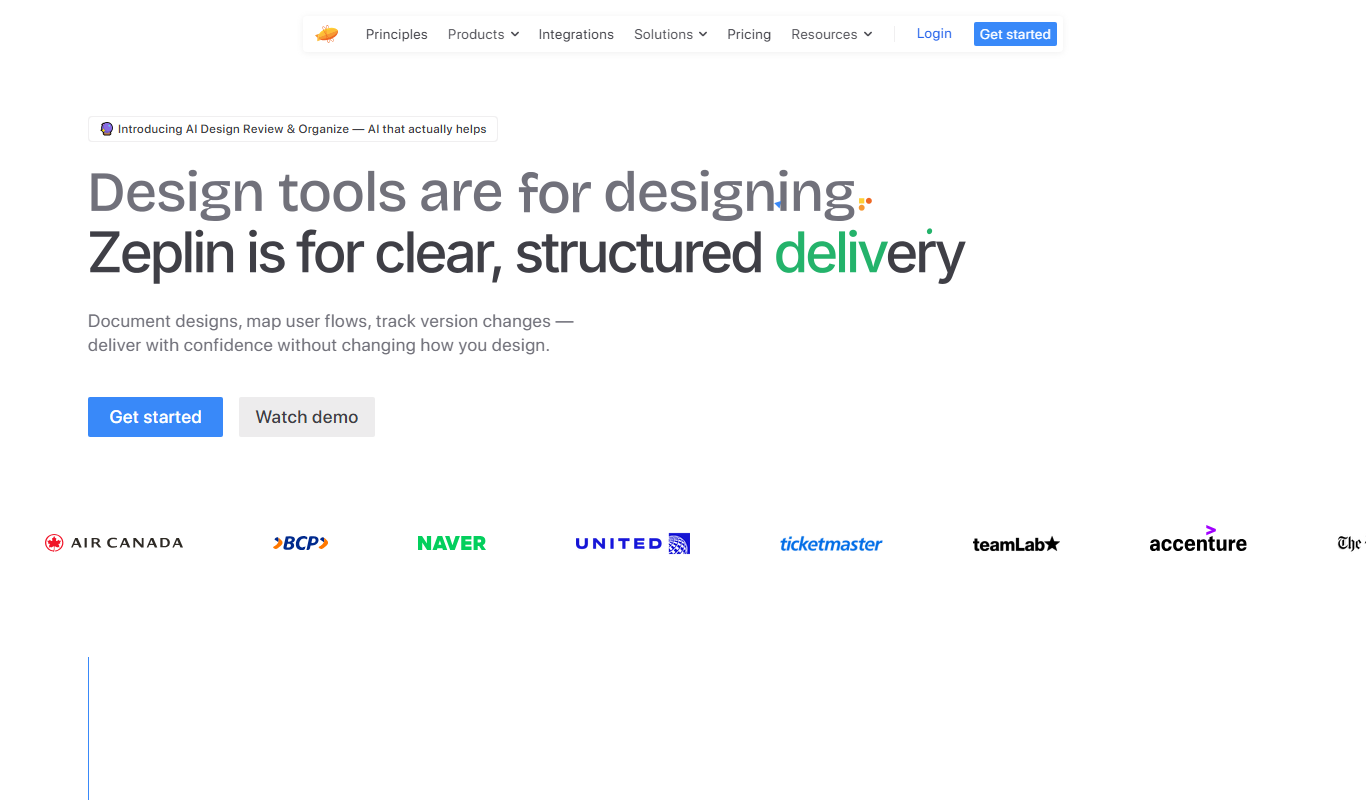
What is Zeplin?
Zeplin is a collaborative design handoff and workflow platform that bridges the gap between designers and developers. It streamlines the process of sharing design files, specifications, assets, and code snippets, enabling teams to work more efficiently and reduce miscommunication during product development.
Key features of Zeplin
Zeplin offers features such as automatic generation of style guides, specs, and assets from design files, real-time collaboration with comments, version control, and integration with popular design tools like Sketch, Figma, Adobe XD, and Photoshop.
Automatic Design Specs
Generates detailed specs including colors, fonts, spacing, and CSS code snippets.
Asset Export
Exports design assets in multiple formats optimized for different platforms.
Version Control
Tracks design changes and allows access to previous versions.
Multi-Tool Integration
Supports Sketch, Figma, Adobe XD, and Photoshop for seamless design imports.
Team Collaboration
Enables commenting, notifications, and role-based access for efficient teamwork.
Pros and cons of Zeplin
Pros
- Streamlines design-to-development handoff
- Supports multiple popular design tools
- Generates accurate specs and assets automatically
- Facilitates real-time team collaboration
- Version control for design iterations
Cons
- Free plan has limited project and collaborator capacity
- Some advanced features require paid plans
- No built-in prototyping beyond static designs
Key use cases for Zeplin
UI/UX Design Handoff
Facilitates smooth handoff of design specs, assets, and guidelines from designers to developers.
Team Collaboration
Enables designers, developers, and product managers to collaborate and communicate effectively within projects.
Design System Management
Helps teams maintain consistent design systems and reusable components across projects.
Prototyping and Feedback
Allows sharing interactive prototypes and collecting feedback directly on designs.
Asset Export and Management
Automates exporting of design assets in multiple formats optimized for development.
How Zeplin works
- 1
Import Designs
Designers upload or sync their design files from supported tools into Zeplin.
- 2
Generate Specs and Assets
Zeplin automatically creates style guides, measurements, and exports assets for developers.
- 3
Collaborate and Comment
Team members can leave comments and feedback directly on design elements.
- 4
Integrate with Workflow
Connect Zeplin with project management and development tools to streamline processes.
Who is using Zeplin
Zeplin pricing
Free
$0/month
Free plan with 1 project.
Basic
$13.75/month per project, billed annually
Priced per project.
Enterprise
Custom pricing
Enterprise-grade security, SSO, and dedicated support.
Advanced
$12/seat/month
Per-seat plan billed per designer and dev, with 50 projects, a team workspace, unlimited screens and Flow Boards.
Plans and prices are as published by the vendor and can change. Check the official site before you buy. Open the pricing page (opens in a new tab)
Frequently asked questions about Zeplin
Zeplin supports Sketch, Figma, Adobe XD, and Photoshop for importing design files.
Yes, Zeplin automatically generates code snippets for CSS, Swift, Android, and React Native.
Yes, Zeplin offers a free plan with limited projects and collaborators.
Yes, it includes commenting, notifications, and role management for teams.
This tool is designed to help users accomplish its core tasks more efficiently. It is typically used by individuals or teams looking to improve productivity and workflow.
It depends on your specific needs and how you plan to use the tool. The official website and documentation are the best sources for the latest details.
Yes, it can help with that use case depending on how you configure it and what features are available. You’ll get the best results with clear inputs and a defined goal.
Some tools offer a free plan or trial with limited features. Availability can vary, so confirm on the official website.
Conclusion
Designers upload or sync files from Sketch, Figma, Adobe XD or Photoshop, and the platform turns them into style guides, measurements and exported assets for developers. Specs cover colors, fonts and spacing, and code snippets are generated for CSS, Swift, Android and React Native. Team members comment directly on design elements, while version control tracks changes and keeps previous versions accessible.
The handoff is aimed at UI/UX designers, front-end developers and product managers. A free plan covers 1 project, Basic is priced per project from $13.75 per month billed annually, and Advanced costs $12 per seat per month.
Sources
Sign in to review this tool.
Sign In to ReviewNo reviews yet
Be the first to share how this tool worked for you.
Ask about pricing, limits, or how it compares — or answer someone else.
Sign In to AskNo questions yet
Have a question about using or paying for this tool? Be the first to ask.
Featured on TiorAI



Alternative Tools
Explore similar AI tools that might fit your needs
Figma
Figma is a cloud-based design tool for creating user interfaces and prototypes collaboratively in real time, accessible via web and desktop apps.
More AI Developer Tools tools
Other tools in the same category, for when this one is not quite the fit.

CrayEye
CrayEye is a free, open-source mobile app for crafting and sharing multimodal LLM vision prompts that use your camera plus sensor data such as location and weather.

TestLabs
TestLabs tests your app on 20 real devices for 14 days to meet the Google Play testing policy, with daily reports, device logs and screenshots.

Modly
Modly.ai trains, fine-tunes and hosts custom large language models on your business data, delivered as a managed service with API access.

modl.ai
modl.ai automates game testing and QA with AI agents that play your build and analysts that report bugs, glitches and performance issues, with no SDKs or code needed.

Mirascope
Mirascope is The LLM Anti-Framework: open-source Python and TypeScript SDKs with one API for OpenAI, Anthropic and Google, plus tools, tracing and versioning.

Myple
Myple is a developer platform to build, deploy and secure AI applications such as AI agents and RAG chatbots, with SDKs, a CLI and a free Hacker plan.

Momentic
Momentic is an AI testing platform where agents run and maintain plain-English end-to-end tests for web, iOS and Android apps, locally or in CI.

Intuition Machines
Intuition Machines builds privacy-preserving AI/ML platforms: the hCaptcha Security Suite against fraud and abuse, and the IM Perception Platform for training, deploying and improving ML models.