

Specgen on-premise AI for tender analysis and bid responses
Specgen is an on-premise or air-gapped AI for complex tenders that analyzes tender files, extracts requirements, drafts responses and checks compliance.
- Best for
- Tender analysis
- Key capability
- Tender document analysis
Save Specgen, follow its updates and vote on it — everything stays in your account.
Sign in or create a free account
What is Specgen?
Specgen is an AI for complex and confidential tenders, deployed On-Premise or Air-Gapped with no external API. It analyzes the tender file, extracts the requirements, drafts responses and checks their compliance.
Key features of Specgen
Specgen imports tender documents and extracts summaries, criteria, requirements and inconsistencies, and supports drafting, compliance checks and questions with cited sources.
Tender document analysis
Import tender documents (PDF, Word, Excel, PowerPoint) and get summaries, criteria, requirements and inconsistencies.
Response drafting
Draft responses in your Word documents and Excel questionnaires from your knowledge base.
BidMatching
Check a draft response against every requirement and the evaluation grid before submission.
AI assistant with sources
Ask questions about the tender, your response or your knowledge base; each answer cites its sources.
On-premise or air-gapped
Runs inside your infrastructure with no external API.
Pros and cons of Specgen
Pros
- No data sent to a public AI
- Answers are traceable to the tender and knowledge base
- 3-month trial on your real files
- Works for both bidders and buyers
Cons
- Requires on-premise hardware (a rack)
- No published prices; offers follow a trial and annual proposal
- No offline or desktop version available
Key use cases for Specgen
Tender analysis
Extract requirements and inconsistencies from long tender documents.
Bid drafting
Draft responses in Word and Excel from your knowledge base.
Compliance checking
Check a draft against every requirement before submission.
Supplier bid evaluation
Score and compare bids received against an evaluation grid.
API Design and Collaboration
Facilitate API design workflows by generating specs that can be shared and iterated on with teams.
How Specgen works
- 1
Import tender documents
Import the tender files as PDF, Word, Excel or PowerPoint.
- 2
Draft the bid
Generate a response from an approved outline or directly in your Word and Excel documents.
- 3
Check with BidMatching
Check the draft against every requirement and the evaluation grid.
- 4
Query the AI assistant
Ask questions and get answers with cited sources.
- 5
Collaborate and Export
Share the specification with your team or export it for integration with other tools.
Who is using Specgen
Specgen pricing
Trial
3-month trial
Trial on your real files before any commitment.
Rack subscription
Installation, then a monthly subscription
One rack, one price, with no usage-based billing; annual proposal after the trial.
Enterprise
Custom pricing
Tailored solutions with dedicated support, advanced integrations, and SLAs.
Plans and prices are as published by the vendor and can change. Check the official site before you buy. Open the pricing page (opens in a new tab)
Frequently asked questions about Specgen
On-premise or air-gapped, with no external API.
Yes. Teams trigger each action and approve the deliverable; content remains editable.
No. There are no outbound calls, to a public AI or to Specgen.
A 3-month trial runs on your real files.
One rack, one price: installation, then a monthly subscription, with no usage-based billing.
Yes. Buyers can analyze and evaluate supplier bids against their evaluation grid.
Defense and naval, nuclear and energy, aerospace, industry and engineering, and banking and insurance.
Integration support depends on the tool and its available connectors or API. Check the official documentation or integrations page to confirm what is supported.
Conclusion
Tender files are imported as-is in common office formats, and Specgen extracts summaries, key information and evaluation criteria along with the full requirements list and inconsistencies. Responses are drafted from the customer’s knowledge base directly in their Word documents and Excel questionnaires, then BidMatching checks the draft against every requirement and the evaluation grid before submission. An assistant answers questions with cited sources, and nothing runs unless the team triggers it.
Everything runs on-premise or air-gapped with no outbound calls, which is aimed at defense, nuclear, energy and other organizations that cannot outsource their data. Buyers can also score and compare the bids they receive. Deployment requires an on-premise rack, and pricing is an installation plus a monthly subscription agreed after a 3-month trial rather than a published price list.
Sources
Sign in to review this tool.
Sign In to ReviewNo reviews yet
Be the first to share how this tool worked for you.
Ask about pricing, limits, or how it compares — or answer someone else.
Sign In to AskNo questions yet
Have a question about using or paying for this tool? Be the first to ask.
Featured on TiorAI



Alternative Tools
Explore similar AI tools that might fit your needs
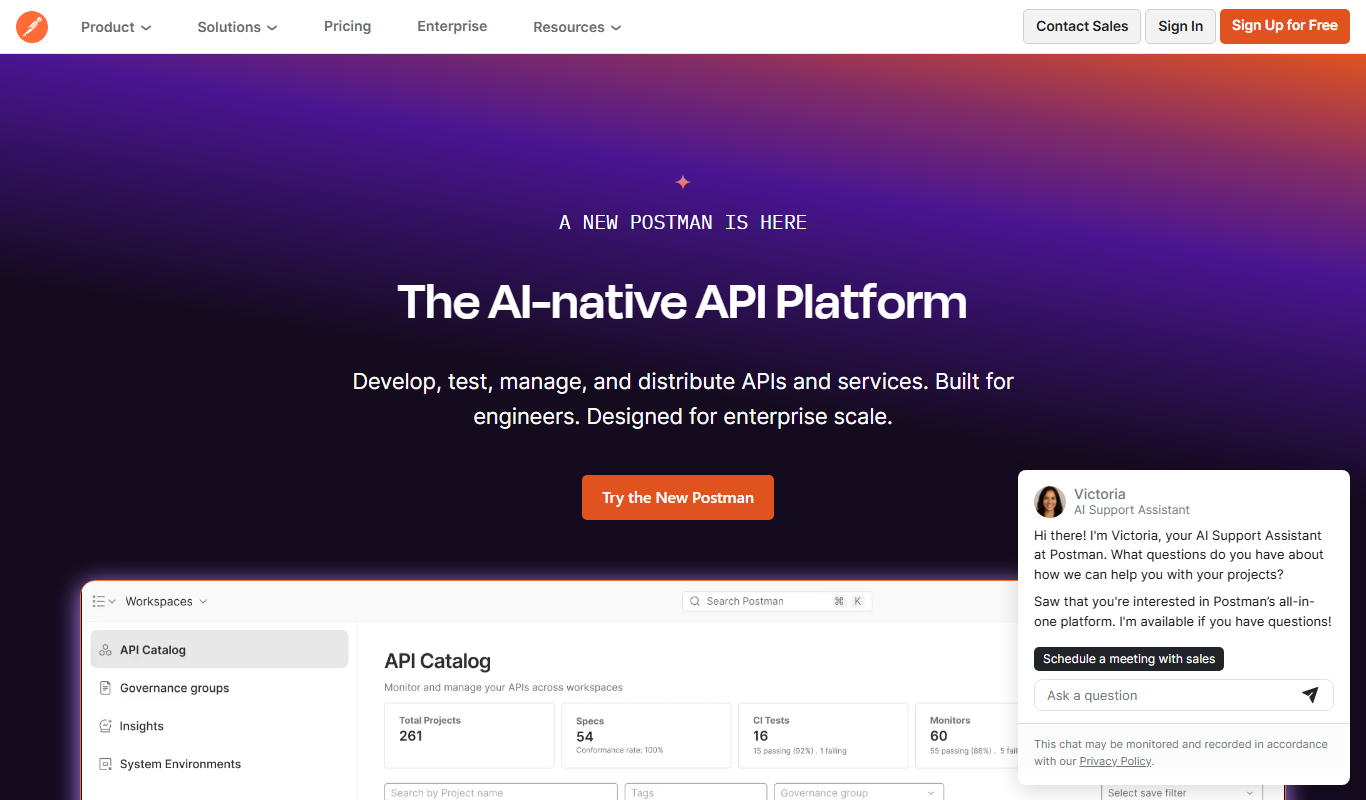
Postman
Postman is a comprehensive API platform that helps developers design, test, automate, document, and monitor APIs efficiently with collaboration tools.

Stoplight
Stoplight is an API design and development platform that provides visual editing, interactive documentation, mocking, and governance tools to help teams build and manage APIs efficiently.
More AI Documents Generator tools
Other tools in the same category, for when this one is not quite the fit.
PatentPal
PatentPal is generative AI for intellectual property that generates patent specifications and figures from your claims and exports drafts into Word and Visio or PowerPoint.

AiPakistani
AiPakistani is a generative AI platform for Pakistan that creates documents and images, answers questions in chats and turns audio into editable transcriptions, with prompts and results in multiple languages.
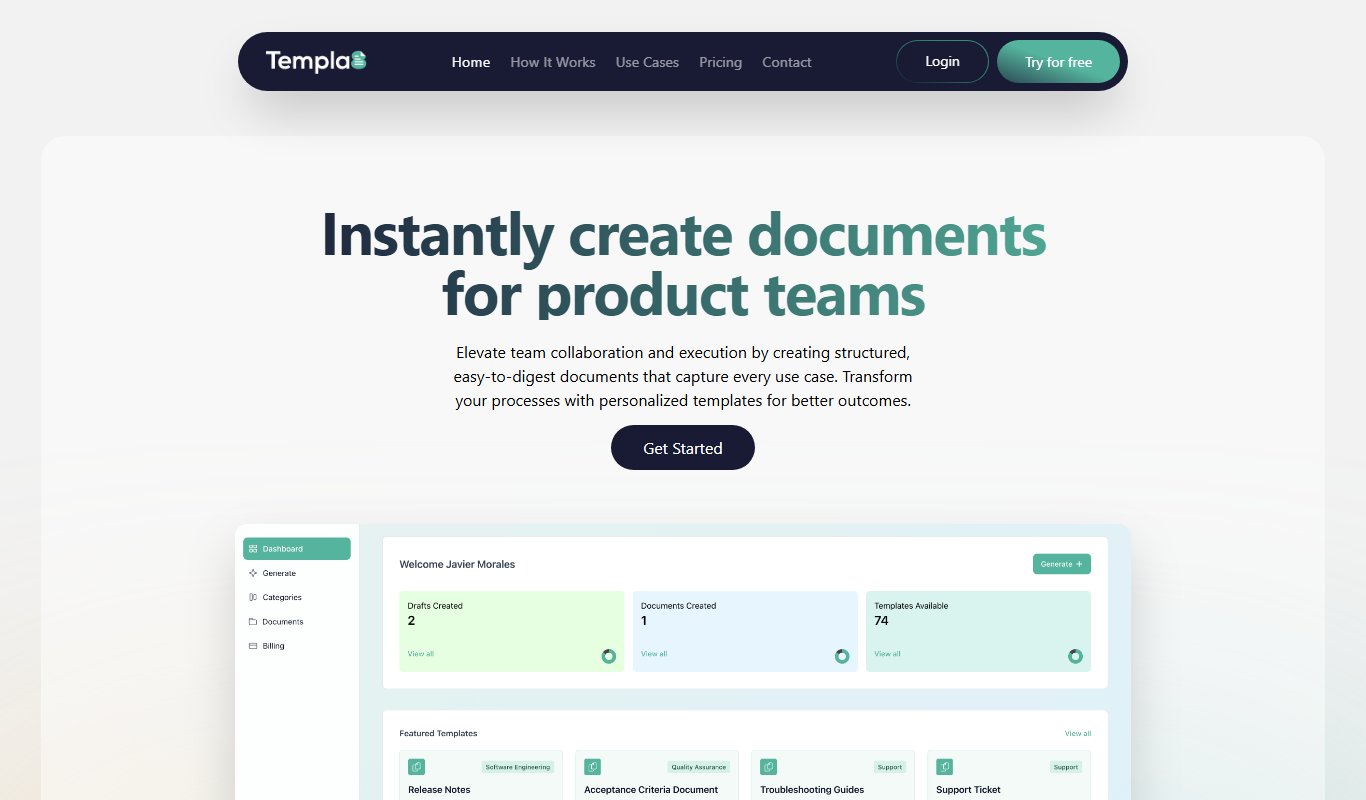
Templa8
Templa8 instantly creates custom document templates for product teams, from PRDs and specs to API docs and test plans, editable and downloadable in Word and PDF.
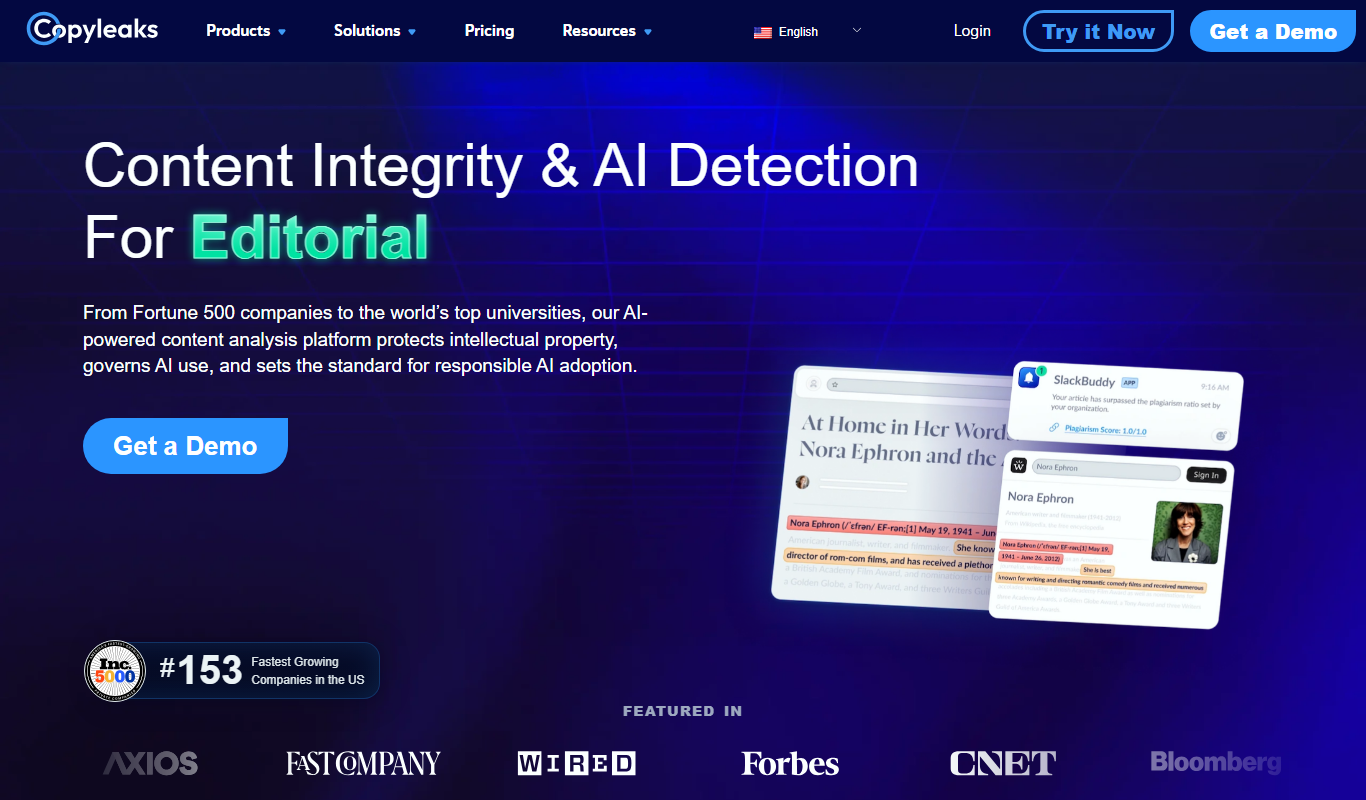
Copyleaks
Copyleaks is a cloud-based platform that detects plagiarism and AI-generated content by scanning text against extensive databases and online sources, providing detailed reports to ensure content originality.

Airparser
Airparser extracts structured data from emails, PDFs and documents automatically and sends it to other apps through webhooks, a REST API and integrations.

ChatWithDocs.co
ChatWithDocs.co lets you chat with PDFs, Word docs and more using AI, with answers that include citations and insights you can share instantly.

DocTransGPT
DocTransGPT is a free AI workspace for writing, captions, translation, PDF tools and OCR, with essential tools usable without sign-up.

FileGPT
FileGPT is a web-based AI assistant that allows users to upload documents and interact with their content via chat, enabling quick understanding, summarization, and data extraction from files.