

ChatWithDocs.co AI Chatbot for Document-Based Customer Support
ChatWithDocs.co lets you chat with PDFs, Word docs and more using AI, with answers that include citations and insights you can share instantly.
- Best for
- Customer Support Automation
- Key capability
- Document Upload and Parsing
Save ChatWithDocs.co, follow its updates and vote on it — everything stays in your account.
Sign in or create a free account
What is ChatWithDocs.co?
ChatWithDocs.co is an AI document analysis tool that lets users chat with PDFs, Word docs and other documents, giving accurate answers with citations and letting them share insights instantly.
Key features of ChatWithDocs.co
The platform offers document uploading, AI-driven natural language understanding, real-time chat interface, and integration capabilities to streamline customer support and knowledge management.
Document Upload and Parsing
Supports multiple document formats for easy uploading and AI parsing.
Natural Language Understanding
Advanced AI interprets user queries and matches them with relevant document content.
Real-Time Chat Interface
Interactive chat UI for seamless user experience.
Customizable Knowledge Base
Users can update or add documents to keep the knowledge base current.
Integration Options
Potential to integrate chatbot into websites or customer support channels.
Pros and cons of ChatWithDocs.co
Pros
- Easy document upload and AI processing
- Real-time conversational interface
- Improves customer support efficiency
- Supports multiple document formats
- Affordable pricing tiers
Cons
- Limited language support (English only)
- No disclosed mobile app versions
- Feature set may be basic for large enterprises
Key use cases for ChatWithDocs.co
Customer Support Automation
Automate responses to customer inquiries by leveraging company documents to provide accurate answers.
Internal Knowledge Base Access
Enable employees to query company documents quickly through an AI-powered chat interface.
Document-Based Chatbot Integration
Integrate AI chatbots that understand and answer questions based on uploaded documents.
FAQ Generation and Assistance
Generate answers to frequently asked questions dynamically from existing documentation.
How ChatWithDocs.co works
- 1
Upload Documents
Users upload relevant documents such as manuals, FAQs, or policies to the platform.
- 2
AI Processing
The AI analyzes the content of the documents to understand context and extract information.
- 3
Chat Interface
Users interact with the chatbot via a conversational interface to ask questions.
- 4
Receive Answers
The AI provides accurate answers based on the uploaded documents in real-time.
Who is using ChatWithDocs.co
ChatWithDocs.co pricing
Free
$0
5 documents per day, 50 AI questions per day, basic formats (PDF, TXT), standard processing speed and community support.
Pro
$10.99/month or $89/year
Unlimited documents, unlimited AI questions, all document formats, priority AI responses, export and download of chats and email support, with a 14-day free trial.
Student
Free
Full Pro access for students who verify with a .edu email, plus study guide generation and collaboration tools, valid during enrollment.
Plans and prices are as published by the vendor and can change. Check the official site before you buy. Open the pricing page (opens in a new tab)
Frequently asked questions about ChatWithDocs.co
You can upload common formats like PDFs, Word documents, and text files.
The Free plan allows 5 documents per day, while Pro offers unlimited documents.
Yes, ChatWithDocs.co supports integration options for embedding the chatbot.
Accuracy depends on document quality and clarity, but the AI is designed to provide precise responses based on the content.
It depends on your specific needs and how you plan to use the tool. The official website and documentation are the best sources for the latest details.
Yes, it can help with that use case depending on how you configure it and what features are available. You’ll get the best results with clear inputs and a defined goal.
Integration support depends on the tool and its available connectors or API. Check the official documentation or integrations page to confirm what is supported.
Some tools offer a free plan or trial with limited features. Availability can vary, so confirm on the official website.
Conclusion
Questions go in as plain English, and every answer includes page numbers and direct quotes from the document. Several documents can be chatted with at once, and context-aware follow-up questions build on the earlier conversation. PDF, DOCX, PPTX and EPUB files are among the supported formats, and scanned documents are read with OCR. Beyond Q&A, it produces summaries, extracts key points, compares documents side by side and shares chats through links.
The site highlights legal teams reviewing contracts, researchers analyzing papers and students working with textbooks and course materials. The Free plan allows 5 documents and 50 AI questions per day, Pro removes those limits after a 14-day free trial, and students with a .edu email get full Pro access free.
Sources
Sign in to review this tool.
Sign In to ReviewNo reviews yet
Be the first to share how this tool worked for you.
Ask about pricing, limits, or how it compares — or answer someone else.
Sign In to AskNo questions yet
Have a question about using or paying for this tool? Be the first to ask.
Featured on TiorAI



More AI Chatbot & Conversational Tools tools
Other tools in the same category, for when this one is not quite the fit.

IntelliMuse
IntelliMuse offers custom AI companions called Muses, with their own personalities, expertise and voices, for text chat on the web or voice calls on iPhone.

Mammouth
Mammouth gives you GPT, Claude, Gemini, Mistral, FLUX and other GenAI models in one subscription, with one-click reprompting between models.

Mumble
Mumble is a web platform integrated with WhatsApp that helps businesses manage customer interactions, automate sales processes, warm up leads and track customer journeys.

Emly Labs
Emly Labs offers a no-code AI framework to build AI chatbots and predictive AI models and to prepare data.

Dokko
Dokko is a document AI platform that reads contracts, manuals and policies in full, answers with citations and acts on what it finds, for teams and their customers.

OnDemand
OnDemand is an operating system for agentic AI that lets you build, orchestrate and deploy intelligent agents across any model, tool, data source or infrastructure.

AutoFlow
AutoFlow is an open source Graph RAG knowledge base tool from PingCAP, built on TiDB Vector, LlamaIndex and DSPy.
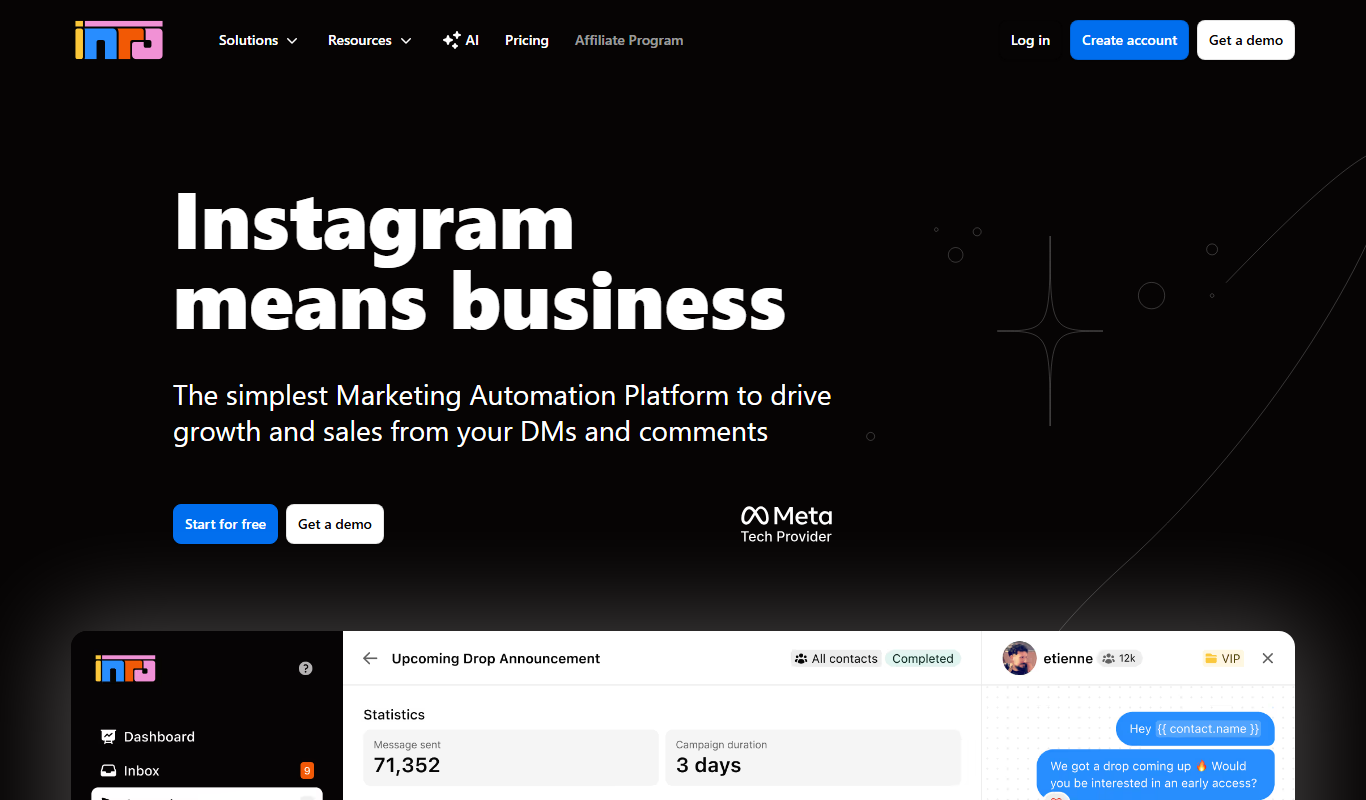
Inro
Inro is Instagram DM automation with an AI agent that answers every comment and DM in your voice, captures leads and runs DM campaigns.