

From my experience with LangPDF, I found it excels at simplifying the tedious task of extracting and understanding text from PDFs. The interactive Q&A feature is particularly useful for quickly finding information without reading entire documents. It’s well-suited for researchers, students, and professionals who frequently work with PDFs. However, the free plan limits file size and features, and currently, it supports only English documents. Overall, if you need efficient PDF text extraction and AI-powered summarization, LangPDF delivers practical and user-friendly solutions.
LangPDF AI Tool for PDF Text Extraction and Document Analysis
LangPDF is an AI-driven web tool that extracts text from PDFs, summarizes documents, and enables interactive Q&A to help users efficiently analyze PDF content.
- Best for
- Extract Text from PDFs
- Key capability
- Accurate Text Extraction
Your actions
Save LangPDF, follow its updates and vote on it — everything stays in your account.
Sign in or create a free account
What is LangPDF?
LangPDF is a web-based AI-powered tool designed to help users extract, analyze, and interact with text content inside PDF documents. It leverages natural language processing to enable users to upload PDFs and then query or summarize their contents efficiently without manual reading.
Key features of LangPDF
LangPDF offers features such as PDF text extraction, AI-driven document summarization, interactive Q&A on PDF content, and data extraction to streamline document handling and comprehension.
Accurate Text Extraction
Extracts text from PDFs with high accuracy, including complex layouts.
AI-Powered Summarization
Generates concise summaries to save time reading long documents.
Interactive Q&A
Allows users to ask questions about the PDF content and receive relevant answers.
Supports Various PDF Types
Works with scanned PDFs, reports, academic papers, and manuals.
Pros and cons of LangPDF
Pros
- Easy to use with intuitive web interface
- Supports interactive querying of PDF content
- Provides quick summaries to save reading time
Cons
- Limited free plan features and upload sizes
- Currently supports only English language documents
Key use cases for LangPDF
Extract Text from PDFs
Automatically extract and analyze text content from PDF documents for easy reading and processing.
Document Summarization
Generate concise summaries of lengthy PDF documents to quickly grasp key information.
Search and Query PDFs
Interact with PDF content by asking questions and receiving AI-generated answers based on the document.
Data Extraction for Research
Extract relevant data points and insights from academic papers, reports, or manuals in PDF format.
Content Review and Analysis
Use AI to review and analyze PDF documents for compliance, errors, or important highlights.
How LangPDF works
- 1
Upload PDF
Users upload their PDF document to the LangPDF web platform.
- 2
AI Processing
The AI engine extracts text and processes the document content using natural language understanding.
- 3
Interact with Document
Users can ask questions, request summaries, or extract specific information from the PDF.
- 4
Download or Export
Results such as summaries or extracted data can be downloaded or copied for further use.
Who is using LangPDF
Researchers and academics
Legal professionals
Content creators and editors
Students and educators
Business analysts
LangPDF pricing
Free
$0/month
Basic access with limited document uploads and features.
Pro
$15/month
Unlimited uploads, faster processing, and advanced AI features.
Plans and prices are as published by the vendor and can change. Check the official site before you buy. Open the pricing page (opens in a new tab)
Frequently asked questions about LangPDF
Yes, LangPDF uses AI techniques to extract text even from scanned documents.
The free plan has file size limits; Pro users can upload larger PDFs.
Uploaded PDFs are processed securely and deleted after analysis to protect privacy.
It depends on your specific needs and how you plan to use the tool. The official website and documentation are the best sources for the latest details.
Yes, it can help with that use case depending on how you configure it and what features are available. You’ll get the best results with clear inputs and a defined goal.
Some tools offer a free plan or trial with limited features. Availability can vary, so confirm on the official website.
Sign in to review this tool.
Sign In to ReviewNo reviews yet
Be the first to share how this tool worked for you.
Ask about pricing, limits, or how it compares — or answer someone else.
Sign In to AskNo questions yet
Have a question about using or paying for this tool? Be the first to ask.
Featured on TiorAI



More AI Assistants tools
Other tools in the same category, for when this one is not quite the fit.
Free
LMGTFY + GPT = LetMeGPT
LetMeGPT is a free web tool that combines Let Me Google That For You style search links with GPT-powered AI answers to provide quick, comprehensive search assistance.
Freemium
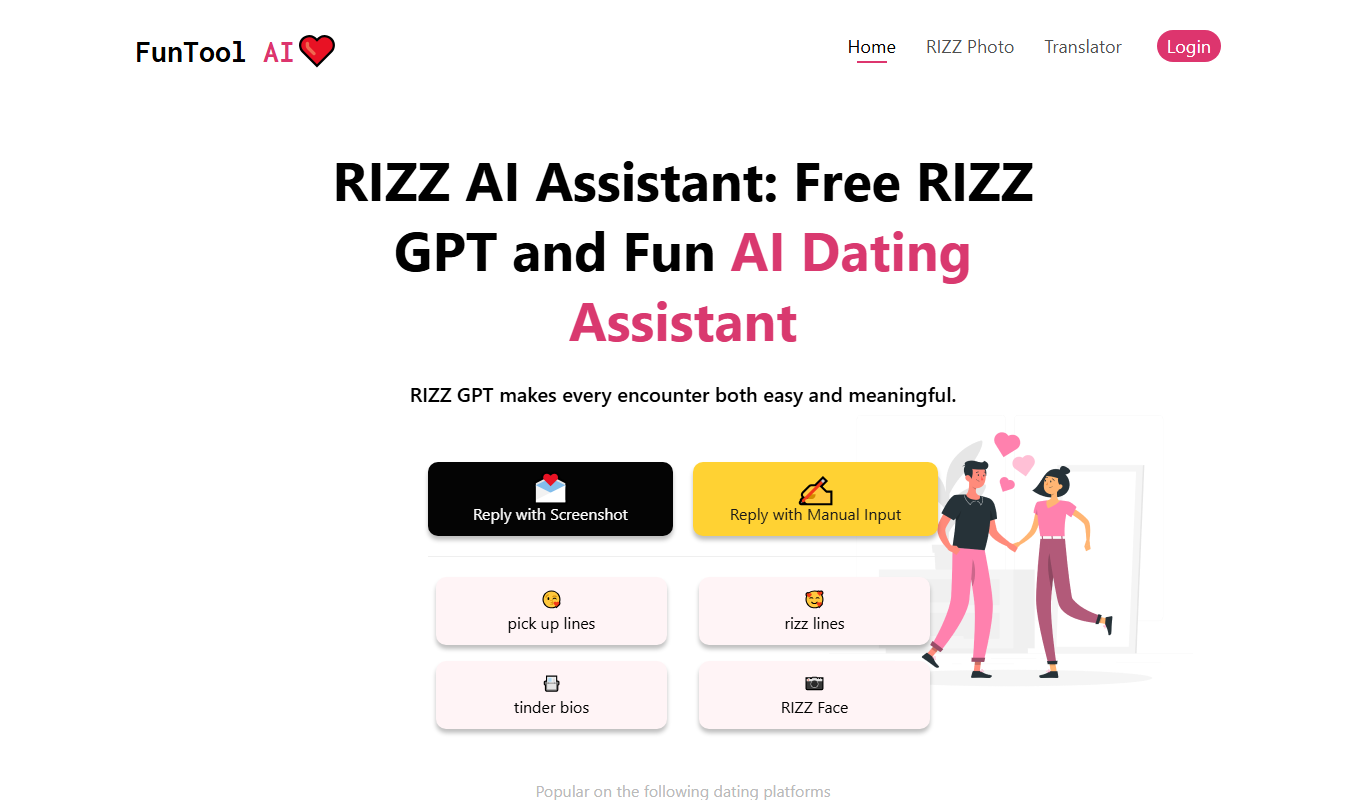
RIZZ AI
RIZZ AI is a web-based dating assistant that works from a screenshot or manual input.

Free Trial
ResearchPal
ResearchPal is an AI-driven research assistant that streamlines academic and professional research by providing literature search, paper summarization, and citation management tools through a web platform.
Free
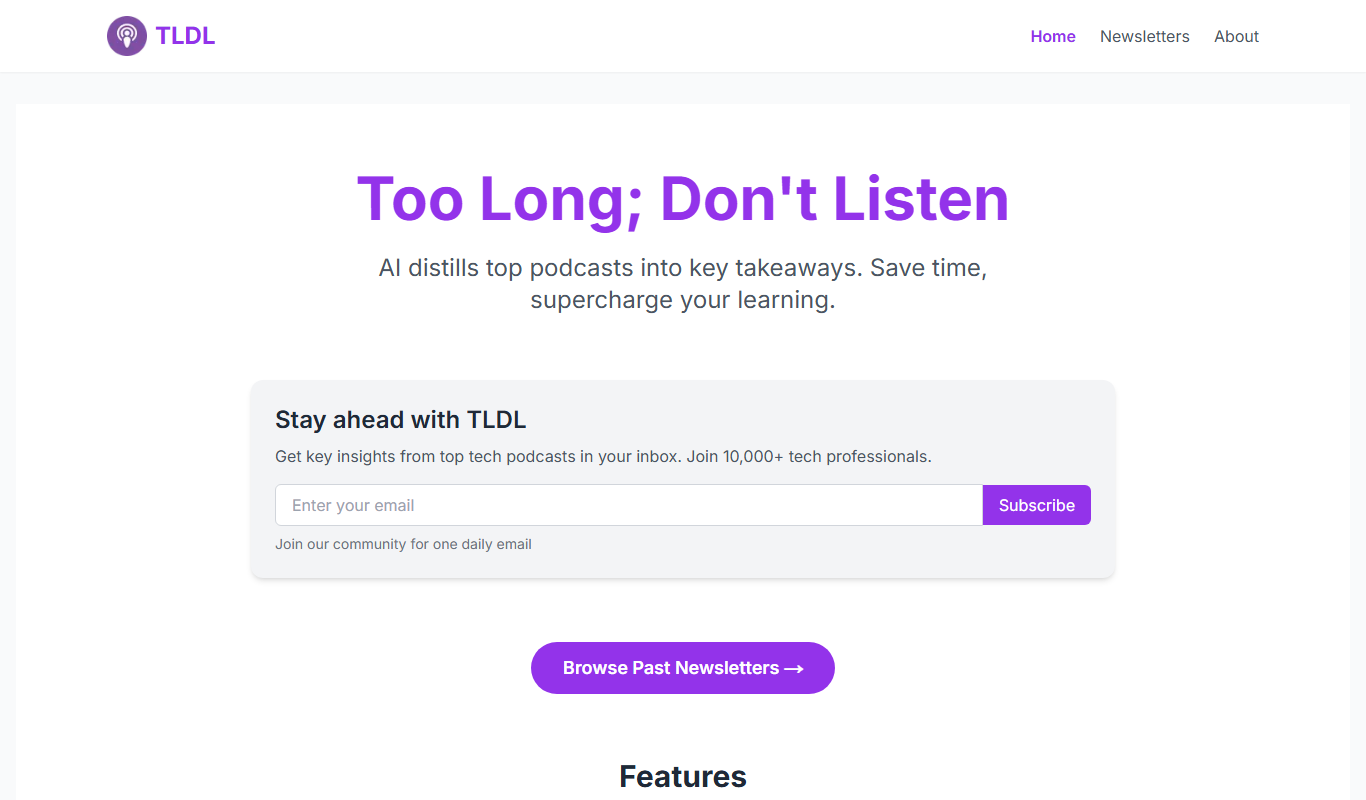
TLDL
TLDL is an AI-driven meeting assistant that records video calls, transcribes conversations, and generates concise summaries to save time and improve team collaboration.

Free
AI Minecraft
AI Minecraft is an AI-powered assistant and mod tool that enhances Minecraft gameplay by providing building assistance, strategic guidance, and creative content generation within the game.

Freemium
HeyMilo AI
HeyMilo AI is a conversational AI platform that helps businesses automate customer interactions through customizable chatbots, improving support efficiency and user engagement.

Free
K8sGPT
K8sGPT is an AI assistant that simplifies Kubernetes troubleshooting and management by providing real-time, natural language responses based on live cluster data.

Freemium
Quantum Copilot
Quantum Copilot is an AI assistant designed to aid quantum computing development by generating code, visualizing circuits, and providing explanations.