

From my experience with Quantum Copilot, I found it excels at simplifying the complex process of quantum programming by providing AI-driven code generation and circuit visualization. The platform is particularly well-suited for quantum researchers and developers who want to accelerate their workflow and reduce errors. However, its limitation to English and web-only access may restrict some users. Overall, if you are involved in quantum computing development or learning, Quantum Copilot offers practical, hands-on assistance that can significantly improve productivity and understanding.
Quantum Copilot AI Assistant for Quantum Computing Development and Research
Quantum Copilot is an AI assistant designed to aid quantum computing development by generating code, visualizing circuits, and providing explanations.
- Best for
- Quantum Algorithm Development
- Key capability
- AI-Powered Code Generation
Your actions
Save Quantum Copilot, follow its updates and vote on it — everything stays in your account.
Sign in or create a free account

What is Quantum Copilot?
Quantum Copilot is an AI-powered assistant designed to streamline quantum computing development and research. It integrates advanced AI capabilities to help users write, debug, and optimize quantum code, design quantum circuits, and understand complex quantum concepts. The tool aims to accelerate innovation by making quantum programming more accessible and efficient.
Key features of Quantum Copilot
Quantum Copilot provides intelligent code generation, quantum circuit visualization, real-time debugging assistance, and contextual explanations tailored for quantum computing developers and researchers.
AI-Powered Code Generation
Automatically generates quantum code snippets in popular frameworks like Qiskit.
Quantum Circuit Visualization
Visual tools to design and inspect quantum circuits interactively.
Contextual Explanations
Provides detailed explanations of quantum concepts and code to enhance understanding.
Real-Time Debugging Support
Helps identify and fix errors in quantum programs efficiently.
Pros and cons of Quantum Copilot
Pros
- Simplifies complex quantum programming tasks
- Interactive quantum circuit visualization
- Helpful for both developers and researchers
Cons
- Limited language support beyond English
- Web-only platform without desktop or mobile apps
Key use cases for Quantum Copilot
Quantum Algorithm Development
Helps developers design, test, and optimize quantum algorithms with AI-powered suggestions and code generation.
Quantum Circuit Design
Assists in creating and visualizing quantum circuits, improving accuracy and reducing development time.
Quantum Research Assistance
Supports researchers by providing explanations, code snippets, and insights related to quantum computing concepts.
Learning Quantum Computing
Offers interactive guidance and examples for students and professionals learning quantum programming.
How Quantum Copilot works
- 1
Create an Account
Sign up on the Quantum Copilot platform to access the AI assistant.
- 2
Input Quantum Tasks
Enter your quantum programming challenges or questions into the interface.
- 3
Receive AI Assistance
Get AI-generated code snippets, circuit designs, and explanations to aid your development.
- 4
Iterate and Optimize
Use the provided suggestions to refine your quantum algorithms and circuits.
Who is using Quantum Copilot
Quantum computing researchers
Quantum software developers
Students learning quantum programming
Academic institutions
Tech companies exploring quantum solutions
Quantum Copilot pricing
Free
$0/month
Access to basic AI assistance with limited usage and features.
Pro
$49/month
Full access to all features, higher usage limits, and priority support.
Plans and prices are as published by the vendor and can change. Check the official site before you buy. Open the pricing page (opens in a new tab)
Frequently asked questions about Quantum Copilot
Quantum Copilot primarily supports Qiskit and other popular quantum programming frameworks.
Yes, the Free plan allows users to try basic features without cost.
Yes, it offers explanations and examples suitable for learners at various levels.
It depends on your specific needs and how you plan to use the tool. The official website and documentation are the best sources for the latest details.
It depends on your specific needs and how you plan to use the tool. The official website and documentation are the best sources for the latest details.
It depends on your specific needs and how you plan to use the tool. The official website and documentation are the best sources for the latest details.
Sign in to review this tool.
Sign In to ReviewNo reviews yet
Be the first to share how this tool worked for you.
Ask about pricing, limits, or how it compares — or answer someone else.
Sign In to AskNo questions yet
Have a question about using or paying for this tool? Be the first to ask.
Featured on TiorAI



More AI Assistants tools
Other tools in the same category, for when this one is not quite the fit.
Free
LMGTFY + GPT = LetMeGPT
LetMeGPT is a free web tool that combines Let Me Google That For You style search links with GPT-powered AI answers to provide quick, comprehensive search assistance.
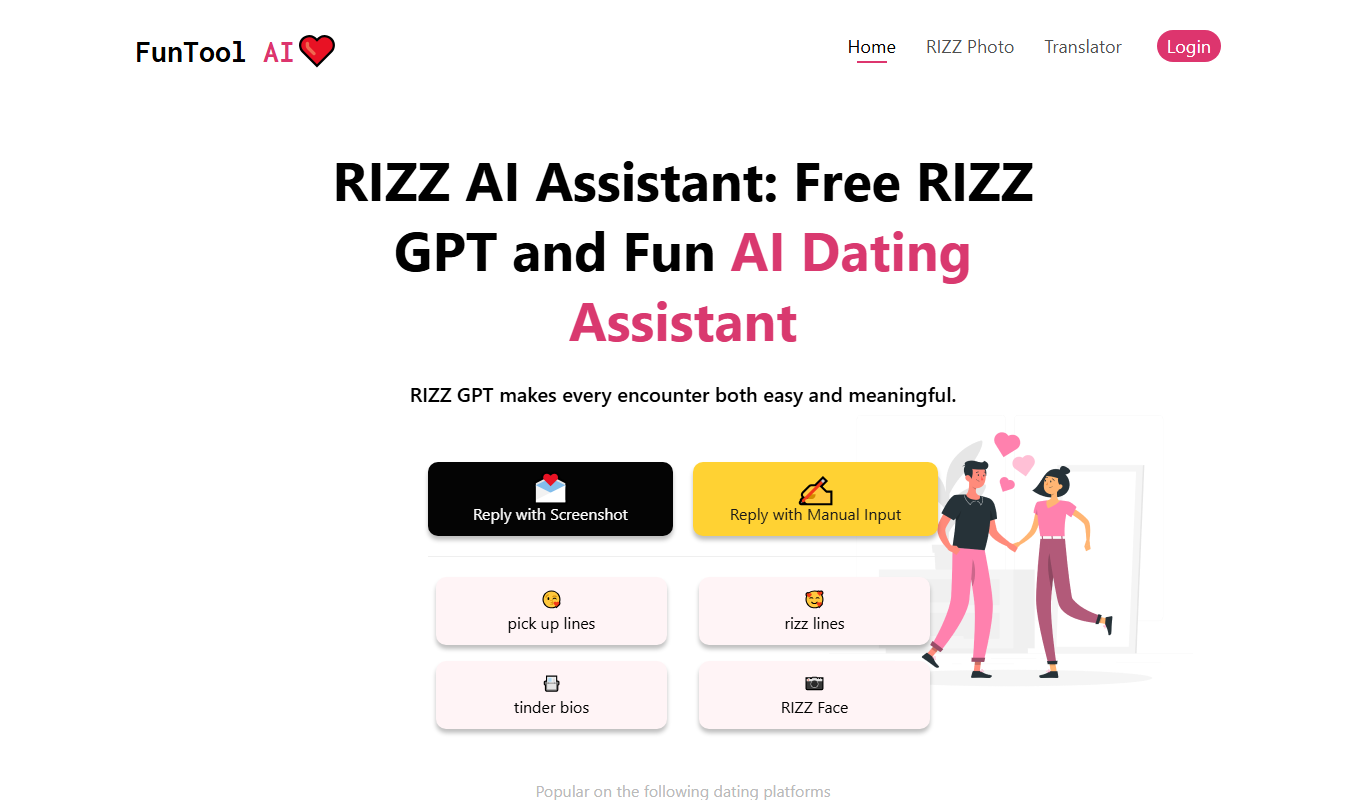
Freemium
RIZZ AI
RIZZ AI is a web-based dating assistant that works from a screenshot or manual input.

Free Trial
ResearchPal
ResearchPal is an AI-driven research assistant that streamlines academic and professional research by providing literature search, paper summarization, and citation management tools through a web platform.

Free
LangPDF
LangPDF is an AI-driven web tool that extracts text from PDFs, summarizes documents, and enables interactive Q&A to help users efficiently analyze PDF content.
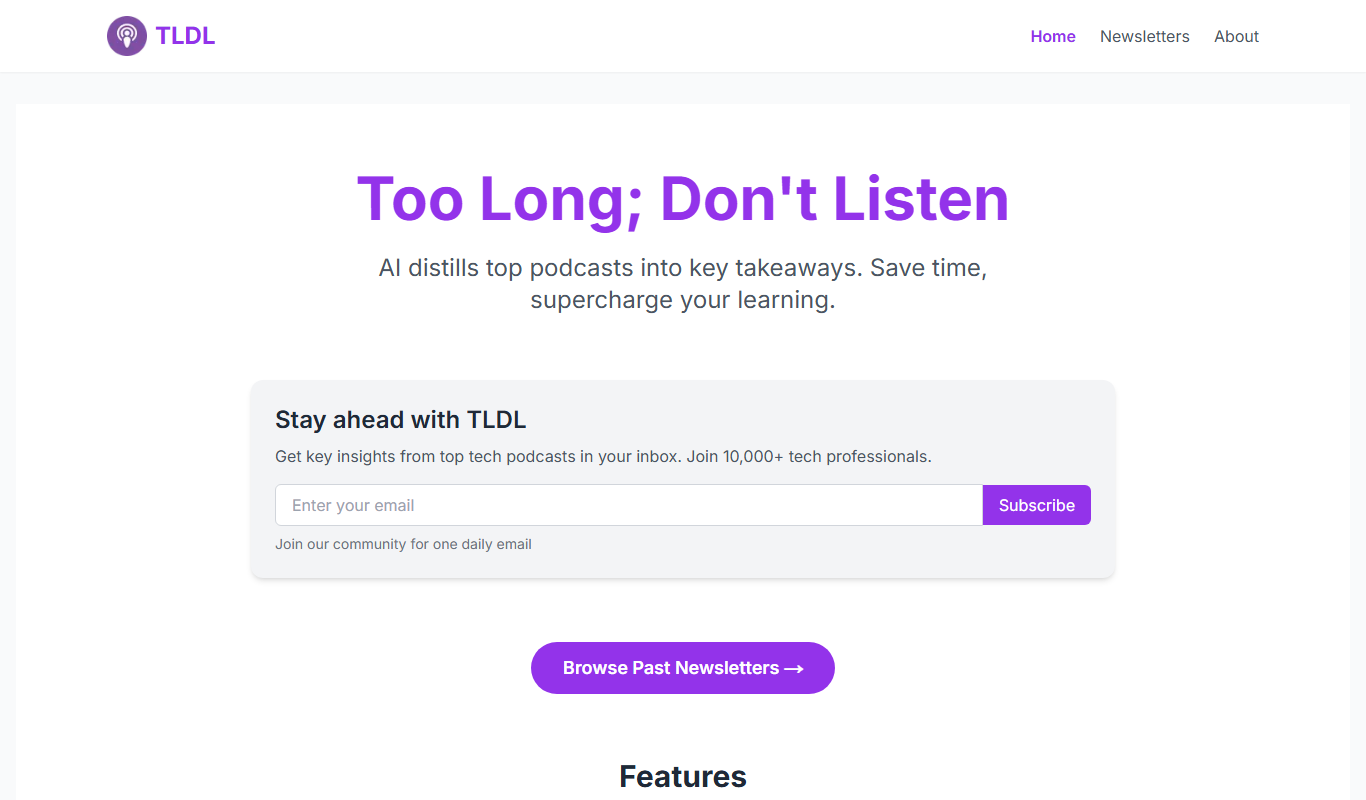
Free
TLDL
TLDL is an AI-driven meeting assistant that records video calls, transcribes conversations, and generates concise summaries to save time and improve team collaboration.

Free
AI Minecraft
AI Minecraft is an AI-powered assistant and mod tool that enhances Minecraft gameplay by providing building assistance, strategic guidance, and creative content generation within the game.

Freemium
HeyMilo AI
HeyMilo AI is a conversational AI platform that helps businesses automate customer interactions through customizable chatbots, improving support efficiency and user engagement.

Free
K8sGPT
K8sGPT is an AI assistant that simplifies Kubernetes troubleshooting and management by providing real-time, natural language responses based on live cluster data.