

Clueso agentic video creation platform
Clueso turns screen recordings, slide decks and prompts into polished product videos and step-by-step guides, with AI voiceovers, translation and editing.
- Best for
- Product demos
- Key capability
- Video from any starting point
Save Clueso, follow its updates and vote on it — everything stays in your account.
Sign in or create a free account
What is Clueso?
Clueso is an agentic video creation platform that plans, creates, edits and keeps videos up to date for marketing launches, product demos, training, enablement and internal communications. It turns screen recordings, slide decks, documents or prompts into finished videos with AI voiceovers, captions and translation, and turns the same content into step-by-step guides.
Key features of Clueso
Clueso turns rough recordings, slide decks, documents or screenshots into finished videos, records product walkthroughs through a browser extension or agent, adds AI voiceovers, avatars and captions, translates into 150+ languages and generates step-by-step guides from the same content.
Video from any starting point
Start with a rough recording, slide deck, document or screenshots and get a finished video.
Browser extension and agent recording
Record yourself with the browser extension or tell the browser agent what to demonstrate.
AI voiceovers and translation
Natural-sounding voiceovers, and translation of voiceovers, on-screen text and captions into 150+ languages.
Step-by-step guides
The same content becomes a step-by-step guide with screenshots and instructions.
Clueprints
Define a video standard once and apply it to every video that needs to be consistent.
Pros and cons of Clueso
Pros
- No editing or design experience required
- Video and documentation from the same content
- Translation into 150+ languages
- Does not train models on your data
- Free plan available
Cons
- The free plan allows 10 minutes of video exports per month
- Pricing may be high for very small teams or individual hobbyists
Key use cases for Clueso
Product demos
Create product demo and release videos from screen recordings.
Customer and employee training
Produce training and enablement videos.
Localized videos
Translate voiceovers, on-screen text and captions into 150+ languages.
Help articles
Turn video content into step-by-step guides with screenshots.
Marketing launches
Create marketing launch and social videos.
How Clueso works
- 1
Bring your input
Upload a recording, slide deck, document or screenshots, record your screen, or describe the video.
- 2
Get a first draft
Clueso applies the right workflow and creates a first draft.
- 3
Edit with the agent or yourself
Ask the agent for changes or fine-tune voiceovers, captions and the timeline yourself.
- 4
Publish video and guide
Export the video and the matching step-by-step guide.
- 5
Integrate with CI/CD
Embed Clueso into your continuous integration pipeline for ongoing quality checks.
Who is using Clueso
Clueso pricing
Free
$0 /mo
1 user, 10 mins of video exports per month, 15 article exports per month, exports up to 1080p.
Solo
$40 /mo, billed yearly
1 user, 3 hours of video exports per year, 180 articles per year, exports up to 2K.
Business
$120 /mo, billed yearly
6 hours of video exports per year, 360 articles per year, exports up to 4K.
Enterprise
Custom
Custom limits built around your team; book a demo.
Plans and prices are as published by the vendor and can change. Check the official site before you buy. Open the pricing page (opens in a new tab)
Frequently asked questions about Clueso
Marketing videos, product demos, how-tos, training, explainers and more, with no editing or design experience required.
A rough recording, slide deck, document or screenshots, a recording made with the browser extension, or a prompt.
Yes. It translates voiceovers, on-screen text and captions into 150+ languages.
No. Clueso never trains models on your data, and admins control which AI models their teams can use.
Yes. You can connect Clueso to Claude, ChatGPT, Cursor or another AI client to create and edit videos.
Yes, it can help with that use case depending on how you configure it and what features are available. You’ll get the best results with clear inputs and a defined goal.
Integration support depends on the tool and its available connectors or API. Check the official documentation or integrations page to confirm what is supported.
It depends on your specific needs and how you plan to use the tool. The official website and documentation are the best sources for the latest details.
Conclusion
Almost any raw material can start a video here, from a rough screen recording or slide deck to a document, screenshots or a written prompt, and the platform turns it into a first draft. Product walkthroughs can be recorded with the browser extension, or a browser agent can navigate the product and capture them itself. Editing mixes an agent with manual control over AI voiceovers, avatars, captions and the timeline.
Two features target documentation and global teams: the same content becomes a step-by-step guide with screenshots, and voiceovers and captions translate into 150+ languages. Clueprints let a team reuse one video standard across many videos. A free plan caps video exports at a few minutes a month, while Solo and Business are billed yearly and Enterprise is quoted on request.
Sources
Sign in to review this tool.
Sign In to ReviewNo reviews yet
Be the first to share how this tool worked for you.
Ask about pricing, limits, or how it compares — or answer someone else.
Sign In to AskNo questions yet
Have a question about using or paying for this tool? Be the first to ask.
Featured on TiorAI



Alternative Tools
Explore similar AI tools that might fit your needs

SonarQube
SonarQube is a platform that performs static code analysis to detect bugs, vulnerabilities, and code smells, helping developers maintain high code quality and security.
More AI Developer Docs tools
Other tools in the same category, for when this one is not quite the fit.
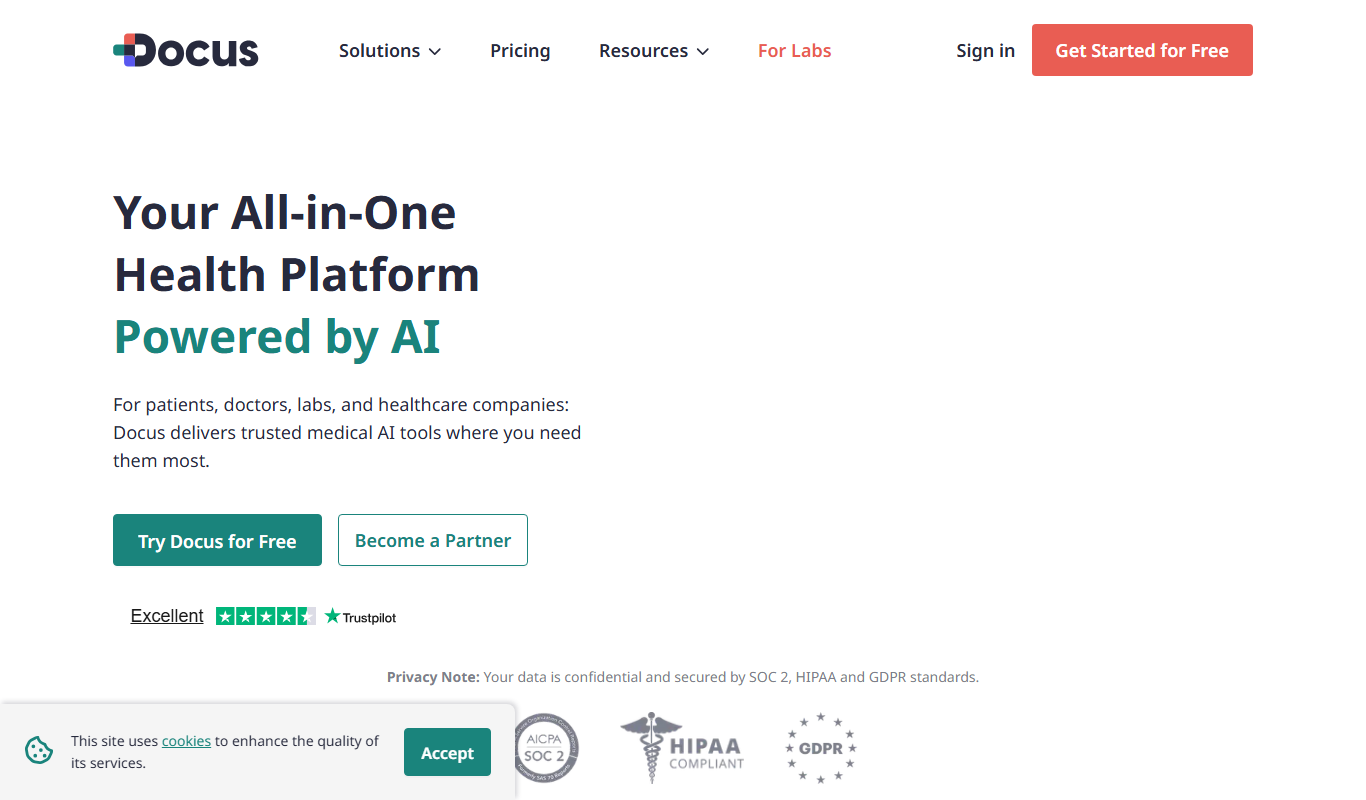
Docus.ai
Docus is an AI platform for diagnostic labs that automates interpretation of test results, follow-ups and compliance checks.

Mintlify
Mintlify is a knowledge platform built for agents, offering self-updating documentation for startups, enterprises, and agents, with an MCP server and an Agent Assistant.

Raster
Raster is a digital asset management platform for teams and AI agents to store, organize, search and ship visual assets.

Pieces for Developers
Pieces is an AI memory layer that captures your work in the background and brings that context into AI tools through MCP.

Tinq.ai – NLP API
Tinq.ai is an AI workspace that connects data sources such as Google Drive, SharePoint and Notion to ChatGPT, Claude, Gemini or any AI assistant, and also offers NLP APIs for text analysis.

K8sGPT
K8sGPT is a free, open source CNCF Sandbox tool that scans Kubernetes clusters with built-in analyzers and explains problems in plain English, running as a CLI, an in-cluster operator or an MCP server.

Userdoc
Userdoc is an AI software definition workspace for writing user stories, acceptance criteria and specs, and for turning existing code into documentation.

Stenography
Stenography documents code automatically: an extension for Visual Studio Code comments your code files on save.