

From my experience with Stenography.dev, I found it excels at providing straightforward, truly private messaging without the friction of account creation. Its open source nature adds a layer of trust that is often missing in proprietary platforms. While it lacks some advanced collaboration features and mobile apps, its focus on simplicity and security makes it ideal for privacy-conscious users and small teams needing secure communication quickly. If you want a no-nonsense, web-based encrypted chat, Stenography delivers solid, transparent privacy.
Stenography.dev - Fast and Secure End-to-End Encrypted Messaging Platform
Stenography.dev is a free, open source web messaging platform providing real-time, end-to-end encrypted communication without requiring user accounts.
- Best for
- Secure Team Communication
- Key capability
- End-to-End Encryption
Your actions
Save Stenography, follow its updates and vote on it — everything stays in your account.
Sign in or create a free account
What is Stenography?
Stenography.dev is a web-based messaging platform focused on privacy and security. It provides end-to-end encrypted real-time chat, ensuring that only the communicating parties can read the messages. The platform is open source, allowing transparency and community contributions. It is designed for users who prioritize confidentiality in their communications without sacrificing usability.
Key features of Stenography
Stenography offers real-time messaging with strong end-to-end encryption, an intuitive web interface, and open source code for transparency. It supports multiple conversations and ensures no message data is stored unencrypted on servers.
End-to-End Encryption
All messages are encrypted locally before sending, ensuring privacy and security.
Open Source Codebase
The platform’s source code is publicly available for review and contributions.
No Account Required
Users can start chatting without creating an account, enhancing anonymity.
Real-Time Messaging
Messages are delivered instantly with minimal latency.
Pros and cons of Stenography
Pros
- Strong end-to-end encryption for privacy
- Open source for transparency and security auditing
- No account or personal information required
- Simple and fast web-based interface
Cons
- Limited to web platform only, no mobile apps yet
- Lacks advanced collaboration features like file sharing or video calls
Key use cases for Stenography
Secure Team Communication
Enables teams to communicate in real-time with end-to-end encryption ensuring message confidentiality.
Private Personal Messaging
Allows individuals to chat privately without risk of message interception or data leaks.
Open Source Collaboration
Developers and privacy advocates can audit and contribute to the open source codebase.
How Stenography works
- 1
Access the Web App
Users visit the Stenography.dev website to start messaging without installation.
- 2
Create or Join a Chat
Users can create a new encrypted chat room or join an existing one via a secure link.
- 3
Exchange Encrypted Messages
Messages are encrypted on the sender’s device and decrypted only by the recipient’s device.
Who is using Stenography
Privacy-conscious individuals
Small teams needing secure communication
Open source enthusiasts
Developers and security researchers
Stenography pricing
Free
$0
Full access to all features with no cost.
Plans and prices are as published by the vendor and can change. Check the official site before you buy. Open the pricing page (opens in a new tab)
Frequently asked questions about Stenography
Yes, all messages are encrypted on your device and decrypted only by the recipient, preventing server-side access.
No, the platform allows anonymous usage without account creation.
Yes, Stenography.dev is open source and its code can be found on its public repository.
Data handling and security practices vary by provider. Review the official privacy policy to understand how your data is stored and used.
Yes, it can help with that use case depending on how you configure it and what features are available. You’ll get the best results with clear inputs and a defined goal.
It depends on your specific needs and how you plan to use the tool. The official website and documentation are the best sources for the latest details.
Sign in to review this tool.
Sign In to ReviewNo reviews yet
Be the first to share how this tool worked for you.
Ask about pricing, limits, or how it compares — or answer someone else.
Sign In to AskNo questions yet
Have a question about using or paying for this tool? Be the first to ask.
Featured on TiorAI



Alternative Tools
Explore similar AI tools that might fit your needs

Free
Signal
Signal is a free, open-source messaging app that provides end-to-end encryption for text, voice, and video communication, ensuring user privacy and security.

Free
Wire
Wire is a secure collaboration platform providing end-to-end encrypted messaging, voice and video calls, and file sharing for businesses and teams.

Free
Session
Session is a secure messaging app that provides end-to-end encrypted, anonymous communication without requiring phone numbers, using a decentralized network to protect user privacy.
More Content, Media & Communication tools
Other tools in the same category, for when this one is not quite the fit.

Free
Pop-Plan
Pop-Plan is a web-based social media content calendar tool designed to help marketing teams plan, schedule, and collaborate on social media posts using a visual calendar and team workflows.

Free Trial
yonderhq.com
YonderHQ is a web-based AI-powered platform that helps marketing teams plan, organize, and collaborate on content strategies efficiently with features like AI content ideation, content calendars, and task management.

Custom Pricing
smartvel.com
Smartvel is a travel content API platform providing real-time destination data such as weather, events, and travel guides to enhance travel websites and apps.
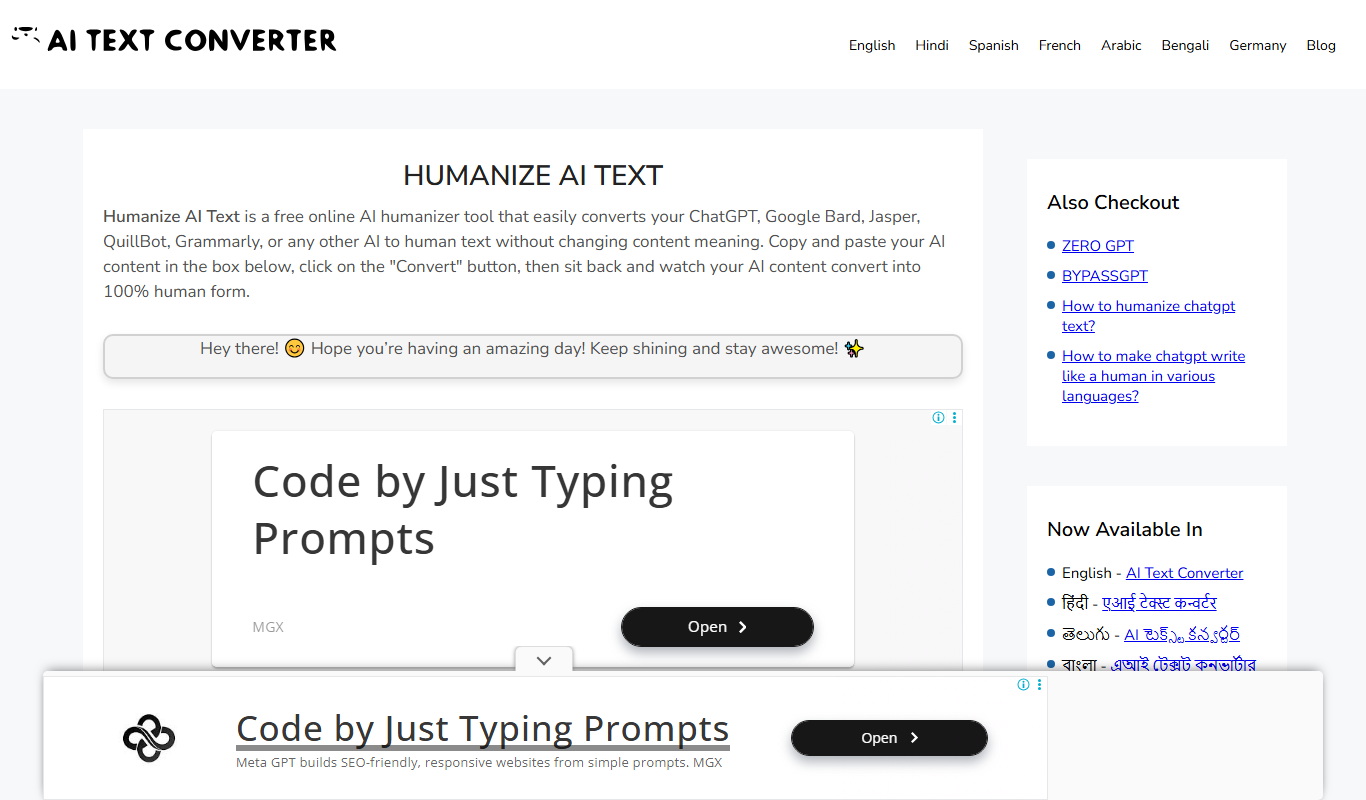
Free
Humanize AI Text Converter
Humanize AI Text Converter is a web tool that rewrites AI-generated text to make it sound more natural and human-like, improving readability and engagement.
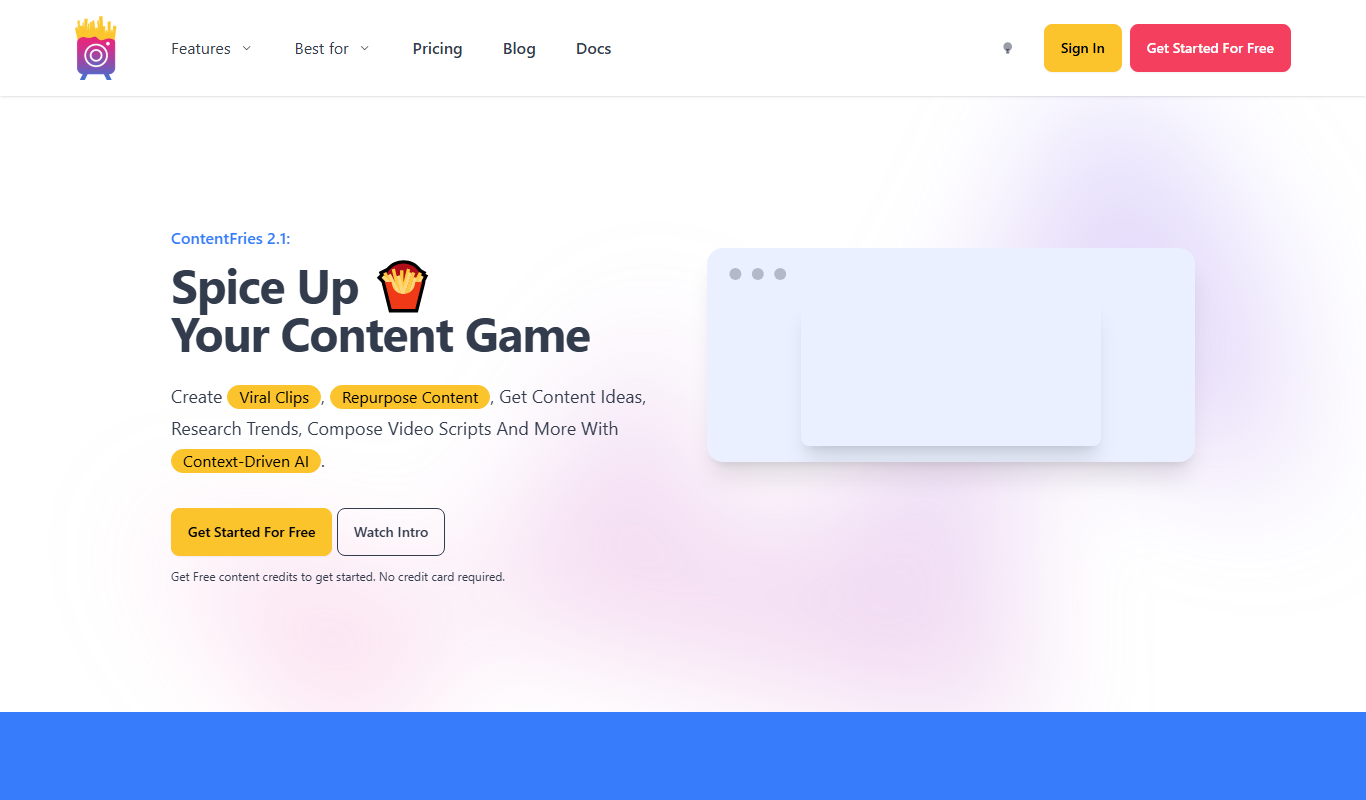
Free Trial
Contentfries
Contentfries is an AI-driven platform that transforms long-form video and audio content into multiple short clips optimized for social media, helping marketers and creators save time and increase engagement.
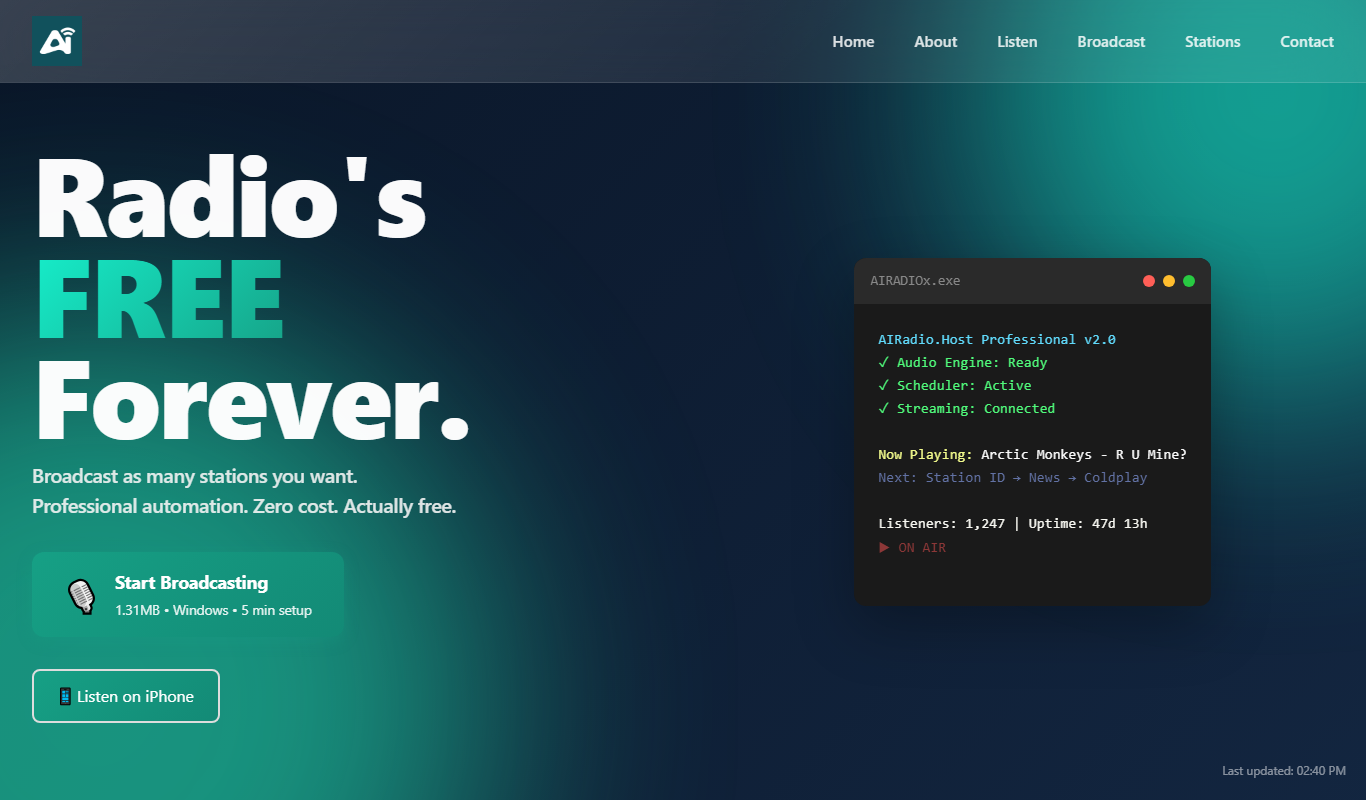
Free Trial
AIRadio.Host
AIRadio.Host is an AI-driven online radio automation platform that enables broadcasters to create, schedule, and manage internet radio stations with ease, supporting both automated playlists and live streaming.

Freemium
AI Social Recommendator
AI Social Recommendator is an AI-based tool that provides social media managers with relevant content suggestions and scheduling features to enhance audience engagement.

Freemium
Skim It
Skim It is an AI-based tool that summarizes long texts into concise, easy-to-read summaries, helping users quickly grasp key information from articles, reports, and emails.