

Horos Open Source Medical Image Viewer for Radiology and DICOM Analysis
Horos is a free, open source medical image viewer for MacOS that supports DICOM images, advanced 3D visualization, and PACS integration, widely used by radiologists and medical professionals.
- Best for
- Radiology Image Viewing
- Key capability
- DICOM Compatibility
Save Horos, follow its updates and vote on it — everything stays in your account.
Sign in or create a free account
What is Horos?
Horos is a free, open source medical image viewer designed for MacOS that supports DICOM images. It is widely used by radiologists, clinicians, and researchers to view, analyze, and manage medical imaging data. Horos offers a comprehensive set of tools for image visualization, post-processing, and integration with hospital PACS systems, making it a versatile solution for medical imaging workflows.
Key features of Horos
Horos provides advanced DICOM viewing capabilities, multi-modality support, 3D rendering, measurement tools, annotation features, and PACS connectivity. Its open source nature allows customization and extension by the medical imaging community.
DICOM Compatibility
Full support for DICOM standard images across multiple modalities including CT, MRI, PET, and ultrasound.
3D Visualization
Advanced 3D rendering and volume visualization tools for enhanced image interpretation.
PACS Integration
Seamless connection to PACS servers for image retrieval and storage within clinical environments.
Measurement and Annotation Tools
Comprehensive tools for measuring distances, angles, and annotating images for clinical documentation.
Open Source and Extensible
Community-driven development allows customization and plugin support to extend functionality.
Pros and cons of Horos
Pros
- Completely free and open source with no licensing fees
- Robust DICOM support and multi-modality image viewing
- Advanced 3D visualization and measurement tools
- Active community support and extensibility
- Seamless PACS integration for clinical workflows
Cons
- Available only on MacOS, limiting cross-platform use
- User interface can be complex for beginners
- Limited official customer support compared to commercial software
Key use cases for Horos
Radiology Image Viewing
View and analyze medical images such as CT, MRI, and X-ray scans in DICOM format.
Medical Image Post-Processing
Perform advanced image processing including 3D reconstructions, measurements, and annotations.
PACS Integration
Connect to Picture Archiving and Communication Systems (PACS) for seamless image retrieval and storage.
Research and Education
Use Horos as a tool for medical research, teaching, and training in radiology and imaging sciences.
Clinical Workflow Support
Assist clinicians in diagnostic workflows by providing a reliable and customizable imaging platform.
How Horos works
- 1
Download and Install
Download Horos from the official website and install it on a MacOS system.
- 2
Import Medical Images
Load DICOM images from local storage or connect to a PACS server to retrieve imaging studies.
- 3
View and Analyze
Use the viewer tools to navigate through image slices, adjust contrast, and perform measurements.
- 4
Post-Process Images
Apply 3D reconstructions, annotations, and export images or reports as needed.
Who is using Horos
Horos pricing
Free
$0
Open source software available at no cost with full feature access.
Plans and prices are as published by the vendor and can change. Check the official site before you buy. Open the pricing page (opens in a new tab)
Frequently asked questions about Horos
Horos is currently only available for MacOS platforms.
Yes, Horos supports DICOM networking protocols to connect with PACS servers.
Horos is FDA-cleared for diagnostic use but users should verify compliance with local regulations.
Yes, it includes tools for 3D volume rendering and multiplanar reconstructions.
This tool is designed to help users accomplish its core tasks more efficiently. It is typically used by individuals or teams looking to improve productivity and workflow.
Some tools offer a free plan or trial with limited features. Availability can vary, so confirm on the official website.
Yes, it can help with that use case depending on how you configure it and what features are available. You’ll get the best results with clear inputs and a defined goal.
Conclusion
On a Mac, Horos loads DICOM images either from local storage or from a PACS server through DICOM networking. Users navigate through image slices, adjust contrast and measure distances and angles on CT, MRI, PET and ultrasound images. Post-processing adds 3D volume rendering, multiplanar reconstructions and annotations, and images or reports can be exported as needed.
The software is free and open source, and community-driven development allows plugins that extend its functionality. It is aimed at radiologists and medical imaging professionals, as well as researchers, educators and students in radiology.
Horos 4.0.1 supports Apple Silicon on macOS. Official customer support is more limited than with commercial software, while community support is active.
Sources
Sign in to review this tool.
Sign In to ReviewNo reviews yet
Be the first to share how this tool worked for you.
Ask about pricing, limits, or how it compares — or answer someone else.
Sign In to AskNo questions yet
Have a question about using or paying for this tool? Be the first to ask.
Featured on TiorAI



Alternative Tools
Explore similar AI tools that might fit your needs
OsiriX
OsiriX is a specialized medical image viewer for MacOS and iOS that supports DICOM images, providing advanced 2D, 3D, and 4D visualization and analysis tools for radiology and medical imaging professionals.

RadiAnt DICOM Viewer
RadiAnt DICOM Viewer is a Windows application designed for fast and efficient viewing, analysis, and 3D reconstruction of medical images in DICOM format, widely used by radiologists and medical professionals.
More AI Content Generator tools
Other tools in the same category, for when this one is not quite the fit.
AgapeVerse.app
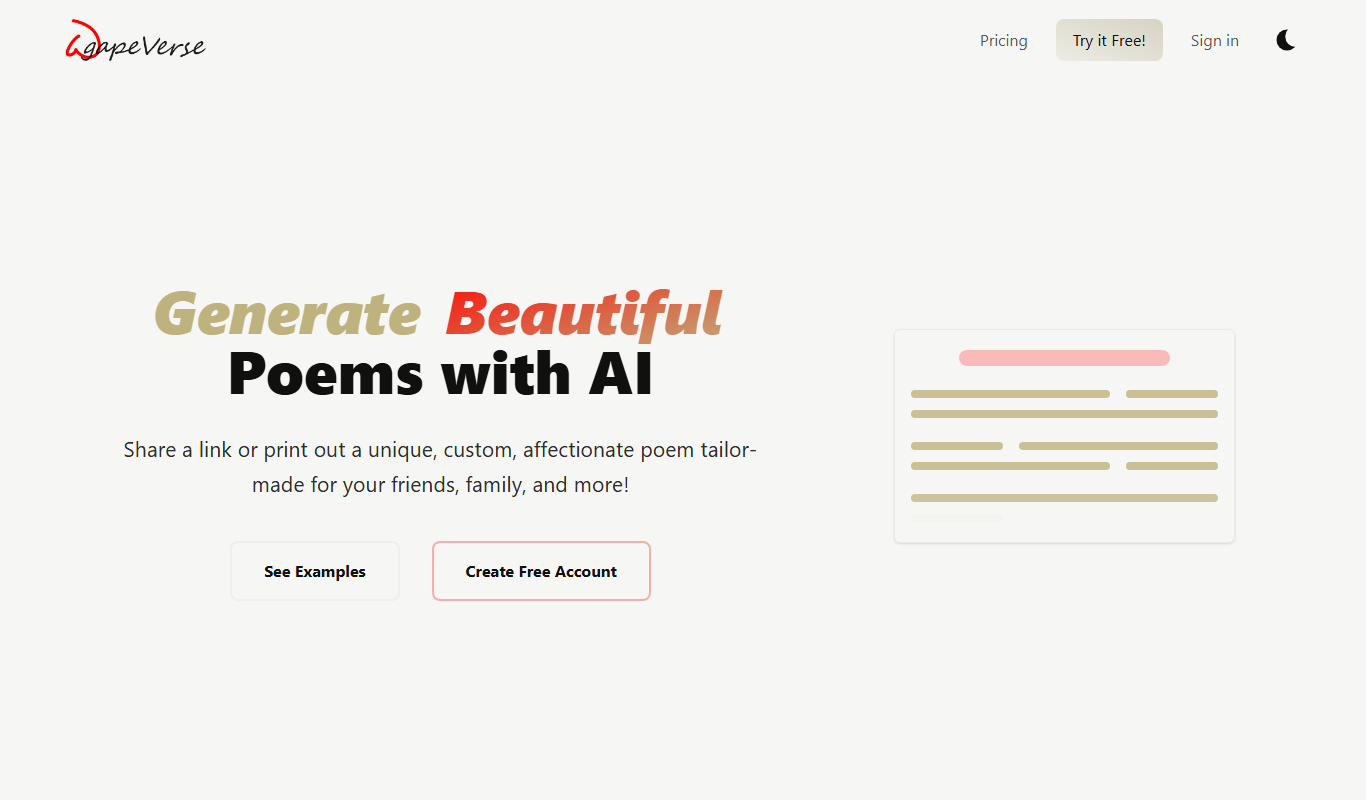
AgapeVerse generates personal poems with AI: describe the person and the occasion, read the poem seconds later, then edit, print or share it by link.

Botowski
Botowski is a personal AI copywriter that generates slogans, business names, product descriptions, articles and blog content, with an AI chatbot for websites.
Viking Language Toolkit
Viking Language is a website and textbook series for learning Old Norse, with free resources, the Viking Language Old Norse Icelandic textbooks and audio pronunciation albums.

SlideHub
SlideHub is sales content management in PowerPoint for companies that sell using M365: one current slide library, tailored decks and usage tracking.

PepoSoft AI
PepoSoft AI is an AI writer for bloggers, marketers, entrepreneurs and students, with templates for blogs, websites and social media in many languages.

Regem AI Platform
Regem AI Platform is an AI writer and image tool with templates for blog posts, ads, SEO titles, emails and images, and a free plan.

ProPresence
ProPresence combines AI and human input to create LinkedIn thought leadership content for executives in their own tone of voice.

Growfol
Growfol is an AI tool for LinkedIn with trending post ideas, AI carousels, scheduling and analytics to grow your personal brand.