
From my experience with OsiriX, it stands out as a robust and versatile medical image viewer tailored for MacOS and iOS users. Its strength lies in handling complex DICOM datasets with advanced 3D and 4D visualization capabilities, which are invaluable for radiologists and surgeons. The software’s plugin architecture also allows customization for specialized workflows. However, the limitation to Apple platforms and the cost of the full professional version may restrict accessibility for some users. Overall, OsiriX is an excellent choice for healthcare professionals seeking a powerful, clinically approved imaging tool.
OsiriX Medical Image Viewer for Advanced DICOM Analysis and Visualization
OsiriX is a specialized medical image viewer for MacOS and iOS that supports DICOM images, providing advanced 2D, 3D, and 4D visualization and analysis tools for radiology and medical imaging professionals.
What is OsiriX?
OsiriX is a specialized medical image viewer designed for handling DICOM images commonly used in radiology and medical imaging. It provides advanced visualization, analysis, and processing tools tailored for healthcare professionals, enabling detailed examination of CT scans, MRIs, PET scans, and other imaging modalities.
Key Features of OsiriX
DICOM Compatibility
Full support for DICOM standard images from various medical imaging devices.
3D and 4D Visualization
Advanced rendering options including volume rendering, surface rendering, and dynamic 4D imaging.
Image Fusion
Combine images from different modalities (e.g., PET-CT) for comprehensive analysis.
Plugin Architecture
Extend functionality with plugins for specialized image processing and analysis.
Measurement and Annotation Tools
Tools for precise measurements, annotations, and region of interest (ROI) analysis.
Pros and Cons of OsiriX
Pros
- Comprehensive DICOM support with advanced visualization
- User-friendly interface optimized for MacOS and iOS
- Powerful 3D and 4D rendering capabilities
- Extensible via plugins for specialized needs
- FDA-cleared version available for clinical use
Cons
- Limited to Apple platforms, no Windows or Linux support
- Full professional features require paid license
- Steeper learning curve for advanced functionalities
Key Use Cases for OsiriX
Radiology Image Viewing
View and analyze medical images in DICOM format for diagnostic purposes.
3D Reconstruction
Create 3D visualizations from 2D medical image slices to assist in surgical planning.
Image Processing and Analysis
Apply filters, segmentations, and measurements to medical images for enhanced analysis.
Teaching and Research
Use OsiriX for educational purposes and medical research involving imaging data.
Telemedicine and Remote Consultations
Share and review medical images remotely with colleagues and specialists.
How OsiriX Works
-
1
Install OsiriX
Download and install OsiriX on your Mac or iOS device from the official website or App Store.
-
2
Import Medical Images
Load DICOM files from imaging devices, PACS servers, or local storage into OsiriX.
-
3
Explore and Analyze
Use the viewer’s tools to navigate through image slices, apply filters, and perform measurements.
-
4
Create 3D Visualizations
Generate 3D reconstructions and volume renderings to better understand anatomical structures.
-
5
Export and Share
Export images or reports and share them securely with colleagues or integrate with hospital systems.
Who's Using OsiriX
Radiologists and medical imaging specialists
Healthcare institutions and hospitals
Medical researchers and educators
Surgeons requiring 3D imaging for planning
Telemedicine professionals
OsiriX Pricing
OsiriX Lite
Free
Basic DICOM viewer with limited features for personal use.
OsiriX MD
Contact for pricing
Full-featured FDA-cleared version for professional medical use with advanced tools.
Frequently Asked Questions About OsiriX
No, OsiriX is designed exclusively for MacOS and iOS platforms.
Yes, OsiriX MD is FDA-cleared for diagnostic use in clinical environments.
Yes, it provides advanced 3D and 4D visualization tools for medical images.
Yes, OsiriX Lite offers basic viewing features for free.
Yes, it can help with that use case depending on how you configure it and what features are available. You’ll get the best results with clear inputs and a defined goal.
It depends on your specific needs and how you plan to use the tool. The official website and documentation are the best sources for the latest details.
Yes, it can help with that use case depending on how you configure it and what features are available. You’ll get the best results with clear inputs and a defined goal.
Some tools offer a free plan or trial with limited features. Availability can vary, so confirm on the official website.
Share your review
Reviews are limited to one per logged-in user and are published after moderation.
You need an account to review this tool.
0.0
★
★
★
★
★
0 reviews
5 star
0
4 star
0
3 star
0
2 star
0
1 star
0
No reviews yet
Be the first to share how this tool worked for you.
Questions from the community
Read questions and answers about this tool, or ask your own.
No questions yet
Start the conversation by asking the first question about this tool.
Is this tool helpful?
Alternative Tools
Explore similar AI tools that might fit your needs

Free
Horos
Horos is a free, open source medical image viewer for MacOS that supports DICOM images, advanced 3D visualization, and PACS integration, widely used by radiologists and medical professionals.

Free Trial
RadiAnt DICOM Viewer
RadiAnt DICOM Viewer is a Windows application designed for fast and efficient viewing, analysis, and 3D reconstruction of medical images in DICOM format, widely used by radiologists and medical professionals.

Freemium
Krut AI
Krut AI is an AI-powered video creation platform that automates editing and scene generation, enabling users to produce professional videos quickly and easily.

Free
Postimages
Postimages is a free online image hosting service that allows users to upload images quickly without registration, providing multiple link formats for sharing and embedding images on forums, websites, and social media.

Paid
Camera+ 2
Camera+ 2 is an iOS photography app that combines manual camera controls with AI-powered editing features like background removal and portrait enhancements, designed for professional and enthusiast iPhone photographers.

Freemium
Photoleap
Photoleap is a mobile photo editing app by Lightricks that provides advanced layer-based editing, AI-powered effects like sky replacement, and creative tools for enhancing photos on iOS and Android devices.
Free
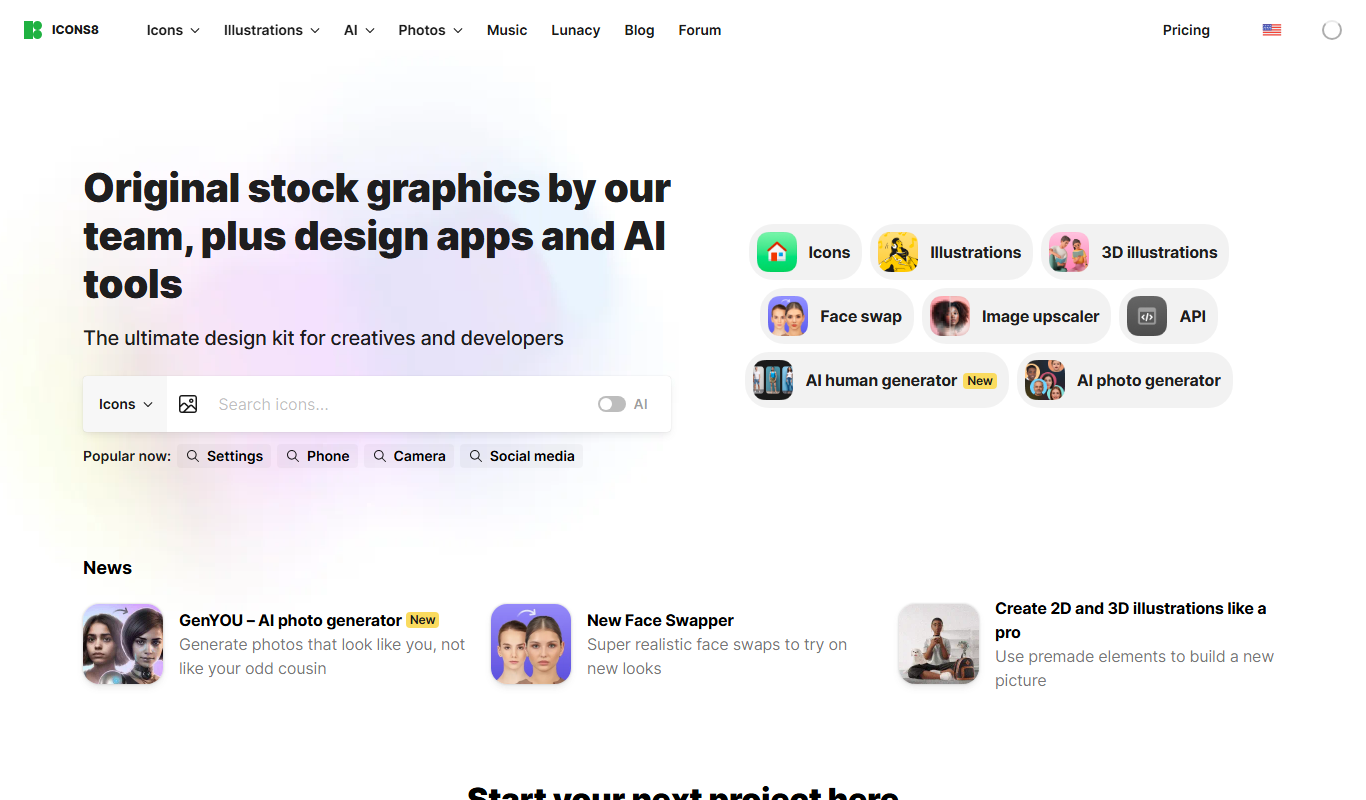
Icons8
Icons8 is a platform offering a large collection of customizable icons, illustrations, and photos with plugins and API access for designers and developers.

Perpetual License
SilhouetteFX
SilhouetteFX is a professional visual effects software used for rotoscoping, paint, and compositing in film and video post-production.

Free
Magic Studio
Magic Studio is an AI-based platform that generates unique digital images from text prompts, ideal for designers and marketers seeking quick creative visuals.

Free
VanceAI
VanceAI is an AI-powered online platform that enhances photos, removes backgrounds, restores old images, and upscales pictures automatically with high quality.