

From my experience with Makeasite, I found it excels at simplifying website creation for users without technical skills. The drag-and-drop editor is intuitive, making it easy to customize templates quickly. It’s particularly well-suited for small business owners and creatives who need a professional online presence without hiring developers. However, the platform offers limited advanced customization options, which might be a drawback for users seeking deep control over design or functionality. Overall, if you want a straightforward, no-code website builder with essential features like SEO tools and responsive design, Makeasite delivers solid results.
Makeasite Website Builder Review - Easy Drag-and-Drop Site Creation Tool
Makeasite is a web-based drag-and-drop website builder that allows users to create responsive, professional websites without coding, offering templates, SEO tools, and integrated hosting.
- Best for
- Small Business Website Creation
- Key capability
- Drag-and-Drop Editor
Your actions
Save Makeasite, follow its updates and vote on it — everything stays in your account.
Sign in or create a free account
What is Makeasite?
Makeasite is an intuitive web-based website builder that enables users to create responsive, professional websites using a drag-and-drop interface. It requires no coding skills and offers a variety of customizable templates to suit different needs, from business sites to personal portfolios.
Key features of Makeasite
Key features include a user-friendly drag-and-drop editor, responsive design templates, SEO tools, custom domain support, and integrated hosting, making it a comprehensive solution for quick website creation.
Drag-and-Drop Editor
Easily add, move, and customize website elements without any coding.
Responsive Templates
Templates automatically adapt to different screen sizes for mobile-friendly websites.
SEO Tools
Built-in SEO settings help optimize your site for search engines.
Custom Domain Support
Connect your own domain name to give your website a professional URL.
Integrated Hosting
Websites are hosted on Makeasite’s servers, simplifying deployment and maintenance.
Pros and cons of Makeasite
Pros
- Easy drag-and-drop interface suitable for beginners
- Responsive templates ensure mobile compatibility
- Includes SEO tools to improve search rankings
- Integrated hosting simplifies website deployment
Cons
- Limited advanced customization options for developers
- Pricing plans are fewer compared to some competitors
Key use cases for Makeasite
Small Business Website Creation
Build professional websites quickly without coding knowledge, ideal for small business owners.
Portfolio Websites
Create visually appealing portfolios to showcase creative work or projects.
Landing Pages
Design effective landing pages for marketing campaigns or product launches.
Personal Websites
Develop personal blogs or resume sites with ease using customizable templates.
Event Websites
Set up event pages with details, RSVP forms, and schedules.
How Makeasite works
- 1
Sign Up
Create a free account on the Makeasite platform to start building your website.
- 2
Choose a Template
Select from a variety of professionally designed templates tailored to your website type.
- 3
Customize Your Site
Use the drag-and-drop editor to add and arrange elements like text, images, and buttons.
- 4
Publish
Connect a custom domain or use a free subdomain and publish your website live.
Who is using Makeasite
Small business owners
Freelancers and creatives
Marketing professionals
Event organizers
Personal bloggers
Makeasite pricing
Free
$0/month
Basic website creation with Makeasite subdomain and limited features.
Pro
$12/month
Includes custom domain connection, advanced SEO tools, and priority support.
Plans and prices are as published by the vendor and can change. Check the official site before you buy. Open the pricing page (opens in a new tab)
Frequently asked questions about Makeasite
No, Makeasite is designed for users with no coding experience using a drag-and-drop interface.
Yes, the Pro plan allows you to connect a custom domain to your website.
Yes, Makeasite provides integrated hosting for all websites built on its platform.
All templates are responsive and optimized for mobile devices.
Some tools offer a free plan or trial with limited features. Availability can vary, so confirm on the official website.
Yes, it can help with that use case depending on how you configure it and what features are available. You’ll get the best results with clear inputs and a defined goal.
Yes, it can help with that use case depending on how you configure it and what features are available. You’ll get the best results with clear inputs and a defined goal.
Sign in to review this tool.
Sign In to ReviewNo reviews yet
Be the first to share how this tool worked for you.
Ask about pricing, limits, or how it compares — or answer someone else.
Sign In to AskNo questions yet
Have a question about using or paying for this tool? Be the first to ask.
Featured on TiorAI



Alternative Tools
Explore similar AI tools that might fit your needs

Free
Weebly
Weebly is a drag-and-drop website builder platform that enables users to create professional websites and online stores without coding skills, offering customizable templates, ecommerce tools, and hosting.
More AI Developer & Coding Tools tools
Other tools in the same category, for when this one is not quite the fit.
Free
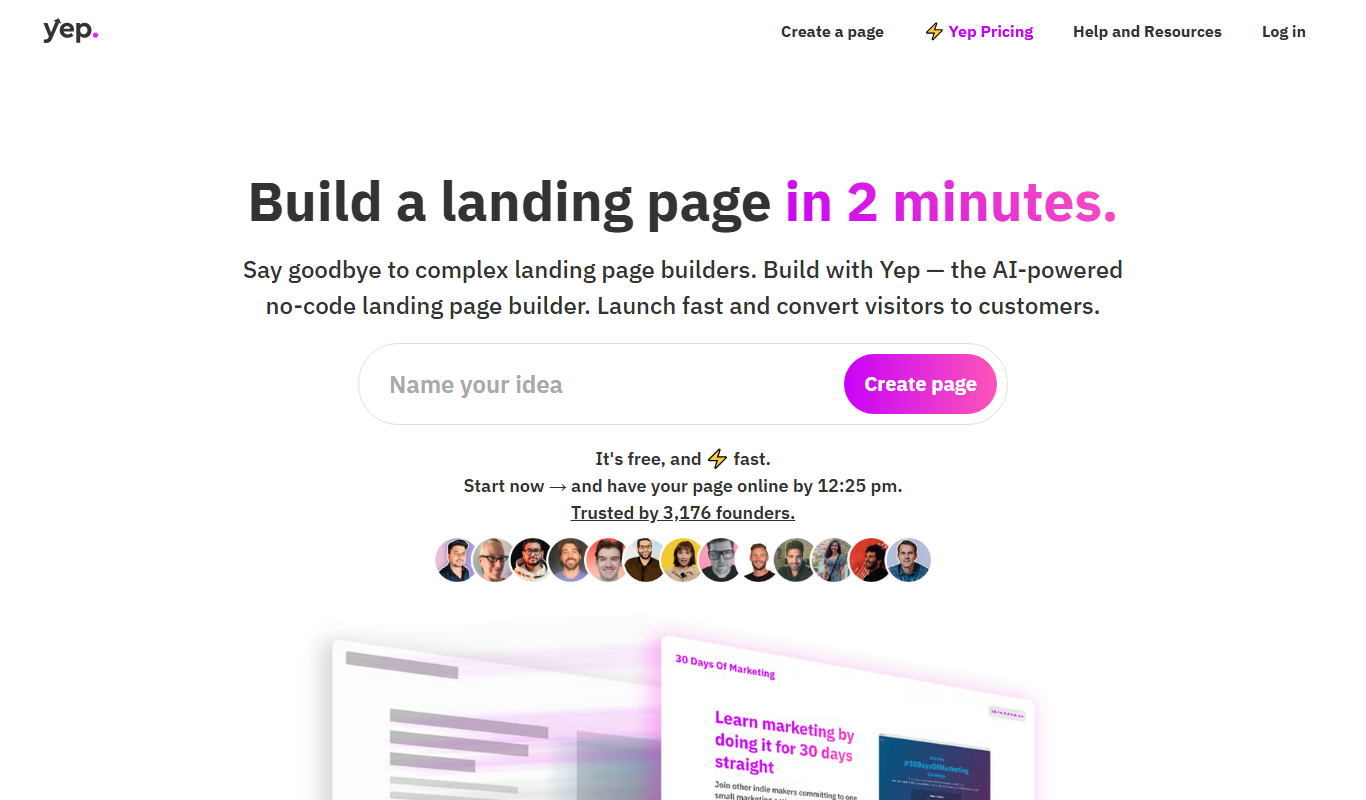
Yep.so – From idea to signups in 15 minutes
Yep.so is an AI-powered no-code landing page builder that generates pages to capture leads and validate ideas in minutes.

Free
GenPage
GenPage is an AI landing page platform for marketing teams that creates dedicated landing pages for every ad, keyword and account.

Free
60sec.site
60sec.site is a web tool that enables users to create and publish minimalist websites or landing pages in about 60 seconds without any coding skills.
Contact for pricing
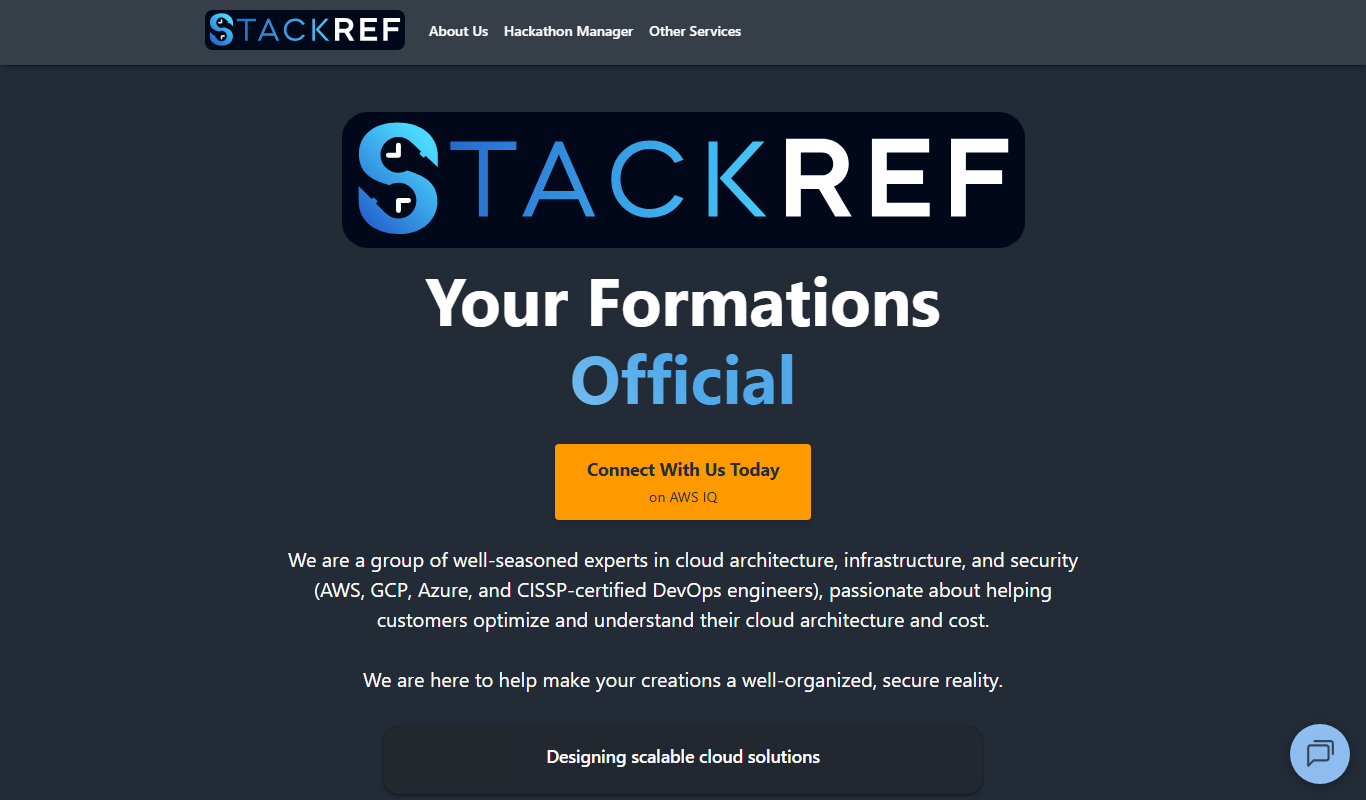
StackRef
StackRef is a cloud, DevOps and security consulting practice for AWS, GCP and Azure, run by a CISSP-certified cloud architect.
Free
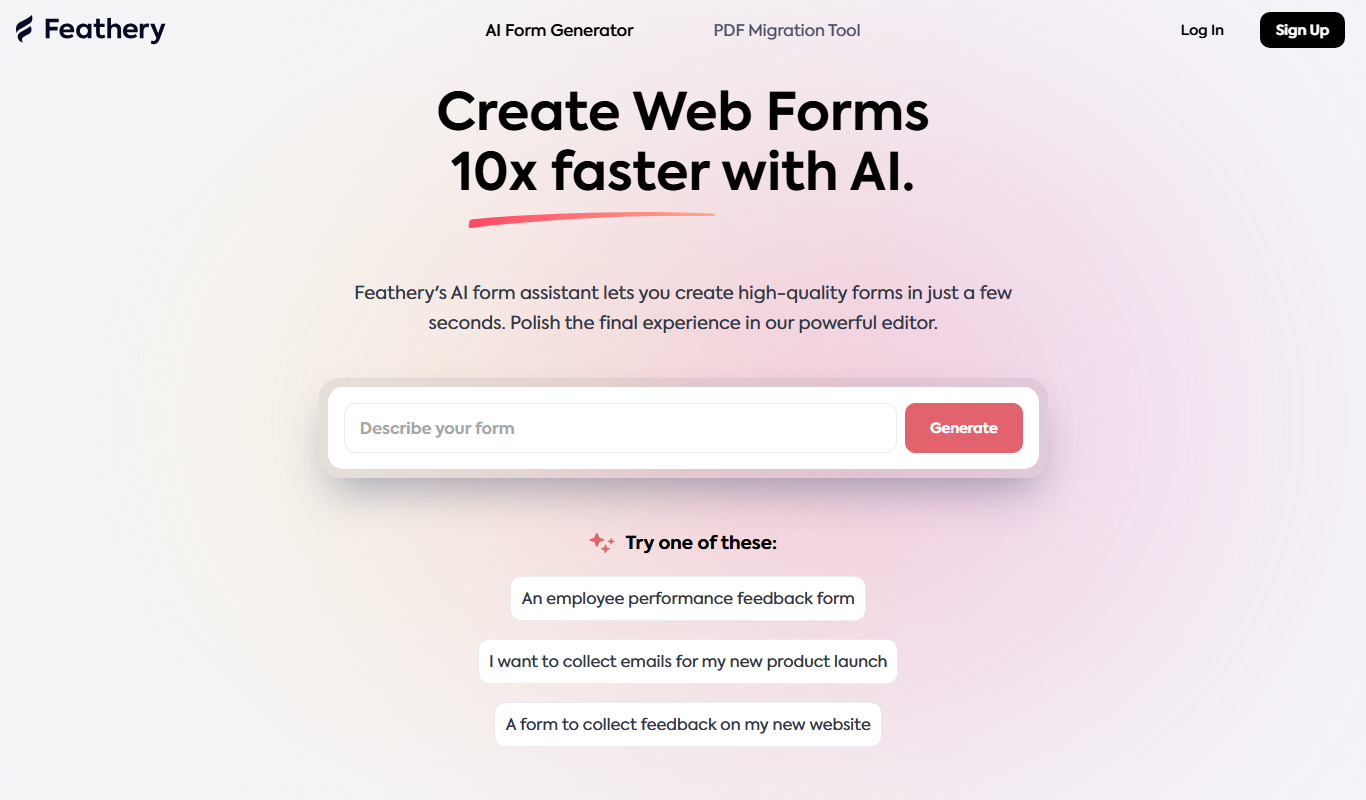
Feathery AI
Feathery is an AI workflow platform for insurance and wealth management teams that automates submission intake, client onboarding and account opening, with a no-code form builder, document automation and the Robin AI assistant.
Free
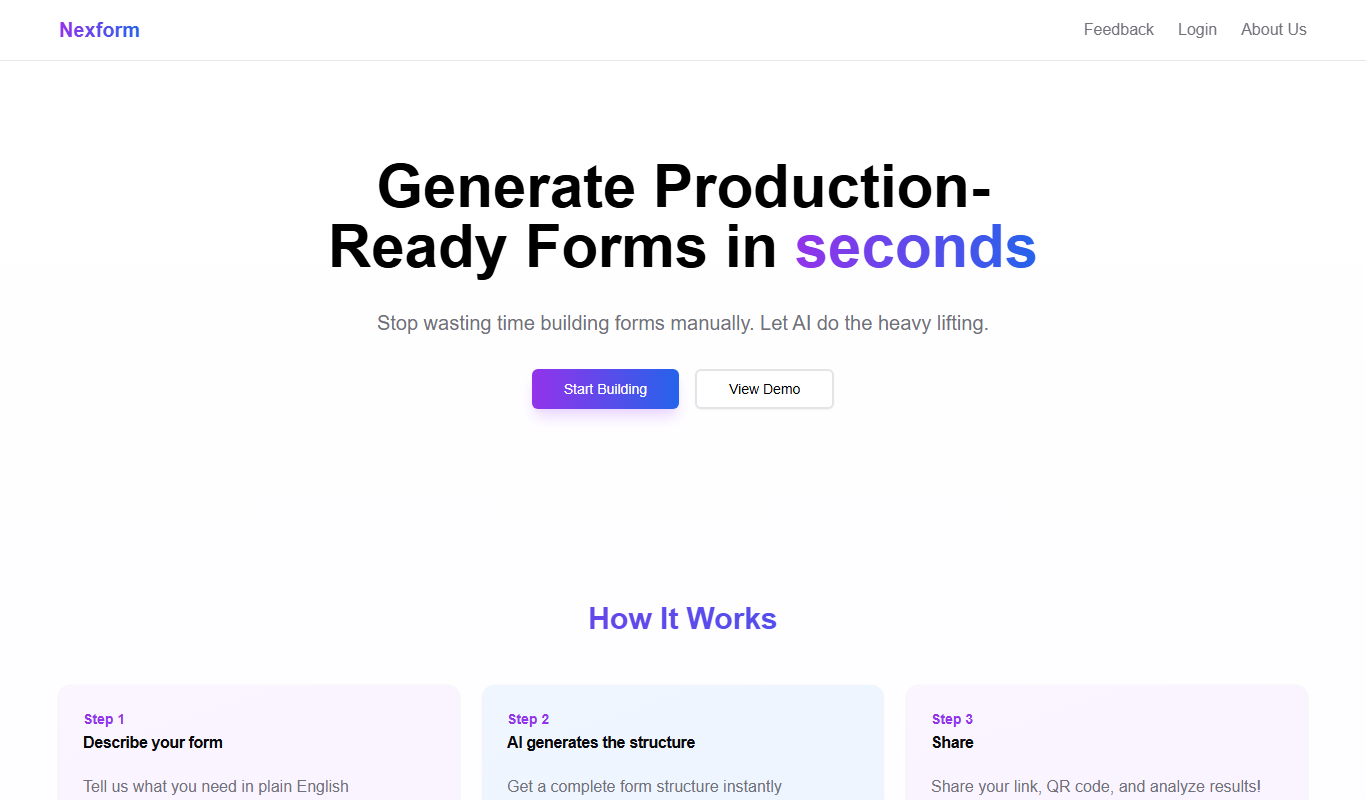
Nexform
Nexform is an AI-powered form builder that generates professional forms and surveys from a text description, with automatic QR codes and short links for sharing.

Free Trial
ChatBuild AI
ChatBuild AI lets businesses create custom trained AI chatbot agents for their website in minutes, with no coding experience needed.
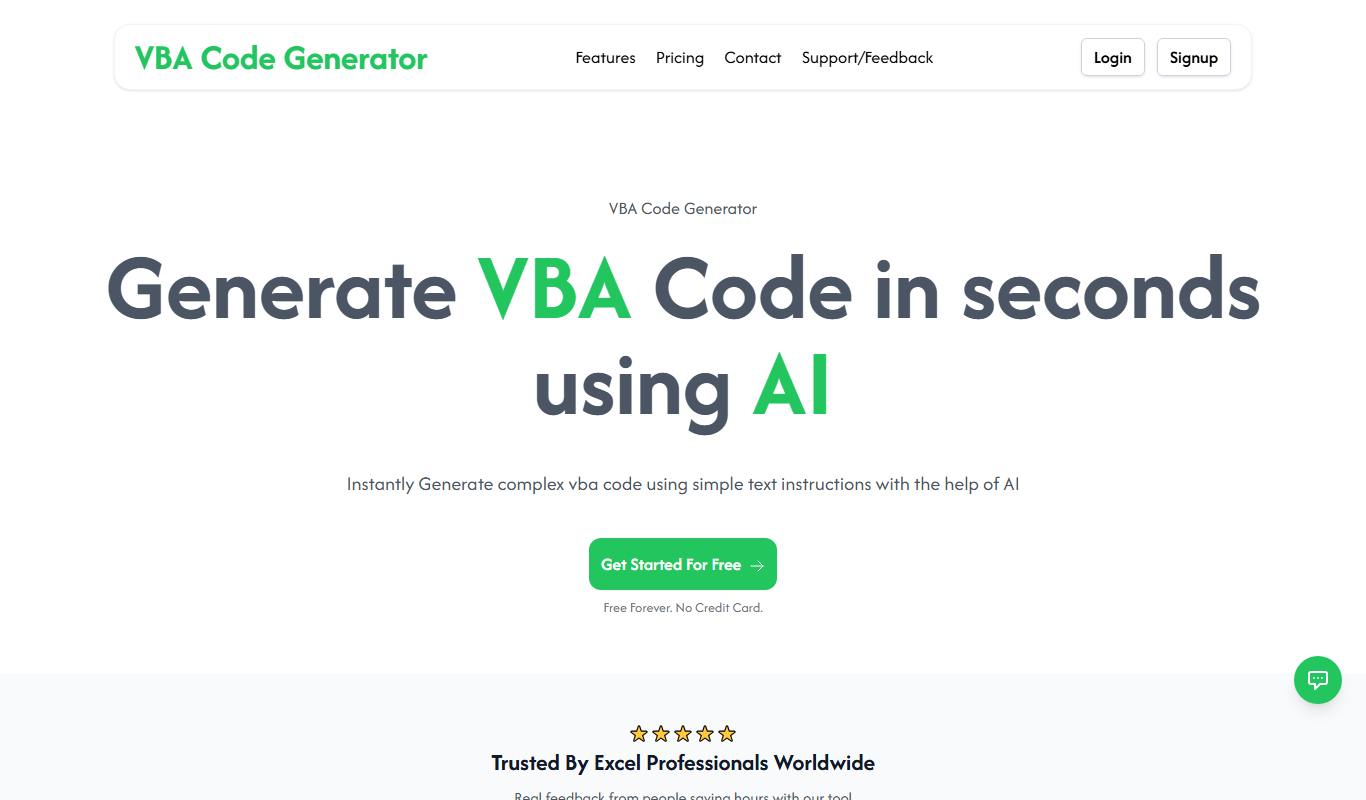
Free
VBA Code Generator
VBA Code Generator is a web-based tool that helps users create VBA scripts for Excel macros without needing programming skills, enabling automation of repetitive Excel tasks quickly.