

Build Modules: website design, development and maintenance by subscription
Build Modules is a website subscription service that covers the creation, design, development and maintenance of your new website.
- Best for
- Landing page
- Key capability
- Build and maintenance in one service
Save Build Modules, follow its updates and vote on it — everything stays in your account.
Sign in or create a free account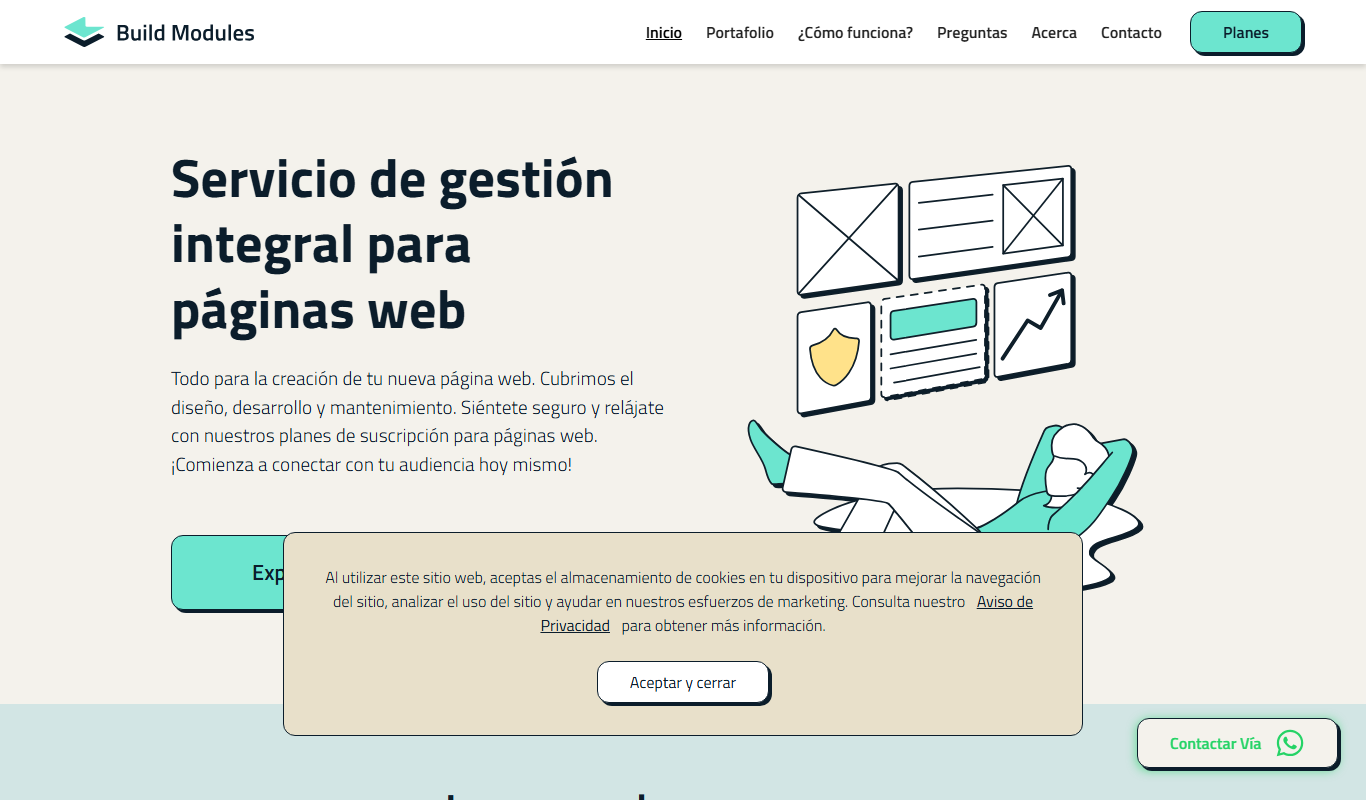
What is Build Modules?
Build Modules is a subscription service for creating and managing websites. It covers the design, development and maintenance of a new website under membership plans.
Key features of Build Modules
Build Modules plans and structures the site, designs the interface, develops it on Webflow or Netlify, writes content, produces graphics and maintains the website.
Build and maintenance in one service
The service covers the initial build of your website and its ongoing maintenance and updates.
Request board in Notion
A member board in Notion manages development, tracks progress and takes new task requests.
Webflow or Netlify hosting
Sites are hosted on Netlify (Impulso and Crecimiento plans) or Webflow (Expansion plan), with unlimited maintenance and updates.
PageSpeed optimization
Pages are optimized to score well in the Google PageSpeed Insights test.
Custom design
No templates: each website is designed exclusively for the client's needs.
Real-Time Collaboration
Multiple users can work together on projects simultaneously.
Pros and cons of Build Modules
Pros
- Unlimited modification requests
- Fixed membership fee covers all costs
- Plans can be cancelled at any time
- API integration and workflow automation
- Real-time collaboration features
Cons
- Photography and photo editing are not included
- Transferring the website on cancellation costs a release fee equal to 6 months of service
- Learning curve for advanced features
Key use cases for Build Modules
Landing page
A landing page that keeps all information on one continuous page and guides the user to a specific action, such as leaving details or buying.
Informational website
An informational site that shows the essential information of a business or professional.
Website with a CMS
A CMS website to create, organize and maintain a large amount of structured information.
Prototyping and MVP Building
Startups and developers can use Build Modules to prototype ideas and build minimum viable products efficiently.
Custom Business Solutions
Businesses can tailor applications to their specific needs with customizable modules and integrations.
How Build Modules works
- 1
Planning
An initial meeting defines the main needs of the site and the desired functions and interactions.
- 2
Design
A design system document sets the typography, colors, logo and graphic style for the interface.
- 3
Development
The sections, tabs and requirements of the website are developed.
- 4
Publication
The site is delivered and configured on a public domain so it is available on the internet.
- 5
Maintenance and updates
After launch you can make unlimited requests for modifications to your website.
- 6
Deploy
Publish your app to the web or mobile platforms directly from Build Modules.
Who is using Build Modules
Build Modules pricing
Impulso
MXN 1,090 per month, IVA included
One landing page, published in less than 1 month.
Crecimiento
MXN 1,790 per month, IVA included
Informational website with up to 10 pages, published in 1.5 months.
Expansion
MXN 2,490 per month, IVA included
Website with a content manager and unlimited pages, published in 2 months.
Enterprise
Custom pricing
Tailored solutions with premium support and features.
Plans and prices are as published by the vendor and can change. Check the official site before you buy. Open the pricing page (opens in a new tab)
Frequently asked questions about Build Modules
Webflow or Netlify is the main hosting service for its websites.
Cancelling the service is free and the site is archived; cancelling with a transfer of the website costs a release fee equal to 6 months of service.
You receive an email with access to your member board in Notion, and a first Zoom call is scheduled.
No. Build Modules does not take or edit photos; its focus is web design and digital graphics, so the client provides the photos.
Figma is used to create designs and graphics and to share prototypes.
With Google PageSpeed Insights, which measures performance, accessibility, SEO and best practices.
Yes. Up to 3 team members can collaborate on your board.
Conclusion
Subscription plans here buy a website membership, not software: they cover the design, development and maintenance of a client’s new website. Work starts with planning and design, when the main needs of the site and a design system are defined, followed by development and publication on a public domain. After launch, clients make unlimited requests for modifications to their website through a member board in Notion.
Sites are hosted on Webflow or Netlify and optimized to score well in the Google PageSpeed Insights test. Plans follow three site types: a landing page, an informational website with up to 10 pages, and a website with a content manager and unlimited pages. Photography and photo editing are not included, so the client provides the photos.
Sources
Sign in to review this tool.
Sign In to ReviewNo reviews yet
Be the first to share how this tool worked for you.
Ask about pricing, limits, or how it compares — or answer someone else.
Sign In to AskNo questions yet
Have a question about using or paying for this tool? Be the first to ask.
Featured on TiorAI



Alternative Tools
Explore similar AI tools that might fit your needs

OutSystems
OutSystems is a low-code platform that accelerates enterprise application development through visual tools, AI assistance, and seamless integration, enabling rapid deployment across web and mobile.

Mendix
Mendix is a low-code development platform that enables rapid creation, deployment, and management of enterprise-grade applications with minimal coding, supporting collaboration between business and IT teams.
More AI Web Design Tools tools
Other tools in the same category, for when this one is not quite the fit.
WebsiteAuditAI
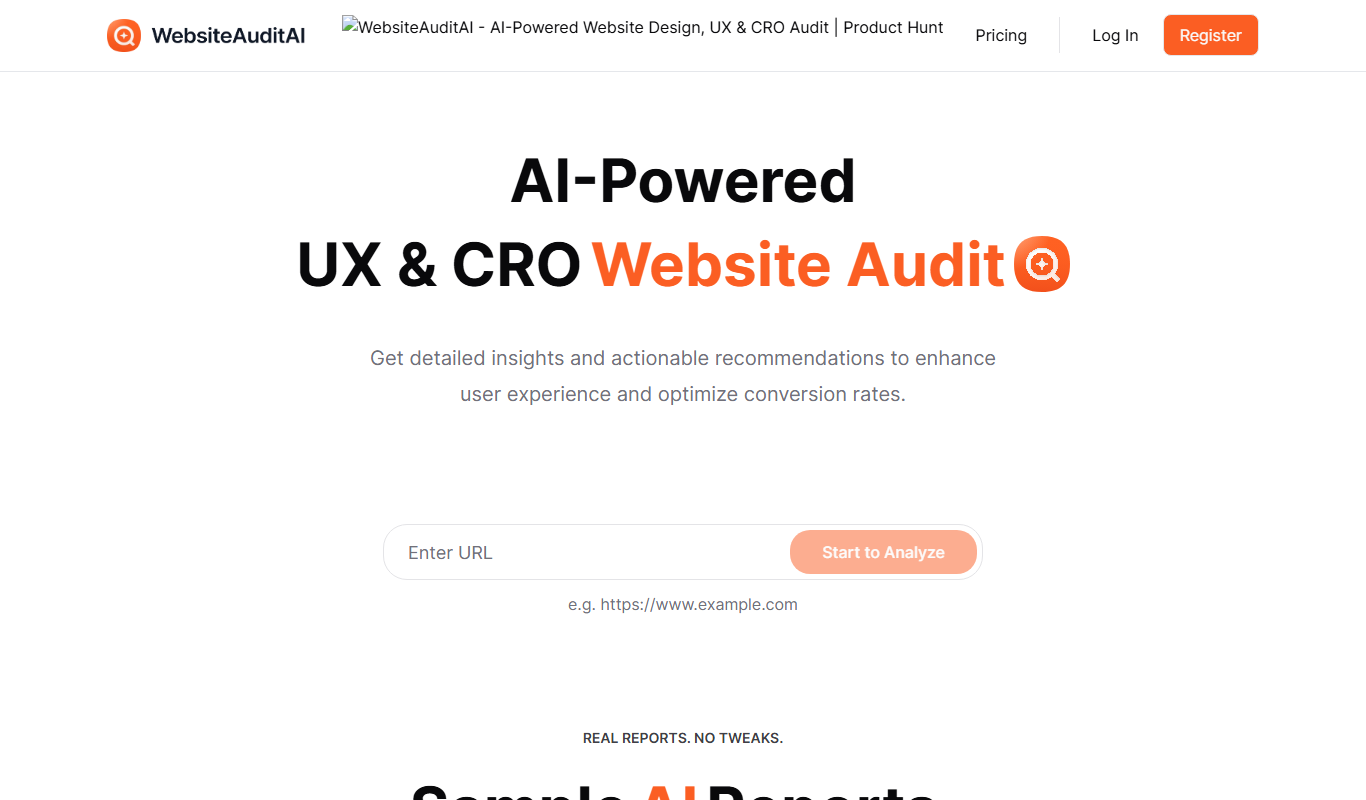
WebsiteAuditAI runs AI-powered UX, CRO and copywriting audits of any web page and returns scored reports with actionable recommendations.

zarla.com
Zarla is an AI website builder for small businesses that writes the copy, designs the site and sets up SEO for you; building is free and you pay when you publish.
Yep.so – From idea to signups in 15 minutes
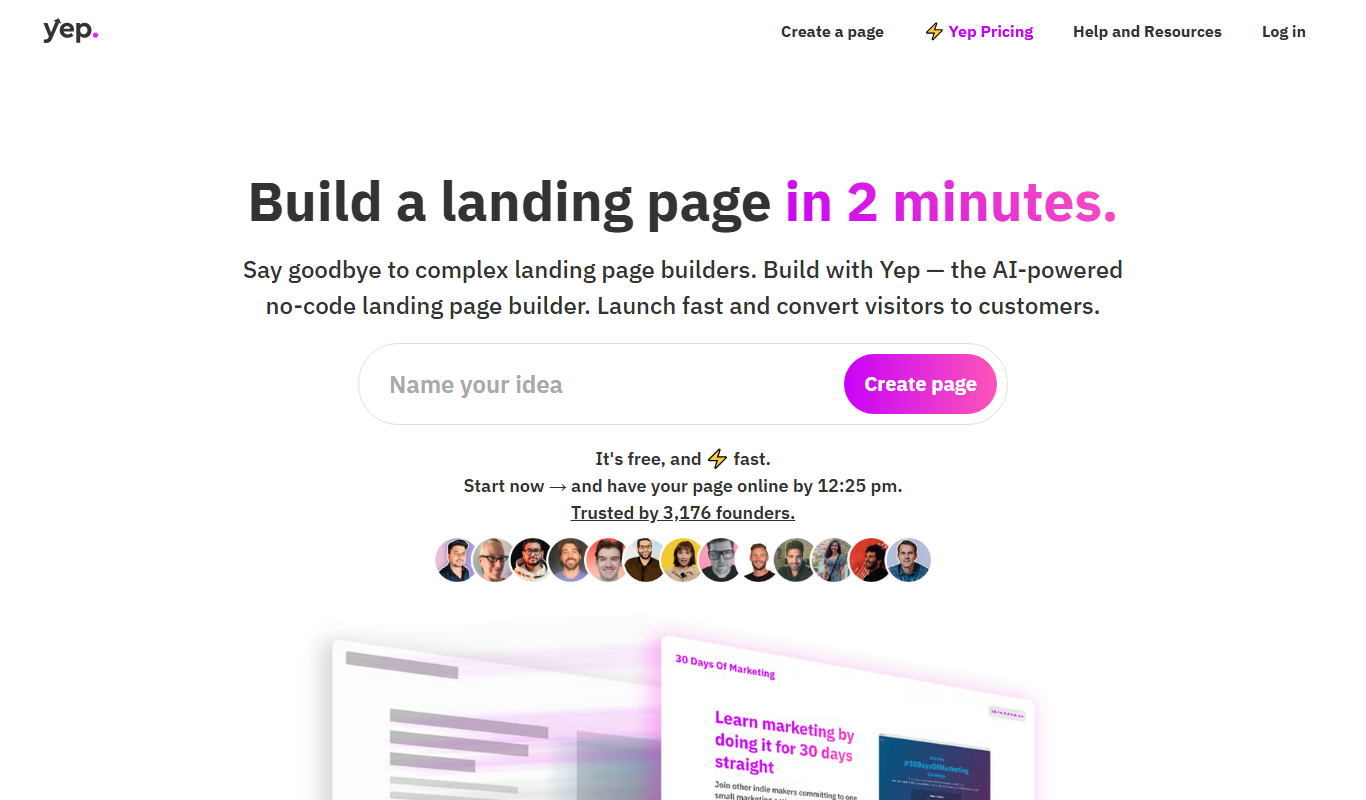
Yep.so is an AI-powered no-code landing page builder that generates pages to capture leads and validate ideas in minutes.

GenPage
GenPage is an AI landing page platform for marketing teams that creates dedicated landing pages for every ad, keyword and account.

60sec.site
60sec.site is a web tool that enables users to create and publish minimalist websites or landing pages in about 60 seconds without any coding skills.

Faceplugin
FacePlugin offers on-premises biometric SDKs for face recognition, liveness detection, deepfake detection, ID document recognition and eKYC, deployed on your own servers or devices.

inDomain
inDomain is a domain name finder that checks availability, compares real-time prices across registrars and sends renewal and sale alerts, with AI name ideas.

Neweb.ai
Neweb.ai is an online presence manager for Indian small businesses that bundles an AI-built website, a free domain, Google Business Profile setup, SEO and a newsletter in one subscription.