

From my experience with 10Web, I found it excels at simplifying WordPress website creation and management through AI-powered tools and managed hosting on Google Cloud. The platform is particularly well-suited for freelancers and agencies who want to build and maintain client sites efficiently without deep technical overhead. However, the free plan is quite limited, and pricing can become steep for users managing multiple websites. Overall, if you need a reliable, AI-enhanced WordPress hosting and website builder solution, 10Web delivers a robust, user-friendly experience.
10Web AI-Powered WordPress Hosting and Website Builder Platform
10Web is an AI-powered platform that provides managed WordPress hosting combined with an AI-assisted website builder, automated backups, security, and performance optimization on Google Cloud infrastructure.
- Best for
- Managed WordPress Hosting
- Key capability
- AI Website Builder
Your actions
Save 10Web, follow its updates and vote on it — everything stays in your account.
Sign in or create a free account
What is 10Web?
10Web is an AI-powered platform that combines managed WordPress hosting with an intuitive website builder and automation tools. It leverages artificial intelligence to simplify website creation, optimize performance, and manage hosting infrastructure on Google Cloud. Designed for agencies, freelancers, and businesses, 10Web streamlines WordPress site management by automating backups, security, and speed enhancements.
Key features of 10Web
10Web offers a comprehensive suite of features including AI website builder, managed WordPress hosting on Google Cloud, automated backups, image and speed optimization, security monitoring, SEO tools, and one-click website migration. Its AI assistant accelerates website creation and maintenance, making it accessible for users with varying technical skills.
AI Website Builder
Create WordPress websites quickly using AI-generated templates and content suggestions.
Managed Hosting on Google Cloud
Reliable and scalable hosting infrastructure with automated backups and security.
Automated Performance Optimization
Includes image optimization, caching, and speed enhancements to improve user experience.
One-Click Website Migration
Easily transfer existing WordPress sites to 10Web without downtime.
SEO and Security Tools
Built-in tools to monitor SEO health and protect websites from vulnerabilities.
Pros and cons of 10Web
Pros
- AI-powered website builder simplifies site creation
- Managed hosting on fast, reliable Google Cloud infrastructure
- Automated backups and security features included
- One-click migration reduces technical barriers
- Comprehensive performance optimization tools
Cons
- Free plan has limited features and bandwidth
- Pricing can be high for agencies managing multiple sites
- Primarily English language support
Key use cases for 10Web
Managed WordPress Hosting
Provides fully managed WordPress hosting with automated backups, security, and performance optimization.
AI-Powered Website Building
Enables users to create WordPress websites quickly using AI-assisted tools and pre-built templates.
Website Performance Optimization
Offers automated image optimization, caching, and speed improvements to enhance website loading times.
Automated Website Migration
Simplifies moving existing WordPress sites to 10Web’s platform with automated migration tools.
SEO and Security Management
Includes built-in SEO tools and security features to protect websites and improve search engine rankings.
How 10Web works
- 1
Sign Up and Choose a Plan
Create an account on 10Web and select a hosting or website builder plan that fits your needs.
- 2
Create or Migrate Website
Use the AI-powered website builder to start a new site or migrate an existing WordPress site with automated tools.
- 3
Customize and Optimize
Customize your website using pre-built templates and optimize performance with automated caching and image compression.
- 4
Manage and Monitor
Manage backups, security, and SEO from a centralized dashboard with AI-driven recommendations.
Who is using 10Web
Freelancers building client websites
Digital marketing agencies
Small to medium businesses
WordPress developers seeking managed hosting
Entrepreneurs launching new websites
10Web pricing
Free
$0/month
Basic website builder and hosting with limited features and bandwidth.
Starter
$10/month
Includes managed hosting, AI builder, and basic optimization for one website.
Pro
$35/month
Advanced features including increased resources, priority support, and multiple websites.
Business
$70/month
Full feature set with maximum resources, white-label options, and agency tools.
Plans and prices are as published by the vendor and can change. Check the official site before you buy. Open the pricing page (opens in a new tab)
Frequently asked questions about 10Web
Yes, 10Web offers an automated one-click migration tool to transfer your WordPress site seamlessly.
Yes, free SSL certificates are included with all hosting plans to secure your website.
10Web offers a free plan with limited features so you can try the platform before upgrading.
Support includes email and chat assistance, with priority support available on higher-tier plans.
This tool is designed to help users accomplish its core tasks more efficiently. It is typically used by individuals or teams looking to improve productivity and workflow.
It depends on your specific needs and how you plan to use the tool. The official website and documentation are the best sources for the latest details.
It depends on your specific needs and how you plan to use the tool. The official website and documentation are the best sources for the latest details.
Yes, it can help with that use case depending on how you configure it and what features are available. You’ll get the best results with clear inputs and a defined goal.
Sign in to review this tool.
Sign In to ReviewNo reviews yet
Be the first to share how this tool worked for you.
Ask about pricing, limits, or how it compares — or answer someone else.
Sign In to AskNo questions yet
Have a question about using or paying for this tool? Be the first to ask.
Featured on TiorAI



Alternative Tools
Explore similar AI tools that might fit your needs

Subscription
WP Engine
WP Engine is a managed WordPress hosting service providing optimized performance, security, and developer tools tailored for WordPress websites.

Paid
Kinsta
Kinsta is a premium managed WordPress hosting provider that offers fast, secure, and scalable hosting solutions using Google Cloud Platform, ideal for businesses and developers seeking optimized WordPress performance.
More AI Shopify Store Builder Lite tools
Other tools in the same category, for when this one is not quite the fit.

Free
glorifyapp.com
Glorify is a web-based design tool focused on helping e-commerce businesses create product mockups and marketing visuals easily using templates and drag-and-drop editing.

Free Trial
Speedy
Speedy is a cloud-based brand management platform that helps marketing teams centralize assets, automate workflows, and maintain brand consistency.

One-time purchase
Items Design
Items Design provides customizable digital product templates that creators can purchase and edit using design software to produce professional assets.

Free
Syncly
Syncly is a cloud-based file synchronization and backup tool that enables real-time syncing, secure cloud storage, and easy sharing across multiple devices and platforms.

Free Trial
Kopy
Kopy AI is an AI-powered writing assistant that helps users quickly generate marketing copy, blog posts, social media content, and more with customizable tone and easy-to-use templates.
Free
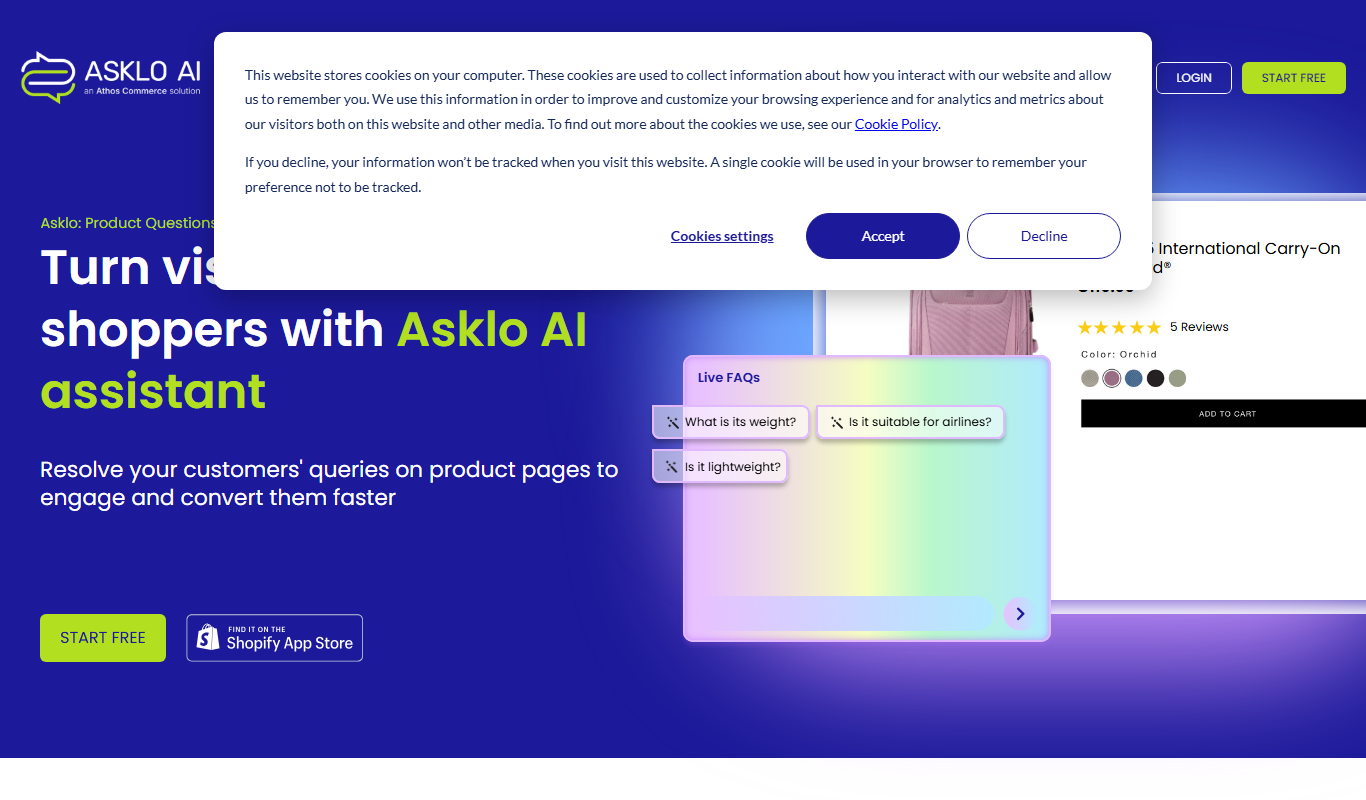
Asklo AI
Asklo AI is an AI-powered conversational search platform that enables users to query internal documents and data sources using natural language, providing context-aware answers and seamless integration via API.

Free
PC Builder AI
PC Builder AI is a free web-based tool that uses artificial intelligence to help users design compatible custom PC builds optimized for their budget and use case.

Contact for pricing
LEAFIO AI Retail Platform
LEAFIO AI Retail Platform is an AI-powered solution designed to enhance retail customer engagement, automate sales processes, and provide real-time analytics for better decision-making.