

From my experience with PC Builder AI, I found it excels at simplifying the complex process of custom PC building by using AI to recommend compatible parts tailored to specific budgets and use cases. The platform is particularly well-suited for beginners and enthusiasts who want to avoid compatibility pitfalls without spending hours researching. However, it lacks direct integration with retailers for price tracking or purchasing, which means users must manually source components. Overall, if you want a quick, reliable way to design a custom PC build with confidence in compatibility, PC Builder AI delivers solid, practical assistance.
PC Builder AI - AI-Powered Custom PC Configuration and Build Tool
PC Builder AI is a free web-based tool that uses artificial intelligence to help users design compatible custom PC builds optimized for their budget and use case.
- Best for
- Custom PC Building
- Key capability
- AI-Powered Recommendations
Your actions
Save PC Builder AI, follow its updates and vote on it — everything stays in your account.
Sign in or create a free account
What is PC Builder AI?
PC Builder AI is a web-based platform that leverages artificial intelligence to help users create custom PC builds. It simplifies the complex process of selecting compatible hardware components by automatically suggesting parts that fit user requirements, budget, and compatibility constraints. This tool is designed for both beginners and experienced PC builders who want a streamlined, error-free build experience.
Key features of PC Builder AI
The main features of PC Builder AI include AI-driven component recommendations, compatibility checks, budget-based build suggestions, and detailed build summaries. It also allows users to customize builds for specific use cases such as gaming or professional workstations.
AI-Powered Recommendations
Uses AI to suggest the best compatible parts based on user needs and budget.
Compatibility Verification
Automatically checks that all selected components work together without conflicts.
Budget-Conscious Builds
Creates builds that maximize value within the user's specified budget.
Use Case Optimization
Tailors builds for gaming, professional work, or general use scenarios.
User-Friendly Interface
Clean, intuitive web interface that guides users through the PC building process.
Pros and cons of PC Builder AI
Pros
- Easy-to-use AI-driven PC build recommendations
- Ensures hardware compatibility to reduce build errors
- Free access with no hidden costs
- Supports multiple use cases and budgets
Cons
- Limited to web platform only
- No direct purchasing or price tracking features
Key use cases for PC Builder AI
Custom PC Building
Helps users design and configure custom PC builds tailored to their needs and budget.
Hardware Compatibility Checking
Ensures selected PC components are compatible with each other to avoid build issues.
Budget Optimization
Suggests parts that fit within a specified budget while maximizing performance.
Gaming PC Configuration
Provides optimized builds for gaming performance based on user preferences.
Workstation Setup
Assists in building PCs suited for professional workloads like video editing or 3D rendering.
How PC Builder AI works
- 1
Input Preferences
Users enter their desired use case, budget, and any preferred components.
- 2
AI Build Generation
The AI analyzes inputs and generates a compatible PC build optimized for performance and cost.
- 3
Review and Customize
Users review the suggested build and can swap components or adjust specifications.
- 4
Finalize Build
Once satisfied, users can save, share, or use the build list to purchase components.
Who is using PC Builder AI
PC enthusiasts and gamers
First-time PC builders
Tech hobbyists
Content creators needing custom workstations
Budget-conscious consumers
PC Builder AI pricing
Free
$0
Full access to PC build generation and recommendations without cost.
Plans and prices are as published by the vendor and can change. Check the official site before you buy. Open the pricing page (opens in a new tab)
Frequently asked questions about PC Builder AI
Yes, PC Builder AI offers its PC building and recommendation services completely free.
Yes, after the AI suggests a build, you can manually swap or adjust components.
The tool performs compatibility checks to minimize conflicts, but users should verify before purchase.
Yes, the tool supports various use cases including gaming, video editing, and general productivity.
It depends on your specific needs and how you plan to use the tool. The official website and documentation are the best sources for the latest details.
Yes, it can help with that use case depending on how you configure it and what features are available. You’ll get the best results with clear inputs and a defined goal.
It depends on your specific needs and how you plan to use the tool. The official website and documentation are the best sources for the latest details.
Yes, it can help with that use case depending on how you configure it and what features are available. You’ll get the best results with clear inputs and a defined goal.
Sign in to review this tool.
Sign In to ReviewNo reviews yet
Be the first to share how this tool worked for you.
Ask about pricing, limits, or how it compares — or answer someone else.
Sign In to AskNo questions yet
Have a question about using or paying for this tool? Be the first to ask.
Featured on TiorAI



Alternative Tools
Explore similar AI tools that might fit your needs

Free
BuildMyPC
BuildMyPC is a free online tool that helps users create custom PC builds by selecting compatible hardware components and tracking prices in real time.

Free
Logical Increments
Logical Increments is a free online platform providing tiered PC build guides and hardware recommendations to help users select compatible computer components based on budget and use case.
More AI Ai Tools tools
Other tools in the same category, for when this one is not quite the fit.
Freemium
Debatia
Debatia is an AI-driven platform that facilitates structured debates by generating balanced arguments and providing feedback to improve critical thinking and communication skills.

Free
Presentify.ai
Presentify.ai is an AI-driven presentation software that helps users create professional slide decks quickly by generating content and optimizing design automatically.

Freemium
YouMusic.AI
YouMusic.AI turns text prompts or your own lyrics into complete songs, with free credits for new users and commercial rights on paid plans.

Free Trial
Wizard of Swipe for Tinder
Wizard of Swipe for Tinder is an AI-powered automation tool that automates swiping on Tinder based on user preferences to increase match chances and save time.

Free
AI Pickup Lines
AI Pickup Lines is a free web tool that instantly generates creative and humorous pickup lines to help users start conversations in dating or social settings.

Freemium
Anthropics Technology Ltd
Anthropics Technology Ltd offers AI-driven image editing software specializing in portrait retouching and photo enhancement, available for Windows and Mac with options for batch processing.
Contact for pricing
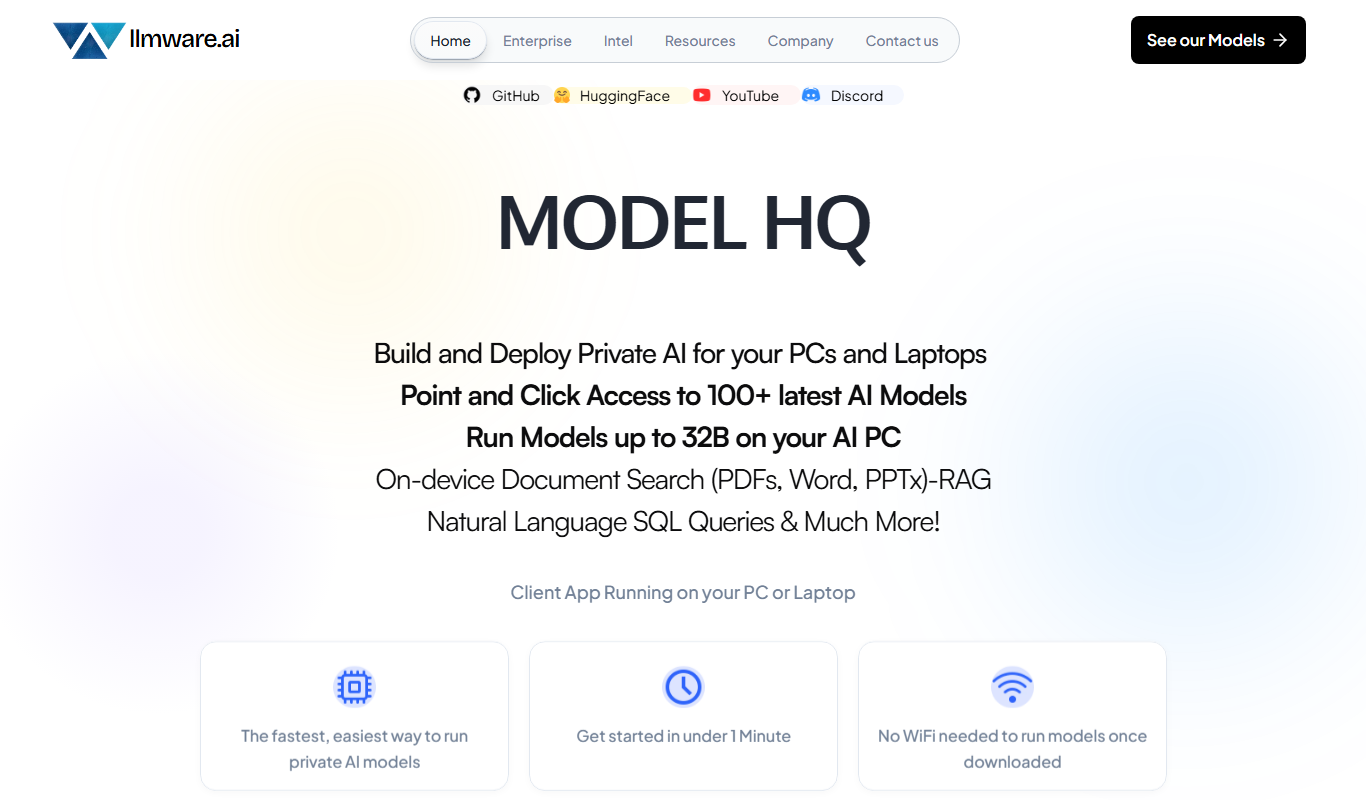
LLMWare
LLMWare is an AI platform that enables enterprises to deploy, manage, and scale large language models securely with flexible infrastructure and integration options.
Free
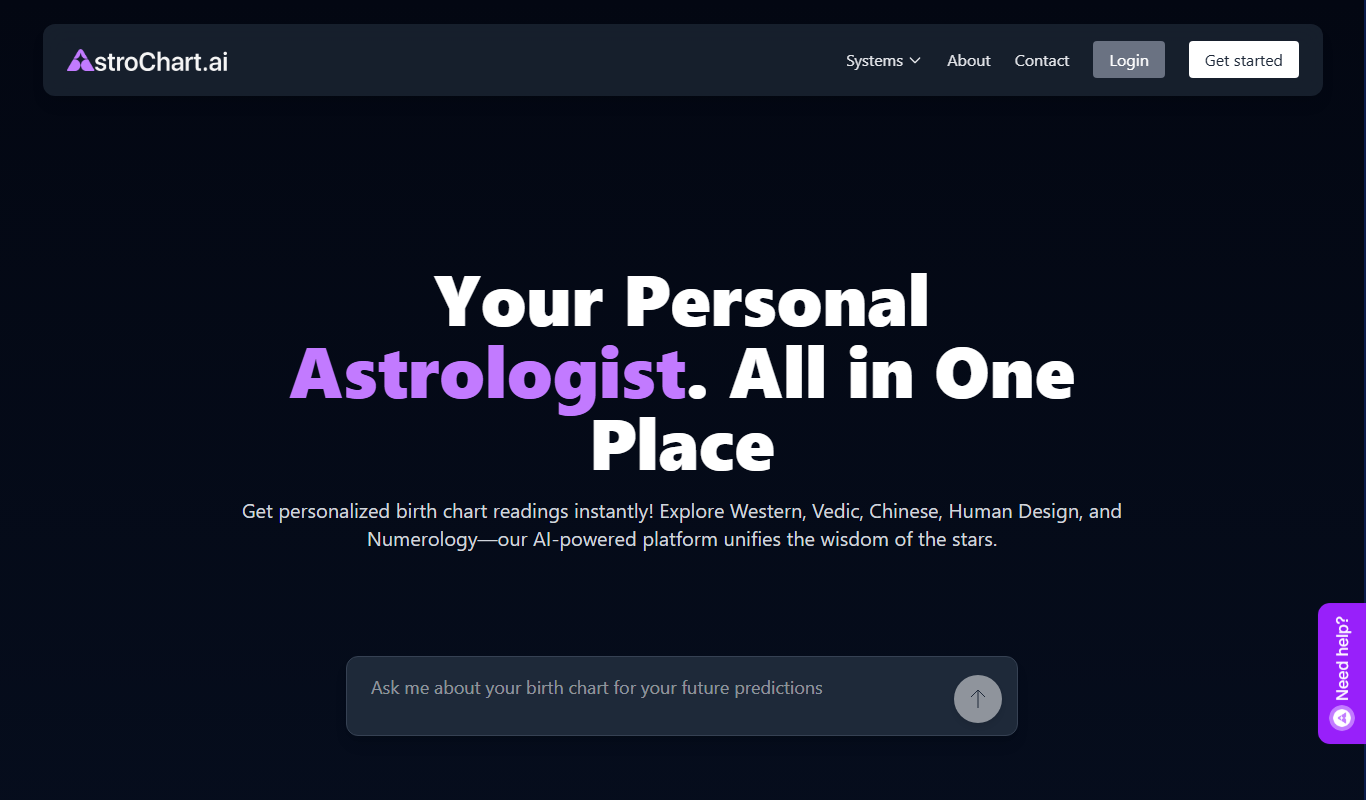
AstroChart.ai
AstroChart.ai is an AI-driven platform that creates personalized astrology birth charts and detailed interpretations based on your birth data, helping users understand their astrological profile easily online.