

Zarla AI Website Builder for Small Businesses
Zarla is an AI website builder for small businesses that writes the copy, designs the site and sets up SEO for you; building is free and you pay when you publish.
- Best for
- Small business website
- Key capability
- AI website generation
Save zarla.com, follow its updates and vote on it — everything stays in your account.
Sign in or create a free account

What is zarla.com?
Zarla is an AI website builder for small businesses. You describe your business and Zarla writes the copy, designs the site and sets up SEO so it can get found on Google, then adds a lead inbox, quotes and invoices in one place. Building is free; you pay when you publish.
Key features of zarla.com
Zarla builds a complete small-business website from a short description, with copy written for your trade, built-in SEO tools, lead tracking, online bookings, quotes and invoices, and editing by chat.
AI website generation
Describe your business and get a complete website with real content written for your trade and a professional design.
Edit by chat
Change anything by asking Zarla in plain English, even from your phone.
SEO tools
Sitemaps, meta tags and schema are automatic, with one-click fixes and an AI coach in plain English.
Leads, bookings and invoices
A lead inbox, online bookings, quotes and invoices are built into your website.
Build through Claude or ChatGPT
Connect Claude, ChatGPT, Cursor or Gemini and build, edit and publish a hosted website by chat.
Pros and cons of zarla.com
Pros
- Free to build with no credit card; pay when you publish
- Copy, design and SEO done for you
- Website, leads, quotes and invoices in one place
- Collaboration tools for teams
- Free plan available to get started
Cons
- Publishing a live site requires a paid plan, and paid plans are paid upfront
- Premium sites include a small Made with Zarla footer credit, removed on Business
- No mobile app currently available
Key use cases for zarla.com
Small business website
Create a professional website in minutes without coding or design skills.
Getting found locally
Get found on Google Search, Google Maps and AI tools like ChatGPT.
Leads and invoicing
Create branded invoices that customers pay online, and track leads from your website.
Social Media Content
Develop engaging posts and captions for social media platforms.
Email Marketing
Craft personalized and persuasive email campaigns to increase conversions.
How zarla.com works
- 1
Tell it about your business
Type your business name, what you do and where you are based.
- 2
Zarla builds it
In about 8 seconds you get a complete website with content written for your trade, set up to get found on Google.
- 3
Hit publish
Your site goes live on a real web address and Google is notified straight away.
- 4
Generate Content
Let Zarla’s AI create content suggestions based on your inputs.
- 5
Edit and Customize
Refine the generated content to fit your brand voice and requirements.
Who is using zarla.com
zarla.com pricing
Free
US$0
The full builder free: create your site by chatting with AI, try every tool and preview it before going live.
Premium
US$10.99/month on a 36-month plan (US$395.64 upfront), then US$29.00/month
Your site live on your own domain with forms, bookings, invoices and lead tracking; free domain for the first year.
Business
US$16.99/month on a 36-month plan (US$611.64 upfront), then US$49.00/month
Your brand only, lower fees on shop, gift card, payment link and invoice sales, and priority support.
Plans and prices are as published by the vendor and can change. Check the official site before you buy. Open the pricing page (opens in a new tab)
Frequently asked questions about zarla.com
An AI website builder for small businesses that creates a professional website in minutes, with no coding or design skills needed.
Building and previewing your site is free with no credit card; you pay when you publish on a paid plan.
Yes. Sitemaps, meta tags and schema are automatic, with one-click fixes and an AI SEO coach.
Yes. You can build your website from your iPhone or Android and check leads on the go.
All paid plans are paid upfront; the monthly rate is the total plan price divided by the number of months.
Pricing depends on the plan and included features. For the most accurate and up-to-date details, check the official pricing page.
Yes, it can help with that use case depending on how you configure it and what features are available. You’ll get the best results with clear inputs and a defined goal.
Some tools offer a free plan or trial with limited features. Availability can vary, so confirm on the official website.
Conclusion
A business name, what the business does and where it is based are all Zarla asks for. From that it builds a complete website in about 8 seconds, with copy written for the trade, a professional design and SEO already set up. Later changes are made by asking in plain English, even from a phone.
Small businesses and local trades such as plumbers, salons and lawyers are the target, with the aim of getting found on Google Search, Google Maps and AI tools like ChatGPT. The site also carries a lead inbox, online bookings, quotes and invoices, so the website doubles as a small CRM. Building and previewing are free without a credit card, but going live needs a paid plan, and all paid plans are paid upfront.
Sources
Sign in to review this tool.
Sign In to ReviewNo reviews yet
Be the first to share how this tool worked for you.
Ask about pricing, limits, or how it compares — or answer someone else.
Sign In to AskNo questions yet
Have a question about using or paying for this tool? Be the first to ask.
Featured on TiorAI



More AI Web Design Tools tools
Other tools in the same category, for when this one is not quite the fit.
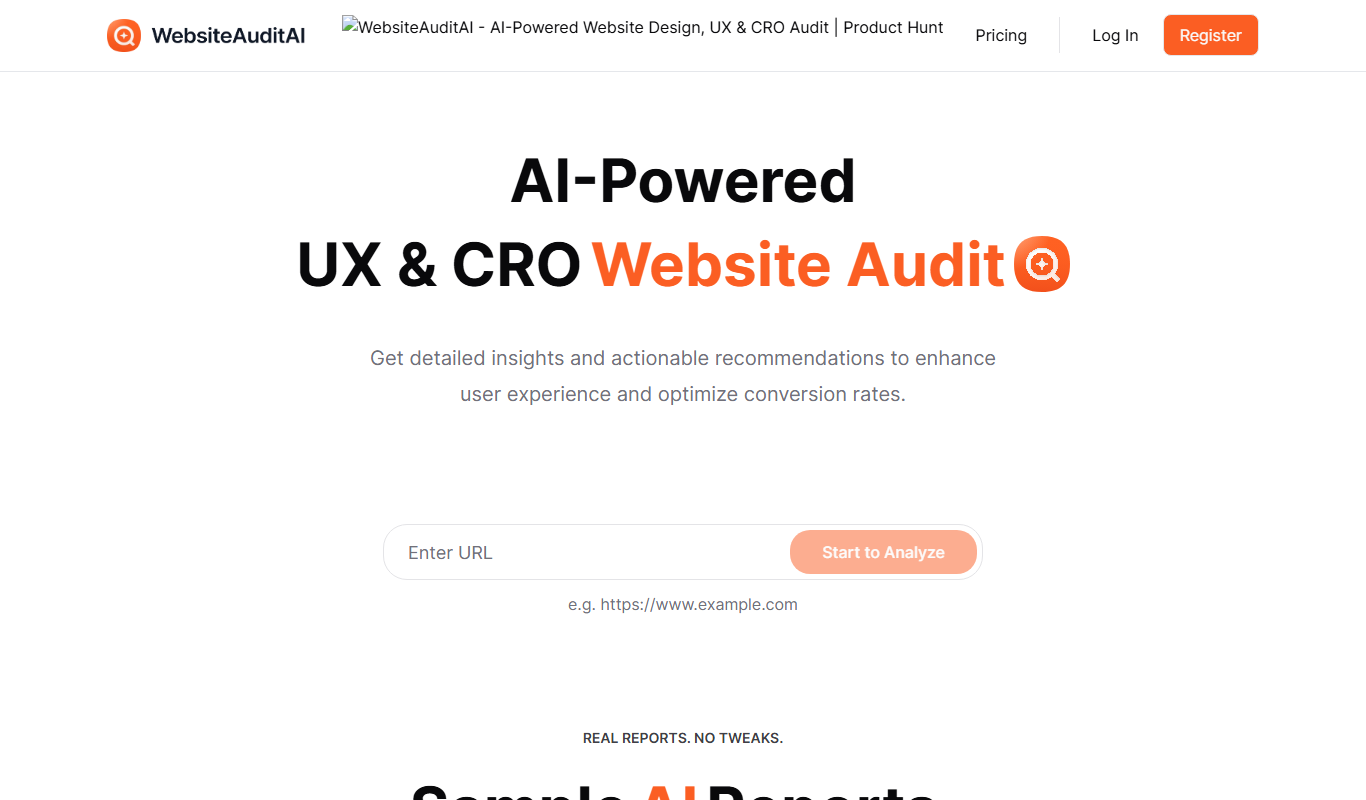
WebsiteAuditAI
WebsiteAuditAI runs AI-powered UX, CRO and copywriting audits of any web page and returns scored reports with actionable recommendations.
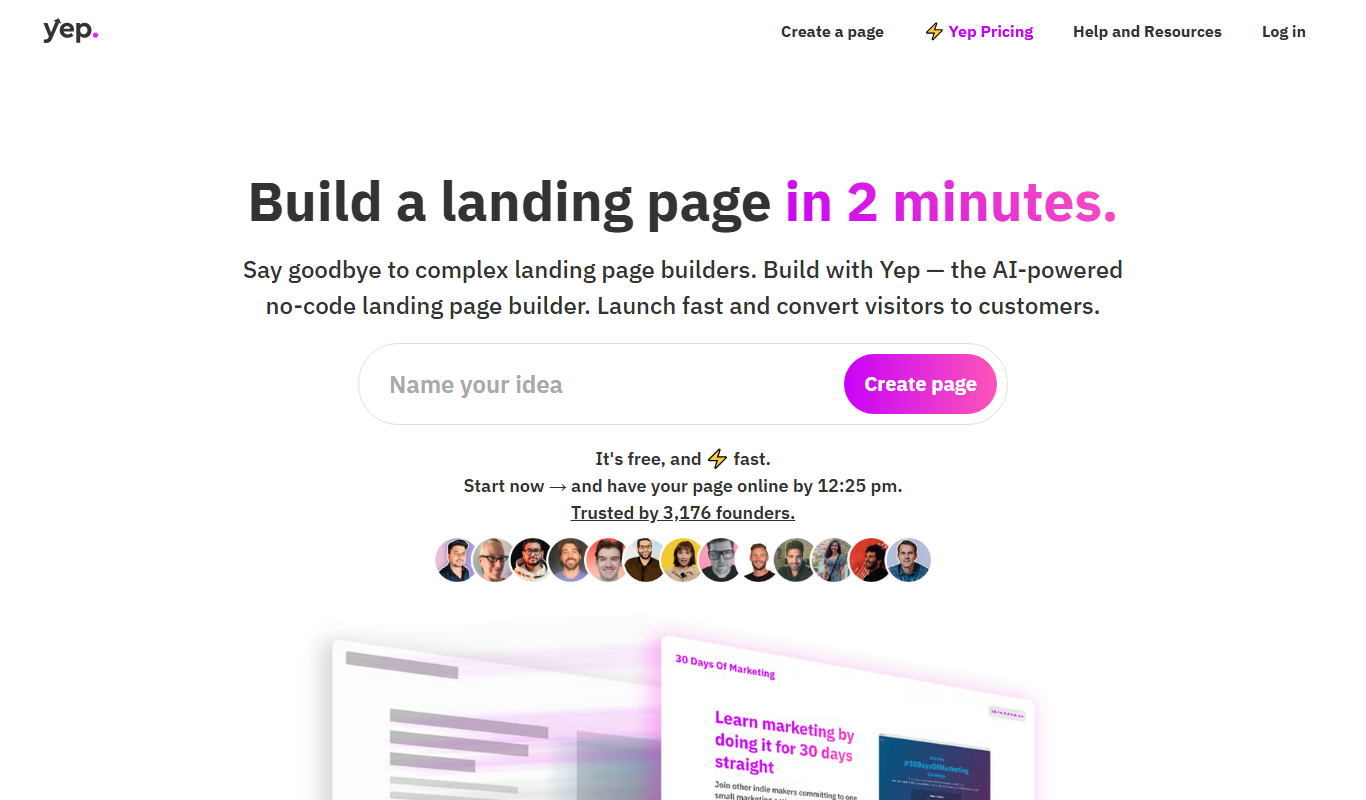
Yep.so – From idea to signups in 15 minutes
Yep.so is an AI-powered no-code landing page builder that generates pages to capture leads and validate ideas in minutes.

GenPage
GenPage is an AI landing page platform for marketing teams that creates dedicated landing pages for every ad, keyword and account.

60sec.site
60sec.site is a web tool that enables users to create and publish minimalist websites or landing pages in about 60 seconds without any coding skills.

Faceplugin
FacePlugin offers on-premises biometric SDKs for face recognition, liveness detection, deepfake detection, ID document recognition and eKYC, deployed on your own servers or devices.

inDomain
inDomain is a domain name finder that checks availability, compares real-time prices across registrars and sends renewal and sale alerts, with AI name ideas.

Neweb.ai
Neweb.ai is an online presence manager for Indian small businesses that bundles an AI-built website, a free domain, Google Business Profile setup, SEO and a newsletter in one subscription.

DataDripper
DataDripper shows real competitor ad-to-checkout funnels and turns them into CRO insights, saved boards and ad angles for growth teams.