

Glowby Genius by Glowbom: turn a rough sketch into working software
Glowby Genius by Glowbom turns a rough sketch into working software for iOS, Android and the web, then keeps the code and project memory.
- Best for
- Mobile apps
- Key capability
- Sketch to software
Save Glowby Genius by Glowbom, follow its updates and vote on it — everything stays in your account.
Sign in or create a free account
What is Glowby Genius by Glowbom?
Glowby Genius is Glowbom’s sketch-to-software tool. It turns a rough sketch, a photo or a few words into working software for native iOS, native Android, web apps and custom stacks, then keeps the code and project memory.
Key features of Glowby Genius by Glowbom
Glowbom turns sketches and attached designs into code for native iOS (SwiftUI), native Android (Kotlin, Jetpack Compose), web apps (React, Next.js), custom stacks (Python, Go, Flutter) and AI apps and agents.
Sketch to software
Turn a rough sketch into working software and keep the code.
Native and web exports
Export to native iOS with SwiftUI, native Android with Kotlin and Jetpack Compose, and React or Next.js web apps.
Project Book
Keeps the project's intent, decisions and history beside the code for people and agents.
Open-source option
Glowbom OSS provides an open backend, CLI and browser workspace that works without a Glowbom account.
Pros and cons of Glowby Genius by Glowbom
Pros
- Free plan to build your first project
- Exports to native iOS, Android, web and custom stacks
- Open-source Glowbom OSS runs on your computer
Cons
- Cloud model providers receive the inputs of each AI request, even when the interface runs locally
- Glowbom Desktop requires joining a waitlist
Key use cases for Glowby Genius by Glowbom
Mobile apps
Build native iOS and Android apps from a sketch.
Web apps
Build React, TypeScript or Next.js web apps.
AI apps and agents
Build AI apps and agents with OpenAI, Anthropic or xAI.
E-commerce Assistance
Help customers navigate product catalogs, answer questions, and facilitate purchases directly within the chat.
How Glowby Genius by Glowbom works
- 1
Sketch your app
Start with a sketch, a photo or a few words.
- 2
Attach your designs
Attach your designs to the sketch.
- 3
Try the prototype
Sketch and try a prototype in your browser.
- 4
Export code
Keep improving the project with local tools and coding agents.
Who is using Glowby Genius by Glowbom
Glowby Genius by Glowbom pricing
Free
$0
Free Glowbom credits, build for Apple, Android and the web, core sketch-to-software workflow.
Creator
$20 per month
Unlimited projects, unlimited code exports, 2,000 Glowbom credits per month; save 40% yearly.
Pro
$40 per month
Early feature access, priority support, 4,000 Glowbom credits per month; save 40% yearly.
Plans and prices are as published by the vendor and can change. Check the official site before you buy. Open the pricing page (opens in a new tab)
Frequently asked questions about Glowby Genius by Glowbom
It turns a rough sketch into working software, then keeps the code and project memory.
Native iOS, native Android, web apps, custom stacks such as Python, Go or Flutter, and AI apps and agents.
Yes. The Free plan includes free Glowbom credits and the core sketch-to-software workflow.
Yes. Glowbom OSS provides the open backend, CLI and a browser workspace, and works without a Glowbom account.
It keeps the project’s intent, decisions and history beside the code so people and agents can understand where to go next.
Yes. Annual Creator and Pro plans save 40%.
Conclusion
A rough sketch, a photo or a few words is the starting input, and Glowbom turns it into working software that can be tried as a prototype. Export targets include native iOS with SwiftUI, native Android with Kotlin and Jetpack Compose, React and Next.js web apps and custom stacks such as Python or Go. A Project Book keeps the intent, decisions and history beside the code so people and agents can see where to go next.
Glowbom OSS, the open-source path, is free and runs on the user’s own computer without a Glowbom account. Cloud models still receive the inputs each request needs, even when the interface runs locally. The web version starts free with included credits, while paid plans add unlimited projects, unlimited code exports and more monthly credits.
Sources
Sign in to review this tool.
Sign In to ReviewNo reviews yet
Be the first to share how this tool worked for you.
Ask about pricing, limits, or how it compares — or answer someone else.
Sign In to AskNo questions yet
Have a question about using or paying for this tool? Be the first to ask.
Featured on TiorAI



More AI App Builder tools
Other tools in the same category, for when this one is not quite the fit.

Curiosity
Curiosity Studio turns a sentence into working internal software, grounded in your company's connected data and permissions, on your own infrastructure.

AppifyText.ai
AppifyText.ai builds a working web app from a plain English description or an Excel file, and in v3 AI can edit the app too.

Tynker AI
Tynker AI is a no-code platform for creators, agencies and brands to build AI-driven games, quizzes and event activations that mix text, image and audio, with instant deployment and analytics.

Sparkable
Sparkable builds a working React web app from a description: describe the app, watch it run live in your browser, then edit the code, add npm packages and download the project.
Typeblock
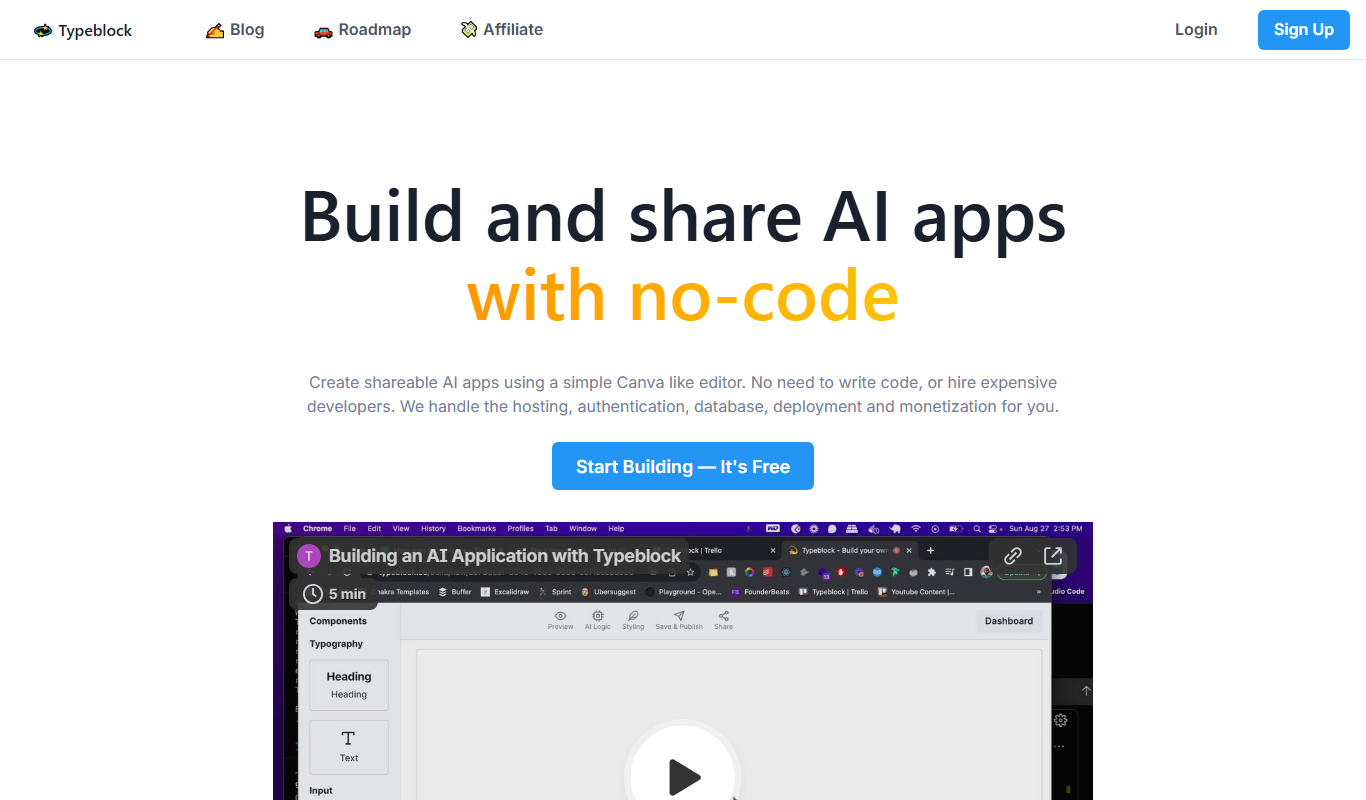
Typeblock lets you build and share AI apps with no code in a Canva like editor, with hosting, authentication, email collection and Stripe monetization handled for you.
toolmark.ai
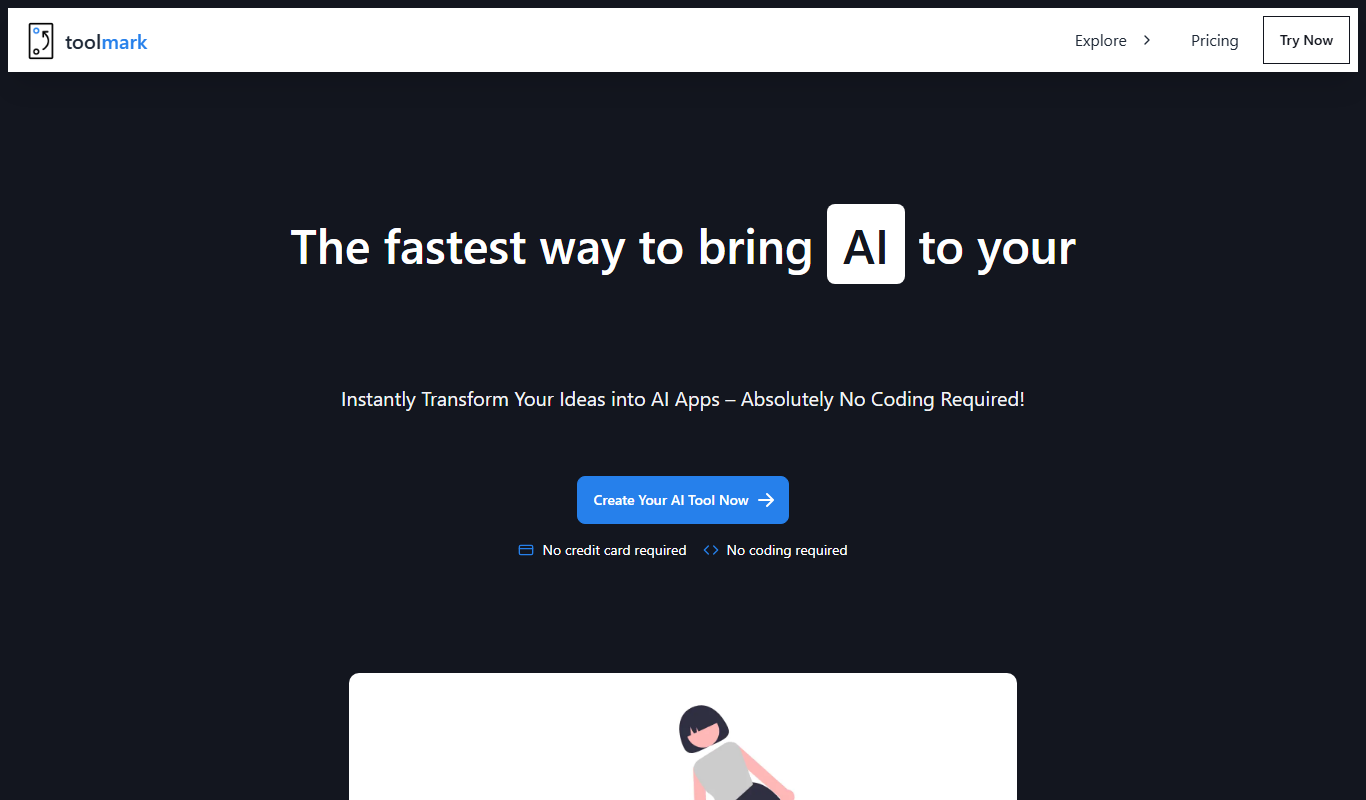
toolmark.ai lets you create AI tools without code that generate text, images, voice and more, then embed them on your site or publish them, with a 7-day free trial.

Digital Emperor
Digital Emperor's AI suite turns an app description into instant design specifications, including a user flow, sitemap and copy.

Voiceflow
Voiceflow is an AI agent platform where teams build, launch and scale chat and voice AI agents for customer support and CX.