

Vert No-Code Website Builder and Lead Management Suite
Vert is a no-code website builder and lead management suite for small businesses, with forms, CRM and task management.
- Best for
- Small business website
- Key capability
- Block-based website builder
Save Vert, follow its updates and vote on it — everything stays in your account.
Sign in or create a free account
What is Vert?
Vert is a no-code website builder and lead management suite for small businesses. Users build pages from ready-made blocks, then capture leads with forms and manage leads, tasks and appointments in one place.
Key features of Vert
Vert combines a block-based no-code website builder with built-in contact forms, lead management, task and appointment tracking, and AI tools for website content.
Block-based website builder
Pick a block, fill in your content through a form and stack more blocks to complete the page.
Lead management
Record new leads, track their sales journey and view all communication history.
Tasks and appointments
Create, track and manage tasks and appointments that matter for customer relationships.
AI content tools
Create content and website pages with AI tools, with no extra subscription or payment.
Pros and cons of Vert
Pros
- No code or design skills required
- Custom blocks, external scripts and plugins for more control
- AI tools with no extra subscription or payment
Cons
- Forms, CRM and task management are not in the Starter plan
- The free trial lasts 3 days
Key use cases for Vert
Small business website
Launch a professional website that works across multiple devices.
Lead capture
Collect questions, feedback and information requests through built-in contact forms.
Customer follow-up
Track tasks and appointments that nurture customer relationships.
How Vert works
- 1
Pick a block
Choose the building block you need.
- 2
Fill in the form
Enter your content by filling out the block’s form.
- 3
Stack blocks
Stack more blocks to complete your page.
- 4
Capture leads
Built-in contact forms let visitors ask questions, give feedback or request more information.
Who is using Vert
Vert pricing
Starter
$4 USD per month, billed yearly ($49)
Professional website builder, SSL security, advanced SEO config, hosting and unlimited email support.
Standard
$20 USD per month, billed yearly ($240)
Everything in Starter plus custom website forms, CRM and lead management, task tracking, appointment monitoring and email management.
Expert Web Design & Support
Your website is designed and built by a Vert expert, with premium support. No price is shown on the plans page.
Plans and prices are as published by the vendor and can change. Check the official site before you buy. Open the pricing page (opens in a new tab)
Frequently asked questions about Vert
No. You pick a block, fill in your content through a form and stack more blocks to complete the page.
Yes. Vert lets you build custom blocks and add external scripts and plugins.
Yes. The Standard plan adds custom website forms, CRM and lead management, task tracking and appointment monitoring.
Yes. You can try Vert free for 3 days.
No. Vert’s AI tools for content and website pages need no extra subscription or payment.
Yes. With the Expert Web Design & Support plan your website is designed and built by a Vert expert, with premium support.
Conclusion
Pages in Vert are assembled from ready-made blocks: pick a block, fill in a form with the content and stack more blocks until the page is done. No code or design skills are needed, while technical users can still build custom blocks and add external scripts and plugins. Its AI tools create content and website pages with no extra subscription or payment.
Beyond the website, the suite records leads with their sales journey and communication history, collects enquiries through built-in contact forms and tracks tasks and appointments. Those CRM and form tools belong to the Standard plan rather than Starter, and a separate expert plan has the website designed and built by a Vert expert. A free trial of 3 days comes before any plan is chosen.
Sources
Sign in to review this tool.
Sign In to ReviewNo reviews yet
Be the first to share how this tool worked for you.
Ask about pricing, limits, or how it compares — or answer someone else.
Sign In to AskNo questions yet
Have a question about using or paying for this tool? Be the first to ask.
Featured on TiorAI



More AI Productivity Tools tools
Other tools in the same category, for when this one is not quite the fit.

DocXter
DocXter is an AI assistant for interacting with any document: upload a document, ask questions, simplify the language and extract insights, with OCR and AI agents.
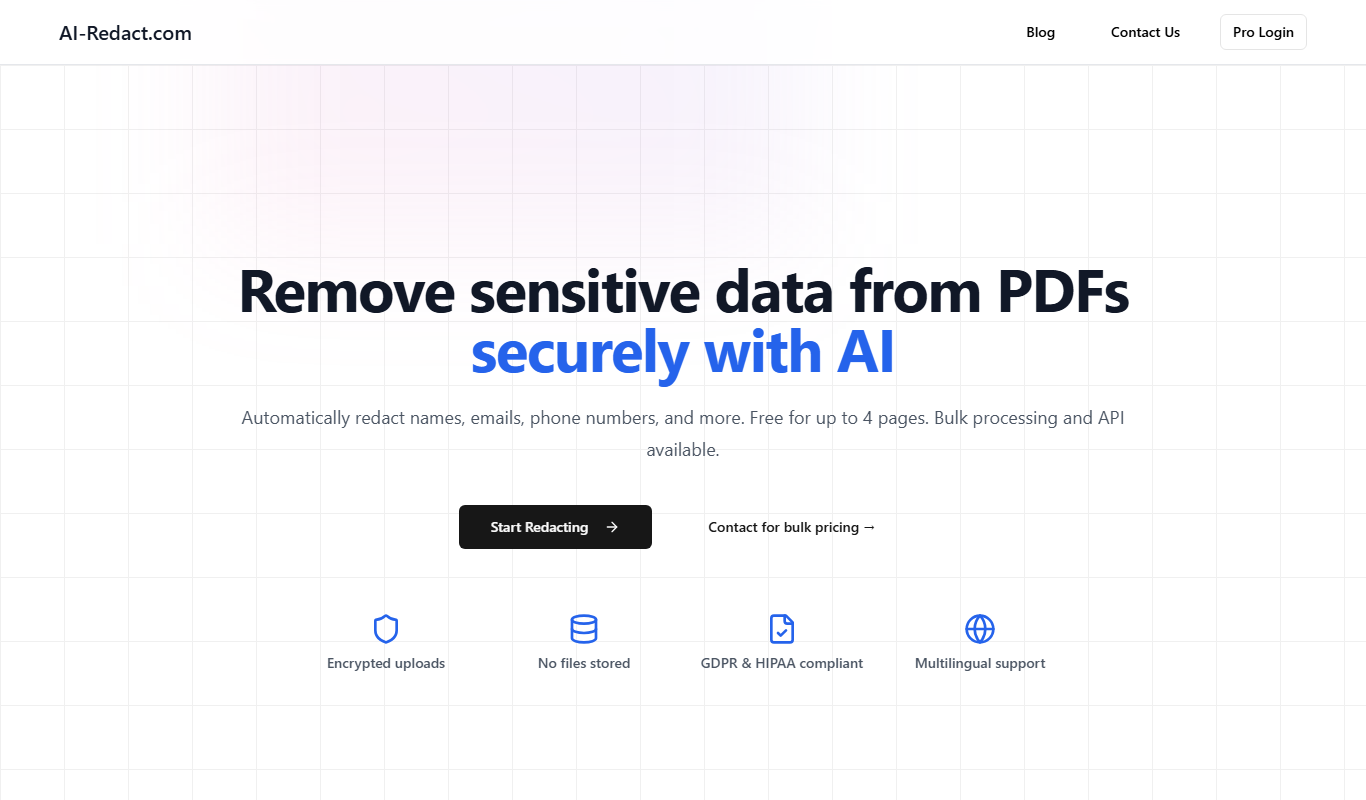
AI PDF redaction tool App
AI PDF Redaction Tool App is a web-based solution that uses AI to identify and permanently remove sensitive data from PDF documents, ensuring privacy and compliance.

Edit in PPT
Edit in PPT converts images, PDF pages and NotebookLM slide decks into editable PowerPoint files and refines them with plain-language AI edits.
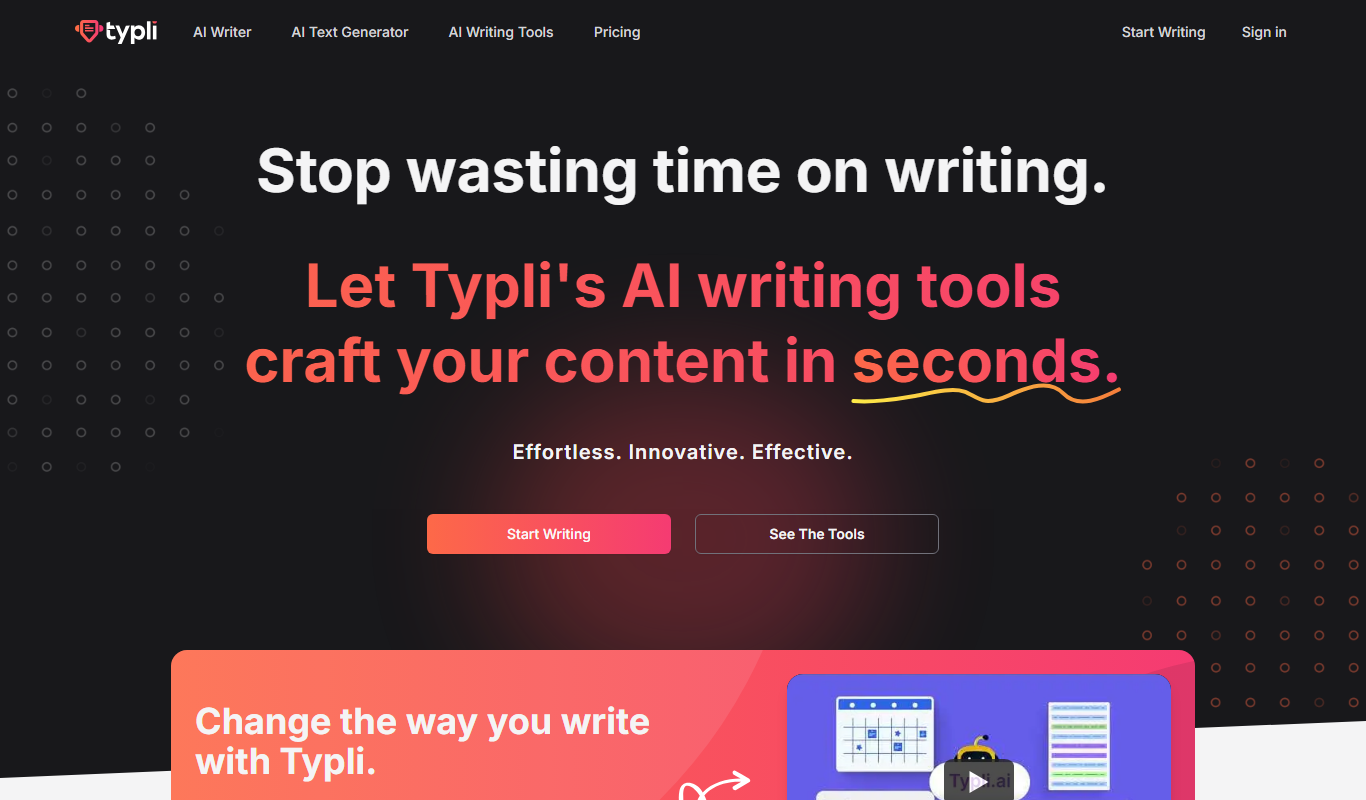
Typli
Typli is an AI platform with 185+ specialized writing tools, chat with leading AI models, an image generator and estimates and invoices.

Toolsaday
Toolsaday is an AI content platform with Text Genie, a paraphrasing tool, email and story generators, Novel Studio, text to speech and an image generator.

Partly AI
Partly builds frontier AI for repair: Repair AI, an AI assistant for repair shops, and Interpreter, a language model for automotive parts and repair workflows.

History Timeline Generator
History Timeline Generator is an AI tool that turns a topic such as a person, nation, company or historical event into a customized history timeline.

Quilter
Quilter uses physics-driven AI to automate PCB placement and routing, returning review-ready layout candidates in hours for designs from Altium, Cadence and Xpedition.