

Checksub Subtitle Generator and Translator for Video Content Creators
Checksub is a web-based tool that automatically generates and translates subtitles for videos using AI-powered speech recognition, supporting multiple languages and subtitle formats.
- Best for
- Automatic Subtitle Generation
- Key capability
- AI-Powered Subtitle Generation
Save Checksub, follow its updates and vote on it — everything stays in your account.
Sign in or create a free account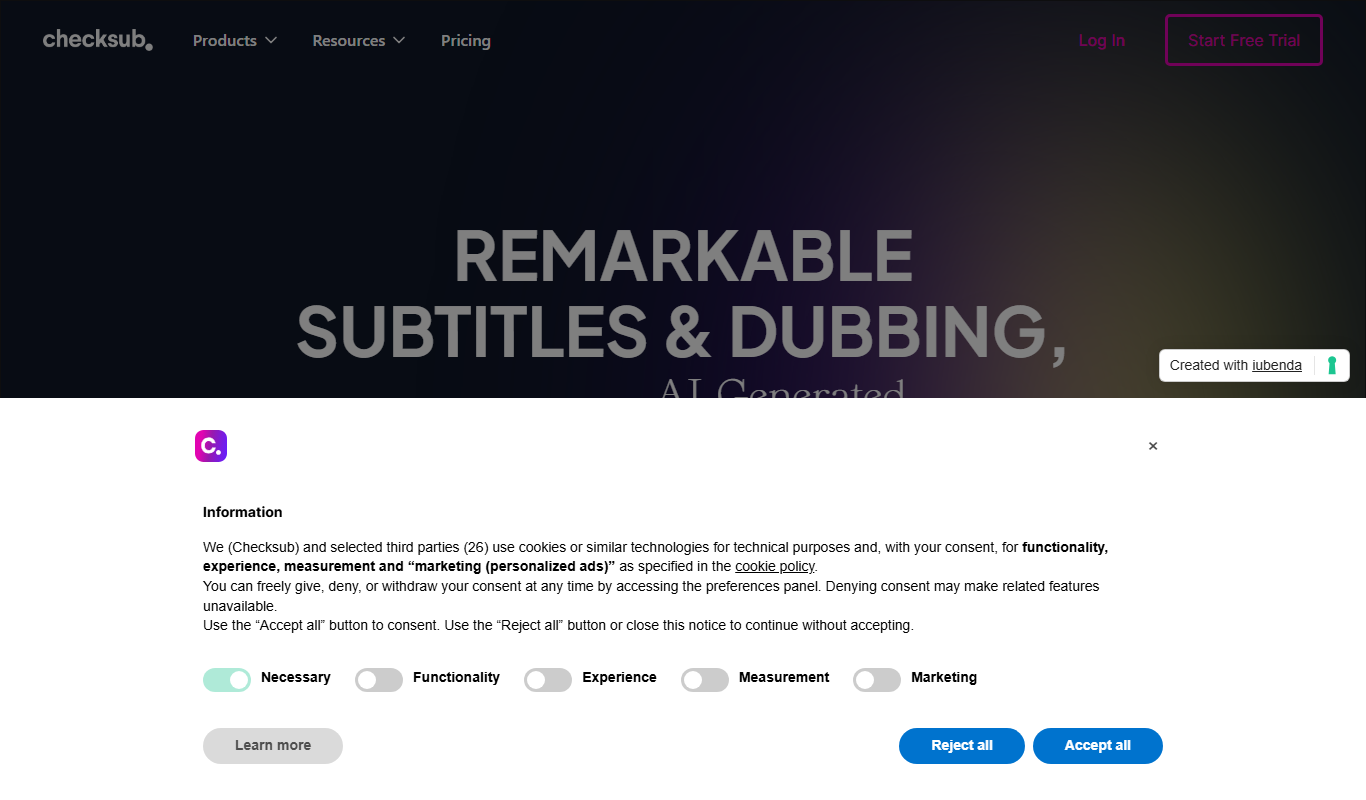

What is Checksub?
Checksub is a web-based platform that automates the creation and translation of subtitles for video content. It leverages AI speech recognition to generate subtitles quickly and supports multiple languages for translation. The tool is designed to help content creators, marketers, and educators make their videos accessible and understandable to a wider audience by providing accurate and customizable subtitles.
Key features of Checksub
Checksub offers automatic subtitle generation, multi-language subtitle translation, subtitle editing tools, and export options in various subtitle formats. It supports a wide range of languages and provides an intuitive interface for managing subtitles efficiently.
AI-Powered Subtitle Generation
Automatically transcribes video audio into accurate subtitles.
Multi-Language Translation
Translate subtitles to reach new audiences in more than 180 languages.
Subtitle Editor
Edit subtitle text and timing directly within the platform.
Multiple Export Formats
Export subtitles in formats compatible with most video players and platforms.
User-Friendly Interface
Intuitive design that simplifies subtitle creation and management.
Pros and cons of Checksub
Pros
- Fast and automated subtitle generation
- Supports multiple languages for translation
- Easy-to-use subtitle editor
- Exports in various subtitle formats
- Web-based with no software installation
Cons
- Free plan has limited minutes
- Dependent on audio quality for transcription accuracy
- No desktop or mobile app versions
Key use cases for Checksub
Automatic Subtitle Generation
Generate accurate subtitles for videos automatically using AI-powered speech recognition.
Subtitle Translation
Translate subtitles into multiple languages to reach a global audience.
Subtitle Editing and Customization
Edit and customize subtitles directly in the platform to ensure timing and text accuracy.
Video Accessibility Enhancement
Improve video accessibility for hearing-impaired viewers by providing clear subtitles.
Content Localization
Localize video content for different markets by combining subtitle generation and translation.
How Checksub works
- 1
Upload Video
Upload your video file to the Checksub platform.
- 2
Generate Subtitles
Use AI-powered speech recognition to automatically generate subtitles.
- 3
Translate Subtitles
Select target languages to translate the generated subtitles.
- 4
Edit and Customize
Review, edit, and adjust subtitles for accuracy and timing.
- 5
Export and Use
Export subtitles in popular formats like SRT or VTT for use in video players or platforms.
Who is using Checksub
Checksub pricing
Free trial
Free
Free trial credits that allow you to translate 1 hour of video; every feature can be tested while credits remain.
Junior
$18/month, billed monthly ($12/month billed yearly)
For professionals who need to generate subtitles for their videos: 2 hours of credits / month, up to 1 translation per project, subtitle file export (SRT, VTT) and e-mail support.
Starter
$59/month, billed monthly
For companies that want to translate their content: 5 hours of credits / month, up to 1 translation per project, no watermark, AI-Dubbing, lip-sync (Beta), voice-cloning, 1 YouTube channel and e-mail support.
Enterprise
Custom, from $299/month (billed yearly)
For organisations that want to spread their videos at scale: custom credits, translation in 187 languages, no watermark, AI-Dubbing, voice-cloning, lip-sync (Beta), API access, YouTube channels and an account manager.
Plans and prices are as published by the vendor and can change. Check the official site before you buy. Open the pricing page (opens in a new tab)
Frequently asked questions about Checksub
Checksub supports common video formats such as MP4, MOV, AVI, and others.
Yes, Checksub provides an editor to adjust subtitle text and timing.
Accuracy depends on audio quality, but Checksub uses advanced AI to provide high-quality transcriptions.
Usage is limited by your subscription credits: each time you generate a subtitle or a translation, the duration of the video is deducted from your credits.
It depends on your specific needs and how you plan to use the tool. The official website and documentation are the best sources for the latest details.
Yes, it can help with that use case depending on how you configure it and what features are available. You’ll get the best results with clear inputs and a defined goal.
Some tools offer a free plan or trial with limited features. Availability can vary, so confirm on the official website.
Yes, it can help with that use case depending on how you configure it and what features are available. You’ll get the best results with clear inputs and a defined goal.
Conclusion
Captions are always created in the video’s original language first, because the automatic translation is generated from them. When a script exists, it can be converted automatically into subtitles synchronized with the video. Subtitles can then be styled and animated, including a one-click karaoke animation, and either burned into the video or exported as a subtitle file.
AI dubbing goes a step further by replacing only the original voices while keeping the background audio, and voice cloning works in 30 languages. Training videos, social media publishing and YouTube channels in several languages are the customer use cases the site highlights. All plans run on credits, and one minute of video uses one minute of credits for subtitles, three for dubbing and five for lip-sync. No permanent free plan exists; a trial gives free credits to translate one hour of video.
Sources
Sign in to review this tool.
Sign In to ReviewNo reviews yet
Be the first to share how this tool worked for you.
Ask about pricing, limits, or how it compares — or answer someone else.
Sign In to AskNo questions yet
Have a question about using or paying for this tool? Be the first to ask.
Featured on TiorAI



Alternative Tools
Explore similar AI tools that might fit your needs
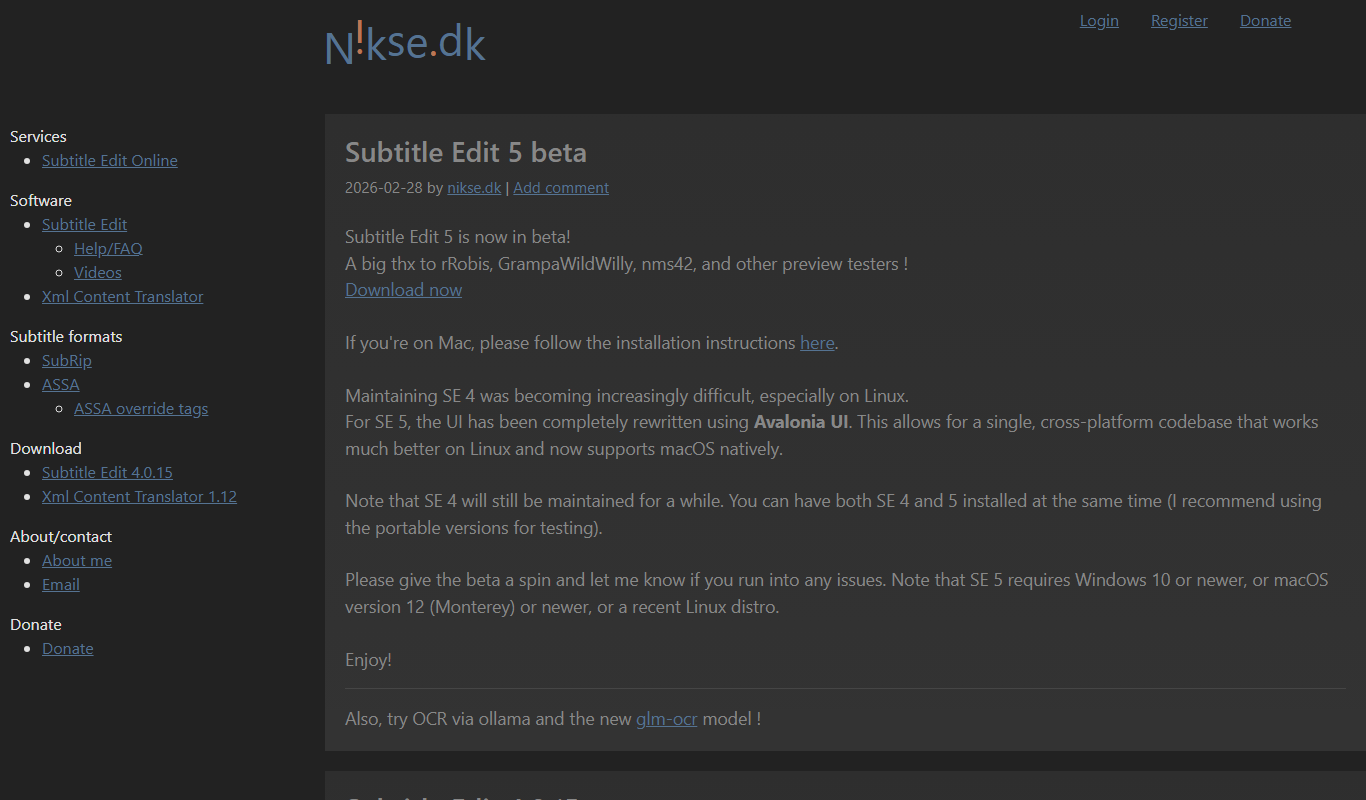
Subtitle Edit
Subtitle Edit is a free, open-source subtitle editor that allows users to create, edit, synchronize, and translate subtitles for video files with support for over 200 subtitle formats.
More AI Translation Tools tools
Other tools in the same category, for when this one is not quite the fit.
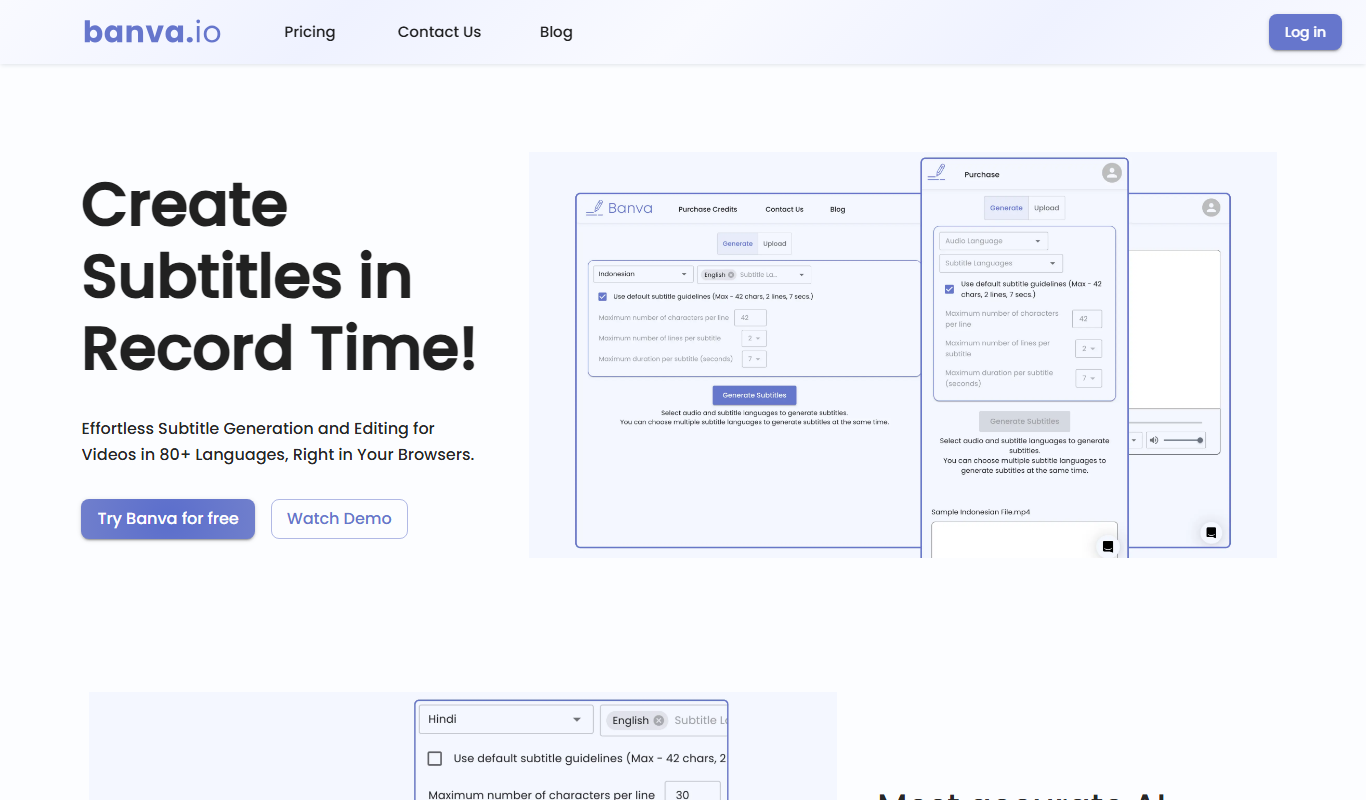
Banva
Banva is an AI subtitling, transcription and translation platform for video and audio in 90+ languages, with pay-as-you-go credits after 15 free minutes.

Manga Translator
Manga Translator is an AI extension for Chrome and Edge that translates manga, manhwa, webtoons, raw scans and screenshots into 100+ languages while you read online.

AI Manga Translator
AI Manga Translator is a web tool that uses AI to translate raw manga and comic images into multiple languages while preserving the original artwork and layout.
Lingvanex
Lingvanex is an AI-based translation software that provides real-time text, voice, document, and offline translations in over 100 languages, suitable for individuals, businesses, and developers.

Linguana
Linguana is an AI-driven translation platform that helps businesses efficiently translate and manage multilingual content with CMS integration and collaborative tools.

DocTransGPT
DocTransGPT is a free AI workspace for writing, captions, translation, PDF tools and OCR, with essential tools usable without sign-up.

Tutor Lily
Tutor Lily is an AI language tutor for real conversations in 50+ languages, with a personalized, science-backed method that remembers your goals and mistakes.

gengo.app
gengo.app is a free manga and light novel reader with an integrated OCR dictionary and other language learning tools, designed for learning Japanese.