

AiVOOV Text to Speech Solution for Natural Voice Generation Online
AiVOOV is an AI-driven text to speech platform that converts written text into natural, human-like audio in multiple languages, suitable for voiceovers, audiobooks, and accessibility.
- Best for
- Voiceover for Videos
- Key capability
- Multiple Language Support
Save AiVOOV – Text to Speech Solution, follow its updates and vote on it — everything stays in your account.
Sign in or create a free account
What is AiVOOV – Text to Speech Solution?
AiVOOV is an AI-powered text to speech solution designed to convert written text into natural, human-like speech. It offers a variety of voice styles and languages, enabling users to generate high-quality audio content quickly and easily through a web-based platform.
Key features of AiVOOV – Text to Speech Solution
AiVOOV provides realistic voice synthesis with multiple language support, customizable voice parameters, and an intuitive interface for seamless audio generation. It supports exporting audio files for use in various multimedia projects.
Multiple Language Support
Supports a wide range of languages including English, Spanish, French, German, Chinese, and Japanese.
Natural Voice Quality
Uses advanced AI models to produce human-like, expressive speech.
Customizable Voice Parameters
Allows users to adjust speed, pitch, and tone for personalized audio.
Easy-to-Use Web Interface
No installation required; accessible directly through a browser.
Audio Export Options
Download generated speech in common audio formats for versatile use.
Pros and cons of AiVOOV – Text to Speech Solution
Pros
- High-quality, natural-sounding voices
- Supports multiple languages and accents
- User-friendly web interface with no installation
- Free trial account and five subscription plans with yearly discounts
- Customizable speech parameters
Cons
- Limited offline capabilities as it is web-based
- Advanced features require paid subscription
Key use cases for AiVOOV – Text to Speech Solution
Voiceover for Videos
Create natural-sounding voiceovers for marketing, educational, or entertainment videos.
Audiobook Narration
Generate high-quality narration for audiobooks with customizable voice options.
Accessibility Enhancement
Convert written content into speech to improve accessibility for visually impaired users.
E-learning Content
Produce engaging audio for online courses and training materials.
Podcast Production
Create podcast episodes or segments using AI-generated voices.
How AiVOOV – Text to Speech Solution works
- 1
Input Text
Enter or paste the text you want to convert into speech.
- 2
Select Voice and Language
Choose from a range of AI voices and supported languages.
- 3
Customize Settings
Adjust speech speed, pitch, and other parameters to suit your needs.
- 4
Generate Audio
Click the generate button to create the speech audio.
- 5
Download or Share
Download the audio file or share it directly from the platform.
Who is using AiVOOV – Text to Speech Solution
AiVOOV – Text to Speech Solution pricing
Free trial account
Free
Registration is free of cost; sign in and check all features in a trial account before purchasing a plan.
Starter
$14.90/month, or $11.92/month billed yearly ($143.04)
300K characters per month (about 6.40 hours of audio), standard and premium voices, Canva and Adobe Express integrations, pronunciations library, podcast hosting and commercial use; cancel anytime.
Starter Plus
$29.90/month, or $23.92/month billed yearly ($287.04)
600K characters per month (about 12.82 hours of audio), everything in Starter, standard, premium and ultra voices, projects and up to 5 audiobooks.
Economy
$49.90/month, or $39.92/month billed yearly ($479.04)
1.2 Million characters per month (about 25.63 hours of audio), everything in Starter Plus, document to speech, URL scraper, up to 10 audiobooks, background music and merge audio.
Ultimate
$99.90/month, or $79.92/month billed yearly ($959.04)
2.5 Million characters per month (about 53.42 hours of audio), everything in Economy, speech to text, SRT creation, image to text, up to 25 audiobooks and priority technical support.
Premier
$149.90/month, or $119.92/month billed yearly ($1,439.04)
4.5 Million characters per month (about 96.15 hours of audio), everything in Ultimate, language translation, up to 50 audiobooks, integrations such as Zapier, Pabbly, n8n and Make, and API access with rate limits.
Plans and prices are as published by the vendor and can change. Check the official site before you buy. Open the pricing page (opens in a new tab)
Frequently asked questions about AiVOOV – Text to Speech Solution
Yes, AiVOOV allows commercial use depending on the subscription plan you choose.
You can download audio files in MP3 and WAV formats.
Yes. API access is included in the Premier plan, with applied rate limits.
AiVOOV supports more than 155 languages and accents, with 2300+ voices.
It depends on your specific needs and how you plan to use the tool. The official website and documentation are the best sources for the latest details.
Yes, it can help with that use case depending on how you configure it and what features are available. You’ll get the best results with clear inputs and a defined goal.
Yes, it can help with that use case depending on how you configure it and what features are available. You’ll get the best results with clear inputs and a defined goal.
Integration support depends on the tool and its available connectors or API. Check the official documentation or integrations page to confirm what is supported.
Conclusion
Creating a voiceover means typing the script, choosing a language and voice, customizing pauses or tone and hitting generate. The library offers 2300+ voices across 155+ languages and accents, and a single script can use multiple voices. Voices come as standard, premium and ultra voices, with ultra voices starting on the Starter Plus plan.
Beyond speech, the platform offers podcast hosting with an RSS feed, audiobook tools and background music on higher plans. Integrations include a WordPress plugin, a Chrome extension, Canva and Adobe Express. Every plan is a monthly or yearly subscription sized by characters per month, registration is free for a trial account, and unused characters do not roll over.
Sources
Sign in to review this tool.
Sign In to ReviewNo reviews yet
Be the first to share how this tool worked for you.
Ask about pricing, limits, or how it compares — or answer someone else.
Sign In to AskNo questions yet
Have a question about using or paying for this tool? Be the first to ask.
Featured on TiorAI



More AI Speech Synthesis Tools tools
Other tools in the same category, for when this one is not quite the fit.

vocalimage.app
Vocal Image is an AI speaking coach that gives instant feedback on recorded voice exercises and builds a daily training plan, on iOS, Android and the web.

Voxify
Voxify is an AI text to speech voice generator with 450+ voices in 140+ languages and controls for pitch, speed and emotion.

Dubformer
Dubformer is an AI dubbing studio with phrase-level control in 140+ languages.
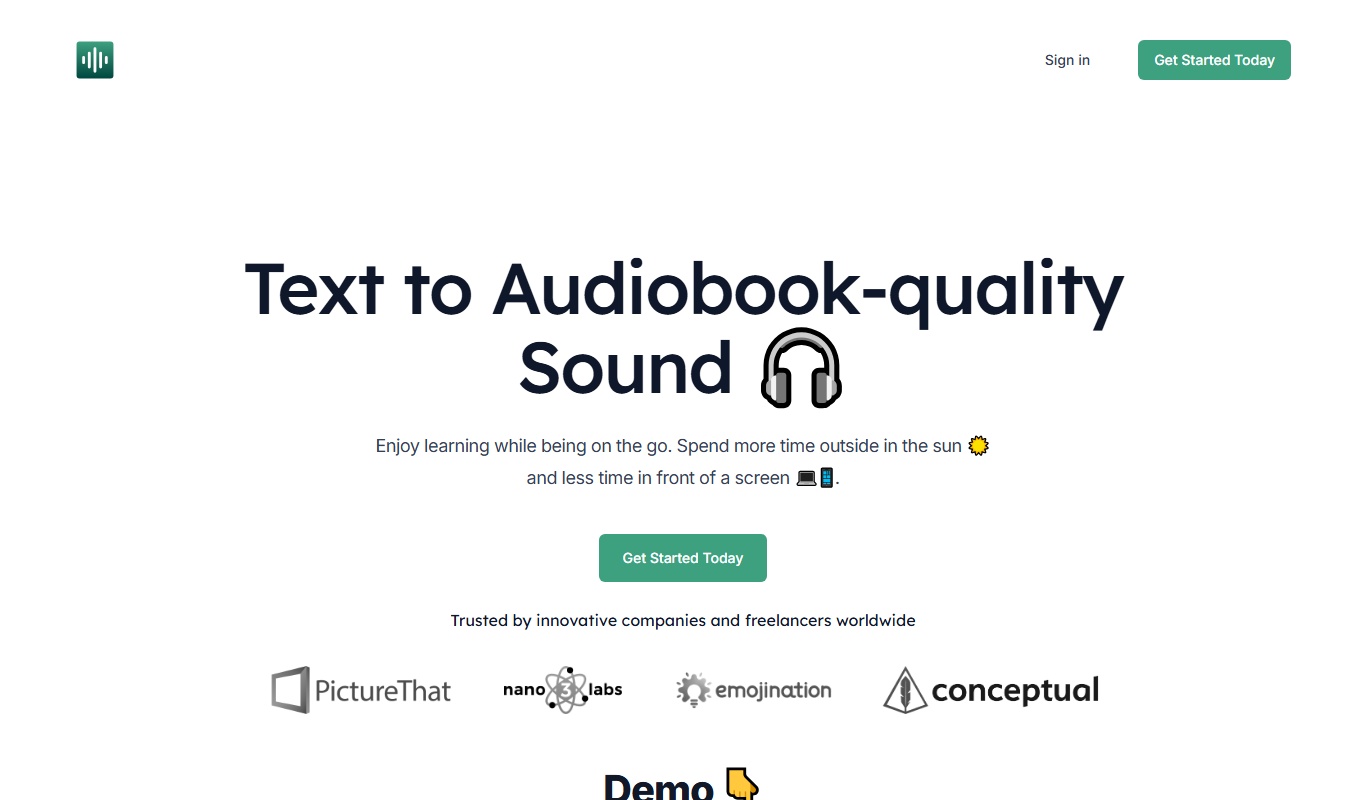
AudiowaveAI
AudiowaveAI converts text such as articles, blog posts, EPUBs and PDFs into audiobook quality sound for listening on the go.

Voice Out
Voice Out is a text-to-speech extension for Chrome and Edge that reads aloud any Google Doc, PDF, webpage or book in 60+ languages and 100+ voices.

Beepbooply
Beepbooply converts text to speech with 900+ voices across 80+ languages and lets you download realistic audio with a click.

SteosVoice
SteosVoice is an AI-driven text-to-speech platform that converts text into natural, human-like speech with multi-language support and voice cloning capabilities.

AnyToSpeech
AnyToSpeech is an all-in-one speech tool to generate speech, transcribe, translate and analyze your voice in one place. Free to try.