

From my experience with AnyToSpeech, I found it excels at providing a straightforward, no-frills way to convert text into natural-sounding speech across multiple languages. The web interface is intuitive, making it accessible for users without technical backgrounds. It’s particularly well-suited for educators, content creators, and individuals needing quick audio versions of text. However, the tool has limited advanced customization and some premium features require a subscription. Overall, if you want a simple, reliable text to speech converter with multilingual support and easy audio downloads, AnyToSpeech delivers solid results.
AnyToSpeech Text to Speech Converter with Natural Voices and Multilingual Support
AnyToSpeech is a web-based text to speech tool that converts written text into natural audio in multiple languages, offering free and premium plans with downloadable speech files.
- Best for
- Content Accessibility
- Key capability
- Multilingual Support
Your actions

Do you recommend this tool?
What is AnyToSpeech?
AnyToSpeech is an online text to speech converter that transforms written text into natural-sounding audio in multiple languages and voices. It is designed to help users easily generate speech from text for accessibility, content creation, education, and personal use without requiring advanced technical skills.
Key features of AnyToSpeech
The tool offers a simple web interface to input text, select voice and language options, and convert text into downloadable audio files. It supports multiple languages and voice styles, enabling users to customize speech output for various applications.
Multilingual Support
Supports a wide range of languages including English, Spanish, French, German, Chinese, and Japanese.
Natural Voice Quality
Uses advanced speech synthesis technology to produce clear and natural-sounding voices.
Easy-to-Use Interface
Simple web-based platform requiring no installation or technical knowledge.
Audio Download
Allows users to download generated speech in common audio formats for offline listening.
Free and Freemium Plans
Offers free usage with basic features and optional paid plans for extended capabilities.
Pros and cons of AnyToSpeech
Pros
- Supports multiple languages with natural voices
- User-friendly web interface with no installation
- Free plan available for casual users
- Allows audio downloads for offline use
Cons
- Limited advanced customization options
- Premium features require subscription
Key use cases for AnyToSpeech
Content Accessibility
Convert written content into natural-sounding speech to improve accessibility for users with reading difficulties or visual impairments.
E-learning and Education
Create audio versions of educational materials to support auditory learners and enable learning on the go.
Multilingual Audio Content
Generate speech in multiple languages to reach a broader audience or create multilingual voiceovers.
Podcast and Video Production
Produce voiceovers for podcasts, videos, or presentations without needing professional voice actors.
Personal Use
Convert text messages, articles, or documents into speech for convenience and hands-free listening.
How AnyToSpeech works
- 1
Enter Text
Paste or type the text you want to convert into speech in the input box.
- 2
Select Language and Voice
Choose the desired language and voice style from the available options.
- 3
Generate Speech
Click the convert button to process the text and create the audio output.
- 4
Download Audio
Listen to the generated speech and download the audio file for offline use.
Who is using AnyToSpeech
Content creators
Educators and students
People with visual impairments
Podcasters and video producers
Multilingual users
AnyToSpeech pricing
Free
$0/month
Basic text to speech conversion with limited daily usage and voice options.
Premium
$9.99/month
Extended usage limits, access to premium voices, and faster processing.
Plans and prices are as published by the vendor and can change. Check the official site before you buy. Open the pricing page (opens in a new tab)
Frequently asked questions about AnyToSpeech
Yes, AnyToSpeech offers a free plan with limited daily conversions and basic voice options.
It supports multiple languages including English, Spanish, French, German, Chinese, and Japanese.
Yes, users can download the generated speech audio files in common formats.
No, AnyToSpeech is a web-based tool that works directly in your browser.
It depends on your specific needs and how you plan to use the tool. The official website and documentation are the best sources for the latest details.
Yes, it can help with that use case depending on how you configure it and what features are available. You’ll get the best results with clear inputs and a defined goal.
Some tools offer a free plan or trial with limited features. Availability can vary, so confirm on the official website.
Sign in to review this tool.
Sign In to ReviewNo reviews yet
Be the first to share how this tool worked for you.
Ask about pricing, limits, or how it compares — or answer someone else.
Sign In to AskNo questions yet
Have a question about using or paying for this tool? Be the first to ask.
Featured on TiorAI



Alternative Tools
Explore similar AI tools that might fit your needs
Free
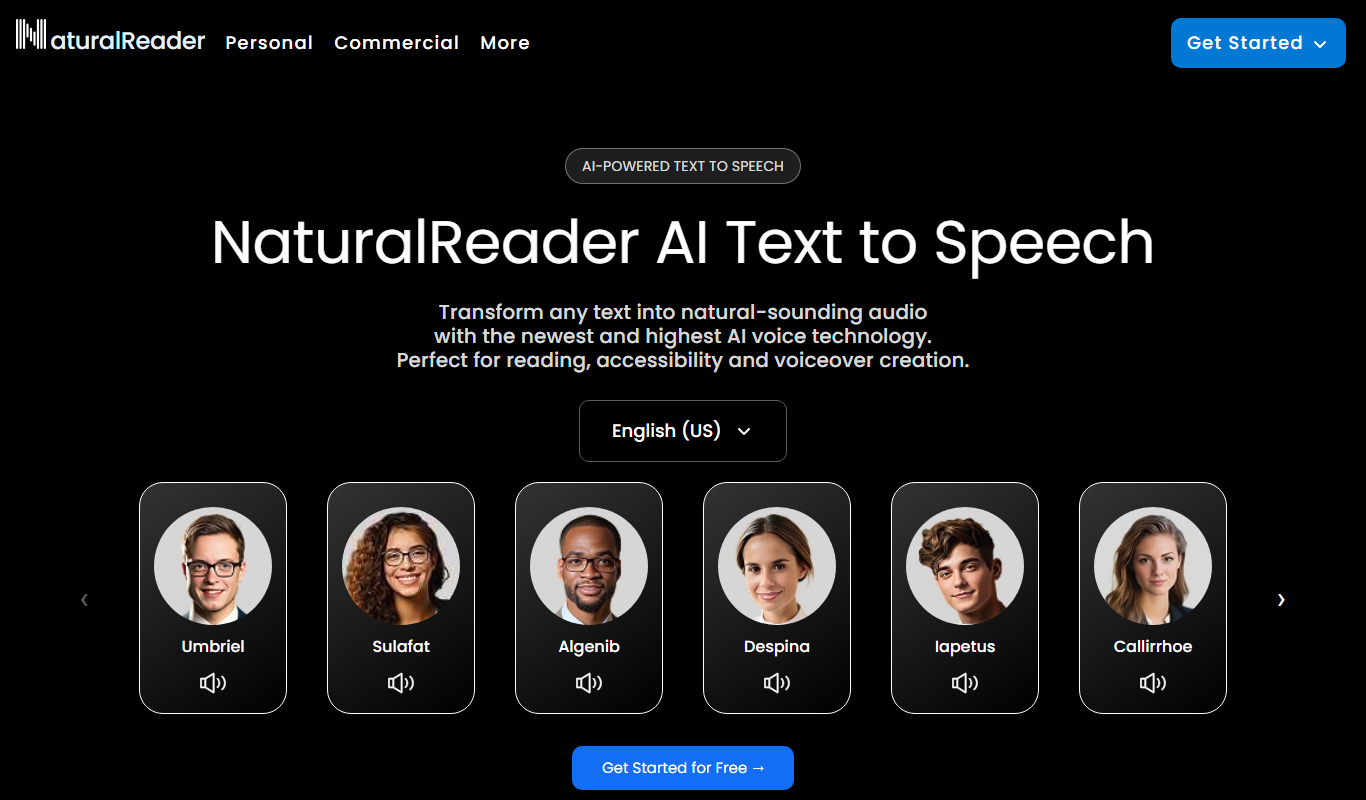
Natural Reader
Natural Reader is a text-to-speech software that converts written text into natural, human-like speech across multiple languages and platforms, supporting accessibility and content consumption.
More AI Accessibility Tools tools
Other tools in the same category, for when this one is not quite the fit.

Free
NVDA Screen Reader
NVDA is a free, open-source screen reader for Windows that helps visually impaired users access digital content through speech and braille output.

Free
BeeLine Reader
BeeLine Reader is an accessibility tool that applies color gradients to digital text to improve reading speed, focus, and comprehension, especially benefiting users with dyslexia and visual impairments.

Free
Alt Text AI Generator
Alt Text AI Generator is a web tool that uses AI to create descriptive alternative text for images, helping improve website accessibility and SEO.

Free
GPT Reader: A Free AI Text-to-Speech
GPT Reader is a free online AI text-to-speech tool that converts English text into natural-sounding speech with multiple voice options and adjustable speed, requiring no signup.

Free
free text Into Speech
TTS4Free is a free online text-to-speech tool that converts typed text into natural-sounding speech audio in multiple languages without registration.

Free
Soundify
Soundify is an online AI-powered text to speech tool that converts written text into natural, human-like audio with multiple voice options and easy downloads.
Free
Say My Name!
Say My Name! is a free web app that helps users record and share audio clips of their name pronunciation to reduce mispronunciations.

Free
AI Describe Picture
AI Describe Picture is a free web tool that uses AI to generate descriptive captions for images, enhancing accessibility and SEO by providing automatic alt text.