

From my experience with Say My Name!, I found it excels at providing a straightforward, no-frills solution to a common problem: name mispronunciation. The app’s simplicity and lack of sign-up barriers make it accessible to anyone needing to share their name pronunciation quickly. It’s particularly well-suited for professionals, educators, and individuals with unique names who want to ensure others say their names correctly. However, the tool is limited to audio recordings only and lacks advanced features like text-to-speech or mobile apps. Overall, if you want a quick and free way to share your name pronunciation, Say My Name! delivers effectively.
Say My Name! App for Accurate Name Pronunciation and Sharing
Say My Name! is a free web app that helps users record and share audio clips of their name pronunciation to reduce mispronunciations.
- Best for
- Correct Name Pronunciation
- Key capability
- No Account Required
Do you recommend this tool?
What is Say My Name!?
Say My Name! is a simple web application that allows users to record and share audio pronunciations of their names. It aims to reduce the common problem of name mispronunciation by providing a quick and accessible way to hear the correct pronunciation directly from the individual.
Key features of Say My Name!
The app offers an easy-to-use interface for recording your name, saving the audio clip, and sharing it via links or social media. It requires no sign-up or installation, making it accessible to anyone with a web browser.
No Account Required
Users can record and share their name pronunciation without creating an account.
Simple Web Interface
Accessible from any modern browser without downloads or installations.
Shareable Links
Easily share your name pronunciation with others through generated URLs.
Quick Recording
Record your name pronunciation in seconds with a straightforward interface.
Pros and cons of Say My Name!
Pros
- No account or installation required
- Very simple and intuitive interface
- Free to use with unlimited recordings
- Helps reduce name mispronunciation
- Accessible on any device with a browser
Cons
- Limited to audio recording only, no text-to-speech
- No mobile app version currently available
- No advanced features like name history or profiles
Key use cases for Say My Name!
Correct Name Pronunciation
Users can record and share audio clips of their names to help others pronounce them correctly.
Social Sharing
Share your name pronunciation easily on social media or messaging platforms to reduce mispronunciations.
Accessibility Enhancement
Helps individuals with unique or difficult-to-pronounce names communicate their names clearly in professional and social settings.
Networking and Introductions
Facilitates smoother introductions by providing an easy way to learn and remember names.
How Say My Name! works
- 1
Record Your Name
Use the web interface to record an audio clip of your name pronunciation.
- 2
Save and Generate Link
The app saves your recording and generates a unique link for sharing.
- 3
Share Your Pronunciation
Share the link via social media, email, or messaging apps to help others pronounce your name correctly.
Who is using Say My Name!
Individuals with uncommon or difficult names
Professionals wanting to ensure correct name pronunciation
HR and recruitment teams
Educators and students
Social media users and networkers
Say My Name! pricing
Free
$0
Full access to all features with no cost or subscription.
Plans and prices are as published by the vendor and can change. Check the official site before you buy. Open the pricing page (opens in a new tab)
Frequently asked questions about Say My Name!
No, the app allows you to record and share your name pronunciation without any sign-up.
Yes, the app generates a shareable link that you can post on social media or send via messaging apps.
Yes, all features are available for free without any charges.
Say My Name! works on any device with a modern web browser, including desktops, tablets, and smartphones.
It depends on your specific needs and how you plan to use the tool. The official website and documentation are the best sources for the latest details.
Sign in to review this tool.
Sign In to ReviewNo reviews yet
Be the first to share how this tool worked for you.
Ask about pricing, limits, or how it compares — or answer someone else.
Sign In to AskNo questions yet
Have a question about using or paying for this tool? Be the first to ask.
Featured on TiorAI



Alternative Tools
Explore similar AI tools that might fit your needs
Free
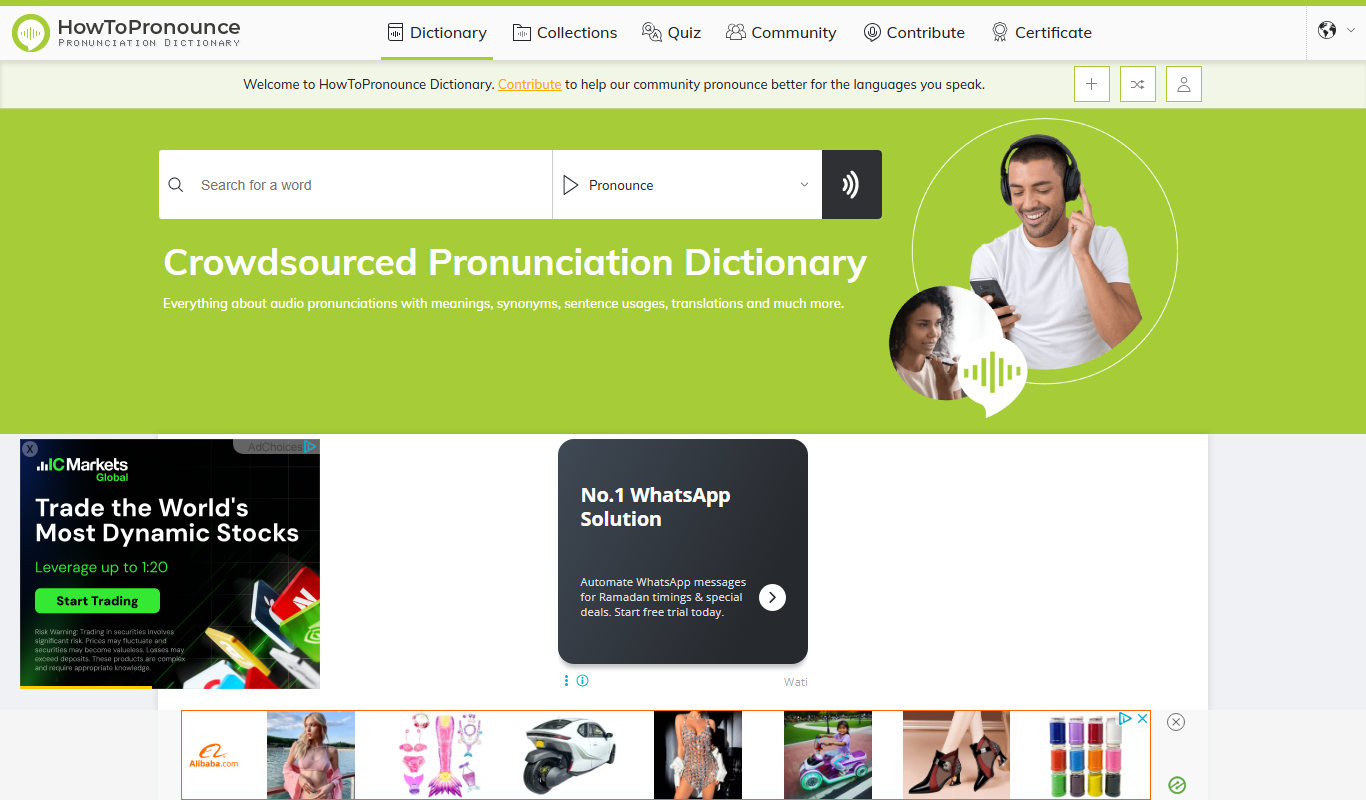
HowToPronounce
HowToPronounce is a free online tool that provides audio pronunciations and phonetic spellings for words in multiple languages, helping users learn correct pronunciation through native and expert recordings.
More AI Accessibility Tools tools
Other tools in the same category, for when this one is not quite the fit.

Free
NVDA Screen Reader
NVDA is a free, open-source screen reader for Windows that helps visually impaired users access digital content through speech and braille output.

Free
BeeLine Reader
BeeLine Reader is an accessibility tool that applies color gradients to digital text to improve reading speed, focus, and comprehension, especially benefiting users with dyslexia and visual impairments.

Free
Alt Text AI Generator
Alt Text AI Generator is a web tool that uses AI to create descriptive alternative text for images, helping improve website accessibility and SEO.

Free
GPT Reader: A Free AI Text-to-Speech
GPT Reader is a free online AI text-to-speech tool that converts English text into natural-sounding speech with multiple voice options and adjustable speed, requiring no signup.

Free
free text Into Speech
TTS4Free is a free online text-to-speech tool that converts typed text into natural-sounding speech audio in multiple languages without registration.

Free
Soundify
Soundify is an online AI-powered text to speech tool that converts written text into natural, human-like audio with multiple voice options and easy downloads.

Free
AI Describe Picture
AI Describe Picture is a free web tool that uses AI to generate descriptive captions for images, enhancing accessibility and SEO by providing automatic alt text.

Free
Marlee
Marlee is an AI-powered voice assistant app that enables hands-free task management and reminders, focusing on accessibility and productivity for iOS and Android users.