

From my experience with Whisper Wizard, I found it excels at delivering highly accurate transcriptions powered by OpenAI’s Whisper AI, especially for clear audio and multiple languages. The platform’s combination of an intuitive web interface and a developer-friendly API makes it versatile for both casual users and technical teams. However, the free plan’s limited transcription minutes can be restrictive for heavy users, and some accents or noisy recordings may require manual corrections. Overall, if you need reliable, multi-language transcription with speaker identification, Whisper Wizard offers a solid, cost-effective solution.
Whisper Wizard AI Transcription Tool for Accurate Audio to Text Conversion
Whisper Wizard is an AI-powered transcription tool that converts audio and video files into accurate text transcripts using OpenAI's Whisper model, supporting multiple languages and speaker diarization.
- Best for
- Podcast Transcription
- Key capability
- OpenAI Whisper Integration
Your actions
Save Whisper Wizard, follow its updates and vote on it — everything stays in your account.
Sign in or create a free account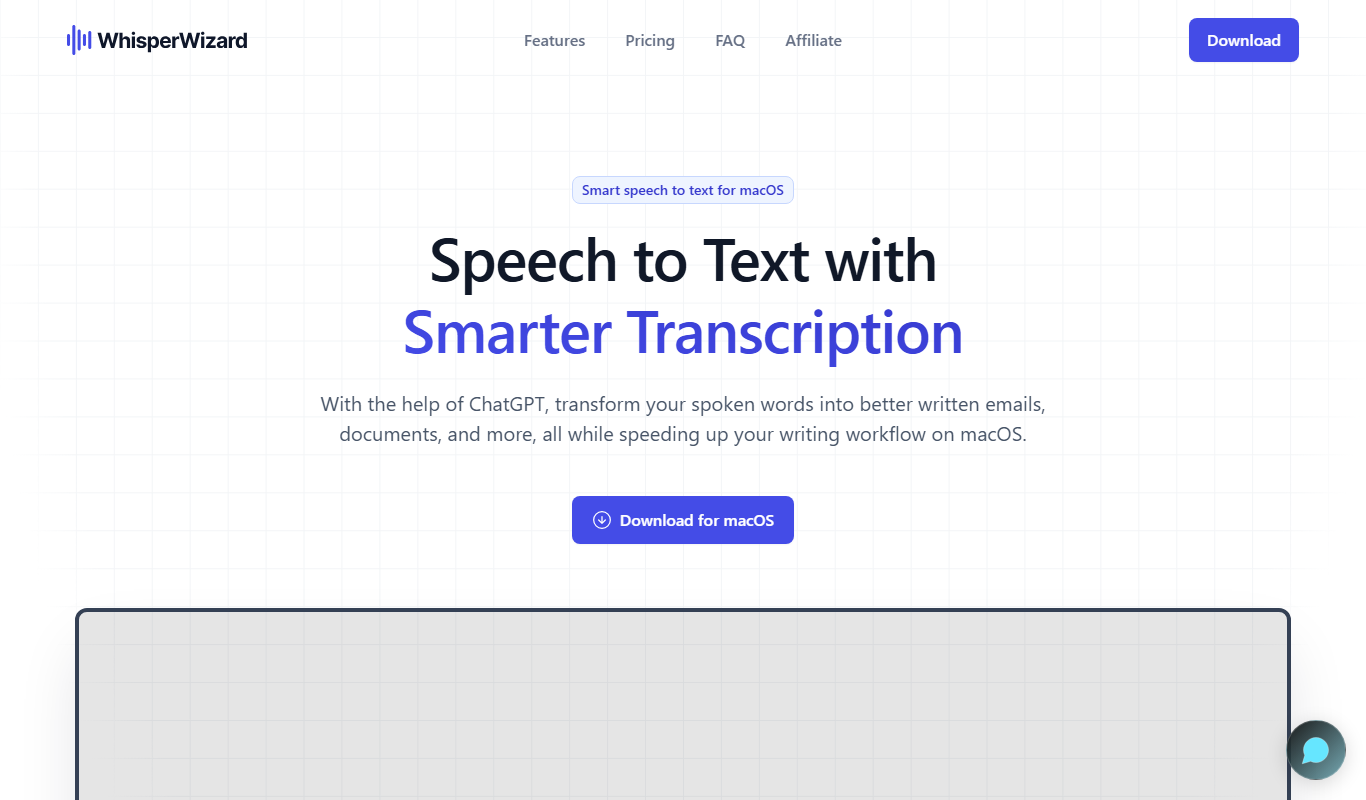
What is Whisper Wizard?
Whisper Wizard is an AI-powered transcription tool that leverages OpenAI’s Whisper model to convert audio and video files into accurate, searchable text. It supports multiple languages and offers a user-friendly web interface and API access for developers. Designed to simplify transcription workflows, Whisper Wizard helps users save time and improve productivity by automating the conversion of speech to text.
Key features of Whisper Wizard
Whisper Wizard offers high-accuracy AI transcription, multi-language support, speaker diarization, timestamping, and easy export options. Its API enables seamless integration into existing applications, while the web platform provides an intuitive experience for uploading and managing transcription projects.
OpenAI Whisper Integration
Utilizes the state-of-the-art Whisper AI model for highly accurate speech recognition.
Multi-language Support
Supports transcription in multiple languages including English, Spanish, French, and more.
Speaker Diarization
Automatically identifies and separates different speakers in the audio.
Timestamping
Provides timestamps for each segment to facilitate easy navigation and editing.
API Access
Offers a robust API for developers to integrate transcription capabilities into their own apps.
Pros and cons of Whisper Wizard
Pros
- High transcription accuracy using advanced AI
- Supports multiple languages and speaker diarization
- User-friendly web interface and API access
- Flexible pricing plans including a free tier
Cons
- Free plan has limited transcription minutes
- Some advanced features require paid subscription
- Occasional errors with heavy accents or noisy audio
Key use cases for Whisper Wizard
Podcast Transcription
Convert podcast audio files into accurate text transcripts for publishing and SEO.
Meeting Notes
Automatically transcribe meetings and calls to capture key points and action items.
Content Creation
Generate text from audio interviews or voice memos to streamline content workflows.
Accessibility
Provide captions and transcripts to improve accessibility for hearing-impaired users.
Language Learning
Use transcriptions to assist language learners by providing text alongside audio.
How Whisper Wizard works
- 1
Upload Audio or Video
Users upload their audio or video files through the web interface or API.
- 2
AI Processing
The Whisper AI model processes the audio to generate a text transcript.
- 3
Review and Edit
Users can review the transcription, make edits, and add speaker labels if needed.
- 4
Export Transcript
Final transcripts can be exported in various formats such as TXT, SRT, or VTT.
Who is using Whisper Wizard
Podcasters and content creators
Business professionals needing meeting transcripts
Developers integrating speech-to-text features
Accessibility coordinators
Language learners and educators
Whisper Wizard pricing
Free
$0/month
Limited transcription minutes per month with basic features.
Pro
$19/month
Increased transcription limits, priority processing, and advanced features.
Enterprise
Custom pricing
Tailored solutions with dedicated support and API usage for large-scale needs.
Plans and prices are as published by the vendor and can change. Check the official site before you buy. Open the pricing page (opens in a new tab)
Frequently asked questions about Whisper Wizard
Whisper Wizard supports common audio formats including MP3, WAV, M4A, and more.
Yes, it supports multiple languages such as Spanish, French, German, Italian, and Portuguese.
Limits depend on your subscription plan; the free plan has monthly minute caps, while paid plans offer higher limits.
Yes, it includes speaker diarization to distinguish different speakers in the transcript.
It depends on your specific needs and how you plan to use the tool. The official website and documentation are the best sources for the latest details.
Yes, it can help with that use case depending on how you configure it and what features are available. You’ll get the best results with clear inputs and a defined goal.
Integration support depends on the tool and its available connectors or API. Check the official documentation or integrations page to confirm what is supported.
It depends on your specific needs and how you plan to use the tool. The official website and documentation are the best sources for the latest details.
Sign in to review this tool.
Sign In to ReviewNo reviews yet
Be the first to share how this tool worked for you.
Ask about pricing, limits, or how it compares — or answer someone else.
Sign In to AskNo questions yet
Have a question about using or paying for this tool? Be the first to ask.
Featured on TiorAI



More AI Music & Audio Tools tools
Other tools in the same category, for when this one is not quite the fit.

Pay As You Go
Sonix AI
Sonix AI is an automated transcription tool that converts audio and video files into text with high accuracy, supporting multiple languages and offering features like speaker identification and timestamps.

Free
Transcriptmate.com
TranscriptMate.com is an AI transcription service for audio and video files with speaker identification, timestamps and multi-language support; the first 15 minutes are free.
Free
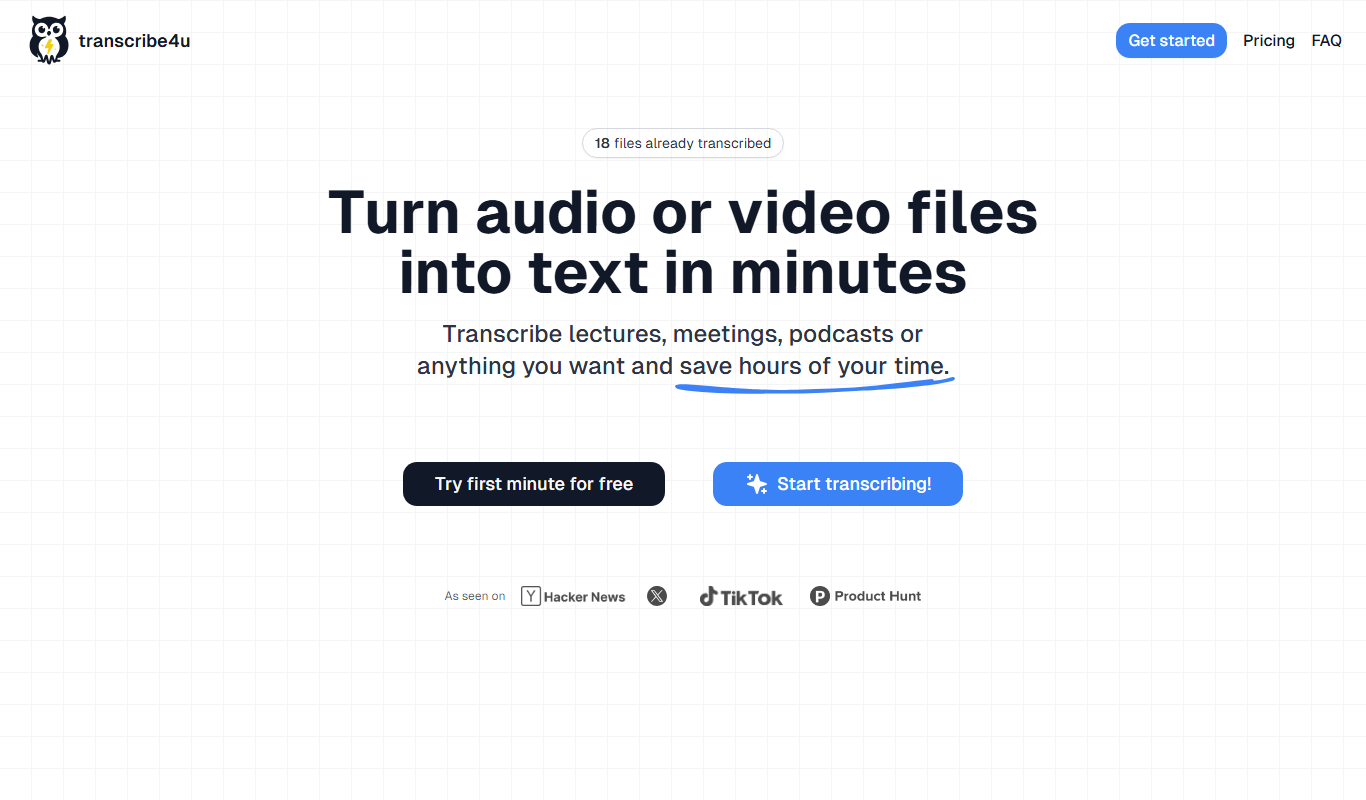
transcribe4u
Transcribe4u is a web-based transcription service that automatically converts audio and video files into text using AI-powered speech recognition.
Freemium
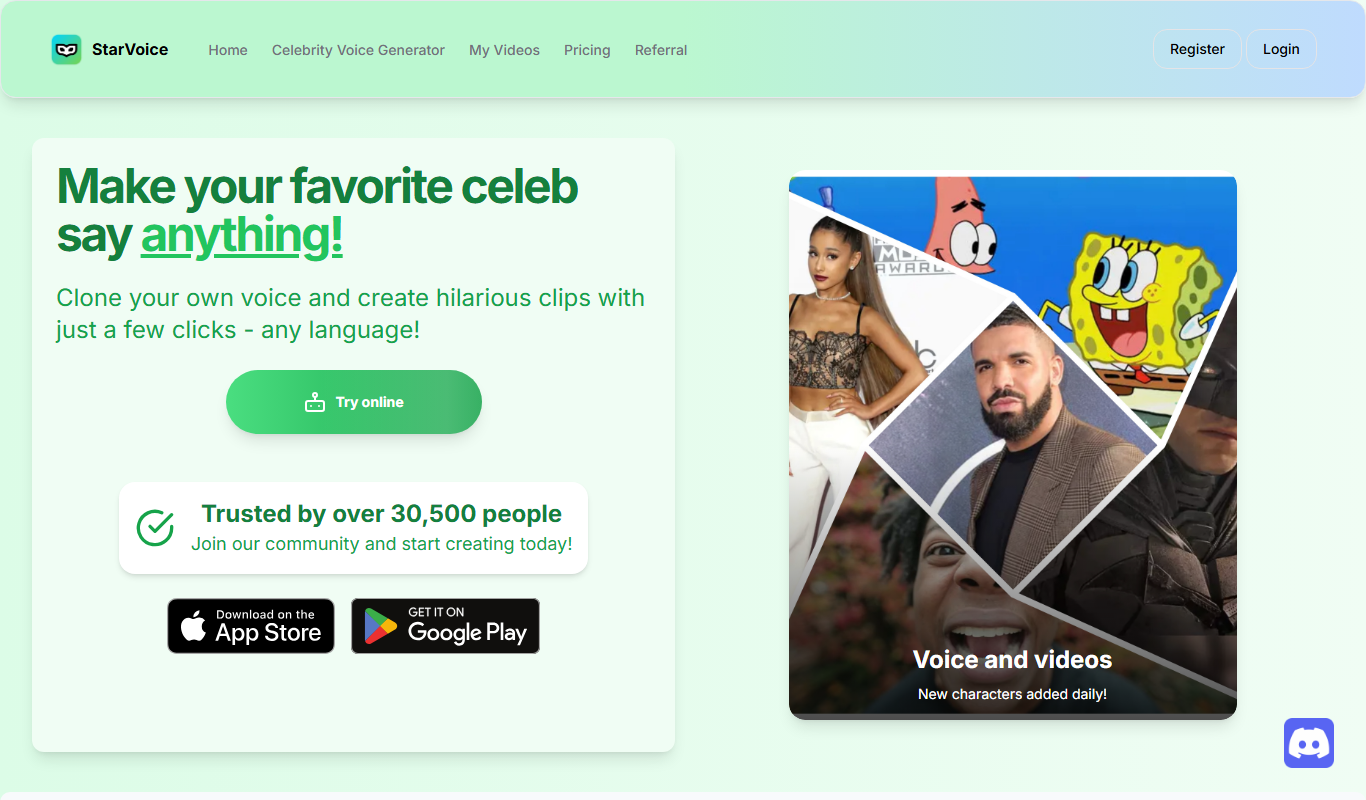
StarVoiceAi
StarVoiceAi is a Celebrity AI Voice and video generator.

Free
ttsMP3.com
ttsMP3.com is a free online tool that converts text into speech audio files in multiple languages, allowing users to download MP3s without registration.
Custom Pricing
audeering.com
audeering provides enterprise-grade audio AI solutions including speech emotion recognition, sound event detection, and voice biometrics accessible via APIs for real-time and batch processing.

Free
Listnr AI
Listnr AI is a text-to-speech platform that converts written text into natural, human-like audio using AI voices across multiple languages, suitable for podcasts, e-learning, and marketing content.

Free
voicechanger.io
VoiceChanger.io is a free web-based tool that lets you change your voice in real-time or by uploading audio files, offering various fun voice effects without any software installation.