

EasySpeak: AI teleprompter app with AI scriptwriting for video recording
EasySpeak is an AI-powered teleprompter app that helps you record professional video from a script, with AI scriptwriting and adjustable scrolling speed.
- Best for
- Speeches
- Key capability
- Recording with the script
Save EasySpeak, follow its updates and vote on it — everything stays in your account.
Sign in or create a free account
What is EasySpeak?
EasySpeak is an AI-powered teleprompter app for recording videos from a script. It displays scrolling text so the speaker can read the script while keeping eye contact, generates scripts with AI, and exports and shares the recorded video. It runs on iOS and Android.
Key features of EasySpeak
Recording videos with a scrolling script, adjustable scrolling speed and text size, AI-powered scriptwriting, and exporting and sharing videos at the resolution you need.
Recording with the script
Record video while the script scrolls, with real-time scrolling speed and adjustable text size.
AI-powered scriptwriting
Generate scripts with AI to overcome writer's block.
Sharing and exporting
Export and share videos, fine-tune the resolution and export for offline sharing.
Mobile apps
Works on smartphones, tablets and computers, on iOS and Android.
Script credits
Each Script Credit generates one unique AI-powered script.
Pros and cons of EasySpeak
Pros
- Adjustable scrolling speed and text size
- AI script generation
- Offline export with no internet required
- Available on iOS and Android
- Free plan with up to 3 user-created and 3 AI generated scripts
Cons
- The free plan is limited to 3 user-created and 3 AI generated scripts
- AI scripts use Script Credits bought in the app
- Unlimited scripts require the Basic or Pro plan
Key use cases for EasySpeak
Speeches
Deliver a speech without missing a line.
Presentations
Read a presentation script while keeping eye contact.
Professional videos
Record professional video with confidence from a script.
Script ideas
Generate script concepts with AI when facing writer's block.
Video sharing
Share and export recorded videos on any device or platform.
How EasySpeak works
- 1
Script your story
Use AI-powered scriptwriting or add your own script.
- 2
Record
Record your video while reading the scrolling script.
- 3
Adjust the delivery
Tweak the scrolling speed in real time and tailor the text size.
- 4
Share
Share or export your video.
- 5
Export offline
Export videos for offline sharing with no internet required.
Who is using EasySpeak
EasySpeak pricing
Free
$0/month
Up to 3 user-created scripts and up to 3 AI generated scripts.
Basic
$5/month
Unlimited user-created and AI generated scripts.
Pro
$60/year
Unlimited user-created and AI generated scripts, billed per year.
Plans and prices are as published by the vendor and can change. Check the official site before you buy. Open the pricing page (opens in a new tab)
Frequently asked questions about EasySpeak
A teleprompter app that displays scrolling text so a speaker can read a script while keeping eye contact with the audience.
Yes. Its AI-powered scriptwriting generates scripts to help overcome writer’s block.
Smartphones, tablets and computers, on both iOS and Android.
Each Script Credit generates one unique AI-powered script, for personal or professional presentations.
Script your story with AI or your own text, record while reading the scrolling script, then share the video.
Yes. You can tweak the scrolling speed in real time and tailor the text size.
There is a Free plan with up to 3 user-created and 3 AI generated scripts; Basic and Pro remove the limits.
Yes. Videos can be exported for offline sharing with no internet required.
Conclusion
A teleprompter sits at the center of EasySpeak: the script scrolls on screen while the speaker records, so they can read it and keep eye contact. Scrolling speed can be tweaked in real time and the text size adjusted, and an AI scriptwriter generates scripts for users facing writer’s block. Finished videos can be shared, exported at a chosen resolution or saved for offline sharing.
Speeches and presentations are the main uses, for people who fear forgetting their lines on camera. Both iOS and Android versions are available. A free plan allows up to 3 user-created and 3 AI generated scripts, while the paid Basic and Pro plans remove those limits.
Sources
Sign in to review this tool.
Sign In to ReviewNo reviews yet
Be the first to share how this tool worked for you.
Ask about pricing, limits, or how it compares — or answer someone else.
Sign In to AskNo questions yet
Have a question about using or paying for this tool? Be the first to ask.
Featured on TiorAI



More AI Presentation Tools tools
Other tools in the same category, for when this one is not quite the fit.

MyLens.AI
MyLens turns your sources into a live AI presentation that creates clear visuals, explains what matters and answers questions live.
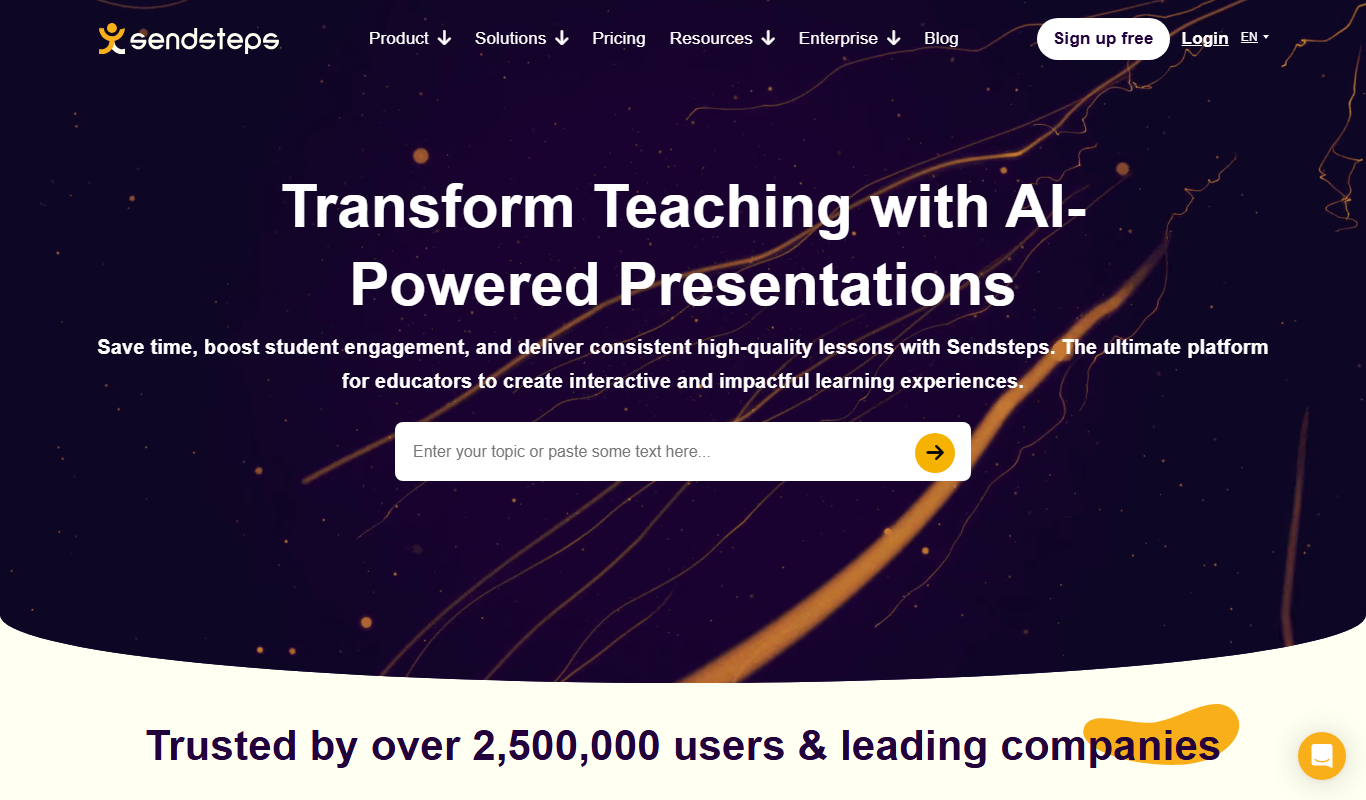
Sendsteps.ai: First AI Presentation Tool
Sendsteps is the Learning Loop Platform for education, helping teachers create interactive lessons, engage every student, validate understanding and improve the next lesson.

SlidesPilot
SlidesPilot is an AI PowerPoint generator that creates editable presentations from PDFs, Word documents, web pages, YouTube videos, pasted text or a topic prompt.

SlideSpeak
SlideSpeak is an AI-powered online tool that automatically generates presentation slides from text or URLs, enabling fast and professional slide deck creation.
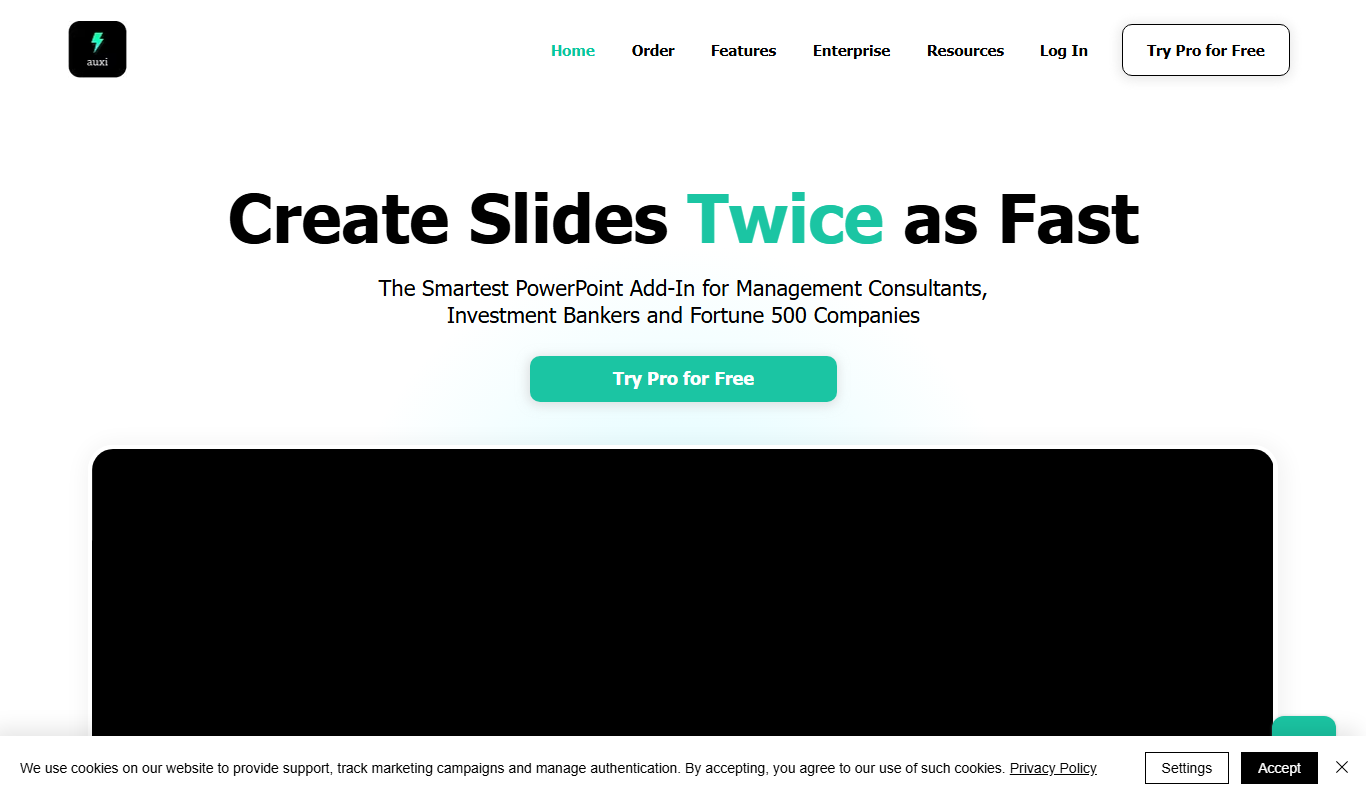
auxi
auxi is an AI PowerPoint add-in for consulting and investment banking teams with brand automation, smart alignment, translation and 250+ features inside PowerPoint.

PRST.ai
prst.ai is a free, self-hosted multitool for no-code prompt management and for connecting any AI tool to your product, with SaaS and enterprise options.

AskCory.ai
AskCory turns a client brief into an editable marketing strategy deck for agencies, with tactics, implementation guides and content in one workspace.
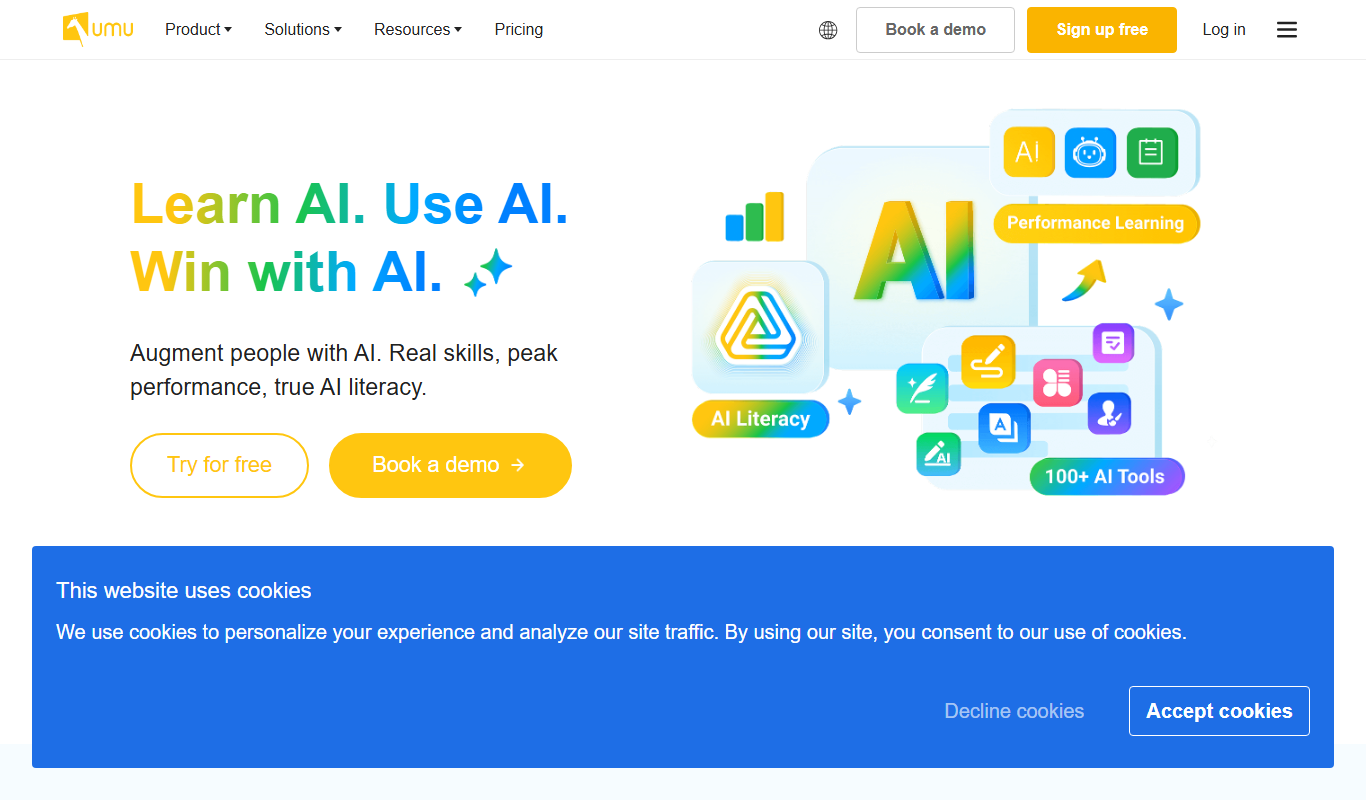
UMU AI Audio Slides
UMU AI Audio Slides generates video courses from a slide deck, speaker notes and a profile picture, with multi-language TTS and a virtual instructor.