

From my experience with Sendsteps.ai, I found it excels at transforming traditional presentations into interactive experiences that actively engage audiences. The AI-assisted slide creation combined with live polling and Q&A features makes it particularly well-suited for educators, corporate trainers, and event hosts seeking to boost participation. However, the free plan’s participant limits and reliance on web access may restrict some users. Overall, if you want to make your presentations more dynamic and gather real-time feedback, Sendsteps.ai delivers a practical and user-friendly solution.
Sendsteps.ai AI Presentation Tool for Interactive and Engaging Slides
Sendsteps.ai is an AI-powered presentation platform that enables interactive and engaging presentations through live polls, quizzes, Q&A, and audience analytics.
- Best for
- Interactive Presentations
- Key capability
- AI-Assisted Slide Creation
Your actions
Save Sendsteps.ai: First AI Presentation Tool, follow its updates and vote on it — everything stays in your account.
Sign in or create a free account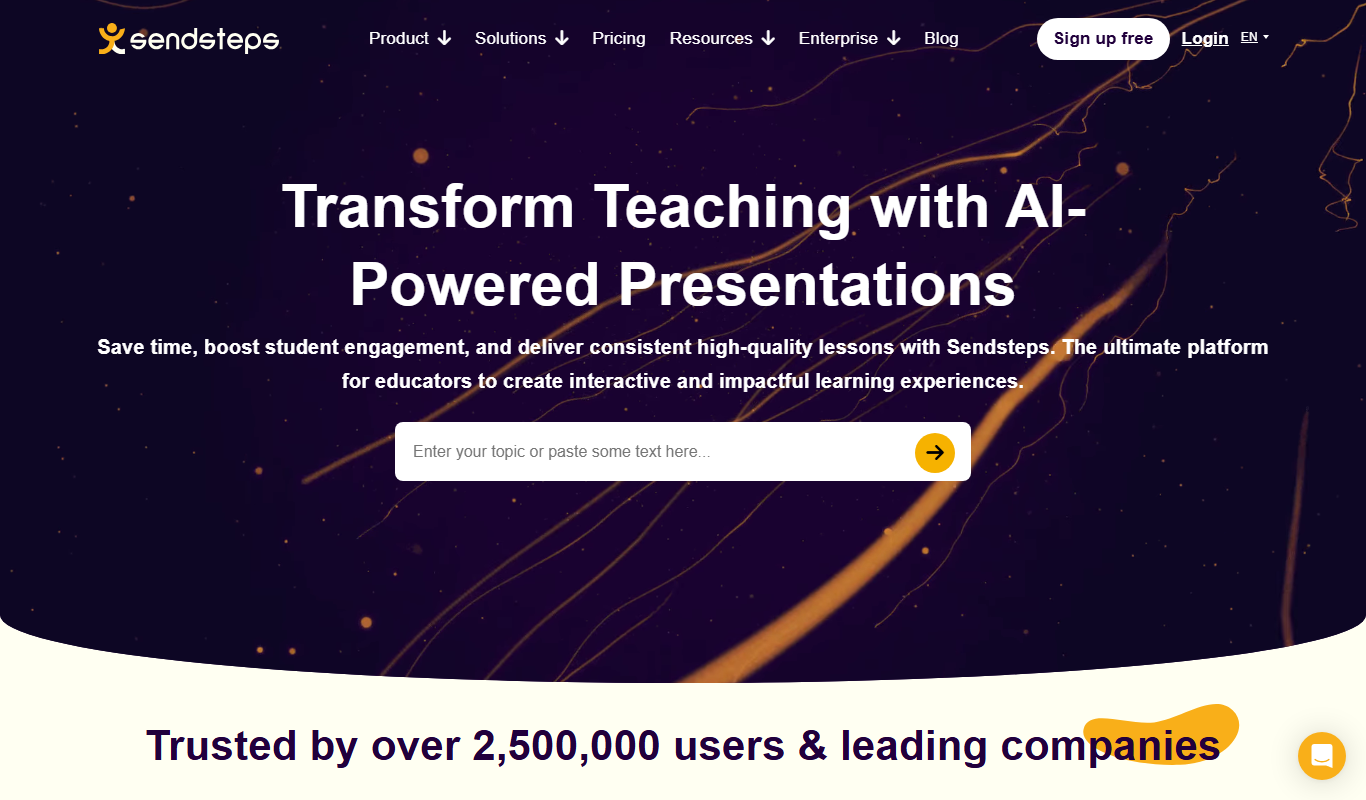

What is Sendsteps.ai: First AI Presentation Tool?
Sendsteps.ai is an AI-powered presentation platform designed to transform traditional slides into interactive experiences. It enables presenters to engage their audience through live polls, quizzes, Q&A sessions, and real-time feedback, making presentations more dynamic and participatory. The tool integrates AI to assist in creating impactful presentations that resonate with audiences in both physical and virtual settings.
Key features of Sendsteps.ai: First AI Presentation Tool
Sendsteps.ai offers a suite of features including AI-assisted slide creation, live audience interaction tools like polls and quizzes, real-time Q&A, analytics to track engagement, and seamless integration with popular presentation software. These features collectively enhance presenter-audience communication and improve overall presentation effectiveness.
AI-Assisted Slide Creation
Leverages AI to help design impactful and visually appealing slides quickly.
Live Polling and Quizzes
Engage audiences with interactive polls and quizzes during presentations.
Real-Time Q&A
Facilitate audience questions and feedback instantly to maintain engagement.
Audience Analytics
Track participation metrics and gather insights to measure presentation effectiveness.
Integration with Presentation Software
Works alongside tools like PowerPoint and Google Slides for seamless workflow.
Pros and cons of Sendsteps.ai: First AI Presentation Tool
Pros
- Intuitive AI-assisted slide creation
- Robust live polling and Q&A features
- Supports both in-person and remote presentations
- Detailed audience engagement analytics
- Seamless integration with popular presentation tools
Cons
- Limited participant capacity on free plan
- Some advanced features require paid subscription
- No dedicated desktop app, primarily web-based
Key use cases for Sendsteps.ai: First AI Presentation Tool
Interactive Presentations
Create presentations that actively engage audiences with live polls, quizzes, and Q&A sessions.
Remote and Hybrid Meetings
Enhance virtual meetings by integrating real-time audience interaction and feedback.
Educational Lectures
Facilitate student participation and understanding through interactive content and instant feedback.
Corporate Training
Deliver engaging training sessions that keep employees involved and measure comprehension.
Event Hosting
Make conferences and events more dynamic with live audience polling and interaction features.
How Sendsteps.ai: First AI Presentation Tool works
- 1
Sign Up and Create Account
Register on the Sendsteps platform to access the AI presentation tools.
- 2
Design or Upload Presentation
Use AI assistance to create slides or upload existing presentations for enhancement.
- 3
Add Interactive Elements
Incorporate live polls, quizzes, and Q&A sessions to engage your audience.
- 4
Present Live
Deliver your presentation while collecting real-time audience responses and feedback.
- 5
Analyze Engagement
Review analytics and reports to understand audience participation and improve future presentations.
Who is using Sendsteps.ai: First AI Presentation Tool
Educators and trainers
Corporate presenters
Event organizers
Marketing professionals
Remote teams
Sendsteps.ai: First AI Presentation Tool pricing
Free
$0/month
Basic features with limited audience size and interaction options.
Pro
$19/month
Expanded audience capacity, advanced interactive features, and detailed analytics.
Enterprise
Custom pricing
Tailored solutions with premium support and integrations for large organizations.
Plans and prices are as published by the vendor and can change. Check the official site before you buy. Open the pricing page (opens in a new tab)
Frequently asked questions about Sendsteps.ai: First AI Presentation Tool
Yes, you can upload your PowerPoint files and enhance them with interactive features.
The free plan has participant limits, while paid plans support larger audiences.
Yes, it is designed to facilitate interaction in both in-person and remote presentations.
It offers detailed reports on audience responses, participation rates, and engagement levels.
It depends on your specific needs and how you plan to use the tool. The official website and documentation are the best sources for the latest details.
This tool is designed to help users accomplish its core tasks more efficiently. It is typically used by individuals or teams looking to improve productivity and workflow.
It depends on your specific needs and how you plan to use the tool. The official website and documentation are the best sources for the latest details.
Sign in to review this tool.
Sign In to ReviewNo reviews yet
Be the first to share how this tool worked for you.
Ask about pricing, limits, or how it compares — or answer someone else.
Sign In to AskNo questions yet
Have a question about using or paying for this tool? Be the first to ask.
Featured on TiorAI



Alternative Tools
Explore similar AI tools that might fit your needs

Free
Mentimeter
Mentimeter is an interactive presentation platform that allows users to create live polls, quizzes, and Q&A sessions to engage audiences in real-time during meetings, webinars, and events.
Free
Slido
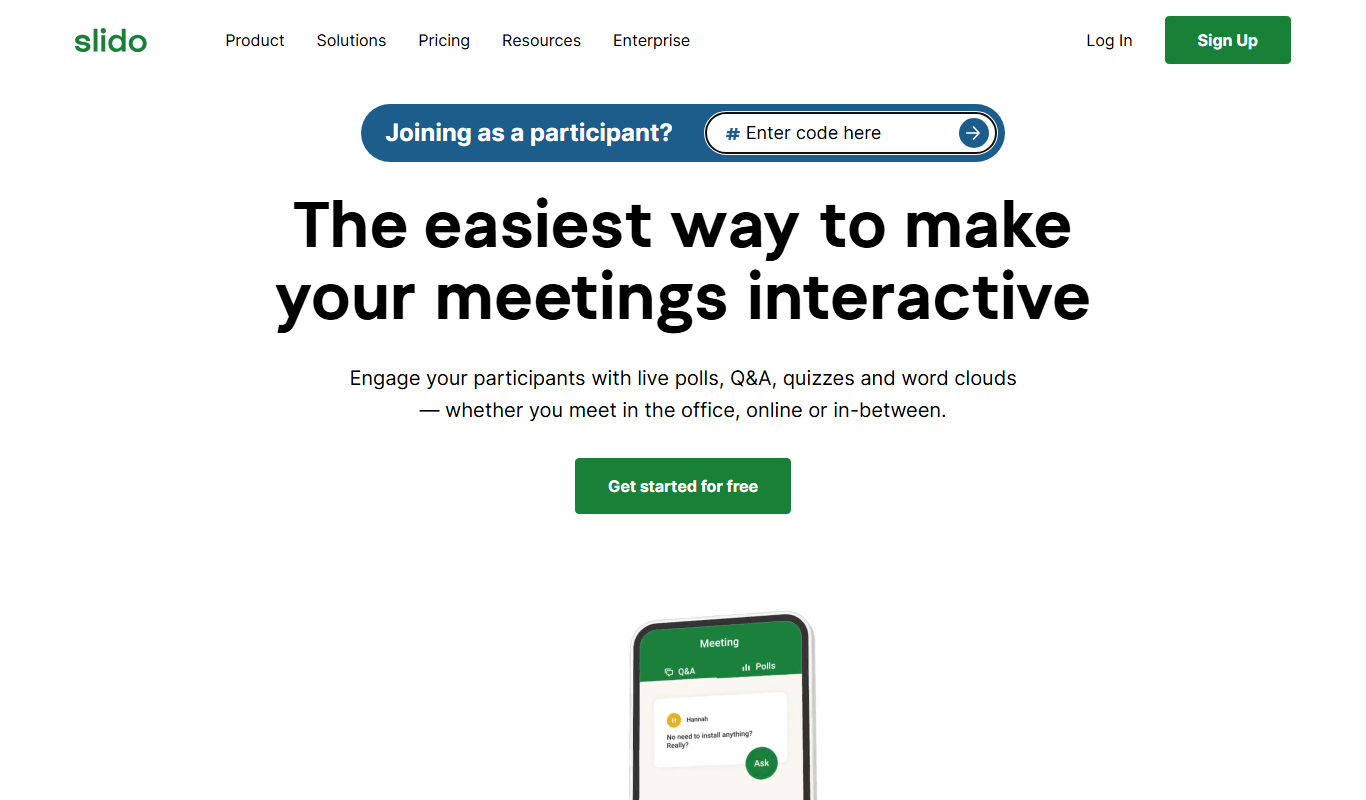
Slido is a platform that enables live audience interaction through polls, Q&A, and quizzes during events and meetings.

Free
Poll Everywhere
Poll Everywhere is a live polling platform that allows presenters to create interactive polls and collect real-time audience responses via web or mobile devices, enhancing engagement during events and presentations.
More AI Ai Tools tools
Other tools in the same category, for when this one is not quite the fit.

Freemium
Planit Teachers
Planit Teachers generates lesson plans, slide decks, worksheets and marking feedback for primary and secondary teachers, aligned to the National Curriculum.

Free
The Prompt Index
The Prompt Index combines 780+ curated AI prompts with 24 built-in AI tools for writing, research, decisions, images and slides, with a Free plan and paid Basic and Pro plans.

Free
AiPPT
AiPPT is an AI-driven web tool that helps users create professional presentations quickly by generating slide content and designs automatically.

Free Trial
PresentationGPT
PresentationGPT is an AI-driven tool that helps users quickly create professional presentation slides by generating content and layouts based on user input.

Free
Spectre Camera
Spectre Camera is an iOS app that uses AI to create long exposure photos by stabilizing shots and combining multiple frames, enabling effects like light trails and motion blur without professional equipment.

Free
aimusic.one
aimusic.one is an AI-driven online platform that generates original, royalty-free music tracks customized by style, mood, and tempo, suitable for content creators and hobbyists.

Free
DiffRhythm
DiffRhythm is an AI music generation platform that creates custom soundtracks and beats tailored to your project’s style and mood.

Free
PracticeInterview.ai
PracticeInterview.ai is an AI-driven platform that simulates job interviews with tailored questions and provides personalized feedback to help users improve their interview skills.