

DialogAi: WhatsApp chatbot for voice messages and questions
DialogAi is a WhatsApp chatbot that turns forwarded voice messages into text, summarises them and answers your questions by voice or text with ChatGPT.
- Best for
- Reading voice notes
- Key capability
- Voice note to text
Save DialogAi, follow its updates and vote on it — everything stays in your account.
Sign in or create a free account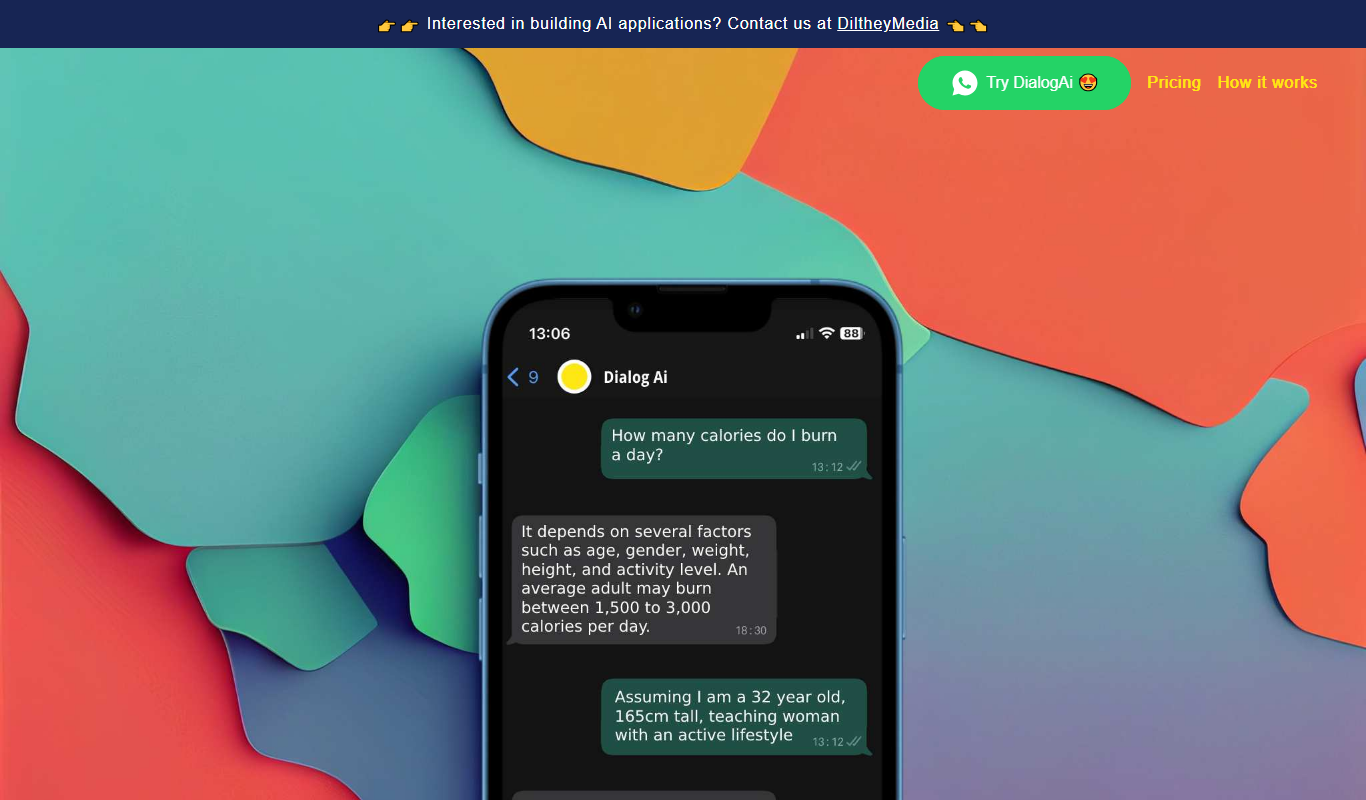
What is DialogAi?
DialogAi is a WhatsApp chatbot built with AI. You forward a voice message and it turns it into text, can summarise it or formulate a reply, and it answers questions sent by voice or text using ChatGPT in the background.
Key features of DialogAi
Turns forwarded WhatsApp voice messages into text, summarises long voice messages, drafts replies and answers questions sent by voice or text, remembering the chat context for 10 minutes.
Voice note to text
Forward a voice message and it is turned into text with OpenAi technology.
Summaries and replies
Summarise long voice messages into the main concepts, research unfamiliar topics or formulate a reply.
Questions by voice or text
Ask a question and get an answer from ChatGPT in the background.
Short chat memory
Follow-up questions work because the chat context is saved for 10 minutes.
Pros and cons of DialogAi
Pros
- Works inside WhatsApp, as easy as messaging friends
- Follow-up questions by voice or text
- Flexible API integrations
- Detailed analytics for performance tracking
Cons
- Replies are limited to roughly 250 words
- Chat context is kept for only 10 minutes
Key use cases for DialogAi
Reading voice notes
Read voice messages you cannot listen to right now.
Long voice message summaries
Get the main concepts of a long voice message.
Quick answers on WhatsApp
Ask questions just like you would ask google, by sending a WhatsApp message.
Data-Driven Insights
Analyze conversational data to gain insights into customer needs and behavior.
How DialogAi works
- 1
Message the bot on WhatsApp
Send a WhatsApp message to the DialogAi number, as easy as messaging your friends.
- 2
Forward a voice note
Forward a voice message you cannot listen to right now and get it as text.
- 3
Ask a question
Record a voice message that starts with the word question, or write your question as text.
Who is using DialogAi
DialogAi pricing
Unlimited messages
From $3.99/month
Plans for unlimited messages; a lifetime plan is available on request.
Plans and prices are as published by the vendor and can change. Check the official site before you buy. Open the pricing page (opens in a new tab)
Frequently asked questions about DialogAi
Record a voice message in the chat and start it with the word question.
Replies are limited to roughly 250 words; a paid plan without this limit is in the works.
Yes, it saves the chat context for 10 minutes, so you can ask follow-up questions.
This tool is designed to help users accomplish its core tasks more efficiently. It is typically used by individuals or teams looking to improve productivity and workflow.
Integration support depends on the tool and its available connectors or API. Check the official documentation or integrations page to confirm what is supported.
Conclusion
A voice message you cannot listen to right now can be forwarded to DialogAi on WhatsApp, which turns it into text with OpenAi technology. From there the bot can summarise a long voice note into its main concepts or formulate a reply. Questions work the same way, either typed or recorded as a voice note that starts with the word question, and ChatGPT answers in the background.
Follow-up questions by voice or text work because the chat context is saved, but only for 10 minutes. Replies are also capped at roughly 250 words, and a paid plan without this cap is still being prepared. Unlimited messaging is sold as a monthly plan, and a lifetime plan can be requested by email.
Sources
Sign in to review this tool.
Sign In to ReviewNo reviews yet
Be the first to share how this tool worked for you.
Ask about pricing, limits, or how it compares — or answer someone else.
Sign In to AskNo questions yet
Have a question about using or paying for this tool? Be the first to ask.
Featured on TiorAI



Alternative Tools
Explore similar AI tools that might fit your needs

LivePerson
LivePerson is an AI-powered conversational platform that enables businesses to automate customer interactions across multiple channels using chatbots and live agents, improving engagement and operational efficiency.
More AI Chatbot tools
Other tools in the same category, for when this one is not quite the fit.

Modly
Modly.ai trains, fine-tunes and hosts custom large language models on your business data, delivered as a managed service with API access.

Voyageraid
VoyagerAid is end-to-end disruption management software that helps airlines handle rebooking, passenger communication and disruptions with predictive analytics.
Open Tutor App
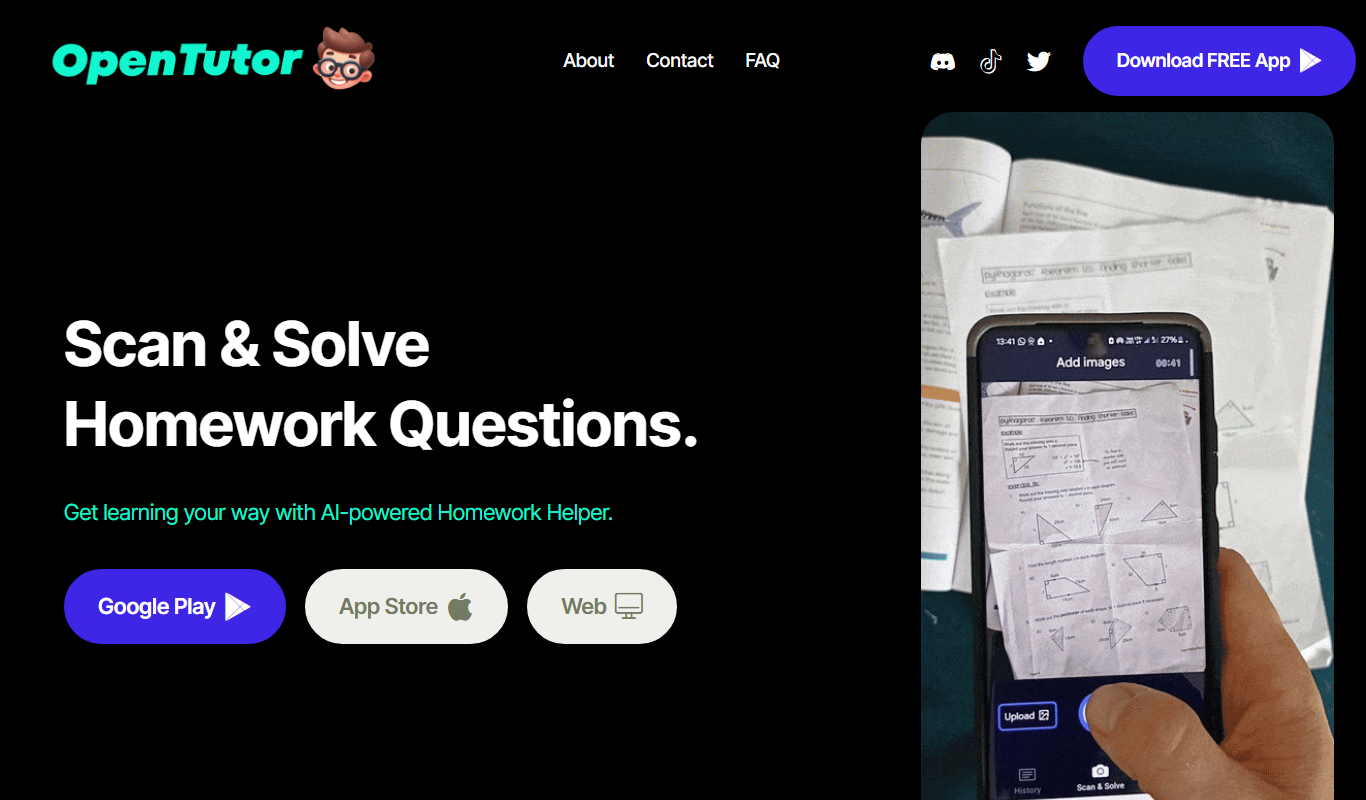
Open Tutor App is an AI homework helper app that scans a photo of a homework question and returns step-by-step solutions and explanations.
Wazgar – ChatGPT in Whatsapp
Wazgar is an AI assistant inside WhatsApp that can assist users at any time, from learning and writing to everyday conversation.

Chat Breezes 1.0
Chat Breezes is an AI-powered omnichannel conversation suite that unifies WhatsApp, Instagram, Facebook and Twitter/X messages in one dashboard for engagement and social selling.

chaterimo.com
Chaterimo is an AI chatbot platform that helps businesses automate customer support and engagement through customizable conversational bots on websites.

Pickaxe
Pickaxe is a no-code platform to build AI agents, package them into products and sell them through branded portals with billing and access control.

ChatHelp.ai
ChatHelp.ai is an AI chatbot platform that automates customer support by engaging website visitors with conversational AI, integrating with helpdesk tools, and providing analytics to optimize service.