

All Voice Lab AI Voice Generator for Realistic Text-to-Speech Solutions
All Voice Lab is an AI text-to-speech platform that creates realistic, customizable voiceovers in multiple languages, suitable for content creation, marketing, and accessibility.
- Best for
- Content Creation
- Key capability
- Realistic AI Voices
Save All Voice Lab, follow its updates and vote on it — everything stays in your account.
Sign in or create a free account

What is All Voice Lab?
All Voice Lab is an AI-powered text-to-speech platform that enables users to convert written text into realistic, human-like speech. It offers a variety of voice styles and languages, allowing creators and businesses to produce high-quality voiceovers without the need for professional voice actors. The platform supports voice cloning and customization to suit diverse audio content needs.
Key features of All Voice Lab
All Voice Lab provides advanced AI voice synthesis with multiple language support, voice cloning capabilities, and easy-to-use web interface. Users can generate natural-sounding speech for various applications including content creation, accessibility, marketing, and customer support.
Realistic AI Voices
High-quality, natural-sounding voices powered by advanced AI models.
Multi-Language Support
Supports several major languages including English, Spanish, French, German, Italian, and Portuguese.
Voice Cloning
Ability to create custom voice models based on sample recordings.
Customizable Voice Parameters
Adjust speed, pitch, and tone to fit specific project needs.
User-Friendly Web Interface
Intuitive platform accessible via web browser without installation.
Pros and cons of All Voice Lab
Pros
- Produces highly natural and expressive AI voices
- Supports multiple languages and accents
- Easy-to-use web platform with no installation required
- Offers voice cloning for personalized audio
- Flexible customization of voice parameters
Cons
- Limited free trial usage
- Voice cloning requires higher-tier subscription
- No dedicated mobile app available
Key use cases for All Voice Lab
Content Creation
Generate natural-sounding voiceovers for videos, podcasts, and e-learning materials.
Accessibility
Provide audio versions of written content to improve accessibility for visually impaired users.
Marketing and Advertising
Create engaging voice ads and promotional materials with customizable AI voices.
Voice Cloning
Clone voices for personalized audio messages or character voices in games and animations.
Customer Support
Automate interactive voice responses with realistic AI-generated speech.
How All Voice Lab works
- 1
Sign Up
Create an account on the All Voice Lab website to access the platform.
- 2
Input Text
Enter or upload the text you want to convert into speech.
- 3
Select Voice and Language
Choose from a range of AI-generated voices and supported languages.
- 4
Customize Voice Settings
Adjust parameters like speed, pitch, and tone to tailor the voice output.
- 5
Generate and Download
Generate the audio file and download it for use in your projects.
Who is using All Voice Lab
All Voice Lab pricing
Free Trial
$0
Limited usage to test voice generation features.
Subscription
Varies
Paid plans offering higher usage limits and advanced features.
Plans and prices are as published by the vendor and can change. Check the official site before you buy. Open the pricing page (opens in a new tab)
Frequently asked questions about All Voice Lab
Yes, All Voice Lab allows commercial use depending on the subscription plan.
The platform supports multiple languages including English, Spanish, French, German, Italian, and Portuguese.
Voice cloning is typically available on higher-tier subscription plans.
Yes, users can customize speed, pitch, and tone of the generated voice.
Yes, it can help with that use case depending on how you configure it and what features are available. You’ll get the best results with clear inputs and a defined goal.
Yes, it can help with that use case depending on how you configure it and what features are available. You’ll get the best results with clear inputs and a defined goal.
Some tools offer a free plan or trial with limited features. Availability can vary, so confirm on the official website.
Conclusion
Users enter or upload text, choose one of the AI-generated voices, and then generate and download the audio file for their projects. Before generating, speed, pitch and tone can be adjusted to tailor the voice output. Voice cloning creates custom voice models based on sample recordings and is typically available on higher-tier subscription plans.
The service is designed for video producers, e-learning developers and accessibility service providers who want voiceovers without professional voice actors. Its uses range from natural-sounding narration for videos, podcasts and e-learning materials to audio versions of written content for visually impaired users. It is accessible via web browser, and commercial use is allowed depending on the subscription plan.
Sources
Sign in to review this tool.
Sign In to ReviewNo reviews yet
Be the first to share how this tool worked for you.
Ask about pricing, limits, or how it compares — or answer someone else.
Sign In to AskNo questions yet
Have a question about using or paying for this tool? Be the first to ask.
Featured on TiorAI



More AI Speech Synthesis Tools tools
Other tools in the same category, for when this one is not quite the fit.

vocalimage.app
Vocal Image is an AI speaking coach that gives instant feedback on recorded voice exercises and builds a daily training plan, on iOS, Android and the web.

Voxify
Voxify is an AI text to speech voice generator with 450+ voices in 140+ languages and controls for pitch, speed and emotion.

Dubformer
Dubformer is an AI dubbing studio with phrase-level control in 140+ languages.
AudiowaveAI
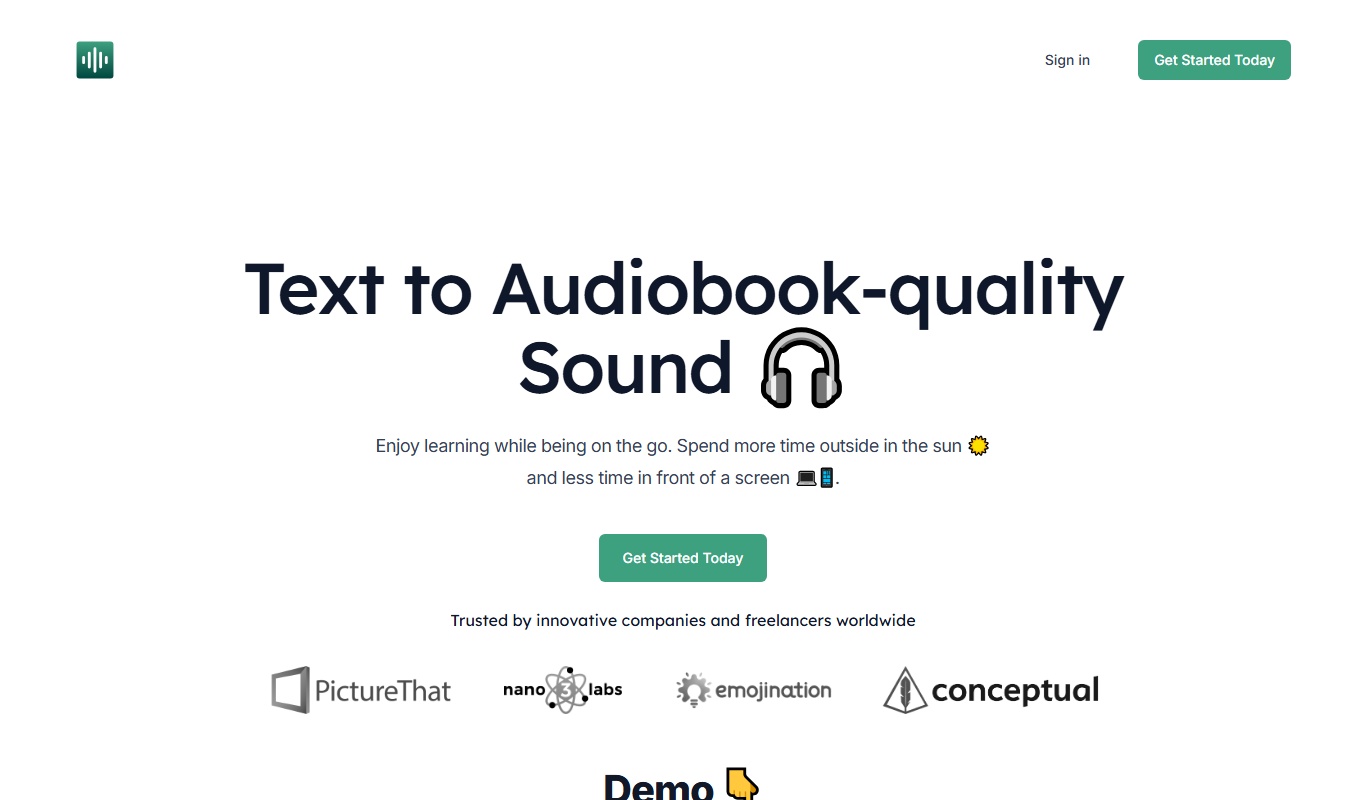
AudiowaveAI converts text such as articles, blog posts, EPUBs and PDFs into audiobook quality sound for listening on the go.

Voice Out
Voice Out is a text-to-speech extension for Chrome and Edge that reads aloud any Google Doc, PDF, webpage or book in 60+ languages and 100+ voices.

Beepbooply
Beepbooply converts text to speech with 900+ voices across 80+ languages and lets you download realistic audio with a click.

AiVOOV – Text to Speech Solution
AiVOOV is an AI-driven text to speech platform that converts written text into natural, human-like audio in multiple languages, suitable for voiceovers, audiobooks, and accessibility.

SteosVoice
SteosVoice is an AI-driven text-to-speech platform that converts text into natural, human-like speech with multi-language support and voice cloning capabilities.