

SAM TTS AI Voice Generator for Realistic Text-to-Speech Conversion
SAM TTS is a free online generator that recreates the classic Windows XP Microsoft Sam voice in the browser, with adjustable pitch and speed and WAV download.
- Best for
- Content Creation
- Key capability
- Phoneme Synthesis
Save SAM TTS, follow its updates and vote on it — everything stays in your account.
Sign in or create a free account
What is SAM TTS?
SAM TTS is a free, browser-based speech synthesizer that recreates the classic Microsoft SAM voice. It generates audio entirely client-side using phoneme rules rather than neural networks, and lets users adjust pitch, speed, mouth and throat settings before playing or downloading the speech.
Key features of SAM TTS
SAM TTS offers a user-friendly web interface for text input, multiple voice options, adjustable speech parameters, and fast audio generation. It supports high-quality voice synthesis suitable for various multimedia and accessibility applications.
Phoneme Synthesis
Generates the robotic Microsoft SAM voice entirely client-side from phoneme rules rather than neural networks, with no server processing.
Multiple Voice Options
Offers a variety of AI voices to choose from for different use cases.
Customizable Speech Parameters
Adjust pitch, speed, mouth and throat parameters, or pick a preset voice profile.
Instant Audio Generation
Quickly converts text to speech with minimal waiting time.
Web-Based Platform
Accessible from any device with internet access without installation.
Pros and cons of SAM TTS
Pros
- Recreates the classic Windows XP Microsoft Sam voice
- Easy-to-use web interface
- Multiple voice options available
- Customizable speech parameters
- Fast audio generation
Cons
- Limited language support (English only)
- Works best with standard English text; technical terms or unusual names may need phonetic input
- No mobile app currently available
Key use cases for SAM TTS
Content Creation
Create the classic Microsoft SAM voice for videos, memes, games and retro projects.
Accessibility
Provide audio versions of text for visually impaired users or those who prefer listening.
Voiceover Production
Generate voiceovers for presentations, tutorials, and marketing materials without hiring voice actors.
Language Learning
Help learners improve pronunciation and listening skills with clear AI-generated speech.
How SAM TTS works
- 1
Enter Text
Input the text you want to convert into speech in the provided text box.
- 2
Select Voice
Choose Microsoft Sam or another classic SAPI4 voice such as Microsoft Mike, Microsoft Mary or BonziBUDDY.
- 3
Adjust Settings
Optionally adjust pitch, speed, mouth and throat settings, or select a preset voice profile.
- 4
Generate Audio
Click the generate button to create the speech audio file instantly.
- 5
Download or Share
Listen to the output and download the audio file for use in your projects.
Who is using SAM TTS
SAM TTS pricing
Free
Free
Completely free: no subscriptions, no sign-ups and no software to download.
Premium
$9.99/month
Extended usage limits, access to premium voices, and faster processing.
Plans and prices are as published by the vendor and can change. Check the official site before you buy. Open the pricing page (opens in a new tab)
Frequently asked questions about SAM TTS
Yes, SAM TTS is completely free to use, with no subscriptions, no sign-ups and no software to download.
Yes, the site states that SAM TTS speech output can be used for both personal and commercial purposes.
Currently, SAM TTS supports English language voice synthesis.
No, SAM TTS is a web-based platform accessible via browser without installation.
It depends on your specific needs and how you plan to use the tool. The official website and documentation are the best sources for the latest details.
Yes, it can help with that use case depending on how you configure it and what features are available. You’ll get the best results with clear inputs and a defined goal.
Some tools offer a free plan or trial with limited features. Availability can vary, so confirm on the official website.
Yes, it can help with that use case depending on how you configure it and what features are available. You’ll get the best results with clear inputs and a defined goal.
Conclusion
A nostalgic sound is the point of this generator: it recreates the robotic Microsoft SAM voice from Windows XP rather than a natural human sound. Speech is produced entirely in the browser from phoneme rules instead of neural networks, with no server processing and offline use after the first page load. Users type text, tune pitch, speed, mouth and throat, then play the result or download it as a WAV file.
Other classic SAPI voices sit beside Microsoft SAM, including Microsoft Mike, Microsoft Mary and BonziBUDDY. Developers can bring the same speech into websites, games and applications through a simple JavaScript API. The output may be used for personal and commercial purposes, and the tool is completely free, with no subscriptions or sign-ups. Standard English text and common words give the most reliable results, while very technical terms or unusual names might need phonetic input.
Sources
Sign in to review this tool.
Sign In to ReviewNo reviews yet
Be the first to share how this tool worked for you.
Ask about pricing, limits, or how it compares — or answer someone else.
Sign In to AskNo questions yet
Have a question about using or paying for this tool? Be the first to ask.
Featured on TiorAI



More AI Speech Synthesis Tools tools
Other tools in the same category, for when this one is not quite the fit.

vocalimage.app
Vocal Image is an AI speaking coach that gives instant feedback on recorded voice exercises and builds a daily training plan, on iOS, Android and the web.

Voxify
Voxify is an AI text to speech voice generator with 450+ voices in 140+ languages and controls for pitch, speed and emotion.

Dubformer
Dubformer is an AI dubbing studio with phrase-level control in 140+ languages.
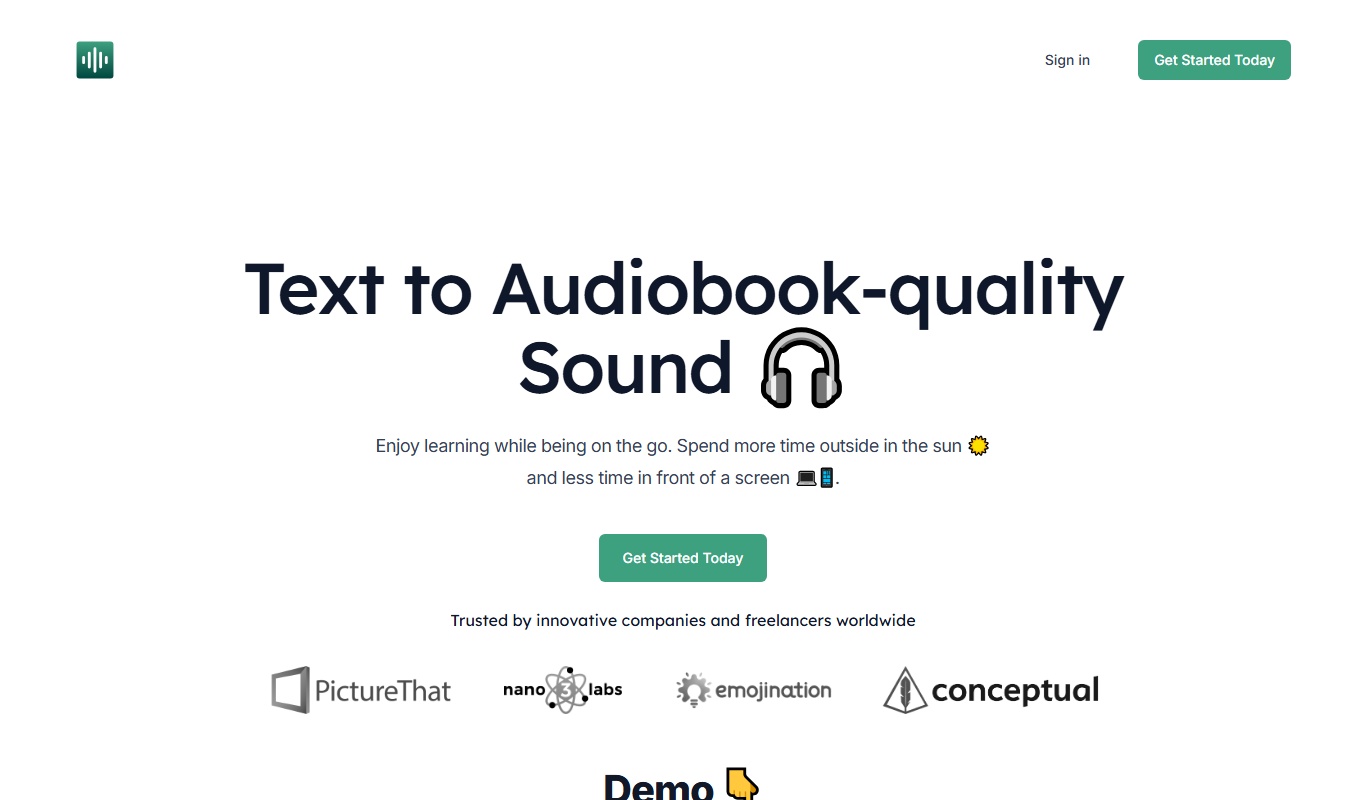
AudiowaveAI
AudiowaveAI converts text such as articles, blog posts, EPUBs and PDFs into audiobook quality sound for listening on the go.

Voice Out
Voice Out is a text-to-speech extension for Chrome and Edge that reads aloud any Google Doc, PDF, webpage or book in 60+ languages and 100+ voices.

Beepbooply
Beepbooply converts text to speech with 900+ voices across 80+ languages and lets you download realistic audio with a click.

AiVOOV – Text to Speech Solution
AiVOOV is an AI-driven text to speech platform that converts written text into natural, human-like audio in multiple languages, suitable for voiceovers, audiobooks, and accessibility.

SteosVoice
SteosVoice is an AI-driven text-to-speech platform that converts text into natural, human-like speech with multi-language support and voice cloning capabilities.