
From my experience with VoiceVector, I found it excels at creating highly realistic AI voice clones using surprisingly little audio data. The platform’s intuitive web interface and real-time synthesis make it accessible even for users without technical backgrounds. It’s particularly well-suited for content creators and developers who need natural-sounding voices quickly. However, the tool currently focuses mainly on English and lacks dedicated mobile or desktop apps, which might limit some workflows. Overall, if you require efficient, quality voice cloning for multimedia or accessibility projects, VoiceVector offers a solid balance of ease and performance.

VoiceVector AI Voice Cloning Software for Realistic Speech Synthesis
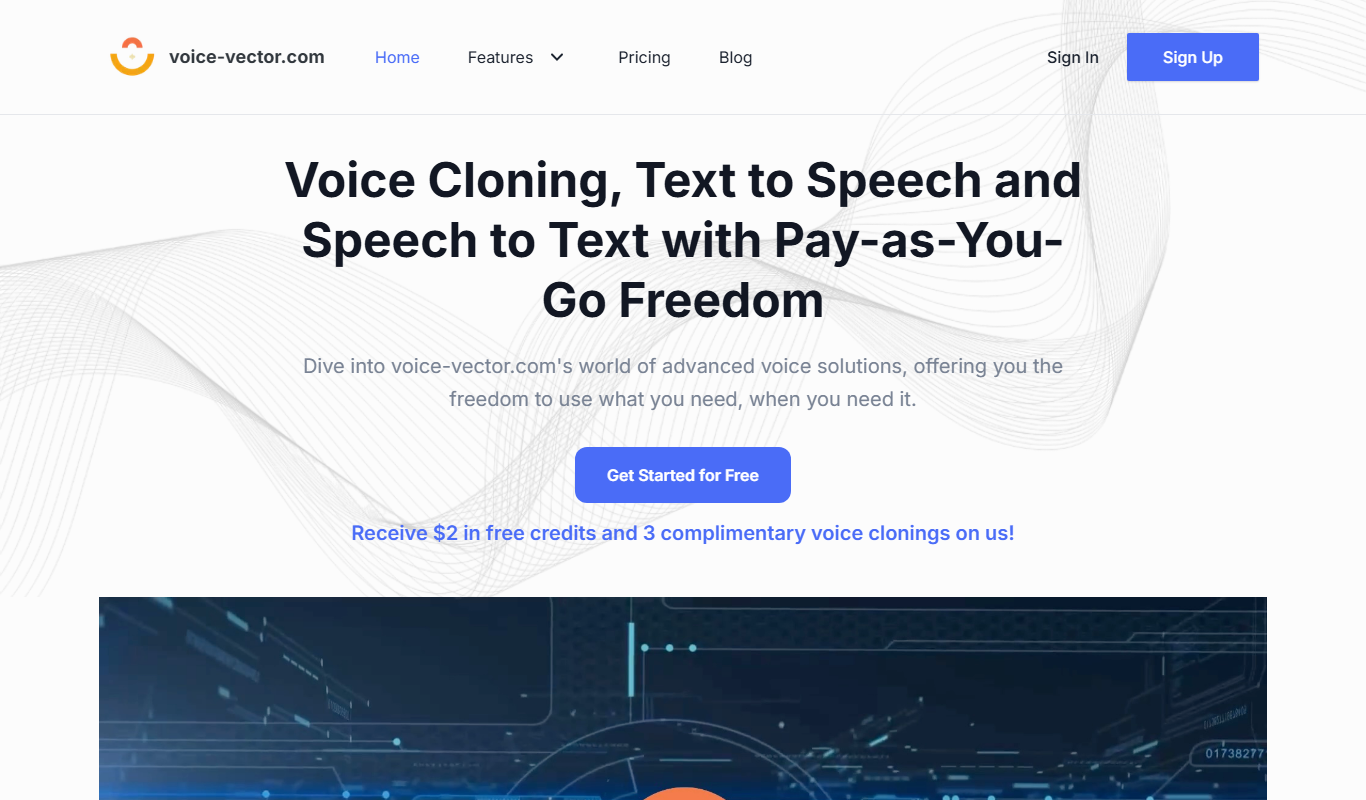
VoiceVector is an AI voice cloning platform that creates realistic synthetic voices from minimal audio samples, enabling natural text-to-speech conversion for various applications.
What is VoiceVector?
VoiceVector is an AI-powered voice cloning platform that enables users to create highly realistic synthetic voices from text input or by cloning existing voices. It leverages advanced deep learning techniques to produce natural-sounding speech that can be customized for various applications including content creation, accessibility, and entertainment.
Key Features of VoiceVector
High-Quality Voice Cloning
Produces natural and expressive synthetic voices that closely resemble the original speaker.
Minimal Data Requirement
Requires only a few minutes of voice recording to create a voice model.
Multi-Style Synthesis
Supports different speaking styles and emotions for versatile voice output.
Web-Based Platform
Accessible through a browser without the need for complex installations.
Real-Time Text-to-Speech
Converts text to speech instantly with low latency.
Pros and Cons of VoiceVector
Pros
- Produces highly realistic voice clones with minimal data
- User-friendly web interface with real-time synthesis
- Supports emotional and style variations in speech
- Flexible pricing plans including free trial
Cons
- Limited language support focused on English
- No dedicated desktop or mobile apps
- Advanced features reserved for higher-tier plans
Key Use Cases for VoiceVector
Content Creation
Generate realistic voiceovers for videos, podcasts, and audiobooks without hiring voice actors.
Personalized Voice Applications
Create custom AI voices for virtual assistants, chatbots, and interactive voice response systems.
Accessibility
Provide natural-sounding speech for users with disabilities or reading difficulties.
Entertainment
Produce character voices for games, animations, and other multimedia projects.
Language Learning
Use AI voices to help learners hear accurate pronunciation and intonation.
How VoiceVector Works
-
1
Upload Voice Sample
Provide a short audio recording of the voice you want to clone.
-
2
AI Voice Training
The platform processes the sample to create a digital voice model.
-
3
Text Input
Enter the text you want to convert into speech using the cloned voice.
-
4
Generate Speech
Receive realistic audio output that mimics the original voice.
Who's Using VoiceVector
Content creators and video producers
Developers building voice-enabled applications
Accessibility service providers
Game and animation studios
Language educators
VoiceVector Pricing
Free Trial
$0
Limited voice cloning and synthesis features to test the platform.
Pro
$29/month
Full access to voice cloning, unlimited synthesis, and priority support.
Enterprise
Custom pricing
Tailored solutions with advanced features and dedicated support.
Frequently Asked Questions About VoiceVector
VoiceVector requires only a few minutes of clear audio recording to create a high-quality voice clone.
Yes, with the appropriate subscription plan, you can use the generated voices commercially.
VoiceVector implements strict data privacy measures to ensure your voice recordings are protected.
Currently, VoiceVector primarily supports English voice cloning and synthesis.
It depends on your specific needs and how you plan to use the tool. The official website and documentation are the best sources for the latest details.
Pricing depends on the plan and included features. For the most accurate and up-to-date details, check the official pricing page.
This tool is designed to help users accomplish its core tasks more efficiently. It is typically used by individuals or teams looking to improve productivity and workflow.
Share your review
Reviews are limited to one per logged-in user and are published after moderation.
You need an account to review this tool.
0.0
★
★
★
★
★
0 reviews
5 star
0
4 star
0
3 star
0
2 star
0
1 star
0
No reviews yet
Be the first to share how this tool worked for you.
Questions from the community
Read questions and answers about this tool, or ask your own.
No questions yet
Start the conversation by asking the first question about this tool.
Is this tool helpful?

Freemium
YouMusic.AI
YouMusic.AI is an AI-driven online platform that generates original, royalty-free music tracks based on user-selected parameters like genre, mood, and length, ideal for content creators and marketers.

Free
Sound Effect Generator
Sound Effect Generator is a free web-based tool that enables users to create and customize sound effects in real-time using adjustable audio parameters, ideal for quick sound design without software installation.
Freemium
Audio AI Dynamics
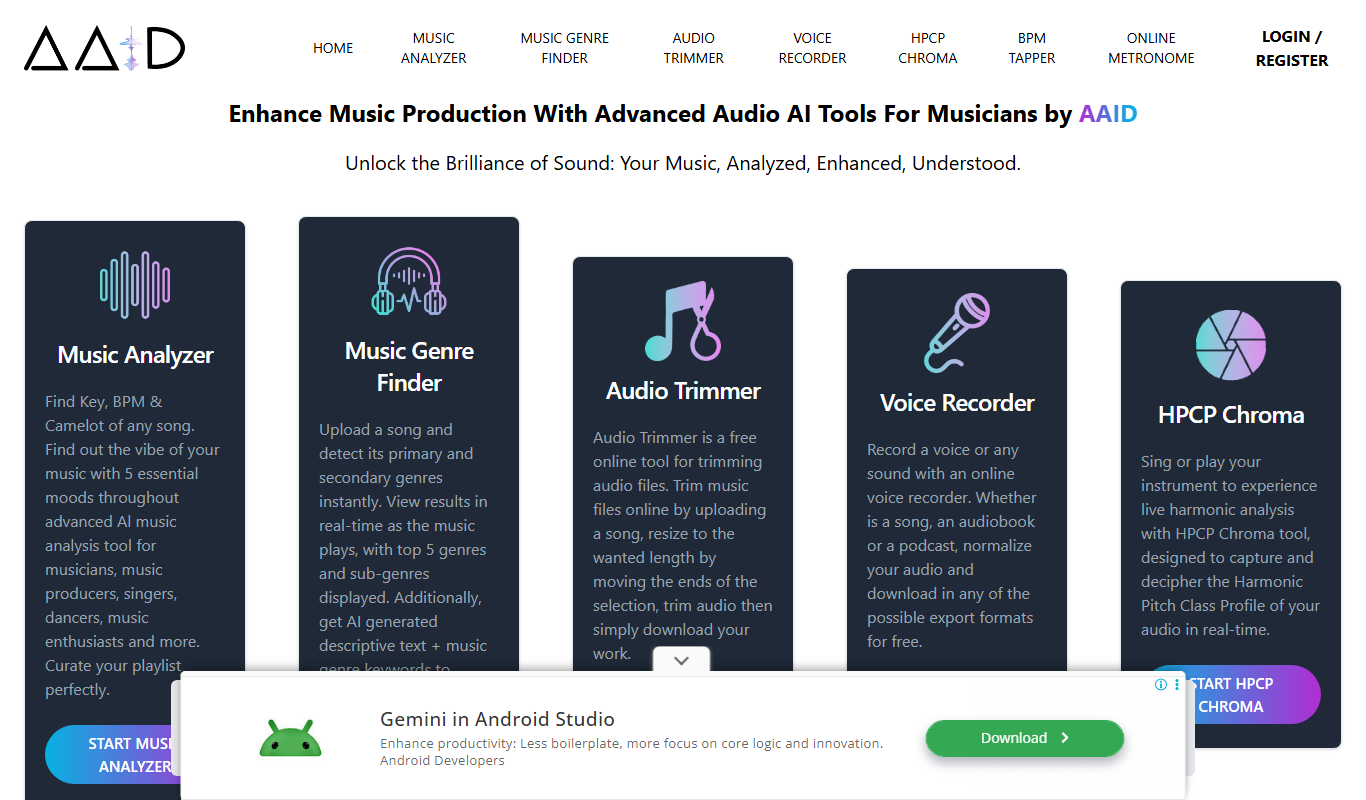
Audio AI Dynamics is a web-based AI tool that automatically enhances audio files by applying dynamic range compression, noise reduction, and equalization to produce professional-quality sound.

Free
ampedstudio.com
Amped Studio is a cloud-based digital audio workstation that enables music creation, MIDI sequencing, audio recording, and collaboration directly in your web browser without installation.
Free Trial
XA AI Music
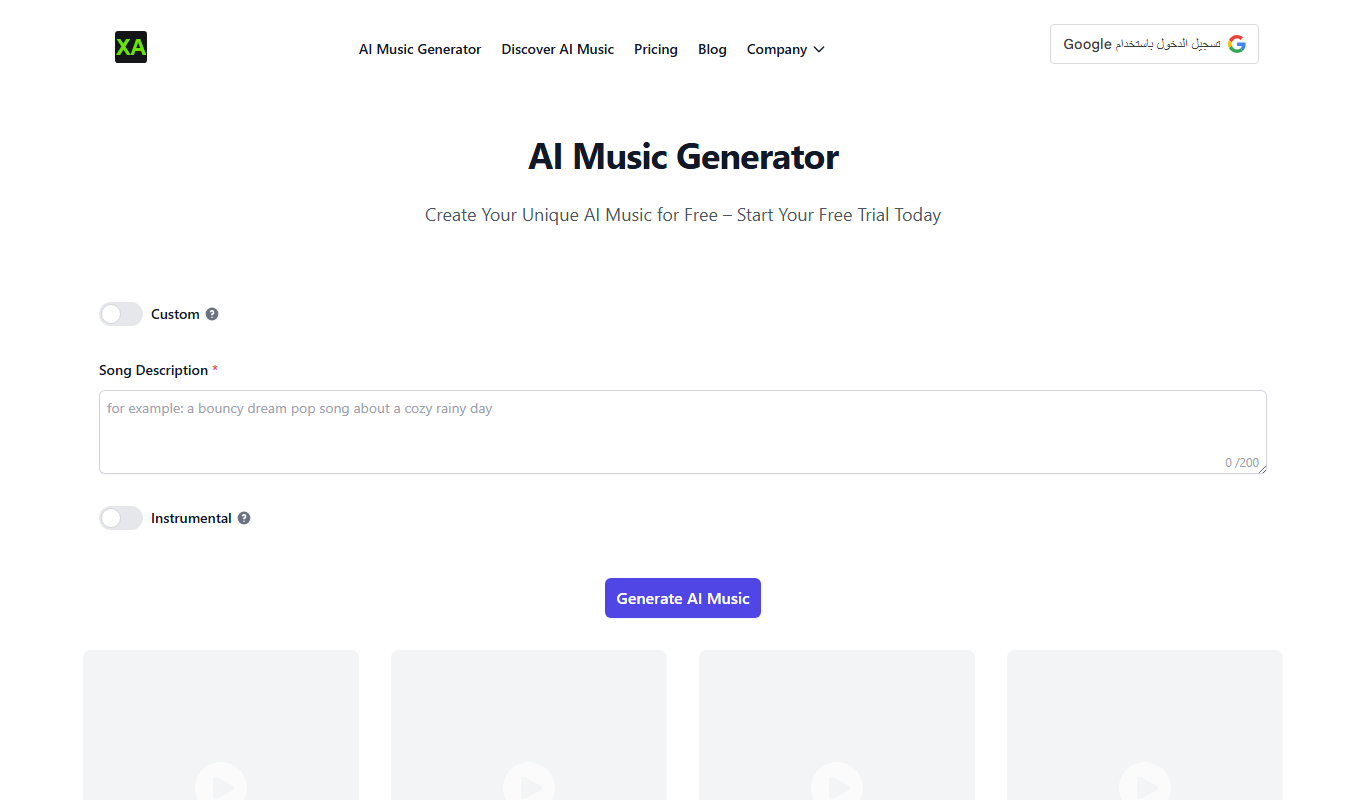
XA AI Music is an AI-based platform that helps users compose original music and design sounds easily, suitable for creators without musical expertise.
Free Trial
DiffRhythm AI
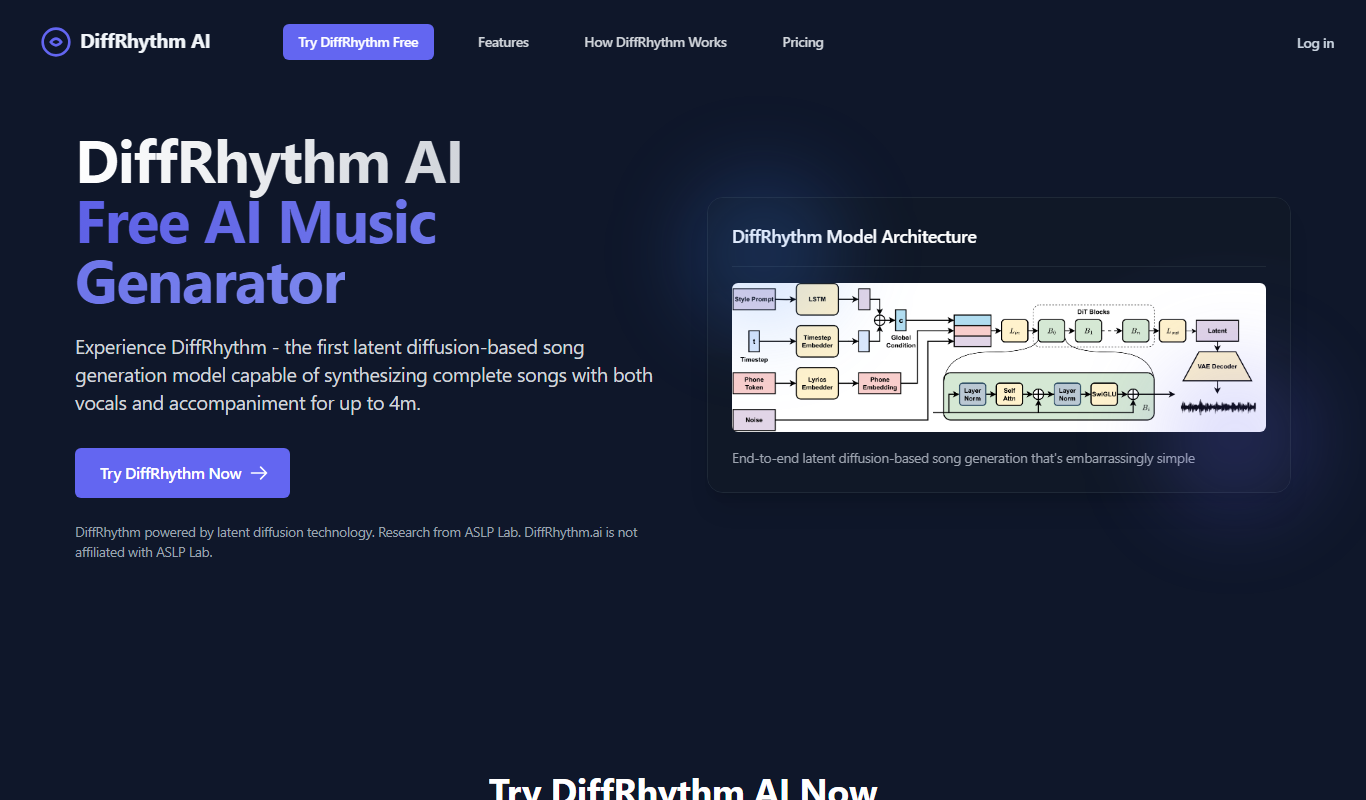
DiffRhythm AI is a web-based platform that uses artificial intelligence to generate unique music rhythms and melodies, enabling creators to produce custom soundtracks and compositions easily.
Free
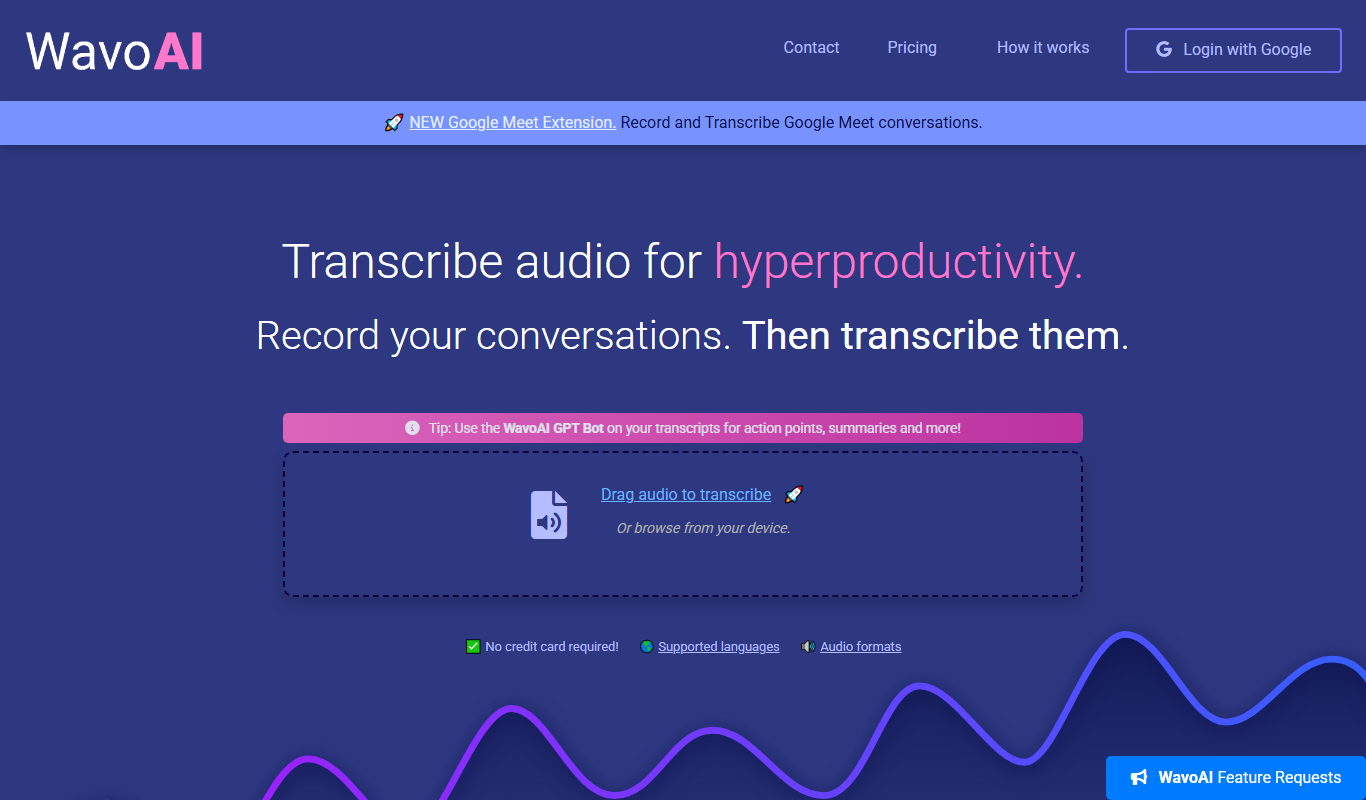
WavoAI
WavoAI is an AI music generation platform that creates custom, royalty-free soundtracks tailored to your chosen style and mood, ideal for content creators and marketers.

Free Trial
Castmagic
Castmagic is an AI-driven platform that transcribes podcast audio, extracts highlights, and generates summaries to streamline podcast editing and content repurposing.