
From my experience with Audio AI Dynamics, I found it excels at simplifying complex audio mastering tasks through AI automation. The platform’s intuitive interface and fast processing make it accessible for musicians and podcasters who lack deep audio engineering skills. However, the absence of batch processing and the free tier’s file length limits can be restrictive for users with larger projects. Overall, if you need quick, quality audio enhancement without the hassle of manual mixing, Audio AI Dynamics delivers reliable results efficiently.

Audio AI Dynamics Review: AI-Powered Audio Processing and Enhancement Tool
Audio AI Dynamics is a web-based AI tool that automatically enhances audio files by applying dynamic range compression, noise reduction, and equalization to produce professional-quality sound.
What is Audio AI Dynamics?
Audio AI Dynamics is a web-based audio processing platform that leverages artificial intelligence to automatically enhance and master audio files. It focuses on dynamic range compression, equalization, and noise reduction to deliver professional-quality sound without requiring deep audio engineering knowledge.
Key Features of Audio AI Dynamics
AI Dynamic Range Compression
Automatically balances audio levels to maintain clarity and loudness without distortion.
Noise Reduction
Removes background noise and hiss to improve audio quality.
Equalization Presets
Applies tailored EQ settings optimized for different audio types like music or speech.
Fast Processing
Delivers enhanced audio quickly through cloud-based AI algorithms.
User-Friendly Interface
Simple drag-and-drop upload and preset selection for ease of use.
Pros and Cons of Audio AI Dynamics
Pros
- Easy to use with no audio engineering skills required
- Fast AI-driven processing
- Good quality dynamic range compression and noise reduction
Cons
- No batch processing feature
- Limited free tier with file length restrictions
- Only web platform available
Key Use Cases for Audio AI Dynamics
Audio Mastering
Automatically master audio tracks to improve loudness, clarity, and balance using AI-driven dynamic processing.
Podcast Audio Enhancement
Enhance spoken audio for podcasts by reducing noise and optimizing volume levels for a professional sound.
Music Production
Apply AI-powered dynamic range compression and equalization to music tracks for polished final mixes.
Voiceover Optimization
Improve voiceover recordings by balancing dynamics and enhancing vocal clarity for broadcast or video.
How Audio AI Dynamics Works
-
1
Upload Audio
Users upload their audio files directly through the web interface.
-
2
Select Processing Type
Choose from presets like music mastering, podcast enhancement, or voiceover optimization.
-
3
AI Processing
The AI analyzes the audio and applies dynamic compression, equalization, and noise reduction automatically.
-
4
Download Enhanced Audio
Users download the processed audio file ready for distribution or further editing.
Who's Using Audio AI Dynamics
Independent musicians
Podcast creators
Voiceover artists
Small studios
Content creators needing quick audio enhancement
Audio AI Dynamics Pricing
Free
$0/month
Basic audio processing with limited file length and number of uses.
Pro
$19/month
Unlimited processing, longer audio files, and access to all presets.
Frequently Asked Questions About Audio AI Dynamics
It supports common formats such as MP3, WAV, and FLAC.
Currently, batch processing is not supported; files must be processed individually.
Yes, free users can process audio files up to 5 minutes in length.
It depends on your specific needs and how you plan to use the tool. The official website and documentation are the best sources for the latest details.
Yes, it can help with that use case depending on how you configure it and what features are available. You’ll get the best results with clear inputs and a defined goal.
Some tools offer a free plan or trial with limited features. Availability can vary, so confirm on the official website.
Share your review
Reviews are limited to one per logged-in user and are published after moderation.
You need an account to review this tool.
0.0
★
★
★
★
★
0 reviews
5 star
0
4 star
0
3 star
0
2 star
0
1 star
0
No reviews yet
Be the first to share how this tool worked for you.
Questions from the community
Read questions and answers about this tool, or ask your own.
No questions yet
Start the conversation by asking the first question about this tool.
Is this tool helpful?
Alternative Tools
Explore similar AI tools that might fit your needs
Freemium
Auphonic
Auphonic is an AI-driven audio post-production tool that automates leveling, noise reduction, loudness normalization, and metadata tagging to produce professional-quality audio for podcasts and broadcasts.
Free
PPTAI – Free AI Presentation Maker
PPTAI is a free web-based AI presentation maker that automatically generates slide decks based on your input, helping you create professional presentations quickly without design skills.
Free
Summarize-Youtube Video Summarizer
Summarize YouTube Video Summarizer is a web tool that uses AI to extract and condense YouTube video transcripts into brief summaries, helping users quickly understand video content without watching the full length.
Freemium
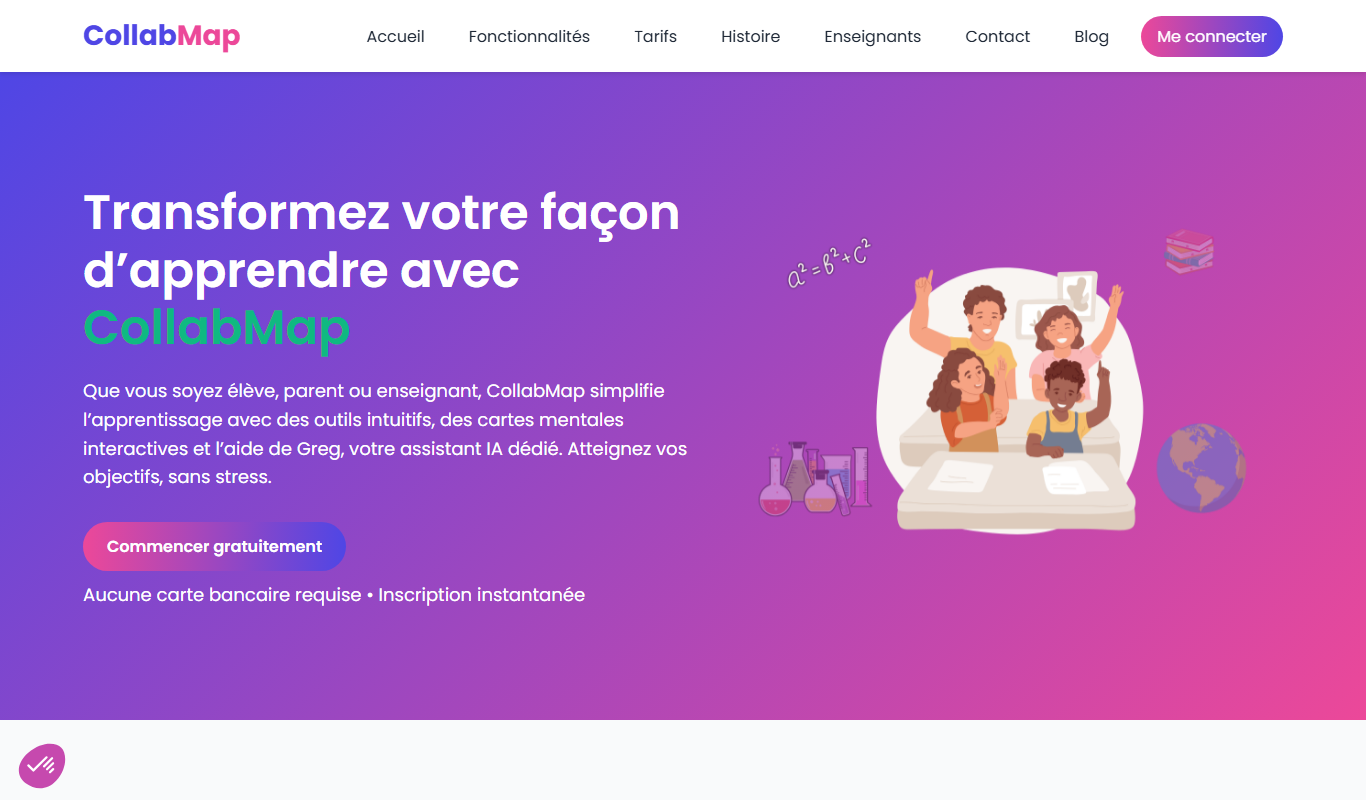
CollabMap
CollabMap is an AI-driven collaboration tool that helps teams brainstorm and organize ideas visually through real-time mind maps, enhancing productivity and creativity.
Free
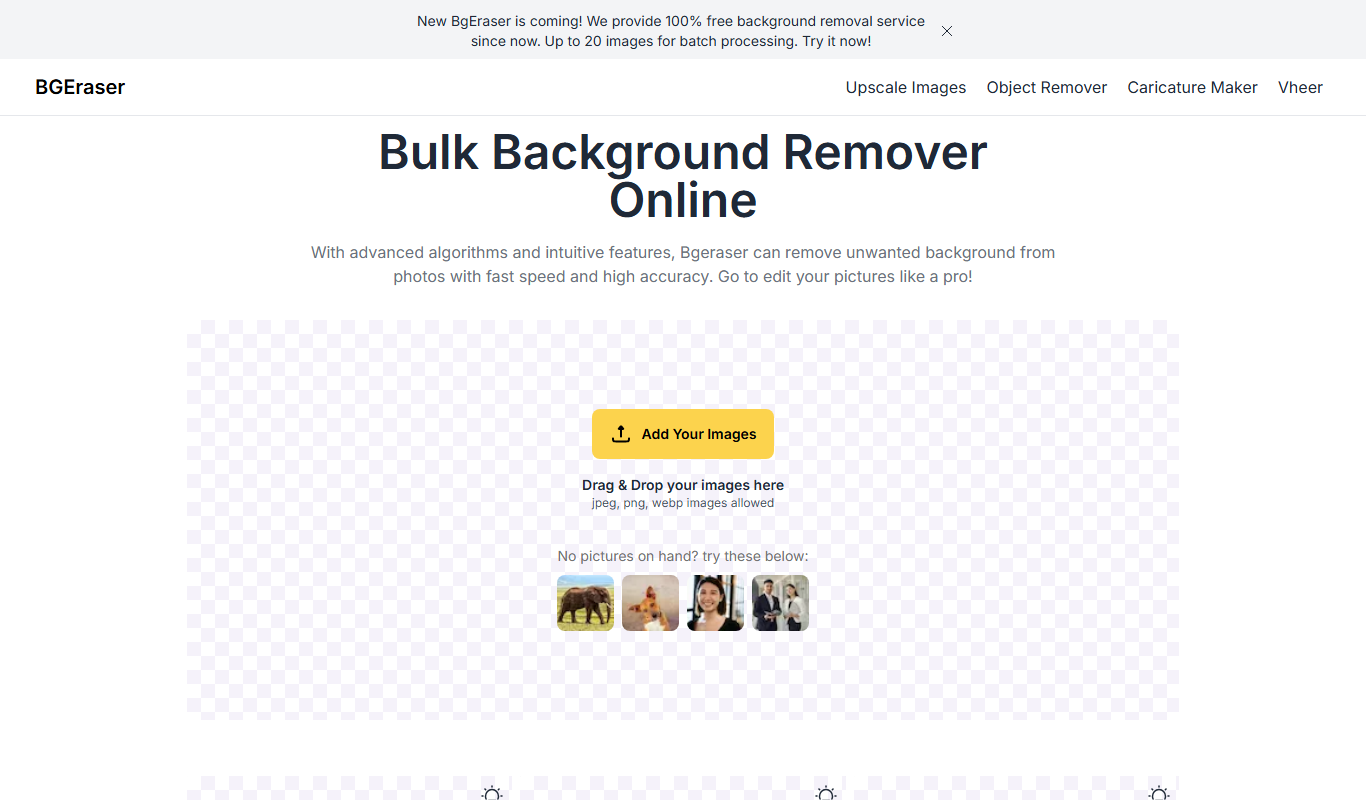
Bg.Eraser
Bg.Eraser is an AI-based online tool that automatically removes backgrounds from images, providing transparent PNG outputs suitable for e-commerce, design, and content creation.

Freemium
WonderShare Virbo
WonderShare Virbo is an AI-driven online video editing platform that automates editing tasks like scene detection, trimming, and subtitle generation to help users create professional videos quickly without advanced skills.

Free
ChefGPT
ChefGPT is an AI cooking assistant that generates personalized recipes and meal plans based on your ingredients and dietary preferences.
Free
Songle AI
Songle AI is an AI-powered platform that generates custom music tracks based on user-selected styles and parameters, ideal for creators needing unique audio content.

Free
Free AI Face Swap
Free AI Face Swap is a web-based tool that uses artificial intelligence to swap faces between two images realistically and for free, without requiring user registration.