

From my experience with Summarize YouTube Video Summarizer, it excels at quickly condensing lengthy video content into digestible summaries, which is a huge time saver. The straightforward web interface makes it accessible even for users without technical backgrounds. It’s particularly well-suited for students, content creators, and professionals who need to extract key insights from videos efficiently. However, the tool relies heavily on the availability and quality of video transcripts, which can limit its effectiveness for some videos. Overall, if you want to grasp YouTube video content fast without watching the entire video, this tool delivers reliable and practical results.
Summarize YouTube Video Summarizer for Quick Video Content Insights
Summarize YouTube Video Summarizer is a web tool that uses AI to extract and condense YouTube video transcripts into brief summaries, helping users quickly understand video content without watching the full length.
- Best for
- Quick Video Content Review
- Key capability
- Automatic Transcript Extraction
Your actions
Save Summarize-Youtube Video Summarizer, follow its updates and vote on it — everything stays in your account.
Sign in or create a free account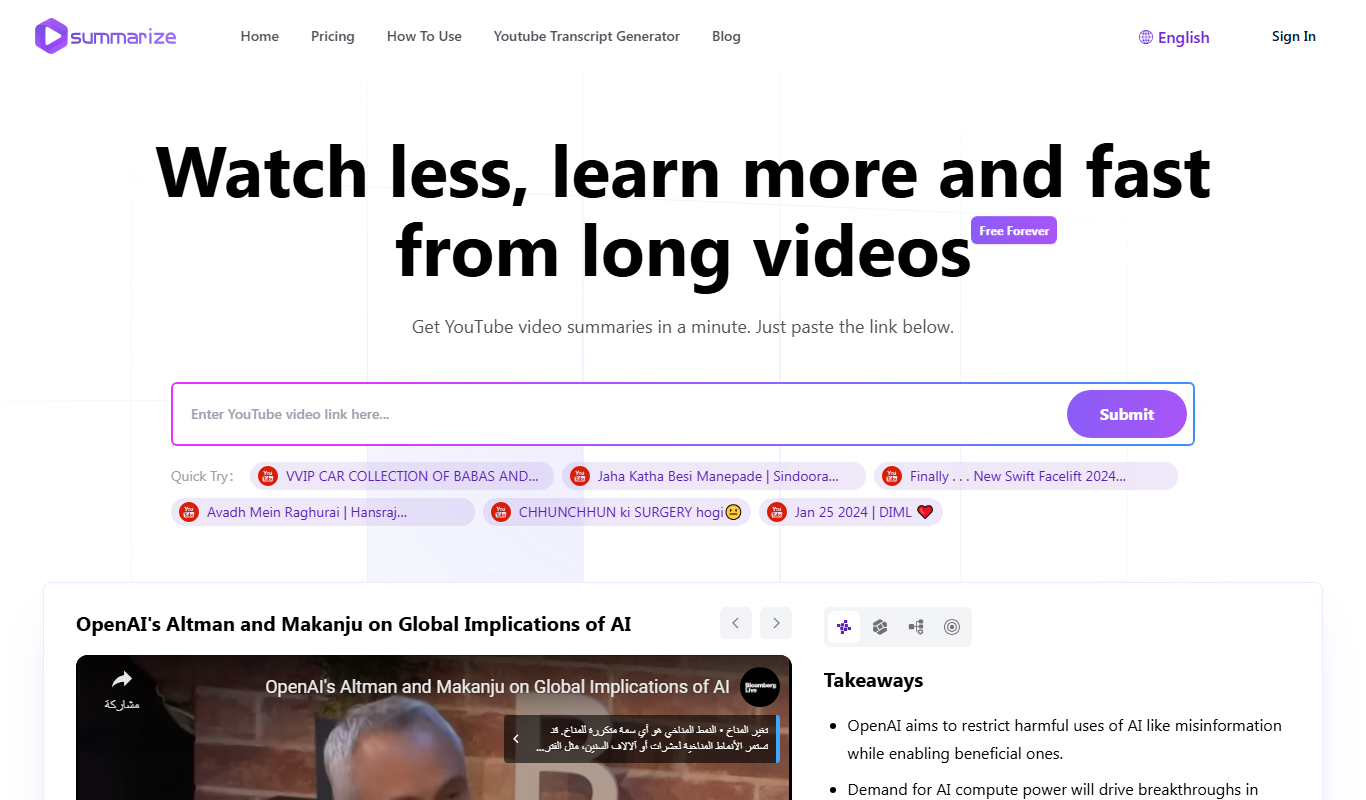
What is Summarize-Youtube Video Summarizer?
Summarize YouTube Video Summarizer is a web-based AI-powered tool designed to generate concise summaries of YouTube videos. By analyzing the video’s transcript and content, it extracts key points and presents them in an easy-to-read format, saving users time and effort in understanding lengthy videos.
Key features of Summarize-Youtube Video Summarizer
The tool offers automatic transcript extraction, AI-driven summarization, and a clean interface to quickly access video highlights. It supports direct input of YouTube URLs and delivers summaries within seconds.
Automatic Transcript Extraction
Fetches the video's transcript automatically to base the summary on accurate content.
AI-Powered Summarization
Uses advanced natural language processing models to generate coherent and relevant summaries.
User-Friendly Interface
Simple web interface requiring no technical skills to operate.
Fast Processing
Delivers summaries quickly, typically within seconds after URL submission.
Pros and cons of Summarize-Youtube Video Summarizer
Pros
- Saves time by condensing long videos into key points
- Easy to use with just a YouTube link
- Supports educational and professional use cases
Cons
- Depends on availability and quality of video transcripts
- Limited language support (English only)
Key use cases for Summarize-Youtube Video Summarizer
Quick Video Content Review
Users can quickly grasp the main points of lengthy YouTube videos without watching them fully.
Research and Learning
Students and professionals use it to extract key information from educational or tutorial videos efficiently.
Content Creation
Content creators leverage summaries to generate ideas or scripts based on existing video content.
Accessibility Enhancement
Provides an alternative way to consume video content for users with limited time or hearing impairments.
How Summarize-Youtube Video Summarizer works
- 1
Enter YouTube URL
Paste the link of the YouTube video you want summarized into the input field.
- 2
Processing
The tool extracts the video’s transcript and uses AI algorithms to analyze and summarize the content.
- 3
Receive Summary
Within moments, a concise summary highlighting the main points of the video is displayed for easy reading.
Who is using Summarize-Youtube Video Summarizer
Students and educators
Content creators and marketers
Researchers and professionals
Busy individuals seeking quick video insights
Summarize-Youtube Video Summarizer pricing
Free
$0/month
Limited number of video summaries per day with basic features.
Pro
$9.99/month
Unlimited summaries, faster processing, and priority support.
Plans and prices are as published by the vendor and can change. Check the official site before you buy. Open the pricing page (opens in a new tab)
Frequently asked questions about Summarize-Youtube Video Summarizer
No, the tool requires an available transcript to generate summaries effectively.
Yes, but longer videos may take slightly more time to process, and some limits may apply depending on your plan.
It depends on your specific needs and how you plan to use the tool. The official website and documentation are the best sources for the latest details.
Some tools offer a free plan or trial with limited features. Availability can vary, so confirm on the official website.
Yes, it can help with that use case depending on how you configure it and what features are available. You’ll get the best results with clear inputs and a defined goal.
Sign in to review this tool.
Sign In to ReviewNo reviews yet
Be the first to share how this tool worked for you.
Ask about pricing, limits, or how it compares — or answer someone else.
Sign In to AskNo questions yet
Have a question about using or paying for this tool? Be the first to ask.
Featured on TiorAI



Alternative Tools
Explore similar AI tools that might fit your needs
Freemium
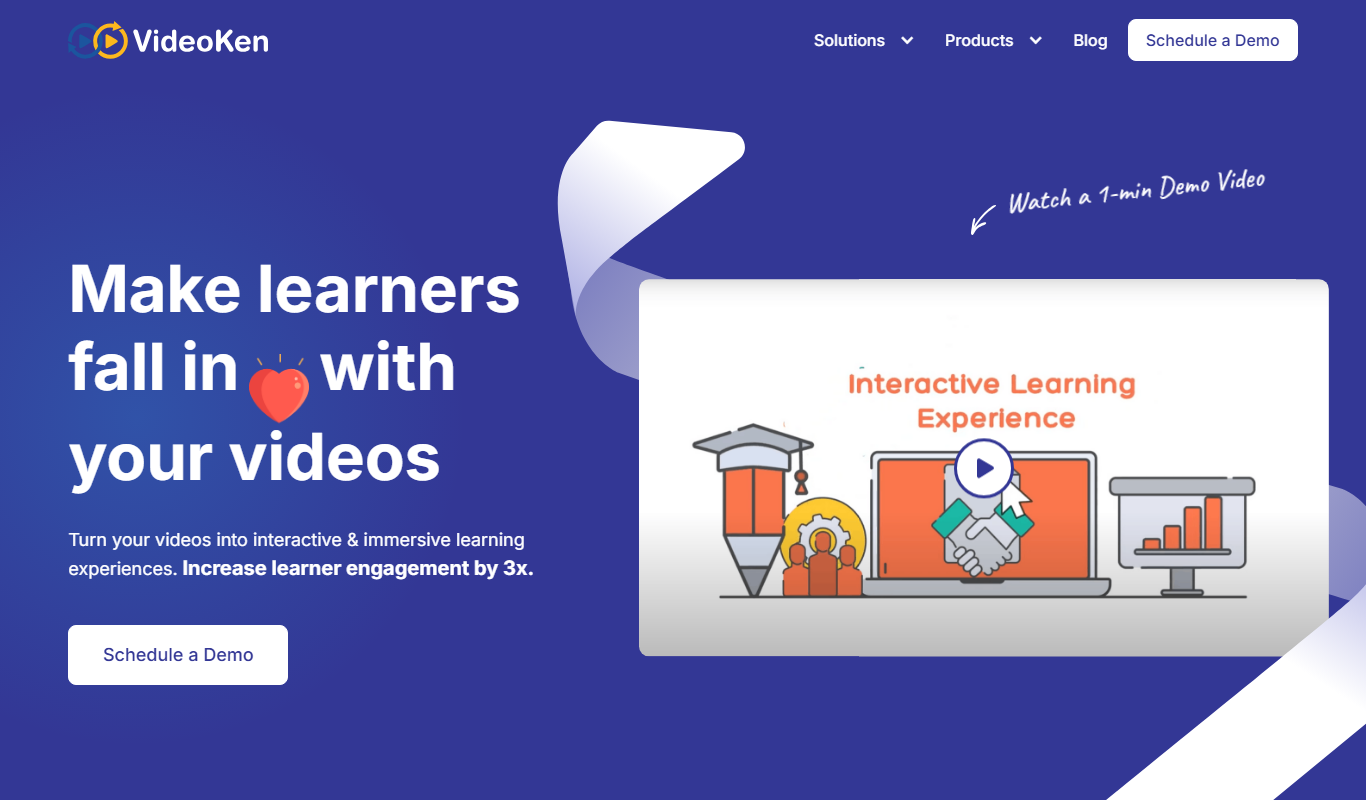
VideoKen
VideoKen is an AI-driven platform that indexes and segments long videos into chapters, provides automatic transcription, and enables interactive navigation to enhance video learning and content accessibility.
More AI Ai Tools tools
Other tools in the same category, for when this one is not quite the fit.

Freemium
PlaninGo
PlaninGo is an AI travel planning tool that generates personalized trip itineraries and guides based on your preferences, helping you plan efficient and enjoyable trips.

Free
Pogo Travel
Pogo Travel is an AI-driven platform that generates personalized travel itineraries based on your preferences, travel dates, and interests, offering collaborative planning and offline access.

Freemium
TravelBot AI Travel Assistant
TravelBot AI Travel Assistant is a web-based platform that uses artificial intelligence to help users create personalized travel itineraries, book flights and hotels, and receive tailored travel recommendations based on preferences and budget.

Free
AIJOURNEY
AIJOURNEY is an AI-driven career development tool that provides personalized career path recommendations, identifies skill gaps, and offers curated learning resources to help users advance professionally.

Free Trial
AI VYX
AI VYX is an AI-driven video creation platform that automates script generation and video assembly to help marketers and content creators produce professional videos quickly and easily.

Free
Webo.AI
Webo.AI is an AI-powered no-code website builder that automates website design and content creation, enabling users to launch responsive websites quickly without coding skills.

Freemium
Langtail
Langtail is an AI-driven translation platform that automates multilingual content management through machine learning, API integration, and collaborative editing features.
Freemium
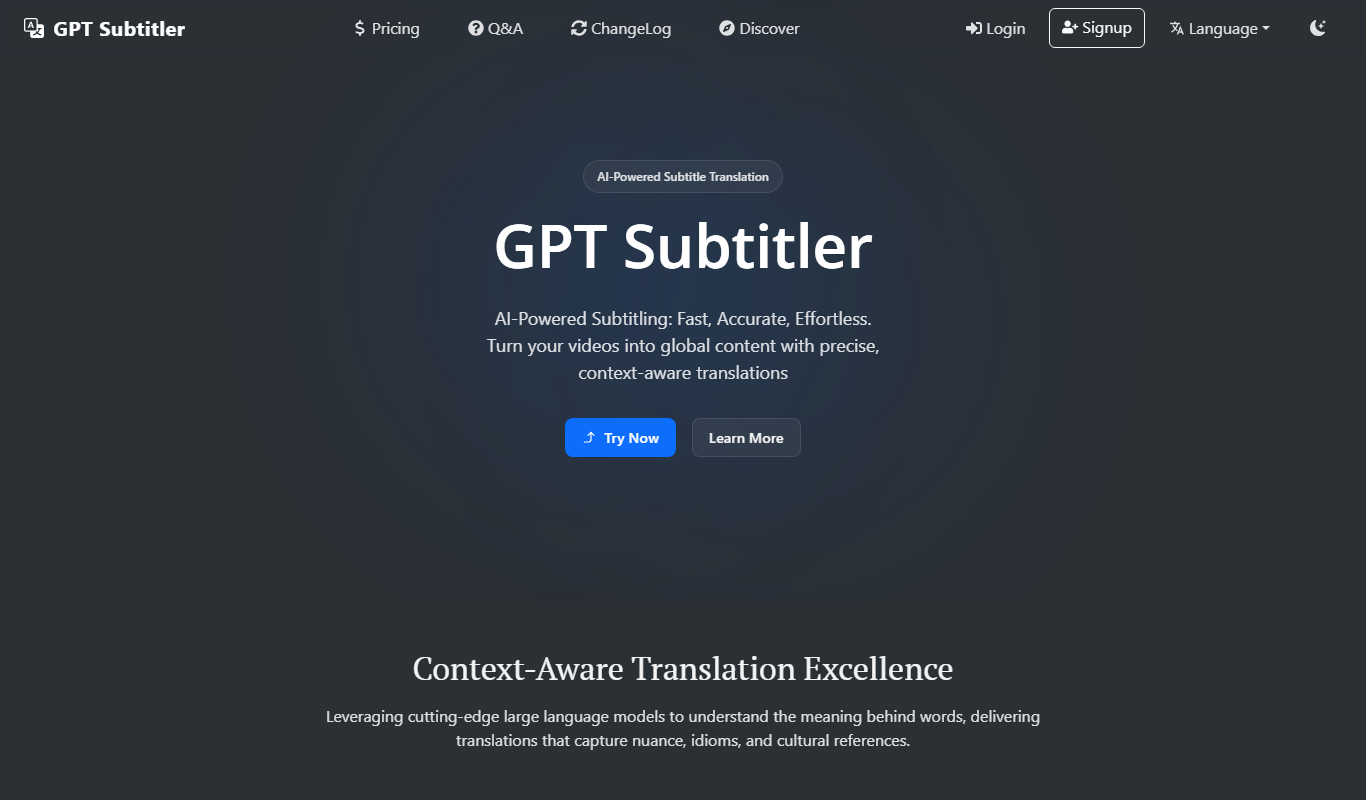
GPT Subtitler
GPT Subtitler is an AI-based tool that automatically generates synchronized subtitles for videos, enabling quick and accurate captioning to improve accessibility and engagement.