From my experience with Dubverse, I found it excels at simplifying the complex process of video localization by automating dubbing and subtitle creation with AI. The platform’s voice cloning feature adds a layer of realism that many other tools lack, making dubbed videos feel natural and engaging. After spending time with Dubverse, I can say it’s particularly well-suited for content creators and marketing teams aiming to reach global audiences without extensive manual editing. However, the free plan’s limitations on video length and features mean serious users will likely need a paid subscription. Overall, if you need efficient multilingual video dubbing and subtitles, Dubverse delivers solid, user-friendly results.
Dubverse AI Dubbing Tool for Multilingual Video Translation and Subtitles
Dubverse is an AI-driven video dubbing and translation tool that automatically generates multilingual voiceovers and subtitles to help localize videos efficiently.
- Best for
- Video Localization
- Key capability
- AI-Powered Multilingual Dubbing
Your actions
Save Dubverse, follow its updates and vote on it — everything stays in your account.
Sign in or create a free account
What is Dubverse?
Dubverse is an AI-powered video dubbing and translation platform that allows users to automatically translate, dub, and subtitle videos into multiple languages. It leverages advanced speech synthesis and natural language processing to generate realistic voiceovers that match the original speaker’s tone and lip movements, making video content accessible to a global audience without manual editing.
Key features of Dubverse
Dubverse offers automatic multilingual dubbing, subtitle generation, voice cloning, and easy video editing through a user-friendly web interface. It supports numerous languages and accents, enabling seamless video localization for creators, marketers, and educators.
AI-Powered Multilingual Dubbing
Automatically generate voiceovers in multiple languages with natural-sounding AI voices.
Subtitle Generation and Translation
Create accurate subtitles synchronized with video audio in various languages.
Voice Cloning
Replicate the original speaker’s voice tone and style for consistent dubbing.
User-Friendly Web Interface
Intuitive platform requiring no technical skills to localize videos.
Multiple Language Support
Supports a wide range of languages and accents for global reach.
Pros and cons of Dubverse
Pros
- Automates complex video localization tasks
- Supports many languages and accents
- Easy to use with no technical skills required
- Voice cloning enhances dubbing realism
Cons
- Free plan limits video length and features
- Web-only platform with no desktop app
- Occasional minor inaccuracies in translation
Key use cases for Dubverse
Video Localization
Translate and dub videos into multiple languages to reach global audiences.
Content Creators
Enable creators to produce multilingual content with AI-generated voiceovers and subtitles.
Marketing Agencies
Localize promotional videos quickly to target diverse markets.
Educational Videos
Make educational content accessible in various languages with accurate dubbing and subtitles.
Corporate Training
Translate and dub training videos for multinational teams efficiently.
How Dubverse works
- 1
Upload Video
Users upload their video files directly to the Dubverse platform.
- 2
Select Target Languages
Choose one or more languages for dubbing and subtitle translation.
- 3
AI Processing
Dubverse automatically transcribes, translates, and generates voiceovers and subtitles.
- 4
Review and Edit
Users can preview the dubbed video, make adjustments to subtitles or voice settings.
- 5
Download or Share
Export the localized video or share it directly from the platform.
Who is using Dubverse
Content creators
Marketing agencies
Educational institutions
Corporate training teams
Video localization professionals
Dubverse pricing
Free
$0/month
Basic access with limited video length and number of dubs.
Pro
$29/month
Extended video length, more languages, priority processing, and higher quality voices.
Enterprise
Custom pricing
Tailored solutions with advanced features and dedicated support.
Plans and prices are as published by the vendor and can change. Check the official site before you buy. Open the pricing page (opens in a new tab)
Frequently asked questions about Dubverse
Dubverse supports common video formats such as MP4, MOV, and AVI.
Yes, users can review and manually edit subtitles before finalizing the video.
Yes, the free plan has restrictions on maximum video length and number of dubs.
Dubverse provides voice cloning to replicate the original speaker’s voice style for dubbing.
It depends on your specific needs and how you plan to use the tool. The official website and documentation are the best sources for the latest details.
Yes, it can help with that use case depending on how you configure it and what features are available. You’ll get the best results with clear inputs and a defined goal.
Some tools offer a free plan or trial with limited features. Availability can vary, so confirm on the official website.
Yes, it can help with that use case depending on how you configure it and what features are available. You’ll get the best results with clear inputs and a defined goal.
Sign in to review this tool.
Sign In to ReviewNo reviews yet
Be the first to share how this tool worked for you.
Ask about pricing, limits, or how it compares — or answer someone else.
Sign In to AskNo questions yet
Have a question about using or paying for this tool? Be the first to ask.
Featured on TiorAI



More AI Dubbing tools
Other tools in the same category, for when this one is not quite the fit.

Freemium
UniDub.co
UniDub.co is an AI-based video dubbing platform that automatically converts video audio into multiple languages using natural-sounding AI voices, enabling fast and affordable video localization.
Freemium
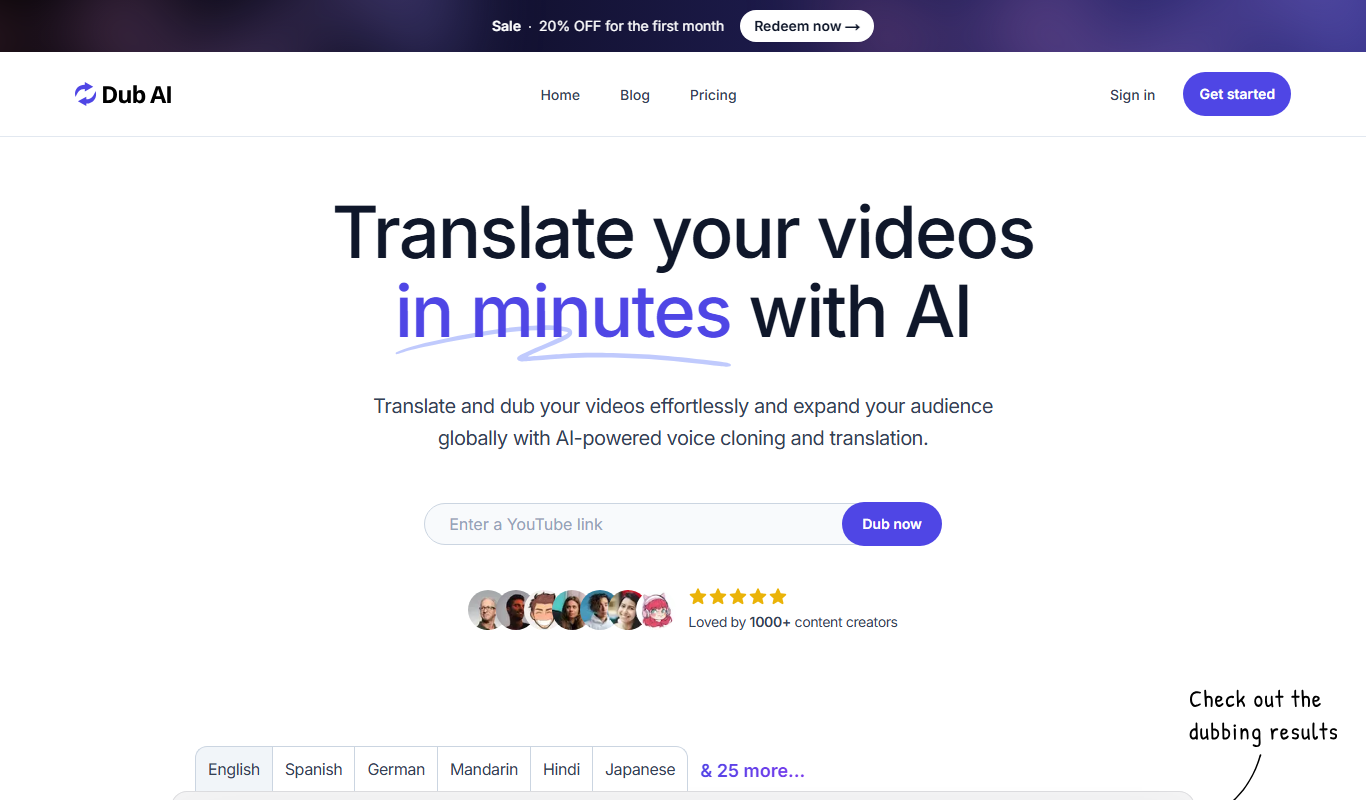
Dub AI
Dub AI is a web-based AI platform that automatically dubs videos into multiple languages using natural-sounding AI-generated voiceovers, enabling easy video localization.
Pay As You Go
Subly
Subly is an AI-driven web platform that automatically transcribes video audio into subtitles, allows editing and styling of captions, and supports multi-language translation to make videos accessible and shareable worldwide.

Custom Pricing
Interprefy
Interprefy is a cloud-based platform that enables real-time remote simultaneous interpretation for multilingual events, allowing participants to listen to live translations in their preferred language via web or mobile devices.

Custom Pricing
Deepdub
Deepdub has expanded into voice agents for Property Management and Debt Collection, Phantom Z TTS and Accent control with 130+ languages, beyond film dubbing.